


7.3.7.1155
Google Earth Pro desktop app is now free and available for download on Windows, macOS, Android, and Linux. Explore worldwide satellite imagery and 3D buildings and terrain for hundreds of cities.
Zoom in to your house or anywhere else, then dive in for a 360° perspective with Street View. It provides an immersive way to explore the planet, whether you're planning trips, studying geography, or visualizing real-world data.
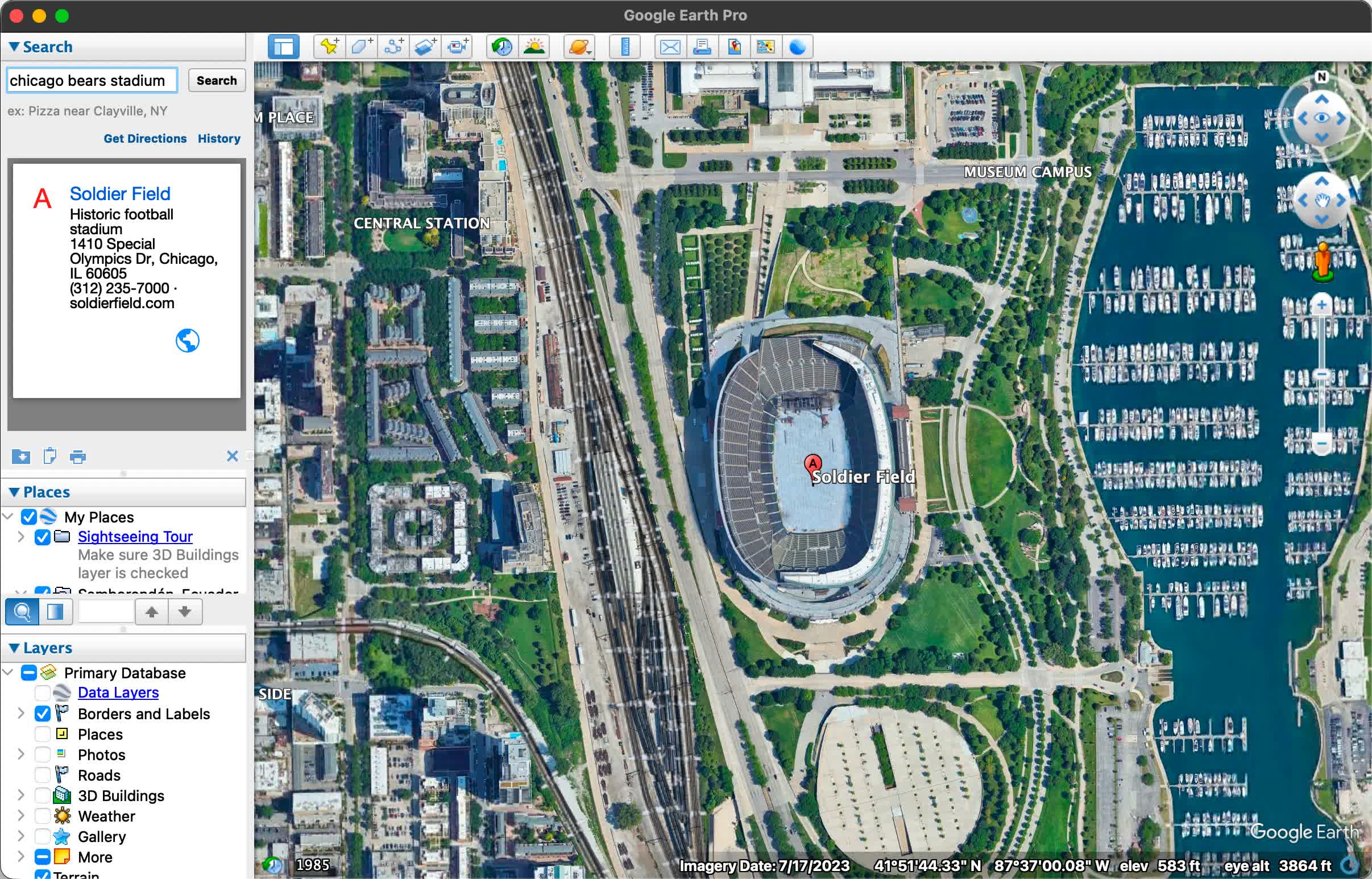
With Google Earth Pro, you can:
For users with advanced feature needs, Google Earth Pro lets you Import and export GIS data, and go back in time with historical imagery. Some of the most compelling features of Google Earth include:
Google Earth Pro is free to use, no matter if you download it as an app or use it as a web service. Google used to charge an annual fee for Google Earth Pro but that is no longer the case.
Yes, you can see your house on Google Earth. By entering your address into the search bar, you can zoom in to view high-resolution satellite images of your area. In many locations, you can also use Street View to get a 360-degree ground-level perspective.
Absolutely. Google Earth Pro supports the import of ESRI Shapefiles (among other formats), and enables you to overlay polygons, points, and attributes onto the globe. It's a simple way to share spatial data – users often package data into KMZ files that others can open with a double-click.
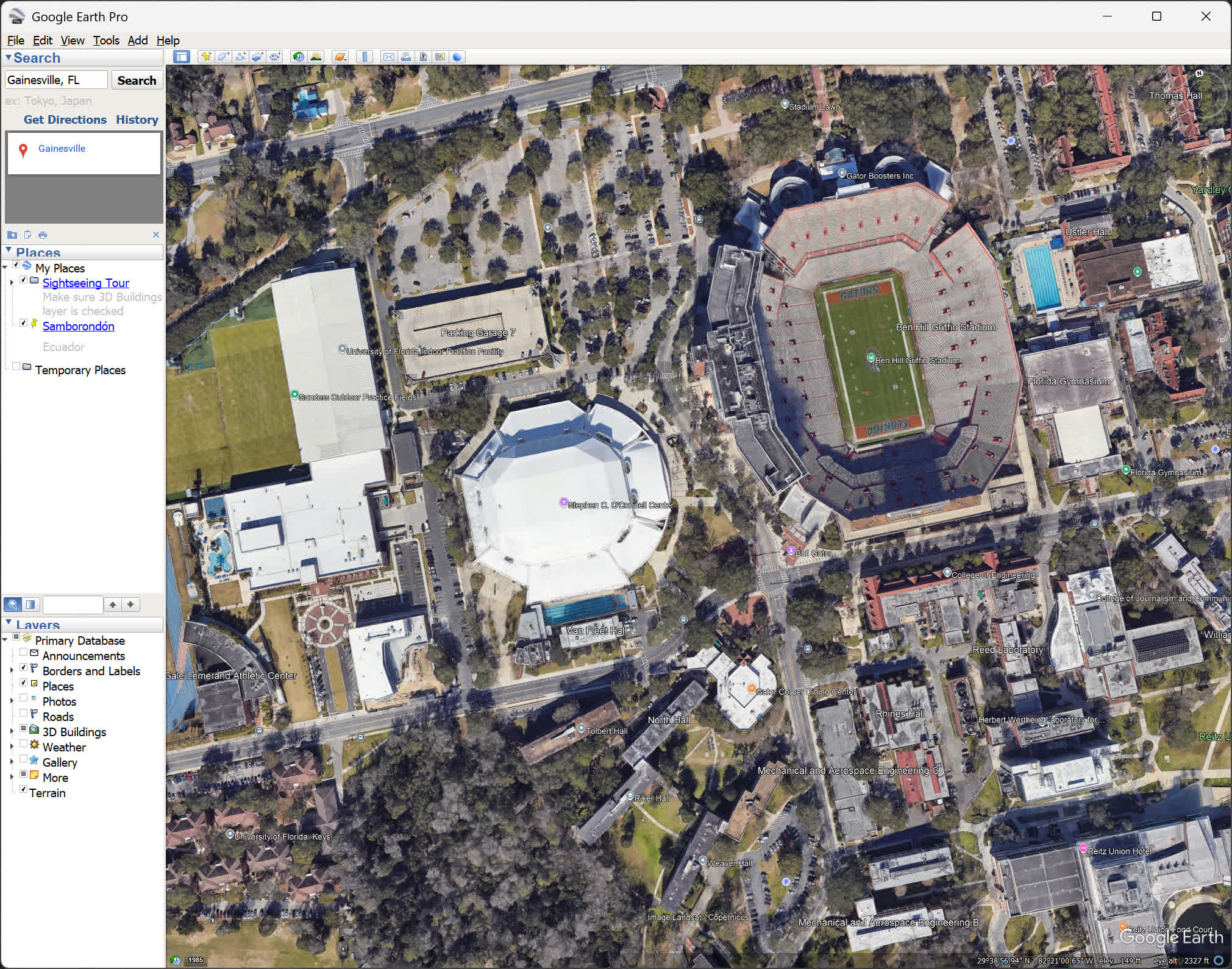
While you cannot edit KMZ or KML files directly through Excel, there's a helpful workaround: import the file into "My Maps" (the web-based map editor), where you can easily change pin icons, colors, and other attributes, then export the updated map and bring it back into Google Earth Pro.
If you need street navigation and turn by turn directions, Google Maps is the better choice. If you're looking to explore places from a bird's eye view, then you should download Google Earth. Both services share map information, but which is better will depend on the use you plan to give them.
In short, Google Earth is for discovering the world, while Google Maps is for getting around in it.
Google Earth is not live. The images you see are satellite and aerial photographs that were captured at different times and then stitched together. Depending on the location, the imagery could be just a few months old or several years outdated. For most urban areas, updates tend to be more frequent, sometimes annually or even more often, while remote regions may go much longer without changes.
Google Earth Pro also lets you access historical imagery, so you can scroll back and see how places have evolved over time, but there is no real-time video feed.
Other changes
Desktop 7.3.6
Here are highlights of the fixes, changes, and improvements we've made for this release of Google Earth Pro:
Android
Desktop 7.3.5
Fast servers and clean downloads.
Serving tech enthusiasts for over 25 years.
Tested on TechSpot Labs.


Last updated:
OS:
Windows, macOS, Android
EarthView is a dynamic desktop wallpaper and screen saver, which displays beautiful views of the earth with daylight and night shadows.
Whether you need directions to your destination, the closest good place for a bite to eat, or just a sense of where you are, Google Maps for Android can help.
Google Earth puts a planet's worth of imagery and other geographic information right on your desktop.
More similar downloads
此内容由惯性聚合(RSS阅读器)自动聚合整理,仅供阅读参考。 原文来自 — 版权归原作者所有。