






With AB Download Manager, you can easily download files from anywhere. Enjoy fast, free downloads with seamless browser extension support.
Yes, AB Download Manager can integrate with supported web browsers through extensions, allowing downloads to be sent directly from the browser to the application.
Yes, AB Download Manager can capture video, audio, and non-encrypted HLS streams from websites. Make sure you have the browser extension installed for this feature to work.
No, due to legal and licensing terms, the app does not support downloading encrypted streams, which includes YouTube videos.
Yes, AB Download Manager supports segmented downloading, which can split a file into multiple parts and download them simultaneously when supported by the server, potentially improving download speeds.
Yes, the application allows users to pause and resume supported downloads, making it easier to manage large files or interrupted connections.
Simple and Modern UI
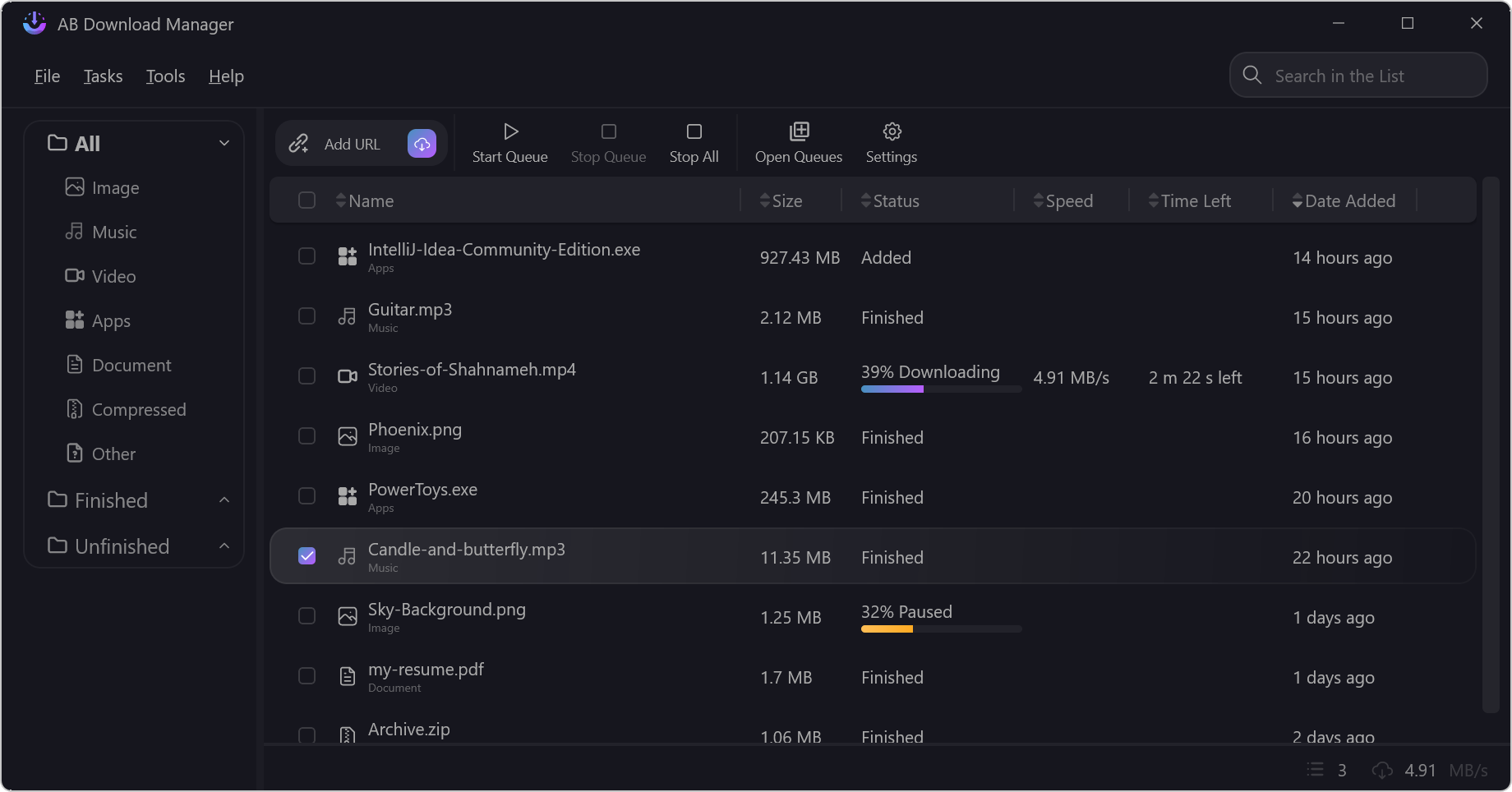
Simple UI and dark mode by default
Faster Download Speed
Download files using multiple connections to boost your download speed by up to 500%
Download Queue
Create and manage your downloads in queues, allowing all your files to be downloaded sequentially
Download Scheduler
You can set up a scheduler for your queues to start and stop them automatically
Speed Limiter
You can set a limit on your download speeds to prevent others from experiencing a poor connection :)
Browser Integration
You can install the browser extension to automatically capture links from your web browser
Multiplatform
This software is currently available for Android, Windows, Linux and macOS!
Free & Open Source
This is a completely free and open source software
Added
Fixed
Improved
此内容由惯性聚合(RSS阅读器)自动聚合整理,仅供阅读参考。 原文来自 — 版权归原作者所有。