
惯性聚合 高效追踪和阅读你感兴趣的博客、新闻、科技资讯
阅读原文 在惯性聚合中打开

推荐订阅源

Forbes - Security
Forbes - Security
A
Arctic Wolf
M
MIT News - Artificial intelligence
T
Threat Research - Cisco Blogs
T
The Exploit Database - CXSecurity.com
C
CERT Recently Published Vulnerability Notes
NISL@THU
NISL@THU
L
Lohrmann on Cybersecurity
Martin Fowler
Martin Fowler
A
About on SuperTechFans
P
Palo Alto Networks Blog
Project Zero
Project Zero
The GitHub Blog
The GitHub Blog
WordPress大学
WordPress大学
Blog — PlanetScale
Blog — PlanetScale
博客园_首页
大猫的无限游戏
大猫的无限游戏
Cisco Talos Blog
Cisco Talos Blog
P
Proofpoint News Feed
D
DataBreaches.Net
Cyberwarzone
Cyberwarzone
T
Tor Project blog
IT之家
IT之家
P
Proofpoint News Feed
Help Net Security
Help Net Security
S
Securelist
Threat Intelligence Blog | Flashpoint
C
CXSECURITY Database RSS Feed - CXSecurity.com
Microsoft Azure Blog
V2EX - 技术
V2EX - 技术
K
Kaspersky official blog
Hugging Face - Blog
Hugging Face - Blog
MongoDB | Blog
MongoDB | Blog
B
Blog
N
News and Events Feed by Topic
The Cloudflare Blog
S
Schneier on Security
P
Privacy & Cybersecurity Law Blog
T
The Blog of Author Tim Ferriss
Recorded Future
Recorded Future
Last Week in AI
Last Week in AI
The Last Watchdog
The Last Watchdog
Hacker News - Newest:
Hacker News - Newest: "LLM"
L
LangChain Blog
I
InfoQ
F
Full Disclosure
The Register - Security
阮一峰的网络日志
阮一峰的网络日志
H
Hacker News: Front Page
V
V2EX

博客园 - Francis Liang

关于Windows Azure 地缘组(Affinity Groups) 使用Windows Azure创建和发布ASP.NET应用程序 创建并使用Windows Azure虚拟机模板 Windows Azure 设置虚拟机静态外网IP地址 Windows Azure 配置多个站点的虚拟网络连接 Windows Azure 虚拟网络配置(Site to Site) Windows Azure 虚拟网络配置(Point to Site) Microsoft Azure云计算第一步—试用帐户申请 拥抱云计算 《Microsoft Office SharePoint Server 2007 Best Practices》书评 修改MOSS2007内容查询部件实现自定义格式显示 [.NET Active Directory开发]根据NativeGuid获取DirectoryEntry实例 IISRESET命令功能新发现 动态改变ASP.net页面标题和动态指定页面样式表 Biztalk Server 2006安装配置 Web开发中对元素样式使用过滤器以增强其可视化效果 使用DIME协议上传文件 使用证书来做RSA非对称式加密 使用MSAgent代替传统的MessageBox提示来增用客户端用户体验
Windows Azure存储容器私有,公共容器,公共Blob的区别
Francis Liang · 2015-01-22 · via 博客园 - Francis Liang

当我们在Windows Azure中创建或编辑存储的容器时,需要选择访问类型,本文将描述一下这三个选项的区别。
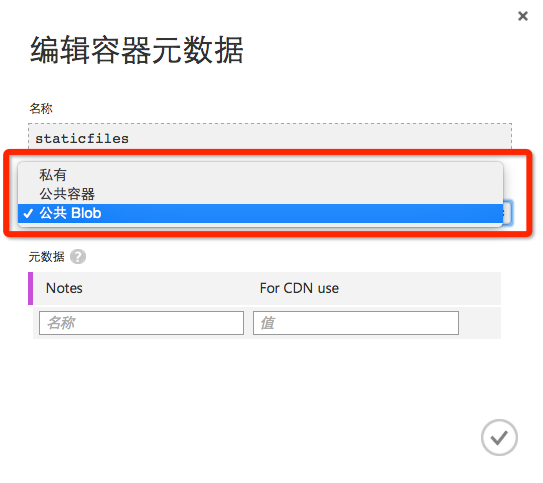
1. 私有:

默认选项,顾名思义,用户不能通过URL匿名进行访问容器或容器内的任何Blob,访问必须要提供存储帐户名称与访问密钥。

2. 公共Blob

选择该选项后,容器内的所有文件均可通过URL进行匿名访问,但无法访问容器元数据属性或容器内列表。

示例:通过该URL可直接匿名下载该文件: https://imcfile.blob.core.windows.net/mycontainername/bootstrap.min.js

注:需要将示例中的mycontainername替换为容器名称。
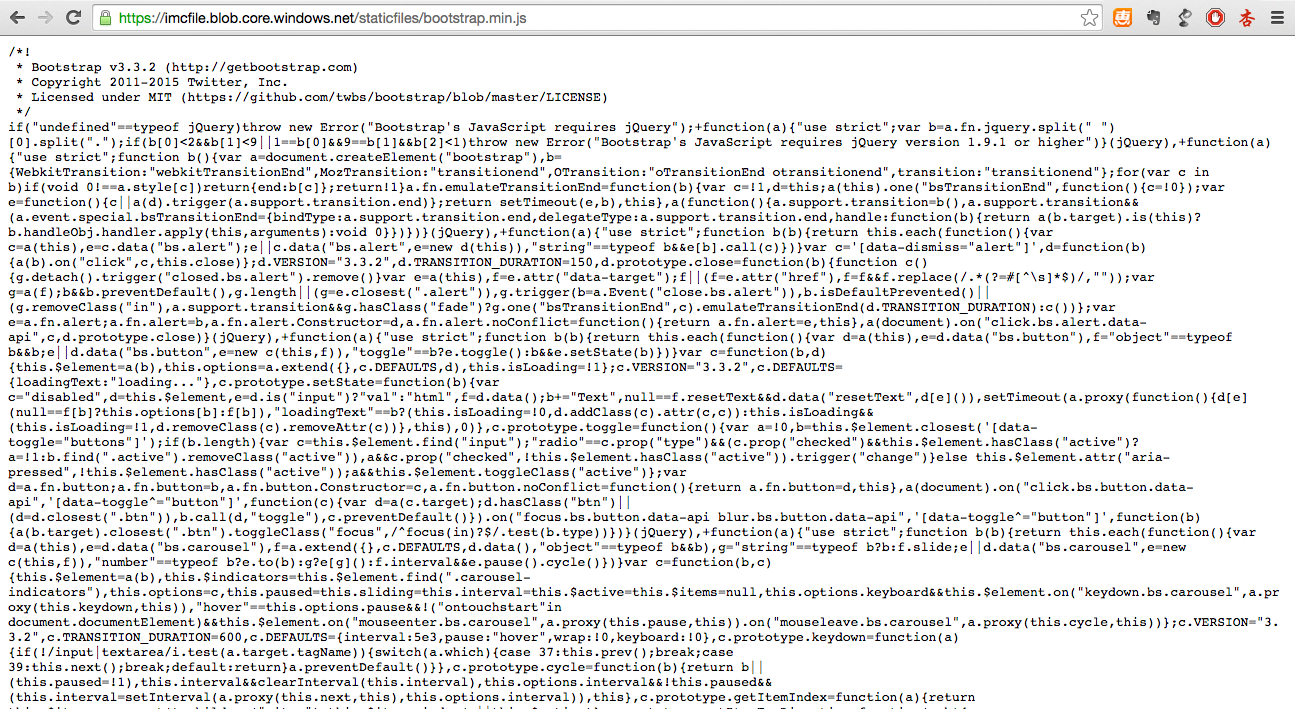
如果该存储帐户及容器用于Windows Azure CDN服务终结点或文件下载,推荐使用该选项。

3. 公共容器

该选项不仅可以通过URL匿名访问容器内文件,也可以匿名通过REST API来访问容器元数据信息及容器内列表。

示例:通过REST API访问容器元数据属性 https://imcfile.blob.core.windows.net/mycontainername?restype=container&comp=list

注:需要将示例中的mycontainername替换为容器名称。