





选择生产库,或者非生产库
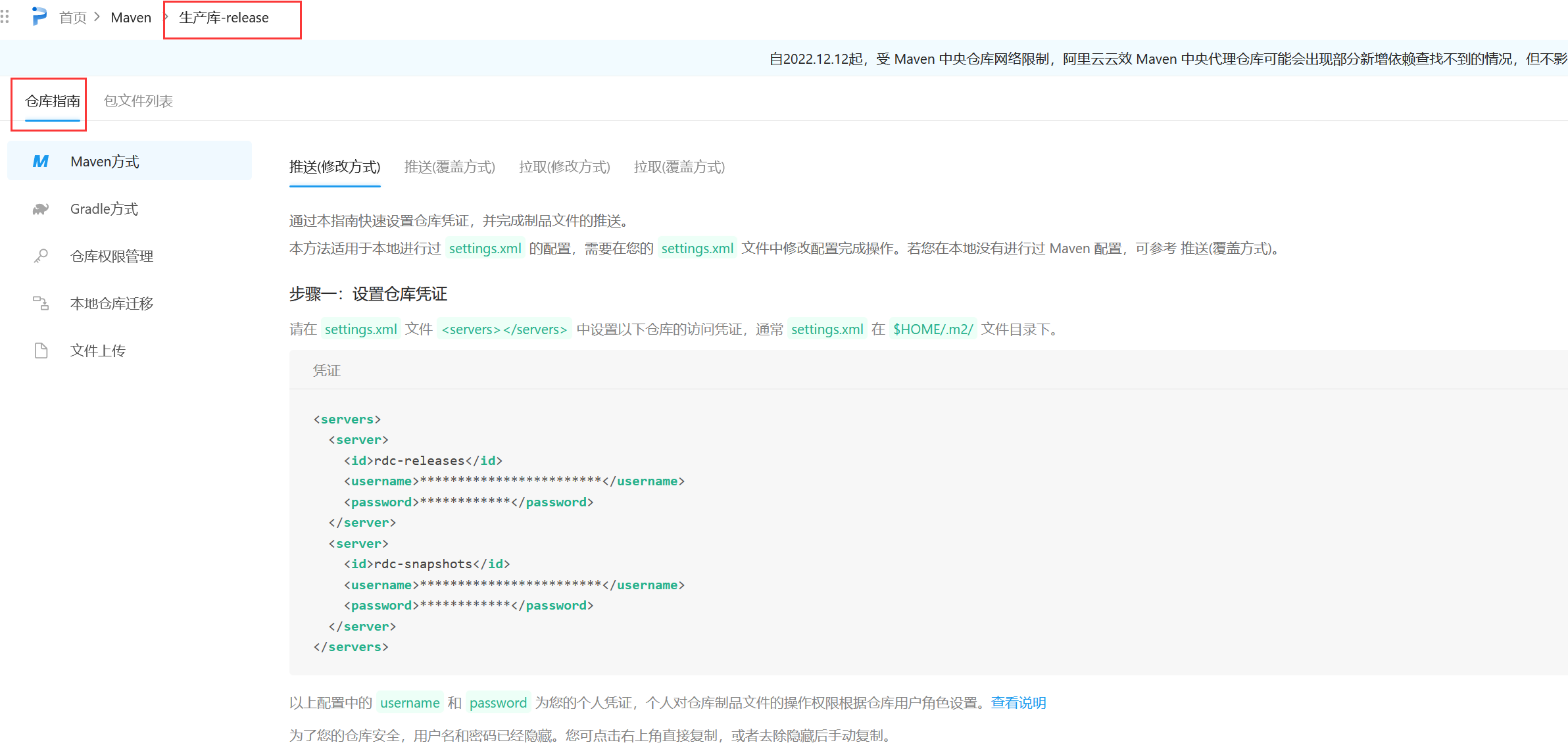
点击仓库指南 下载样例文件
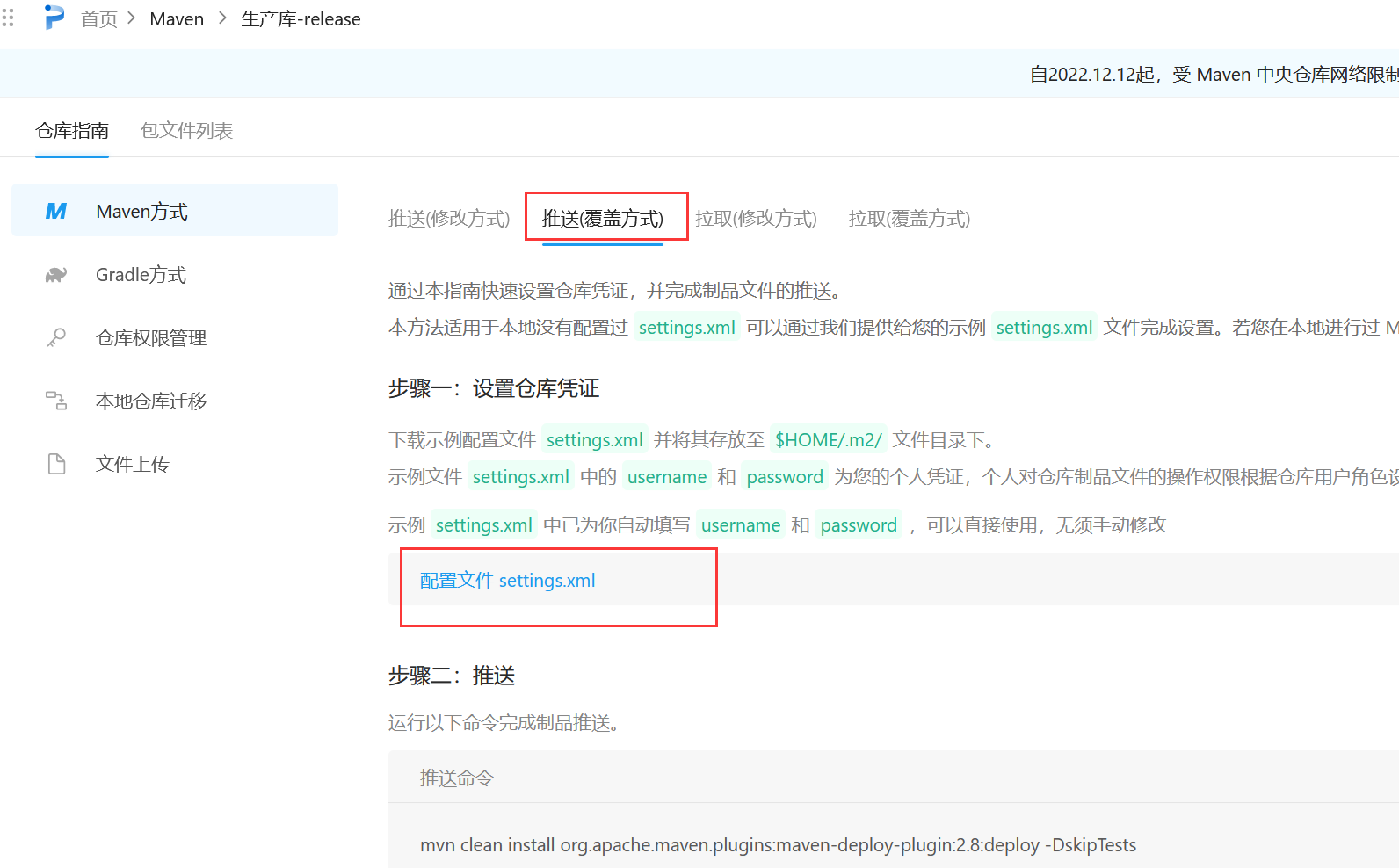
把配置文件放入到需要使用版本的maven配置文件目录中,如果放置文件目录不对,会出现私仓登录401 验证失败的情况,因为找不到用户名和密码。
如果使用cmd命令行的方式使用,则需要知道mvn对应的版本和目录,不要搞错对应的版本和目录。
例如本机有2.2.1版本、3.5.2版本和3.9.3,
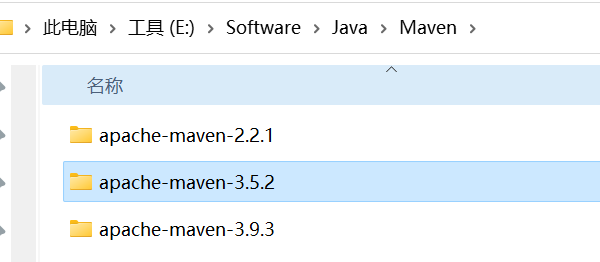
但是环境配置的是3.5.2版本,
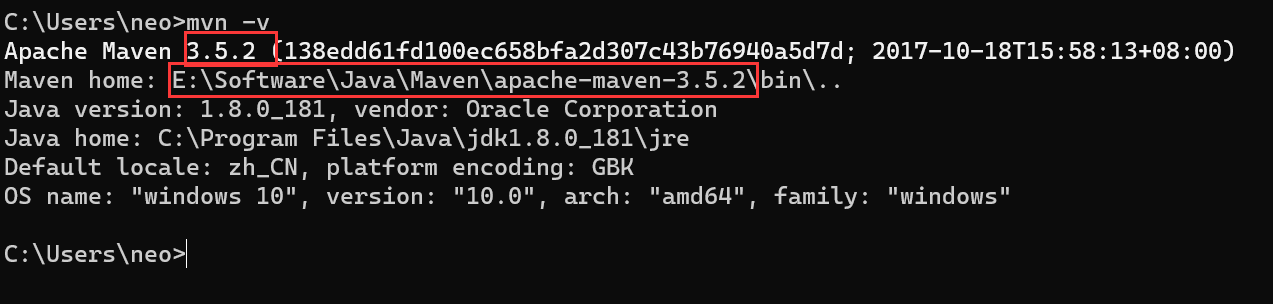
所以settings.xml配置文件需要放置到3.5.2对应的配置文件目录下。

然后在对应项目的POM文件中加入对应的服务器发布配置。
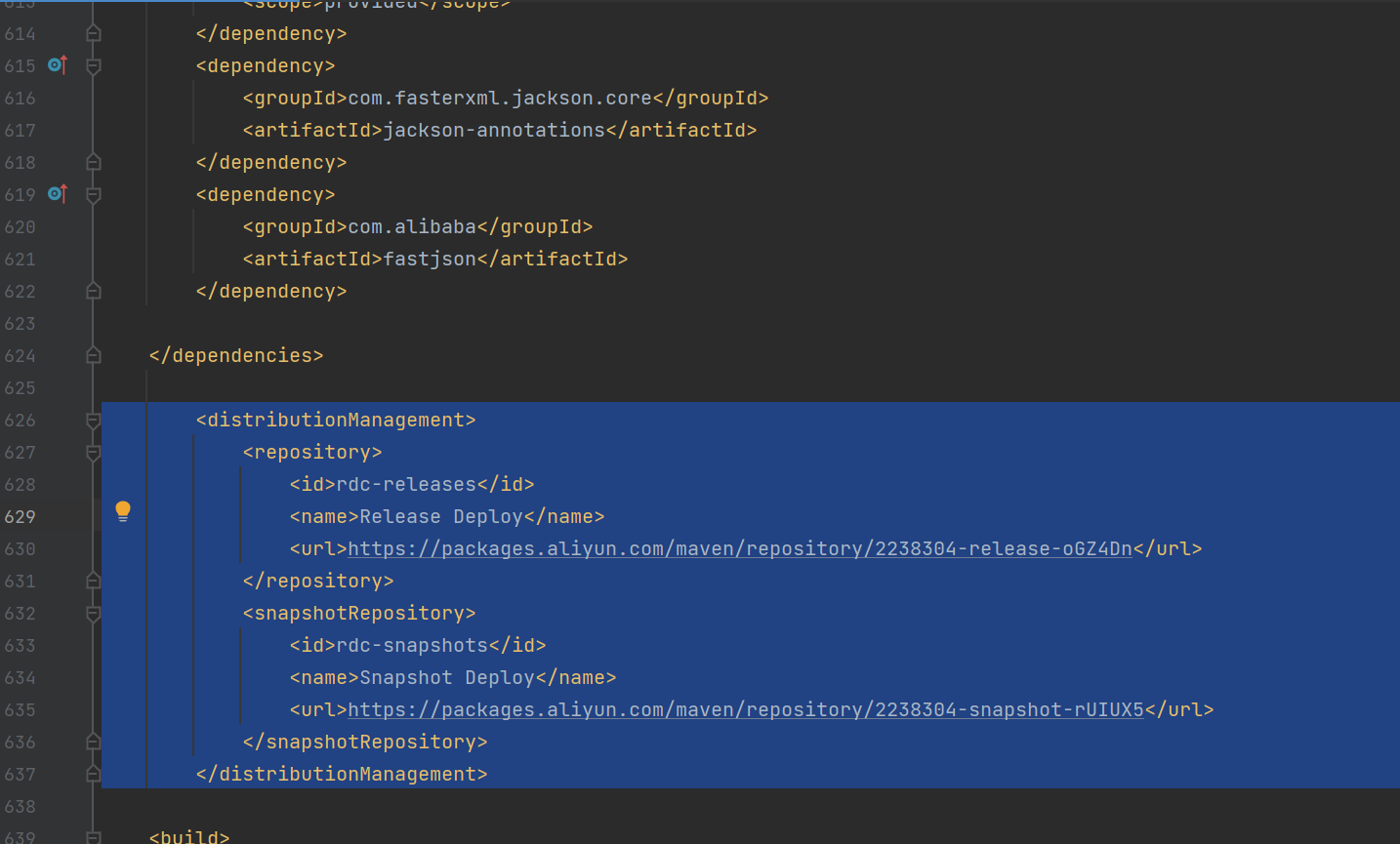
 1         <distributionManagement>
 2             <repository>
 3                 <id>rdc-releases</id>
 4                 <name>Release Deploy</name>
 5                 <url>https://packages.aliyun.com/maven/repository/2238304-release-oGZ4Dn</url>
 6             </repository>
 7             <snapshotRepository>
 8                 <id>rdc-snapshots</id>
 9                 <name>Snapshot Deploy</name>
10                 <url>https://packages.aliyun.com/maven/repository/2238304-snapshot-rUIUX5</url>
11             </snapshotRepository>
12         </distributionManagement>
在自己的包文件路径地址中,执行命令:
mvn clean install org.apache.maven.plugins:maven-deploy-plugin:2.8:deploy -DskipTests
还有一种情况是多模块项目,在父模块中定义了版本变量,子模块集成了版本变量,所以需要在打包部署的时候进行批量替换。则执行
mvn clean install org.apache.maven.plugins:maven-deploy-plugin:2.8:deploy -DskipTests versions:set -DnewVersion=1.0.0-RELEASE
这种情况下会把POM里面的version直接替换掉。

这种不是根本性的解决办法,这里变量就被替换掉了。
换第二种办法。参考
https://blog.csdn.net/xhaimail/article/details/126854319?utm_medium=distribute.pc_relevant.none-task-blog-2~default~baidujs_baidulandingword~default-0-126854319-blog-122941297.235^v38^pc_relevant_sort&spm=1001.2101.3001.4242.1&utm_relevant_index=3
现在来看看多模块构建的情况,有一个父项目和一个或多子模块。
父pom
<project>
    <modelVersion>4.0.0</modelVersion>
    <groupId>com.xh</groupId>
    <artifactId>personal-platform</artifactId>
    <packaging>pom</packaging>
    <version>${project.build.version}</version>

    ...
    <properties>
        <project.build.version>2.0.3</project.build.version>
    </properties>

    <modules>
        <module>commons-center</module>
    </modules>
</project>
子pom
<project>
    <parent>
        <artifactId>personal-platform</artifactId>
        <groupId>com.anchnet</groupId>
        <version>${project.build.version}</version>
    </parent>

    <modelVersion>4.0.0</modelVersion>
    <artifactId>commons-center</artifactId>
    <packaging>pom</packaging>

</project>
多模块项目中子模块的版本应该使用父工程的版本,单独设置版本的话会导致版本混乱。
package、install、deploy
如果使用以上设置来发布,必须使用 flatten-maven-plugin,在需要打包的目录POM文件中加入这个插件
<build>
    <plugins>
        <plugin>
            <groupId>org.codehaus.mojo</groupId>
            <artifactId>flatten-maven-plugin</artifactId>
            <version>1.3.0</version>
            <configuration>
                <!--true:更新pom文件,不然无法更新module里的pom版本号,此处还有更高级的用法,具体参靠官方文档-->
                <updatePomFile>true</updatePomFile>
                <flattenMode>resolveCiFriendliesOnly</flattenMode>
            </configuration>
            <executions>
                <execution>
                    <id>flatten</id>
                    <phase>process-resources</phase>
                    <goals>
                        <goal>flatten</goal>
                    </goals>
                </execution>
                <execution>
                    <id>flatten.clean</id>
                    <phase>clean</phase>
                    <goals>
                        <goal>clean</goal>
                    </goals>
                </execution>
            </executions>
        </plugin>
    </plugins>
</build>
最终执行 package、install、deploy 后,maven会将该module的pom文件中的 ${project.build.version} 替换为实际的版本号,轻松解决pom中版本号的问题。
参考官网
此内容由惯性聚合(RSS阅读器)自动聚合整理,仅供阅读参考。 原文来自 — 版权归原作者所有。