










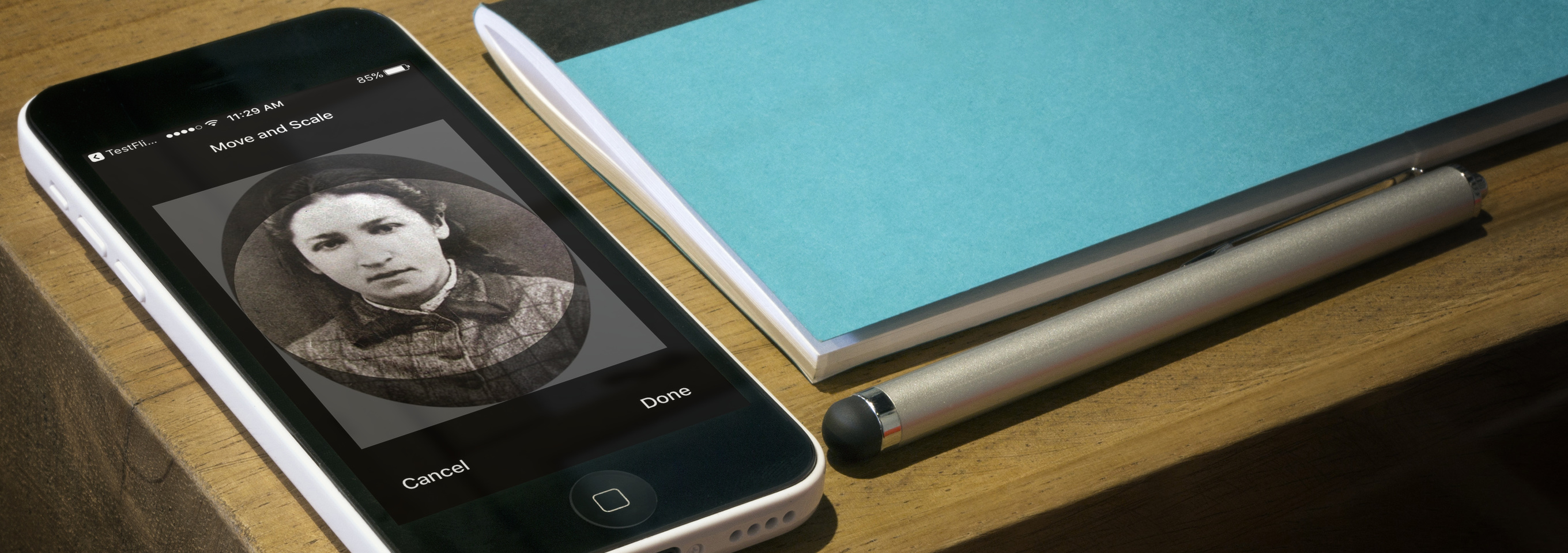
The latest Signal beta for Android and iOS introduces support for Signal Profiles.
Profiles allow you to add a picture and display name that will be shown alongside your existing phone number when communicating with other users. Conversations will feel more personal. Group threads will be less confusing.
All of this is possible without sacrificing the privacy and security that you have come to expect from Signal.
The most straightforward way to enable this feature would be to delegate responsibility elsewhere for the core profile functionality. Clients could simply upload an image and their chosen name to a remote server. The server would then store this plaintext data, expose a basic profile API, and act as the arbiter for any other clients who request profiles for other users.
Although this system would be easy to deploy, it comes with some drawbacks. The server would need access to unencrypted profile data in order to fulfill its role as the final broker for the exchange of this sensitive information. The server might also be required to maintain information about contact relationships or other metadata for the purposes of implementing profile permission options.
From the outset, we have designed Signal to minimize the amount of data that we store on our servers. We think this is important. We wanted to find another way.
Our approach is different. All of the core logic happens on your device. The server doesn’t have access to any profile content because it is end-to-end encrypted and shared via the same Signal Protocol messaging channel that already protects your conversations and calls.
When you create a new profile, the picture and the name you choose are encrypted using a unique profile key. This encrypted material is uploaded to the server (which never has access to the profile key). During the course of normal conversation, your Signal client will securely share your custom profile key with other authorized users so that they can see how great you look.
The server doesn’t learn your profile information, but nothing feels different.
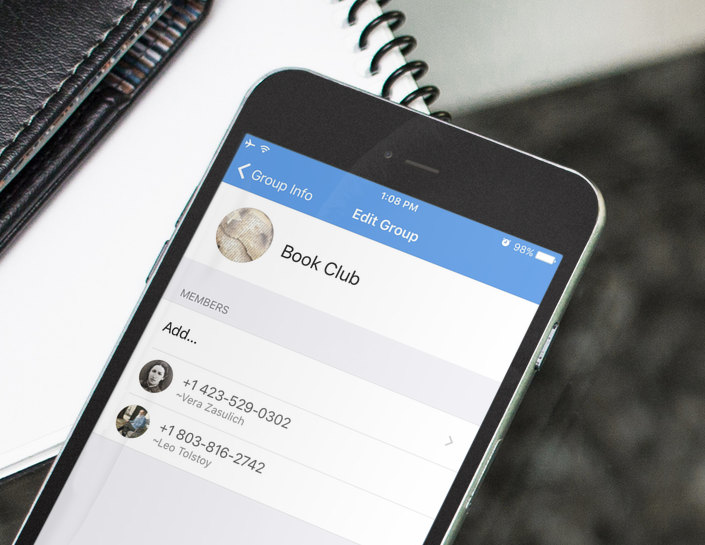
Signal Profiles will immediately feel familiar, and they work just how you’d expect. Using the existing messaging channel provides a nice layer of versatility that allows us to go beyond the permission options that might otherwise be possible. Signal follows a simple set of guidelines that determine who has access to view your profile:
Your contacts – Your profile will be visible to any contacts that you have saved in your phone.
You will start to see more pictures and fewer colored letters in Signal, but the contact information that is stored on your device will always take precedence. If you saved someone’s picture to their contact card back in 2007 and it has traveled through time across the vast chasm of a decade of smartphone upgrades, you’ll continue to ride that wave of blurry nostalgia every time they call.
Conversations that you create, whether or not they include existing contacts – The initiator of a conversation will share their profile whenever a new thread is created.
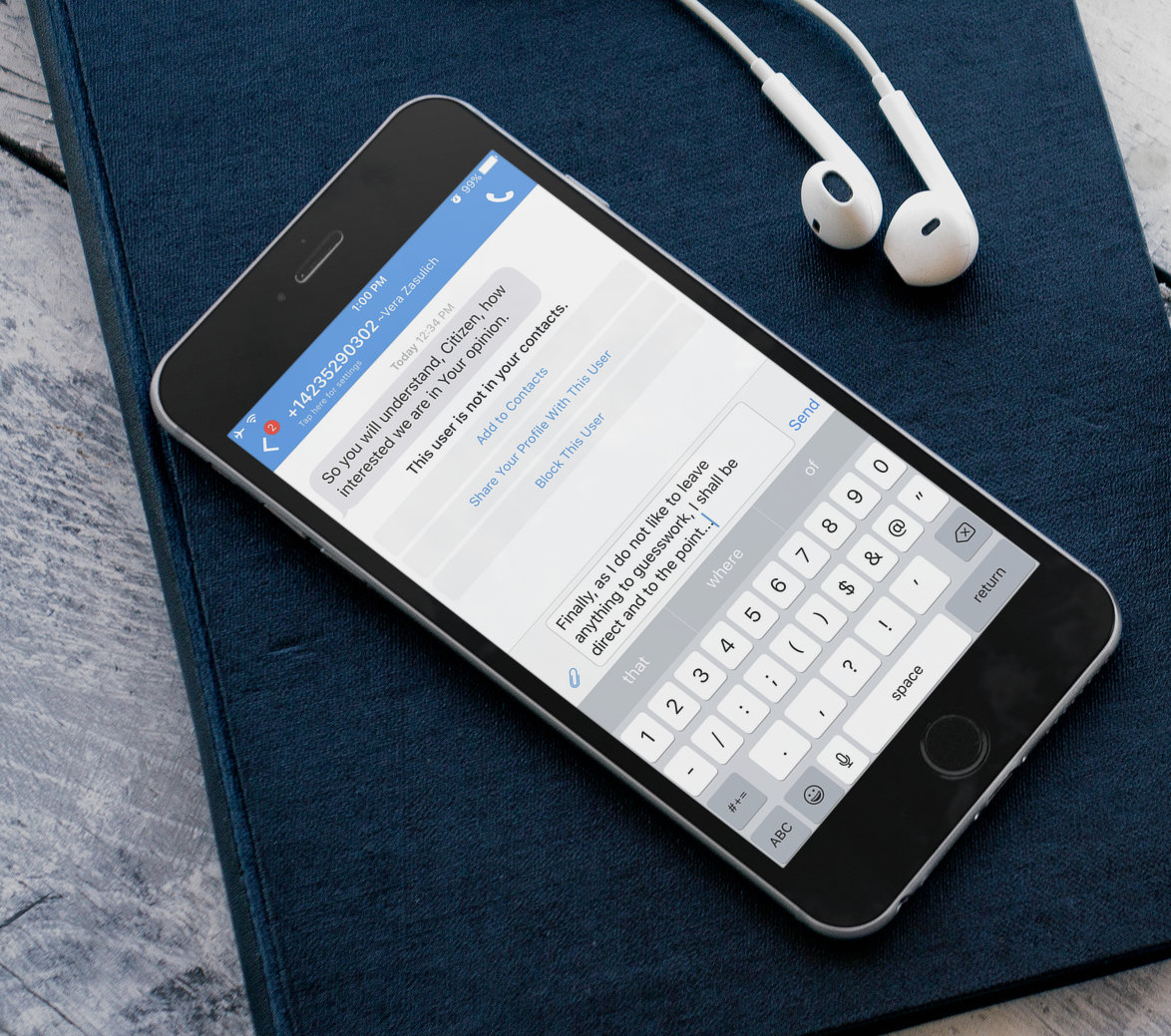
This allows recipients to see who is reaching out to them before they reply. You won’t need to send as many “new phone; who is this?” messages. Recipients are always given the option of whether or not to share their profile in return.
Other people or groups who you explicitly approve – You can choose to share your profile with individual groups or other people who have contacted you.
This dramatically improves the experience in large conversations. You no longer need to add every participant to your contacts in order to follow what is going on. Even if you don’t know their phone number, you can check the list of group members in the Nietzsche Book Club to see whether or not God exists.
Our Beta releases are not for the faint of heart. If you need a stable and reliable messaging experience, we strongly encourage you to wait.
However, if you’re ready for a life of adventure (and occasional sadness), you can sign up for the Signal iOS beta channel by emailing [email protected]. Please include “Signal iOS Beta” in the subject line. Or you can join the Android Beta via Google Play.
We’re excited to hear what you think!
此内容由惯性聚合(RSS阅读器)自动聚合整理,仅供阅读参考。 原文来自 — 版权归原作者所有。