






Inspect, monitor, and debug workflows through the CLI and Web UI with powerful observability tools.
Workflow SDK provides powerful tools to inspect, monitor, and debug your workflows through the CLI and Web UI. These tools allow you to inspect workflow runs, steps, webhooks, events, and stream output.
The CLI comes pre-installed with the Workflow SDK and registers the workflow command. If the workflow package is not already installed, npx workflow will download and run the CLI temporarily, or use the local installed version if available.
Get started inspecting your local workflows:
# See all available commands
npx workflow inspect --help

# List recent workflow runs
npx workflow inspect runs
Workflow SDK ships with a local web UI for inspecting your workflows. The CLI
will locally serve the Web UI when using the --web flag.
# Launch Web UI for visual exploration
npx workflow inspect runs --web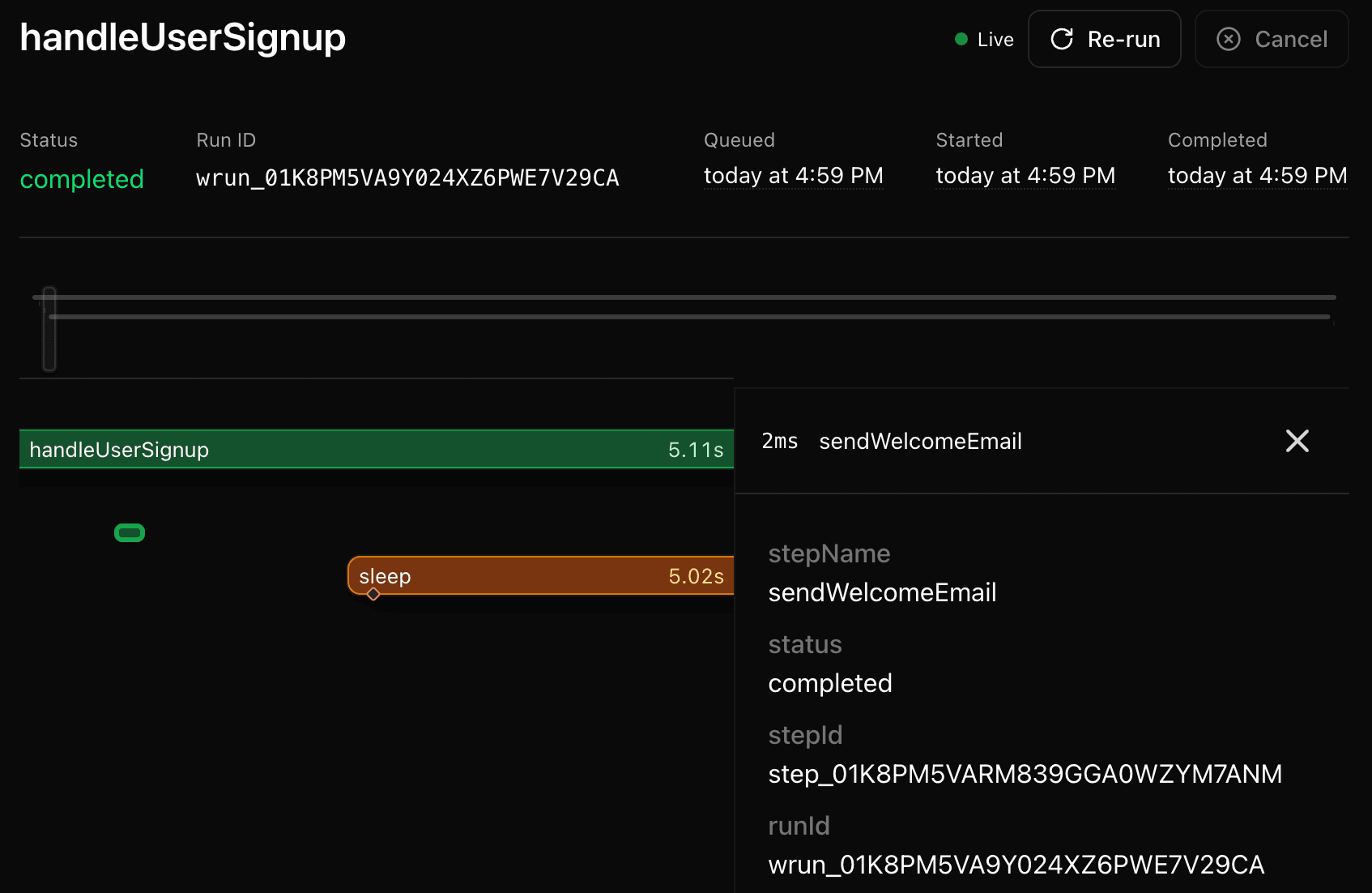
The Workflow SDK CLI can inspect data from any World. By default, it inspects data in your local development environment. For example, if you are using Next.js to develop workflows locally, the
CLI will find the data in your .next/workflow-data/ directory.
If you're deploying workflows to a production environment, but want to inspect the data by using the CLI, you can specify the world you are using by setting the --backend flag to your world's name or package name, e.g. vercel.
Backends might require additional configuration. If you're missing environment variables, the World package should provide instructions on how to configure it.
Vercel Backend
To inspect workflows running on Vercel, ensure you're logged in to the Vercel CLI and have linked your project. See Vercel CLI authentication and project linking docs for more information. Then, simply specify the backend as vercel.
# Inspect workflows running on Vercel
npx workflow inspect runs --backend vercel
When deployed to Vercel, workflow data is encrypted end-to-end. Encrypted fields display as locked placeholders until you choose to decrypt them using the Decrypt button in the web UI or the --decrypt flag in the CLI.