


Using the Flags SDK in SvelteKit
SvelteKit is a framework for building web applications with Svelte. The Flags SDK supports SvelteKit out of the box.
A minimal feature flag declaration for SvelteKit looks like this:
import { flag } from 'flags/sveltekit';

export const exampleFlag = flag<boolean>({
  key: 'example-flag',
  decide() {
    return false;
  },
});
Install the Vercel CLI using the following command:
-
Set up your SvelteKit application:
npx sv create sveltekit-flags-example
cd sveltekit-flags-example
npm run dev
This will prompt you with a number of questions to create your app. Choose the following options:
- Choose SveleteKit minimal
- Choose TypeScript
- Choose Prettier
-
At this stage the project only exists locally and not on Vercel. Use the following command to link it to project on Vercel:
-
Add the
FLAGS_SECRETenvironment variable. Use a separate value for each environment (Development, Preview, and Production), and mark the Preview and Production values as Sensitive.Run this command once per environment to generate distinct secrets:
node -e "console.log(crypto.randomBytes(32).toString('base64url'))"Then store each secret as the
FLAGS_SECRETenvironment variable for the matching environment:vercel env add FLAGS_SECRET production --sensitive --value <production-secret> vercel env add FLAGS_SECRET preview --sensitive --value <preview-secret> vercel env add FLAGS_SECRET development --value <development-secret> -
Finally, pull any env vars from your project on Vercel locally
-
Install the
@vercel/toolbarpackage: -
In your
vite.config.tsfile add toolbar plugin for vite:import { sveltekit } from '@sveltejs/kit/vite'; import { defineConfig } from 'vite'; import { vercelToolbar } from '@vercel/toolbar/plugins/vite'; export default defineConfig({ plugins: [sveltekit(), vercelToolbar()], }); -
Next render the toolbar in your layout so that it's visible for your visitors. This renders the toolbar for all visitors. In production you may want to render it for team members only:
<script lang="ts"> import type { LayoutProps } from './$types'; import { mountVercelToolbar } from '@vercel/toolbar/vite'; import { onMount } from 'svelte'; onMount(() => mountVercelToolbar()); let { children }: LayoutProps = $props(); </script> <main> <!-- +page.svelte is rendered in here --> {@render children()} </main> -
Run your application locally to check that things are working:
You will see an error about
SvelteKitError: Not found: /.well-known/vercel/flags. This happens because we already created theFLAGS_SECRETbut we did not set up the flags package yet. So let’s do this next.
-
Install the
flagspackage:If you use an AI coding assistant, we recommend installing the Flags SDK agent skill:
npx skills add vercel/flags --skill flags-sdk -
Create your first feature flag by importing the
flagmethod fromflags/sveltekit:import { flag } from 'flags/sveltekit'; export const showDashboard = flag<boolean>({ key: 'showDashboard', description: 'Show the dashboard', // optional origin: 'https://example.com/#showdashbord', // optional options: [{ value: true }, { value: false }], // optional // can be async and has access to the event decide(_event) { return false; }, }); -
Next set up the server hook. This is a one-time setup step which makes the toolbar aware of your application’s feature flags:
import { createHandle } from 'flags/sveltekit'; import { FLAGS_SECRET } from '$env/static/private'; import * as flags from '$lib/flags'; export const handle = createHandle({ secret: FLAGS_SECRET, flags }); -
You can now use this flag in code. Evaluate the flag on the server, and forward the value to the client:
import { showDashboard } from '$lib/flags';

export const load = async () => {
  const dashboard = await showDashboard();

  return {
    post: {
      title: dashboard ? 'New Dashboard' : `Old Dashboard`,
    },
  };
};
Accessing the value on the client:
<script lang="ts">
  import type { PageProps } from './$types';

  let { data }: PageProps = $props();
</script>

<h1>{data.post.title}</h1>
See the Dashboard Pages guide for more info
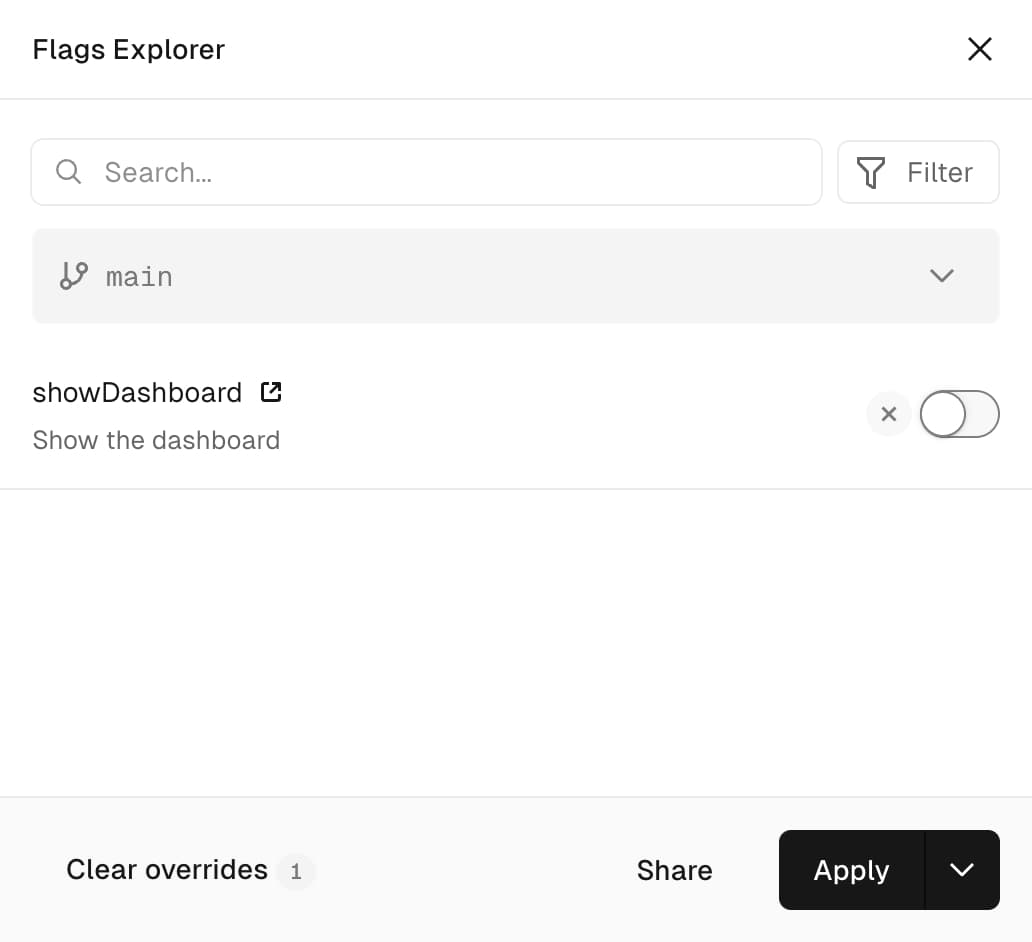
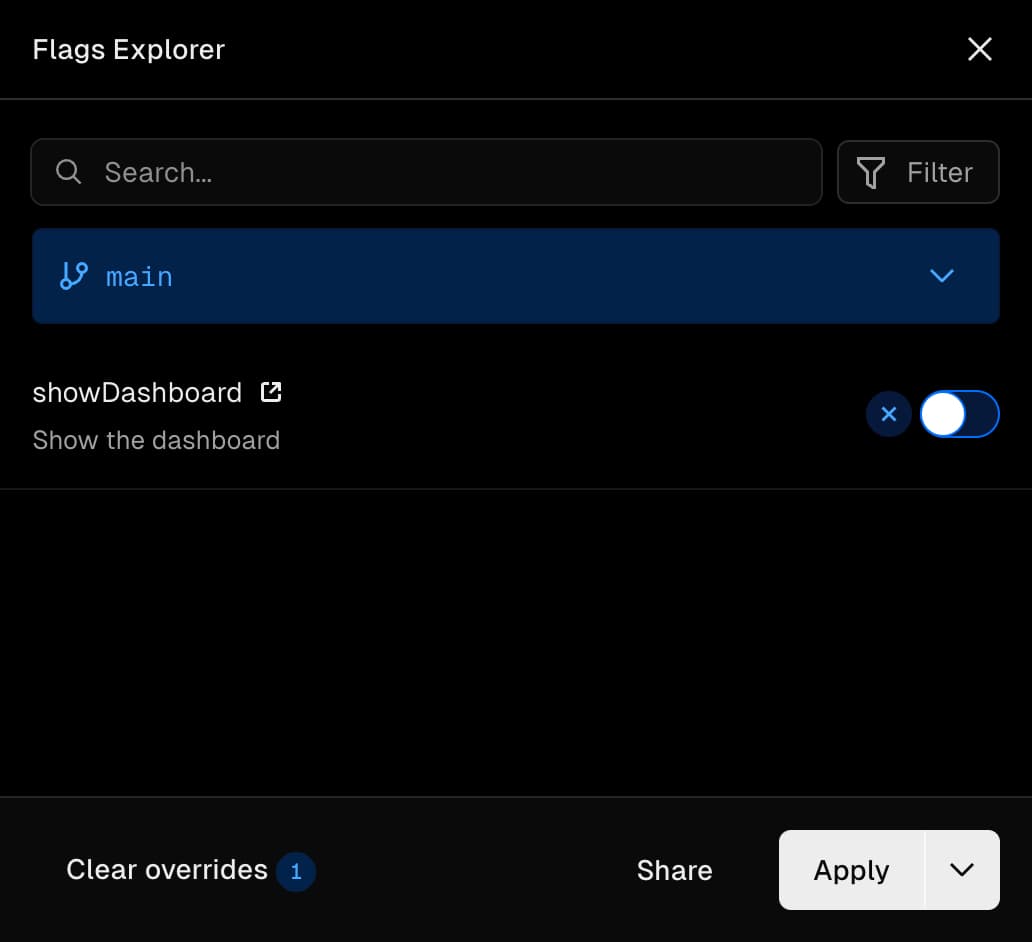
Open the Flags Explorer locally to see the feature flag.
Learn more about the Flags Explorer
Available flags
Notice how the toolbar knows about the flag's name, description and the link to where the flag can be managed. All of these are communicated through the /.well-known/vercel/flags endpoint, which is set up automatically by the createHandle call we made in hooks.server.ts.
This hook intercepts all requests and responds with the application's feature flags when it sees the authenticated request made by Vercel Toolbar to load your application's feature flags.
Overrides
When you set an override using Vercel Toolbar it will automatically be respected by the feature flags defined through flags/sveltekit.
Resolved flag values
Vercel Toolbar also shows the current value of your feature flag, in this case false. This value could be different for each visitor, so it can not be loaded along with the information about the feature flag itself.
Instead, when a feature flag gets evaluated on the server, the hook configured in hooks.server.ts injects a <script data-flag-values /> tag into the response, which contains encrypted information about the feature flag values used when generating that response. This means even if your flag would return Math.random() you would still be able to see the exact value used when generating the page.
Precomputed flags
Precomputing flags allow experimentation on static pages, while avoiding layout shift. The Flags SDK for SvelteKit supports precomputing flags.
Learn how to precompute values at build time
Evaluation Contexts
Evaluation Contexts allow targeting flags to specific users. The Flags SDK for SvelteKit supports the Evaluation Context by passing an identify function to the flag declaration.
Learn how to identify users with the evaluation context
API Reference
APIs for working with feature flags in SvelteKit