


Follow ZDNET: Add us as a preferred source on Google.
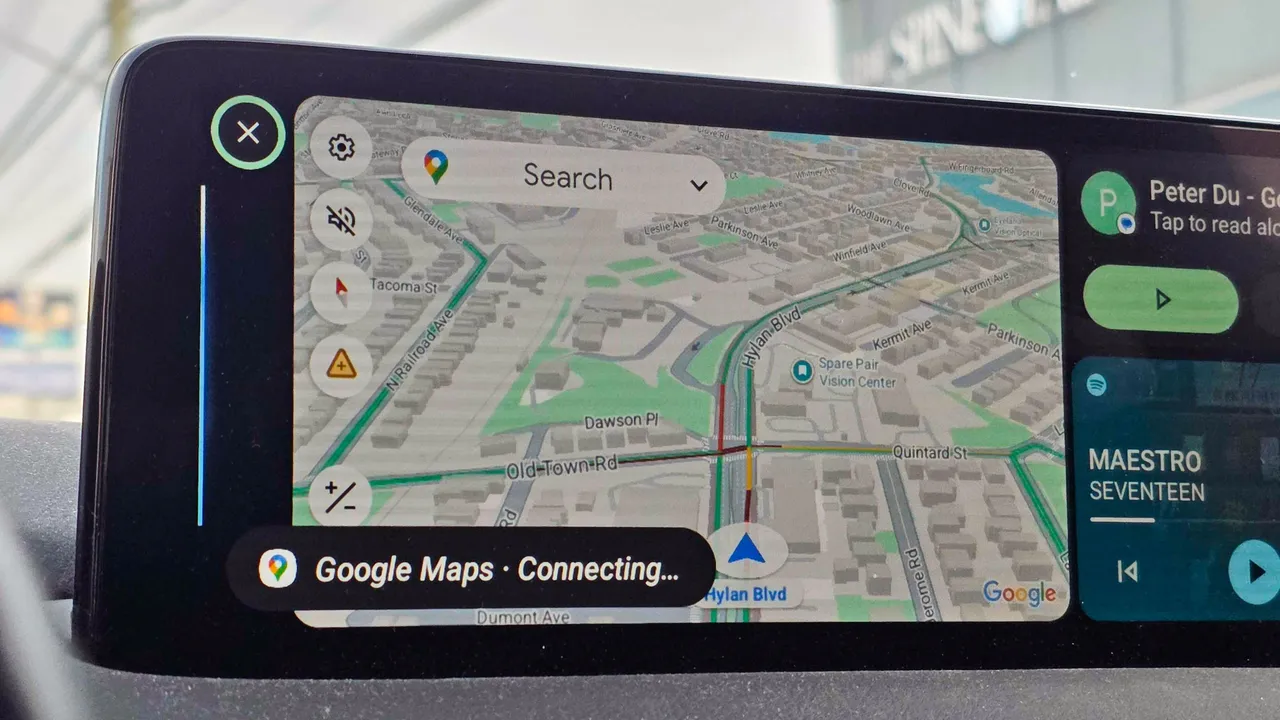
Android Auto is a highly convenient, albeit underused, feature available in most modern cars. Even if your vehicle doesn't support it natively, you can buy an inexpensive Android Auto display and enjoy your phone's features safely while driving. A relatively unknown shortcut, however, can help you easily automate these everyday tasks from your car.
While Android Auto gives you safe access to your phone's navigation, messages, calling, and more while driving, using the Custom Assistant shortcut lets you trigger preset actions and automations to control anything you can do with your phone.
Also: I tested Gemini on Android Auto and now I can't stop talking to it: 5 tasks it nails
And the recent addition of Google Gemini to Android Auto makes the interface even more useful for handling complex commands via shortcuts that are as easy to run as pressing a button.
Imagine driving around and using Android Auto to prepare your home for your arrival by setting the A/C to a cooler temperature and turning on the lights. Here are some examples of shortcuts you could create with this feature:
Also: You can use Google Meet with CarPlay now: How to join meetings safely in your car
A simple "I'm leaving for work" routine can trigger your HVAC to go into Eco or energy saving mode, ensure all your lights are off, and run a robot vacuum while you're out, for example.
The Custom Assistant shortcut is in the settings, so many people aren't aware of it, but it only takes a minute to set up.
To try it out, just connect your phone to your car or an Android Auto device, and you'll find the new shortcut as an app icon you can tap to run it. The shortcut should work as intended, but you can always tweak your wording in the settings if it doesn't.
Also: Having Android Auto issues? How users are handling persistent connection drops lately
Since these shortcuts are tied to your Google account, not your car or Android Auto display, they'll be available in any vehicle where you use Android Auto.
Keep in mind that these shortcuts require a cell signal, so they may fail in areas with no coverage.
此内容由惯性聚合(RSS阅读器)自动聚合整理,仅供阅读参考。 原文来自 — 版权归原作者所有。