


Follow ZDNET: Add us as a preferred source on Google.
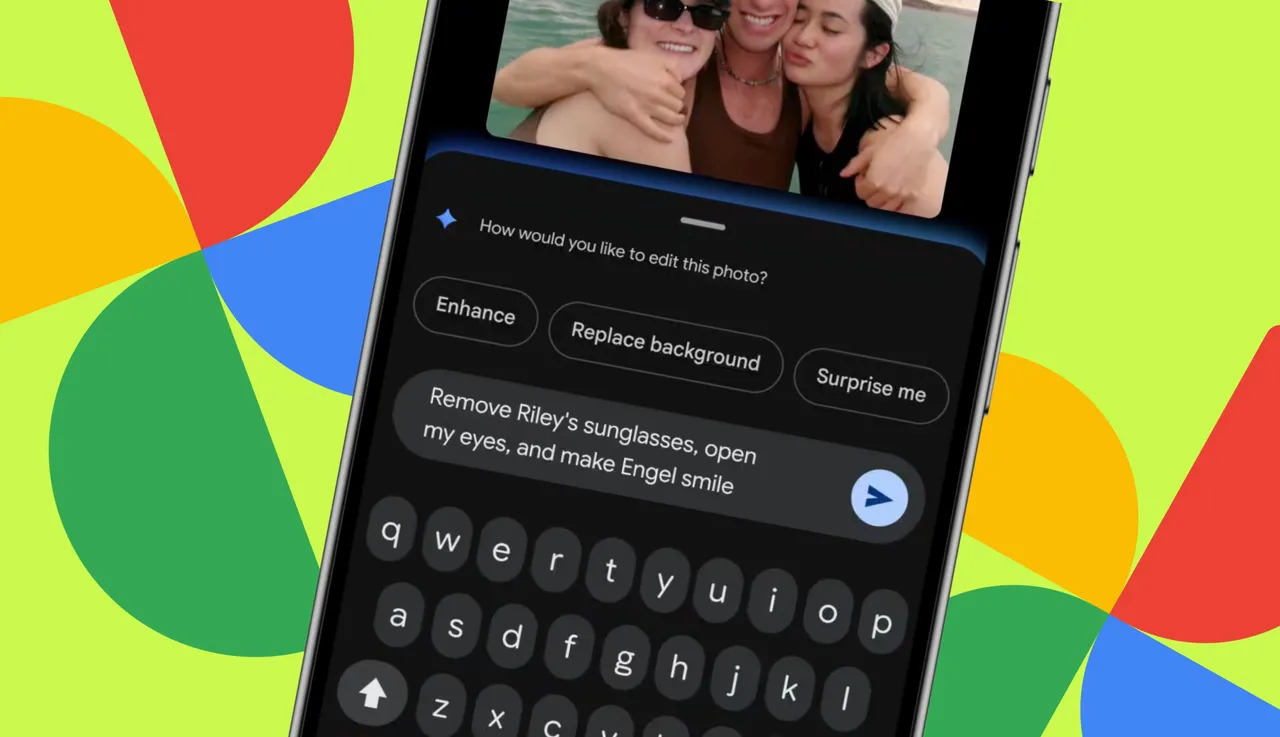
Google Photos is a necessity for anyone who uses Android and takes a lot of photos. With this app, you can organize, search, and even create. But did you know there were things you can do that go beyond the usual?
Also: How I ditched Google Photos for my own private self-hosted alternative - for free
Android users who want to level up their Google Photos game are in for a treat. And iPhone users should not feel left out, as the first four of these five tools will work in iOS, too, although the steps will vary. (Naturally, iOS users need to have the Google Photos app installed.)
Check these out:
If you're seriously into social media, you're no doubt familiar with Reels, Stories, and Clips. Ever wondered how to create such short-form video content? If you try to do this manually, you'll find it's a chore. Google Photos can help you create and post Reels as quickly as possible. To create a Reel in Google Photos, follow these steps:
Reels can be shared via social media, email, SMS, etc.
Who doesn't love a good sticker? Even better, who doesn't like personalized stickers? If that sounds like you, you'll be tickled to know that Android allows you to create stickers from your photos. This might sound challenging, but it's not. In fact, Google has made this process quite simple, thanks to AI -- naturally.
Also: I captured 1,000 photos with the Google Pixel 10 Pro in Hawaii, and it set a new standard for me
How do you pull this off? Let me show you.
It's stickertastic!
Yes, that is me on the left in a production of Green Eggs & Ham with StageOne from the late '90s.
Do you like sharing photo albums with people, and are you looking for a faster way to do so? Google Photos has you covered. With a new-ish feature in the app, you can create a photo album and then share it via a QR code.
Let me show you how this is done.
Also: Your Pixel phone hides a free Google Photos AI tool that's pure magic - how it works
When the QR code appears, share it with others (either do it directly from your phone or take a screenshot of the code and share it).
Make sure you trust the person you're sending the QR code to.
Do be careful of sharing a screenshot of the QR code, as you don't want that to wind up in the wrong hands.
Do you have a handwritten note that you've taken a photo of, so you can remember or use it later? What if you could use Google Photos to convert those handwritten notes into text? You can! Even better, Google Photos is a vast improvement over Google Lens in this process.
How this works depends on the phone you have. Since I only have a Pixel phone, I'll show you how it's done on Google's flagship. If you use a different phone, the process might vary.
No, this is not a real recipe, so don't try it.
If you take a lot of videos without sound, you might want to give them a boost of creativity by adding music, and Google Photos makes this very easy. Here's how. (Note that this trick does not apply to iOS users.)
Also: 10 must-try Google Photos tips and tricks - including a new AI editor
Those are my clownfish, George and Rosemary Clowny.
You can now share your new video with sound in any way you like.
此内容由惯性聚合(RSS阅读器)自动聚合整理,仅供阅读参考。 原文来自 — 版权归原作者所有。