









Shows where all your disk space has gone, and helps you clean it up.
You know the problem: The hard disk is almost full, and you don't know, where the big files actually are lying, which occupy all the space. They may well be hidden in sub-sub-directories. To find out this by means of the Windows Explorer, is tiring: you would have to expand and collapse directories over and over or view the "Properties" of the directories, which always count just the size of a single subtree. It's hard to form a mental image of the hard disk usage in this way. This is where WinDirStat helps.
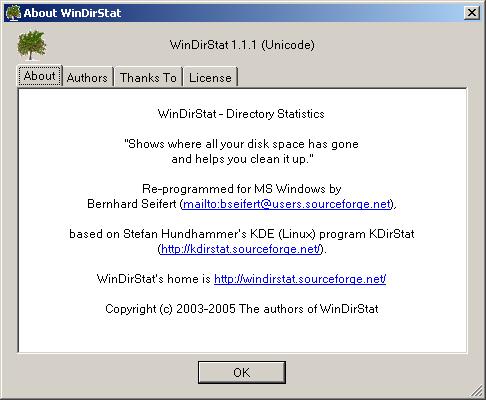
用了5:18S统计出了我的Dir信息:

看下面的图片,目录和图形对应的不错吧。

WinDirStat是一个磁盘使用情况查看器和清除工具。它是基于GNU协议的开源软件。
下载感受一下吧:For Windows NT, 2000, XP, 2003: WinDirStat 1.1.1 Executables (Unicode) (640 KB)
信息来源dudu
此内容由惯性聚合(RSS阅读器)自动聚合整理,仅供阅读参考。 原文来自 — 版权归原作者所有。