



https://www.cnblogs.com/tylerzhou/p/11094872.html
chmod +x jq
mv jq /usr/bin/
kubectl proxy --port=8080
查看默认namespace pod列表
curl localhost:8080/api/v1/namespaces/default/pods/ | jq -r '.items[].metadata.name'
创建一个namespace
创建role
kubectl create role pods-reader --verb=get,list,watch --resource=pods --namespace=test
创建rolebinding
kind: RoleBinding
apiVersion: rbac.authorization.k8s.io/v1beta1
metadata:
  name: default-role-binding
  namespace: test
subjects:
  - kind: ServiceAccount
    name: default
roleRef:
  kind: Role
  name: pod-reader
  apiGroup: rbac.authorization.k8s.io
创建一个带有curl的测试pod
apiVersion: apps/v1
kind: Deployment
metadata:
  name: centos
  namespace: test
spec:
  replicas: 1
  selector:
    matchLabels:
      name: centos
  template:
    metadata:
      labels:
        name: centos
    spec:
      nodeName: master
      containers:
      - image: centos:7
        imagePullPolicy: Never
        name: centos
        command:
        - /bin/sh
        - -c
        - tail -f /dev/null
结果测试:
curl --cacert /var/run/secrets/kubernetes.io/serviceaccount/ca.crt --header "Authorization: Bearer $(cat /var/run/secrets/kubernetes.io/serviceaccount/token)" https://$KUBERNETES_SERVICE_HOST:$KUBERNETES_SERVICE_PORT/api/v1/namespaces/$(cat /var/run/secrets/kubernetes.io/serviceaccount/namespace)/pods
或者
TOKEN=$(cat /var/run/secrets/kubernetes.io/serviceaccount/token)
curl --cacert /var/run/secrets/kubernetes.io/serviceaccount/ca.crt -H "Authorization: Bearer $TOKEN" -s  https://$KUBERNETES_SERVICE_HOST:$KUBERNETES_SERVICE_PORT/api/v1/namespaces/default/pods/
TOKEN=$(kubectl describe secrets $(kubectl get secrets -n kube-system |grep admin |cut -f1 -d ' ') -n kube-system |grep -E '^token' |cut -f2 -d':'|tr -d '\t'|tr -d ' ')

APISERVER=$(kubectl config view |grep server|cut -f 2- -d ":" | tr -d " ")
访问kube-system下pod
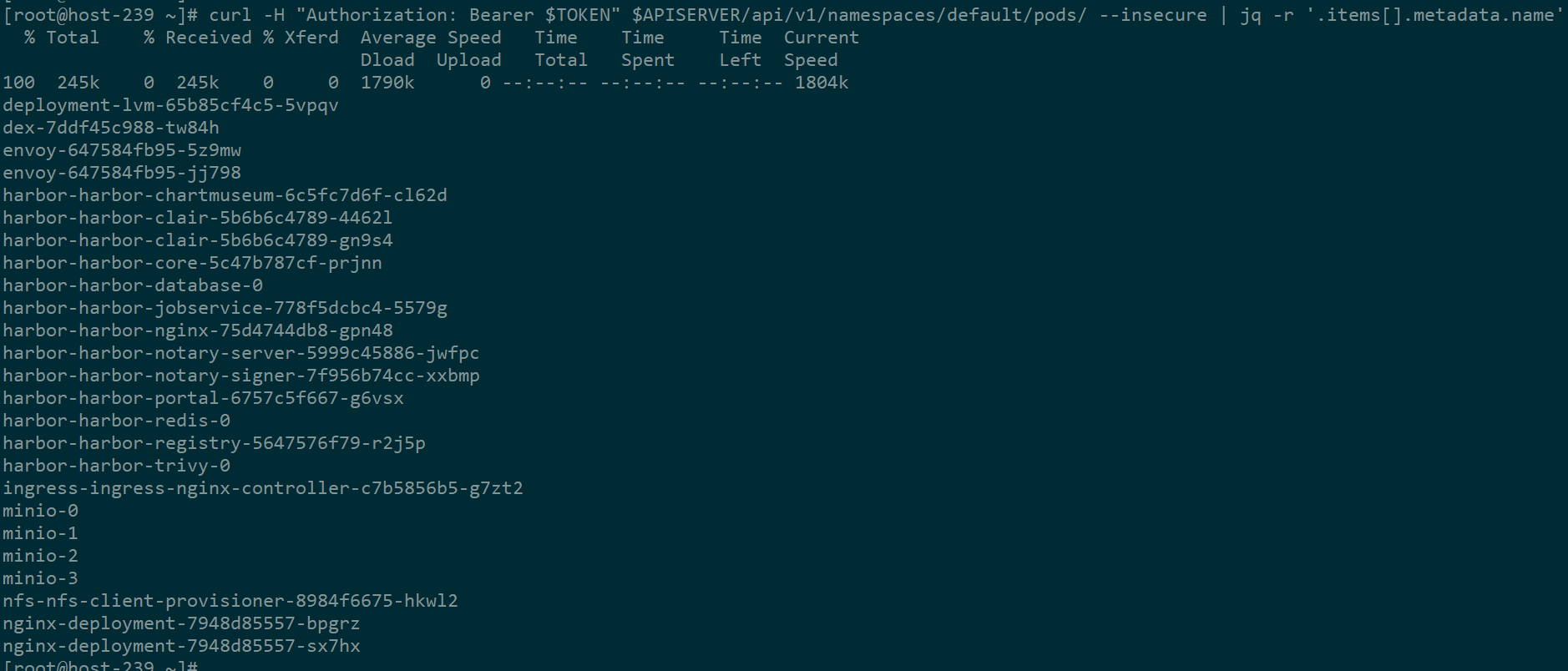
curl -H "Authorization: Bearer $TOKEN" $APISERVER/api/v1/namespaces/default/pods/ --insecure
此内容由惯性聚合(RSS阅读器)自动聚合整理,仅供阅读参考。 原文来自 — 版权归原作者所有。