









今天记录一篇自己在centos7上安装php+wordpress的过程
1.先准备好mysql57数据库,这个步骤省略。如果不知道如何安装mysql57,请参考我的博客:centos7下安装mysql - 子墨老师 - 博客园
2.我们需要安装一个 PHP 模块以确保其正常工作。没有这个模块,WordPress 将无法调整图像大小来创建缩略图
#这个的安装展示不用,因为安装php版本太低
sudo yum install php-gd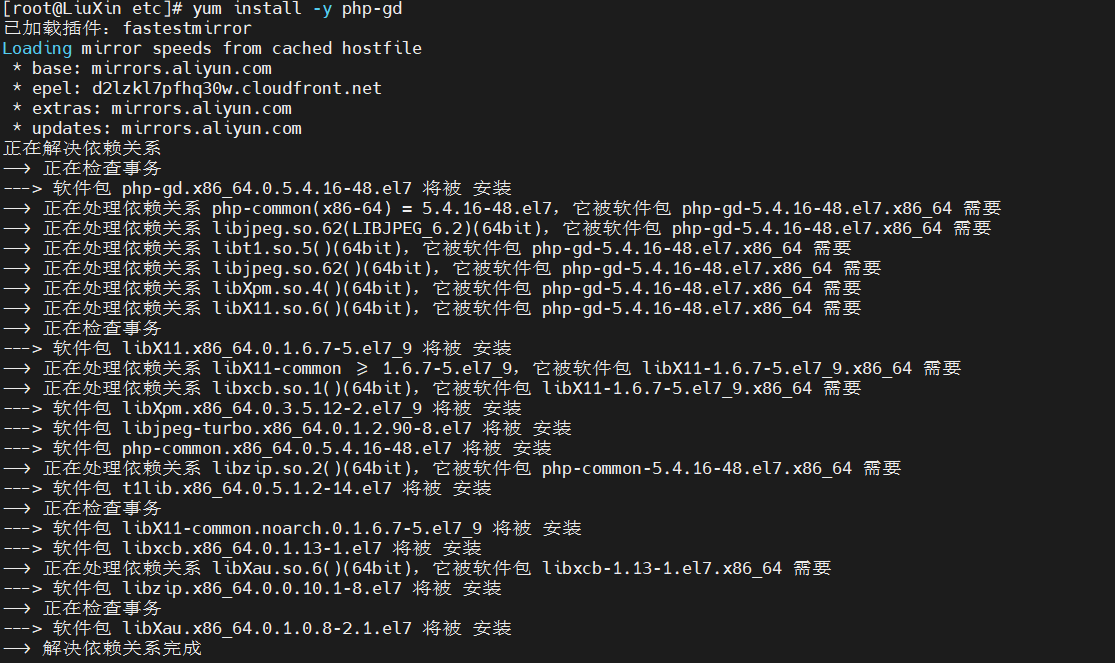
3.安装apache,即httpd
yum install -y httpd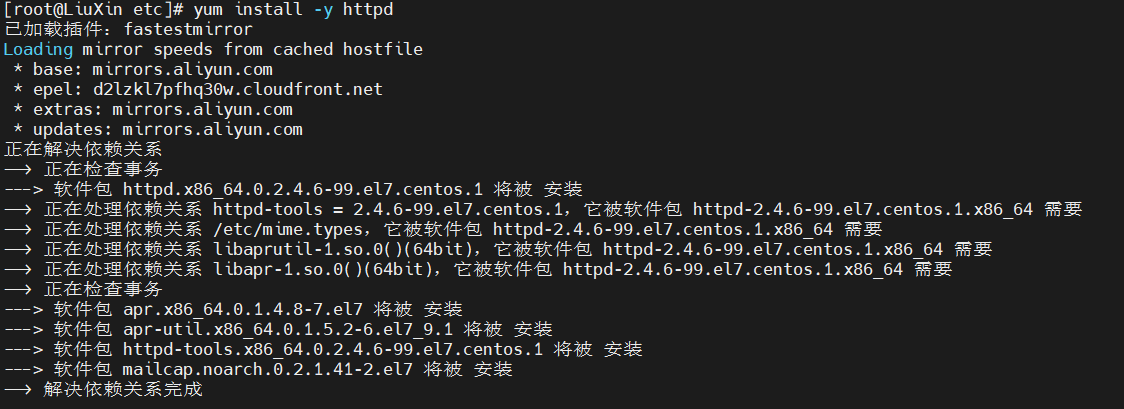
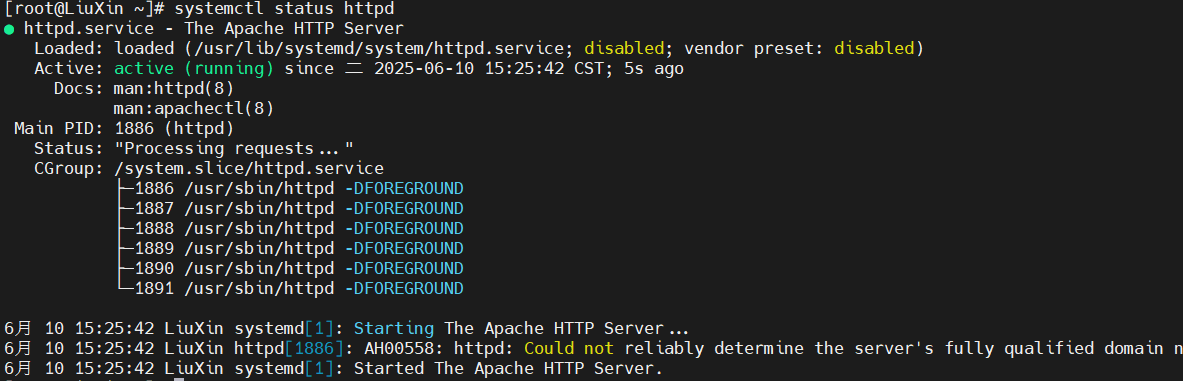
4.赶快坚持httpd是否能正常启动
[root@LiuXin ~]# systemctl status httpd.service
● httpd.service - The Apache HTTP Server
   Loaded: loaded (/usr/lib/systemd/system/httpd.service; disabled; vendor preset: disabled)
   Active: inactive (dead)
     Docs: man:httpd(8)
man:apachectl(8)如果出现上面错误,请检查默认的端口80是否被占用
[root@LiuXin ~]# sudo netstat -tulnp | grep :80
tcp        0      0 0.0.0.0:80              0.0.0.0:*               LISTEN      1020/nginx: master
tcp6       0      0 :::80                   :::*                    LISTEN      1020/nginx: master
通过检查端口号命令,发现80端口被nginx占用,则我们就把apache端口改为8899
sudo vi /etc/httpd/conf/httpd.conf搜索 Listen 指令
Listen 80将监听端口修改为8899,然后再检查当前的apache的状态。如果你发现有下面的错误,就需要修改selinux,让其授权8899端口号

5.解决SELinux端口授权限制
# 添加 SELinux 策略允许 8899 端口
sudo semanage port -a -t http_port_t -p tcp 8899

# 若提示命令不存在,先安装工具包
sudo yum install policycoreutils-python -y
一般通过上面的命令提示,我们apache状态就恢复正常
6.安装PHP+WordPress
注意:最新的WordPress版本至少要求PHP7+以上的版本。推荐:PHP7.4.33
# 安装 EPEL 仓库
sudo yum install -y epel-release

# 添加 Remi 仓库(PHP 7.4 官方源)
sudo yum install -y https://rpms.remirepo.net/enterprise/remi-release-7.rpm
#启用PHP7仓库
sudo yum-config-manager --enable remi-php74#安装 PHP 7.4.33 及核心扩展
sudo yum install -y php php-cli php-fpm php-mysqlnd php-gd php-mbstring php-curl php-xml安装完成PHP环境,我们再按照下面的步骤进行wordpress下载和安装
cd ~
wget http://wordpress.org/latest.tar.gz
提取归档文件
tar xzvf latest.tar.gz通过rsync将wordpress文件传输到/var/www/html中
sudo rsync -avP ~/wordpress/ /var/www/html/添加一个上传存储文件的目录
mkdir /var/www/html/wp-content/uploads对文件进行正确的授权
sudo chown -R apache:apache /var/www/html/*修改wordpress的配置文件
cd /var/www/html
cp wp-config-sample.php wp-config.php
编辑wp-config.php文件,将连接数据库部分的信息进行修改
// ** MySQL settings - You can get this info from your web host ** //
/** The name of the database for WordPress */
define('DB_NAME', 'wordpress');

/** MySQL database username */
define('DB_USER', 'wordpressuser');

/** MySQL database password */
define('DB_PASSWORD', 'password');
我们还需配置访问index.php的主页,将默认加载index.html修改为index.php
#设置 WordPress 入口文件优先级
DirectoryIndex index.php index.html index.htm
如果重新启动httpd还有问题,比如页面出现500错误等等,请查看日志进行具体分析
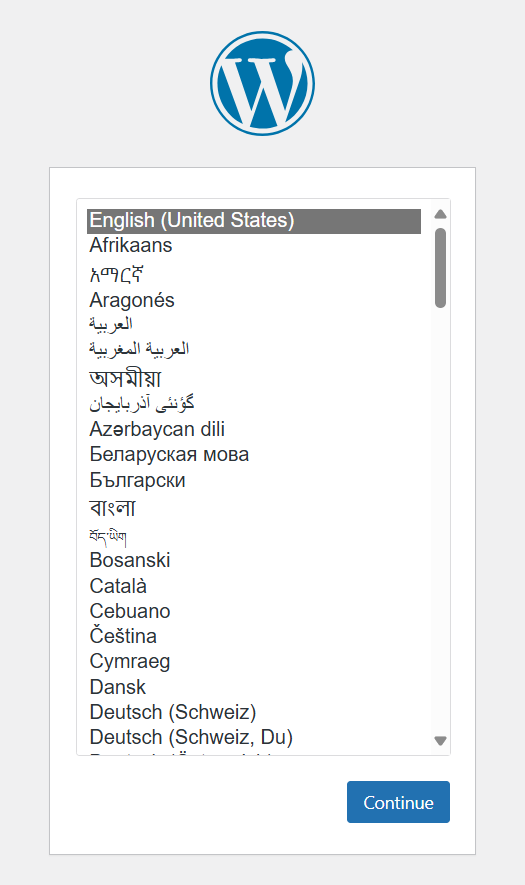
sudo tail -f /var/log/httpd/error_log访问成功的主页如下
此内容由惯性聚合(RSS阅读器)自动聚合整理,仅供阅读参考。 原文来自 — 版权归原作者所有。