惯性聚合 高效追踪和阅读你感兴趣的博客、新闻、科技资讯
阅读原文 在惯性聚合中打开

推荐订阅源

Engineering at Meta
Engineering at Meta
T
Threatpost
P
Palo Alto Networks Blog
NISL@THU
NISL@THU
O
OpenAI News
Project Zero
Project Zero
G
GRAHAM CLULEY
P
Privacy International News Feed
A
Arctic Wolf
Microsoft Azure Blog
H
Help Net Security
M
MIT News - Artificial intelligence
T
Threat Research - Cisco Blogs
S
Security @ Cisco Blogs
Google DeepMind News
B
Blog RSS Feed
D
Docker
aimingoo的专栏
aimingoo的专栏
博客园 - 【当耐特】
N
Netflix TechBlog - Medium
云风的 BLOG
云风的 BLOG
雷峰网
雷峰网
W
WeLiveSecurity
P
Proofpoint News Feed
腾讯CDC
Cloudbric
Cloudbric
S
Secure Thoughts
C
Check Point Blog
博客园 - Franky
T
The Exploit Database - CXSecurity.com
T
Troy Hunt's Blog
GbyAI
GbyAI
Security Archives - TechRepublic
Application and Cybersecurity Blog
月光博客
月光博客
C
Cyber Attacks, Cyber Crime and Cyber Security
I
Intezer
TaoSecurity Blog
TaoSecurity Blog
L
Lohrmann on Cybersecurity
V
Visual Studio Blog
F
Fortinet All Blogs
博客园 - 叶小钗
C
CXSECURITY Database RSS Feed - CXSecurity.com
CTFtime.org: upcoming CTF events
Recorded Future
Recorded Future
C
Cisco Blogs
博客园 - 司徒正美
Stack Overflow Blog
Stack Overflow Blog
Y
Y Combinator Blog
Apple Machine Learning Research

博客园 - 星河赵

LangChain AI 客服 Agent 项目学习笔记 海外stripe 聚合支付 ffmpeg 介绍 AE中制作带可替换屏幕的视频模版 记录|AI超写实短视频制作流程+提示词 服务端部署Vue 在Pycharm 中使用 Python Module 方式启动 uvicorn Conda 虚拟环境完整指南 CentOS / OpenCloudOS 服务器如何安装远程桌面 Python 项目模块导入问题解决方案 2026 谷歌 Antigravity 最新安装教程! Vscode 常用配置 如何修改 Redis 数据存放路径 Vue 后台项目 Nginx 部署笔记(SPA / Vite 构建) Python -m 用法(极简版) Ubuntu 上安装 MongoDB 并启用事务的完整流程 mac 微信双开新方法 nginx 对静态资源进行压缩 HMAC-SHA256 请求签名与验签实践(Python 可直接复用) python fast api websocket 连接事例 在 Flask 中并发执行任务 Linux 服务器的 SSH 登录端口号 从默认的 22 改掉 配置 Docker 镜像加速器 python fast api 部署
Vscode 配置快捷键和JetBrains(pycharm)一样
星河赵 · 2025-09-29 · via 博客园 - 星河赵

1.快捷键:

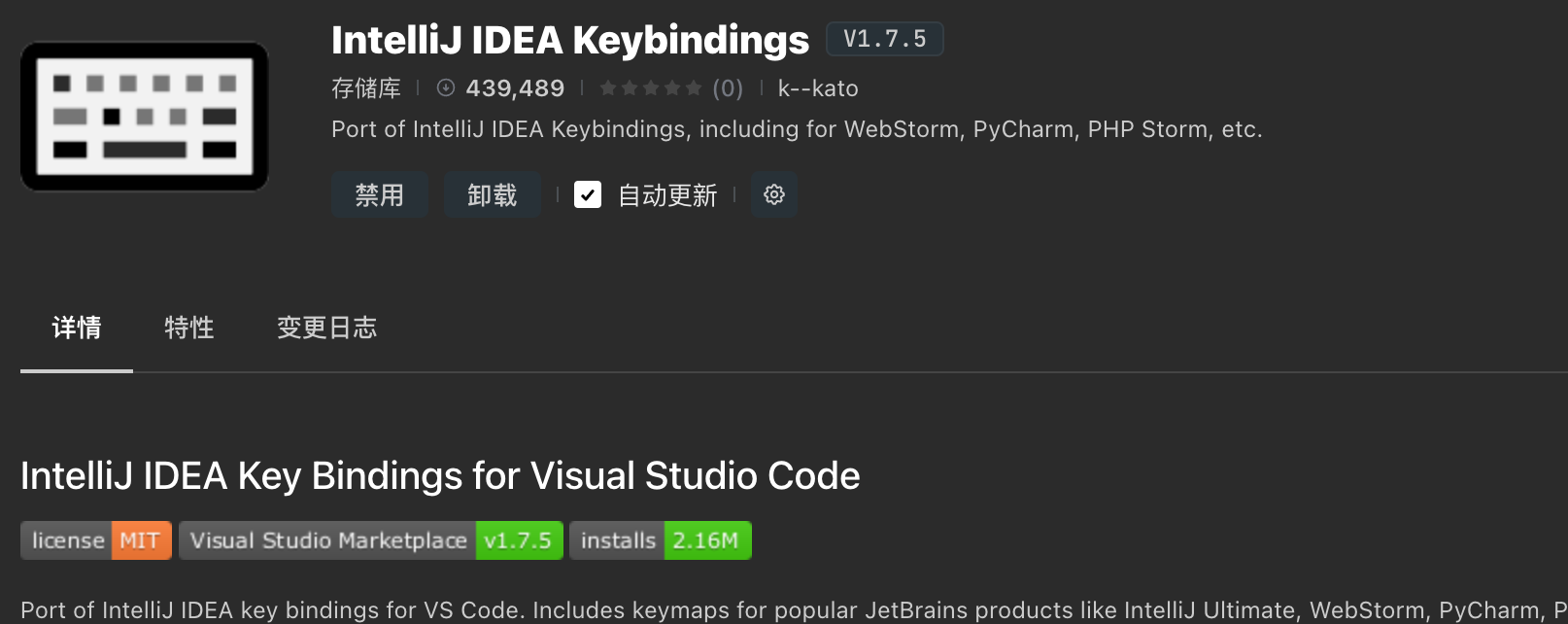
  1. 打开 VSCode → 扩展 (Extensions)

  2. 搜索并安装 "IntelliJ IDEA Keybindings" 插件(JetBrains 官方维护的)。

  3. 安装完成后,VSCode 的快捷键就会自动映射为和 PyCharm(IntelliJ IDEA)一致的布局。

优点:一步到位,基本不用手动改。
缺点:可能部分快捷键和 VSCode 自身或其他插件冲突,需要自己调整。
image

2.主题

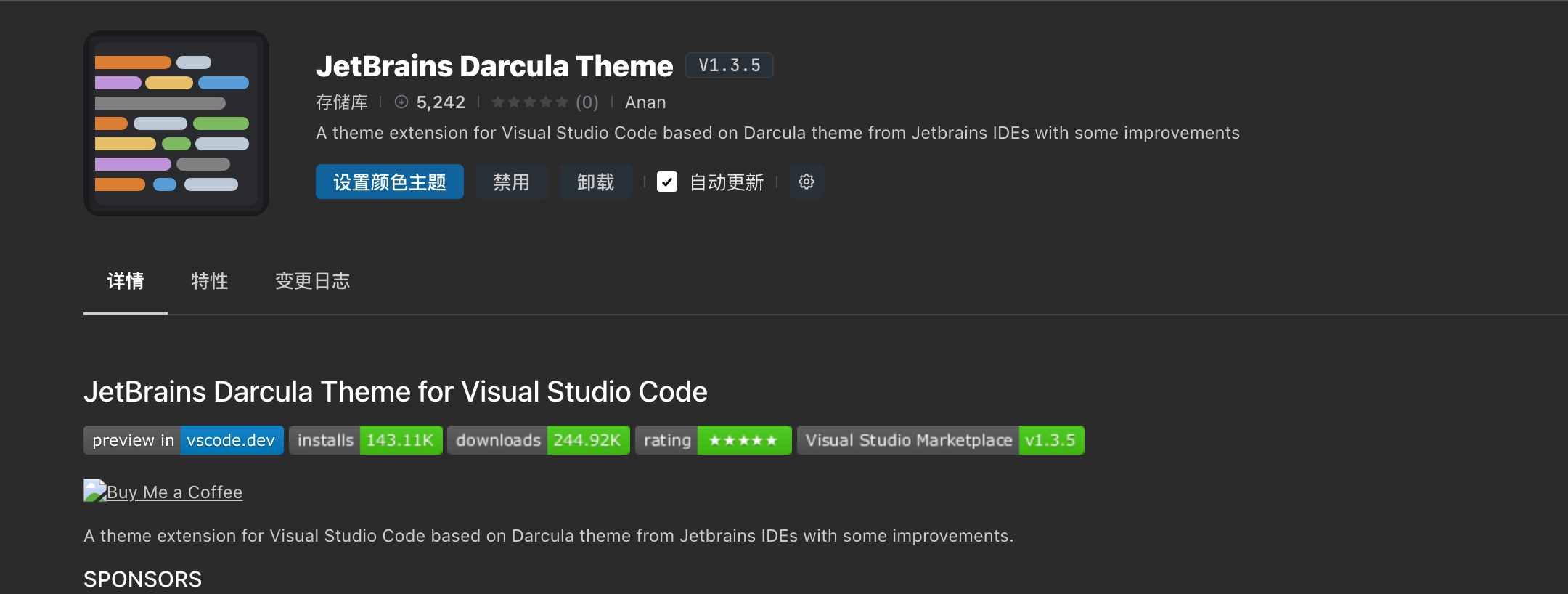
使用 JetBrains 官方主题

JetBrains 官方发布了 "JetBrains Darcula Theme" 扩展,几乎和 PyCharm 原版视觉一致:

  • 语法高亮

  • 编辑器背景

  • UI 颜色

搜索 "JetBrains Darcula Theme" 安装即可。
image

3.格式化插件

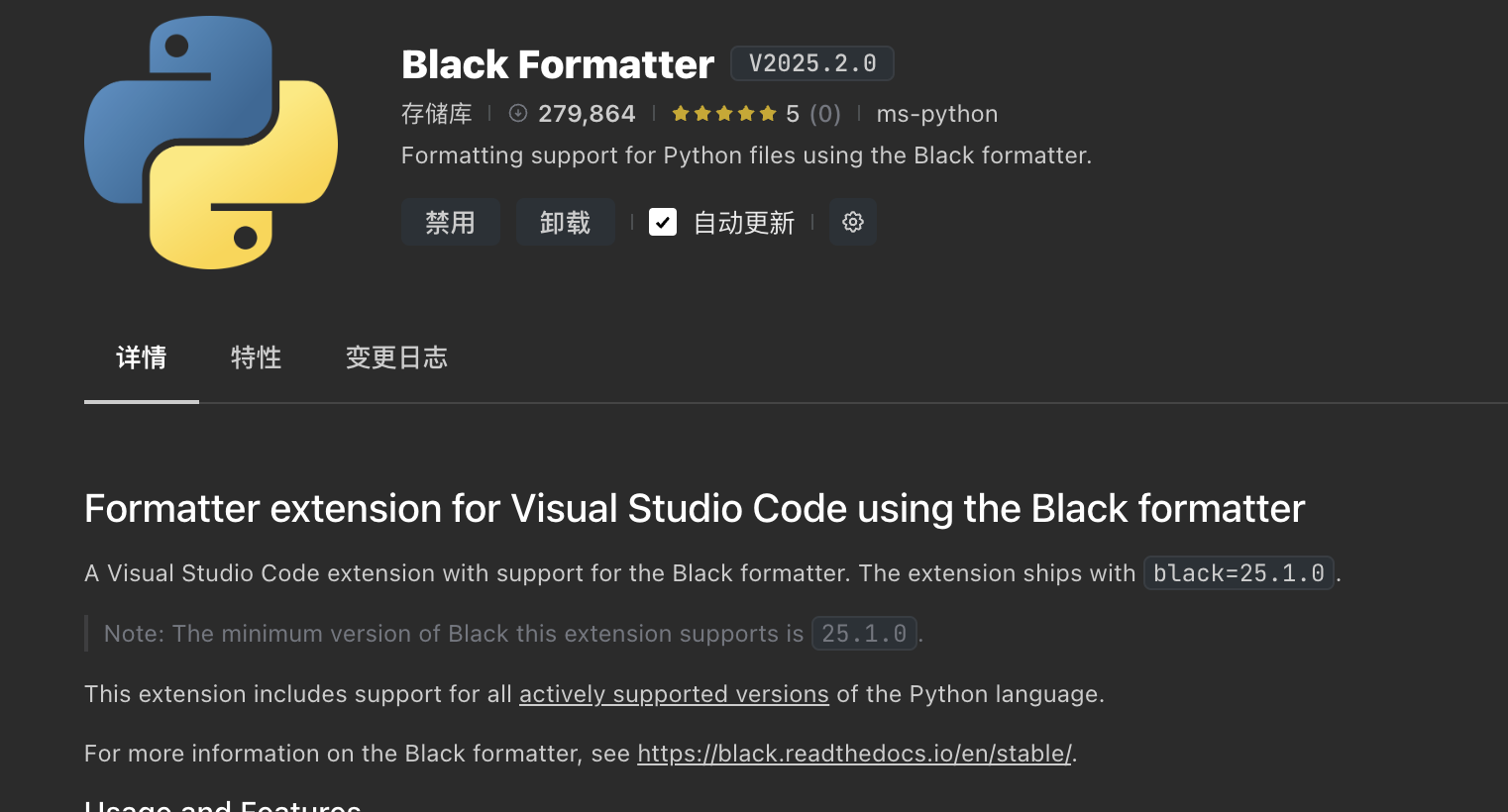
image

Black Formatter

  • 插件名:ms-python.black-formatter

  • 作用:使用 Black 来格式化 Python(和 PyCharm 默认风格几乎一致)。

  • 优点:代码风格统一、主流、和 PyCharm 兼容度最高。

  • 配置简单,推荐你装这个。

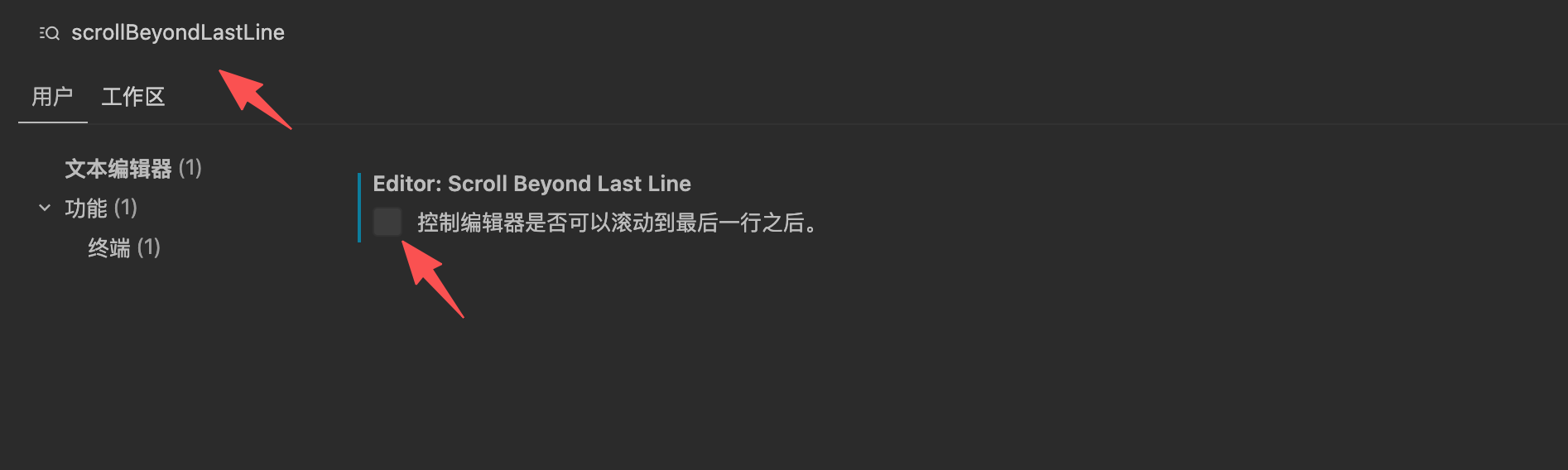
Editor:Scroll Beyond Last Line 不要勾选

控制编辑器是否可以滚动到最后一行之后
image