惯性聚合 高效追踪和阅读你感兴趣的博客、新闻、科技资讯
阅读原文 在惯性聚合中打开

推荐订阅源

酷 壳 – CoolShell
酷 壳 – CoolShell
T
Threatpost
Latest news
Latest news
N
News | PayPal Newsroom
Threat Intelligence Blog | Flashpoint
Help Net Security
Help Net Security
D
Darknet – Hacking Tools, Hacker News & Cyber Security
AI
AI
Simon Willison's Weblog
TaoSecurity Blog
TaoSecurity Blog
The Last Watchdog
The Last Watchdog
L
LINUX DO - 热门话题
Google DeepMind News
T
Threat Research - Cisco Blogs
O
OpenAI News
钛媒体:引领未来商业与生活新知
钛媒体:引领未来商业与生活新知
T
The Exploit Database - CXSecurity.com
NISL@THU
NISL@THU
Application and Cybersecurity Blog
S
Securelist
小众软件
小众软件
cs.CL updates on arXiv.org
Martin Fowler
Martin Fowler
S
SegmentFault 最新的问题
Cisco Talos Blog
Cisco Talos Blog
云风的 BLOG
云风的 BLOG
AWS News Blog
AWS News Blog
GbyAI
GbyAI
N
News and Events Feed by Topic
cs.CV updates on arXiv.org
美团技术团队
Engineering at Meta
Engineering at Meta
A
About on SuperTechFans
博客园 - 三生石上(FineUI控件)
S
Schneier on Security
博客园 - 聂微东
V2EX - 技术
V2EX - 技术
T
Troy Hunt's Blog
SecWiki News
SecWiki News
S
Secure Thoughts
B
Blog RSS Feed
Hugging Face - Blog
Hugging Face - Blog
WordPress大学
WordPress大学
腾讯CDC
H
Heimdal Security Blog
Exploit-DB.com RSS Feed
Apple Machine Learning Research
月光博客
月光博客
www.infosecurity-magazine.com
P
Privacy International News Feed

博客园 - 三角形

Docker镜像加速器,检测失效 & 测速 ESXi 不认SN640 SN750 等容量大的 NVME 出租司机给我上的MBA课 -- 转载(文末有18年后的续集) 飞牛影视配置独立端口号,不与飞牛公用web端口 esxi 7 定时关机 Oracle RAC 部署 (VMware共享磁盘配置方法) esxi 无法在浏览器中关闭虚拟机 Esxi 使用 RDM (Raw Device Mapping) 功能直接将磁盘分配给虚拟机,直通 esxi重装后,之前的卷没能自动挂载 OpenSSH 远程代码执行漏洞(CVE-2024-6387) Ubuntu22.04 和 centos7处理方法 部署SFTP服务,并限制访问目录 esxi 虚拟机 导出 & 导入 QYN2 2025年免费收徒(运维) XFS误删除文件,数据恢复 在esxi上:获取vm列表,批量给vm关机,批量给vm强制关机 esxi主机,自动创建30个vm,并自动完成vm初始化操作 自动查询12306余票,结果以txt形式放到nginx网站目录下 ubuntu自动下载电视剧《鸣龙少年》
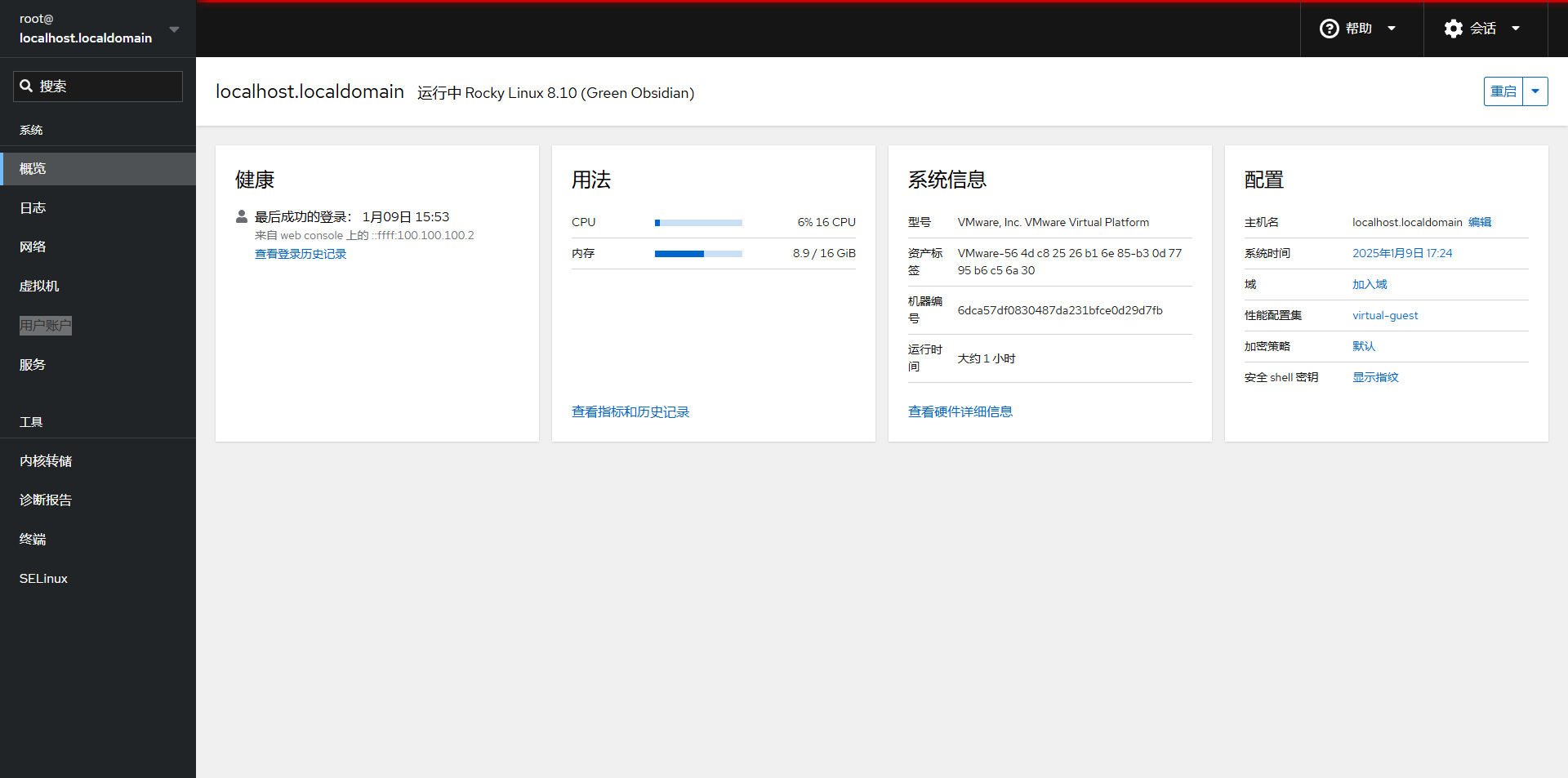
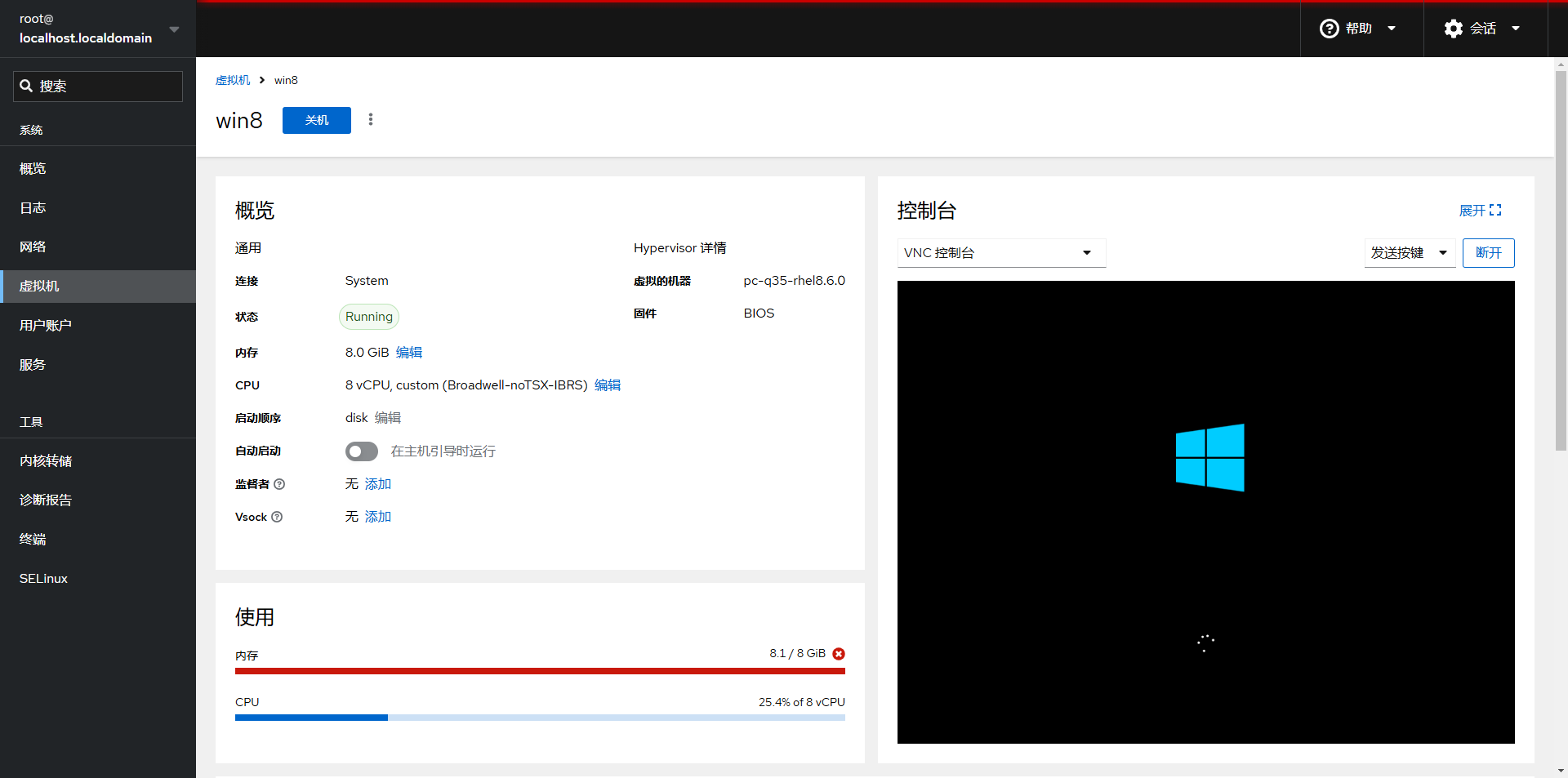
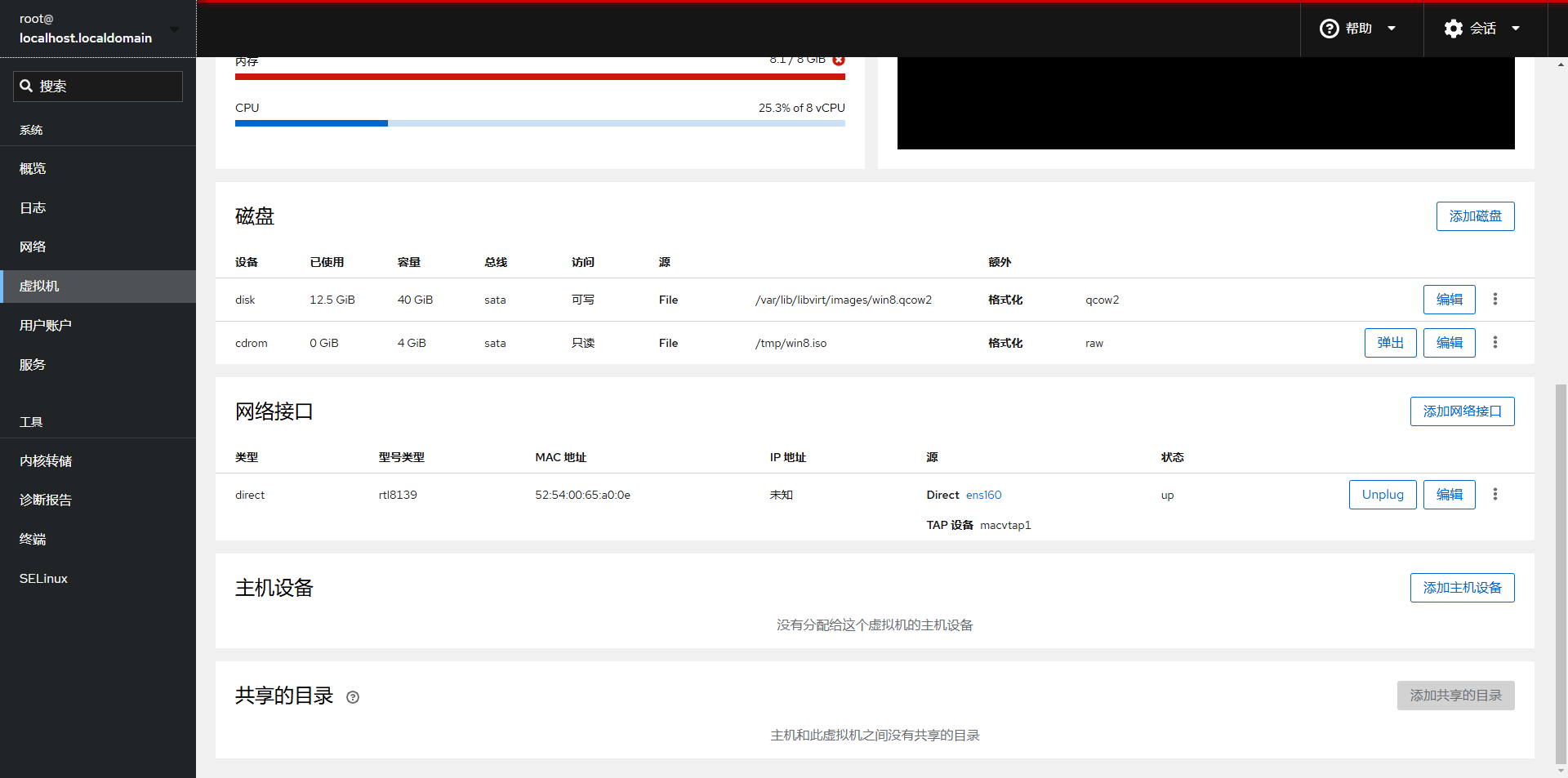
使用Rocky Linux 快速部署虚拟化环境,浏览器访问,开源免费
三角形 · 2025-01-09 · via 博客园 - 三角形

正常安装一个最小化的Rocky Linux,然后执行下面的命令

# 设置阿里云的yum源
sed
-e 's|^mirrorlist=|#mirrorlist=|g' \ -e 's|^#baseurl=http://dl.rockylinux.org/$contentdir|baseurl=https://mirrors.aliyun.com/rockylinux|g' \ -i.bak \ /etc/yum.repos.d/Rocky-*.repo
# 生成 dnf缓存 dnf makecache # 安装相关软件包 dnf
install -y cockpit-machines cockpit-bridge libvirt
# 启动服务,并设置开机自启
systemctl enable
--now libvirtd cockpit.socket

# 浏览器访问 http://ip_address:9090 ,用户名和密码就是系统的用户名和密码

# 参考文档 https://docs.rockylinux.org/zh/guides/virtualization/cockpit-machines/