


摘自:https://zhuanlan.zhihu.com/p/7107285821
在 Ubuntu 系统中,将 APT 源设置为阿里云源可以提高软件包更新和下载速度。
sudo cp /etc/apt/sources.list /etc/apt/sources.list.bak
使用以下命令打开 sources.list 文件:
sudo vi /etc/apt/sources.list
根据Ubuntu 版本,将内容替换为对应的阿里源。以下是常见版本的源地址:
Ubuntu 22.04 (Jammy):
deb http://mirrors.aliyun.com/ubuntu/ jammy main restricted universe multiverse
deb http://mirrors.aliyun.com/ubuntu/ jammy-security main restricted universe multiverse
deb http://mirrors.aliyun.com/ubuntu/ jammy-updates main restricted universe multiverse
deb http://mirrors.aliyun.com/ubuntu/ jammy-backports main restricted universe multiverse
deb http://mirrors.aliyun.com/ubuntu/ jammy-proposed main restricted universe multiversedeb http://mirrors.aliyun.com/ubuntu/ focal main restricted universe multiverse
deb http://mirrors.aliyun.com/ubuntu/ focal-security main restricted universe multiverse
deb http://mirrors.aliyun.com/ubuntu/ focal-updates main restricted universe multiverse
deb http://mirrors.aliyun.com/ubuntu/ focal-backports main restricted universe multiverse
deb http://mirrors.aliyun.com/ubuntu/ focal-proposed main restricted universe multiversedeb http://mirrors.aliyun.com/ubuntu/ bionic main restricted universe multiverse
deb http://mirrors.aliyun.com/ubuntu/ bionic-security main restricted universe multiverse
deb http://mirrors.aliyun.com/ubuntu/ bionic-updates main restricted universe multiverse
deb http://mirrors.aliyun.com/ubuntu/ bionic-backports main restricted universe multiverse
deb http://mirrors.aliyun.com/ubuntu/ bionic-proposed main restricted universe multiverse编辑完成后,保存并退出:
使用以下命令更新软件包索引:
sudo apt update
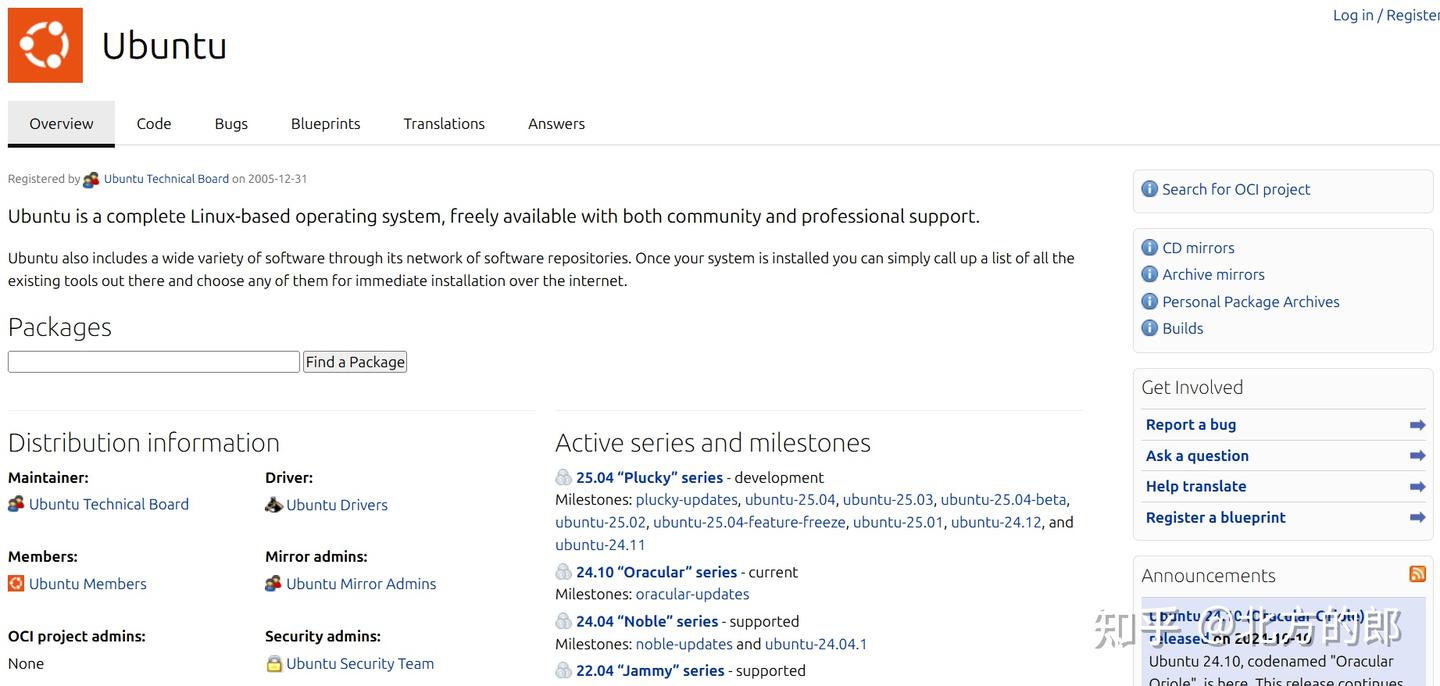
可以在 https://launchpad.net/ubuntu/ 上查找对应版本的代码和二进制
此内容由惯性聚合(RSS阅读器)自动聚合整理,仅供阅读参考。 原文来自 — 版权归原作者所有。