





对于如下这样简单的测试文件:
package main

// Basic imports
import (
	"testing"

	"github.com/stretchr/testify/assert"
	"github.com/stretchr/testify/suite"
)

var assertObj *assert.Assertions

// Define the suite, and absorb the built-in basic suite
// functionality from testify - including a T() method which
// returns the current testing context
type ExampleTestSuite struct {
	suite.Suite
	VariableThatShouldStartAtFive int
}

// Make sure that VariableThatShouldStartAtFive is set to five
// before each test
func (suite *ExampleTestSuite) SetupTest() {
	suite.VariableThatShouldStartAtFive = 5
	assertObj = assert.New(suite.T())
}

// All methods that begin with "Test" are run as tests within a
// suite.
func (suite *ExampleTestSuite) TestExample() {
	assertObj.Equal(5, suite.VariableThatShouldStartAtFive)
	suite.Equal(5, suite.VariableThatShouldStartAtFive)
}

func (suite *ExampleTestSuite) TestExample2() {
	assertObj.NotEqual(51, suite.VariableThatShouldStartAtFive)
}

// In order for 'go test' to run this suite, we need to create
// a normal test function and pass our suite to suite.Run
func TestExampleTestSuite(t *testing.T) {
	suite.Run(t, new(ExampleTestSuite))
}
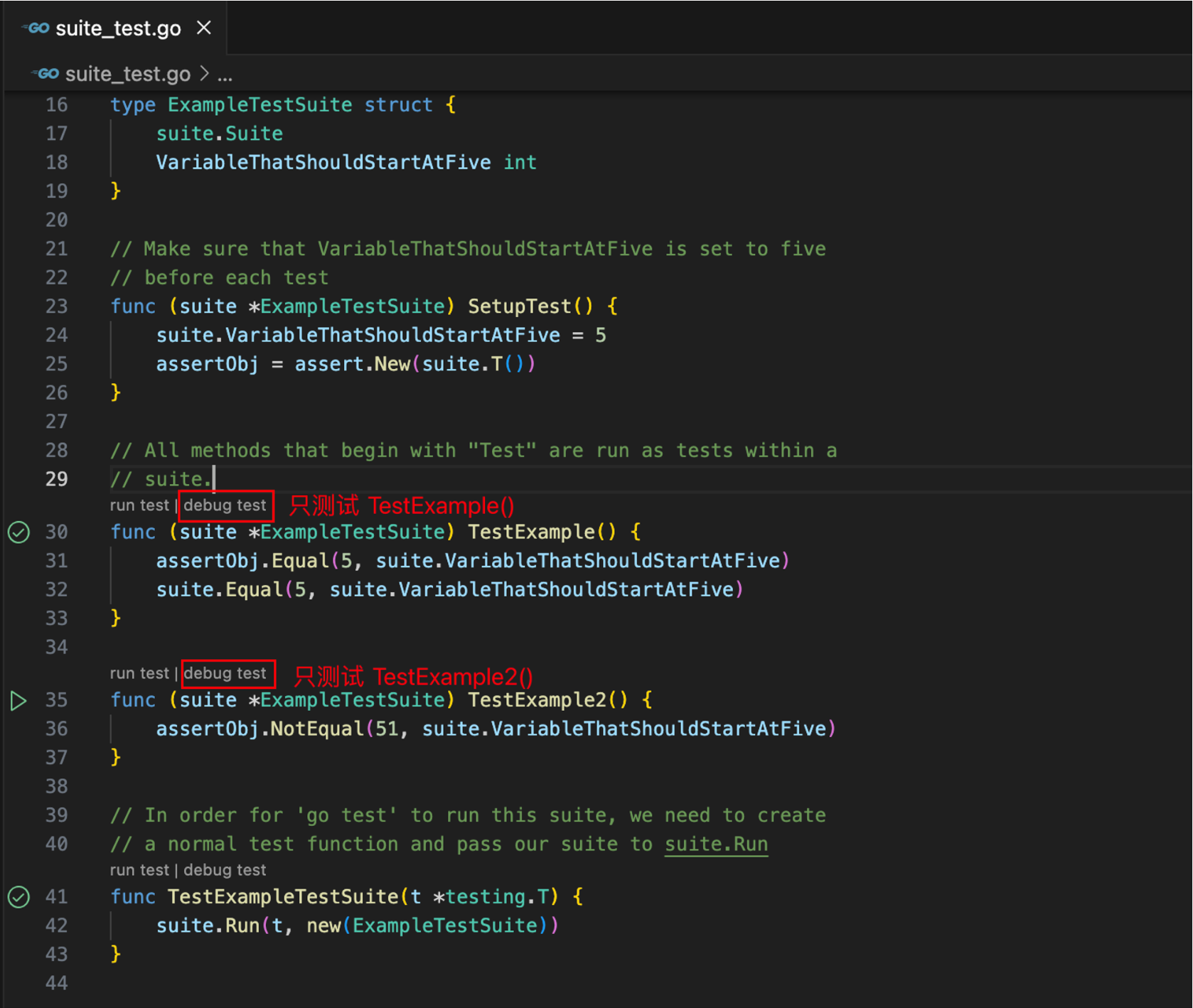
点击 TestSuite 的某一个 Test* 方法上的 debug test,就会只调试这单个 test,这是符合预期的。
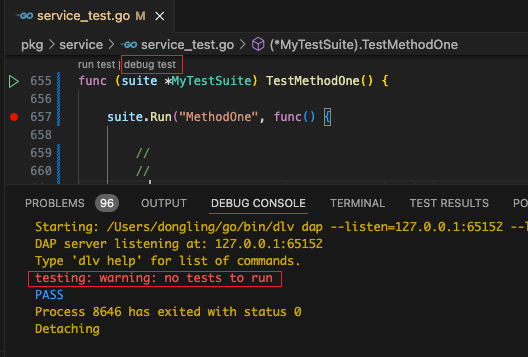
但是在一个复杂项目中,如果 TestSuite 对象的 Test* 方法分布于多个 *_test.go 文件中,这时想要单独执行某一个 Test*,就会出现 testing: warning: no tests to run 这样的错误提示:
2022 年 4 月,github 上就有同样问题的讨论:
cannot debug single test in VS Code #1177
Failure to debug a suite test that is in a different file than the caller test #2414
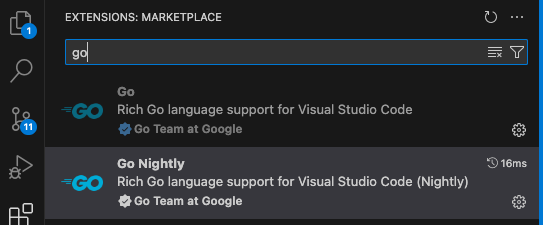
一个回答是在 vscode 中使用 Go Nightly 插件来代替 Go 插件,收货 4 个点赞,看样子是可行的。
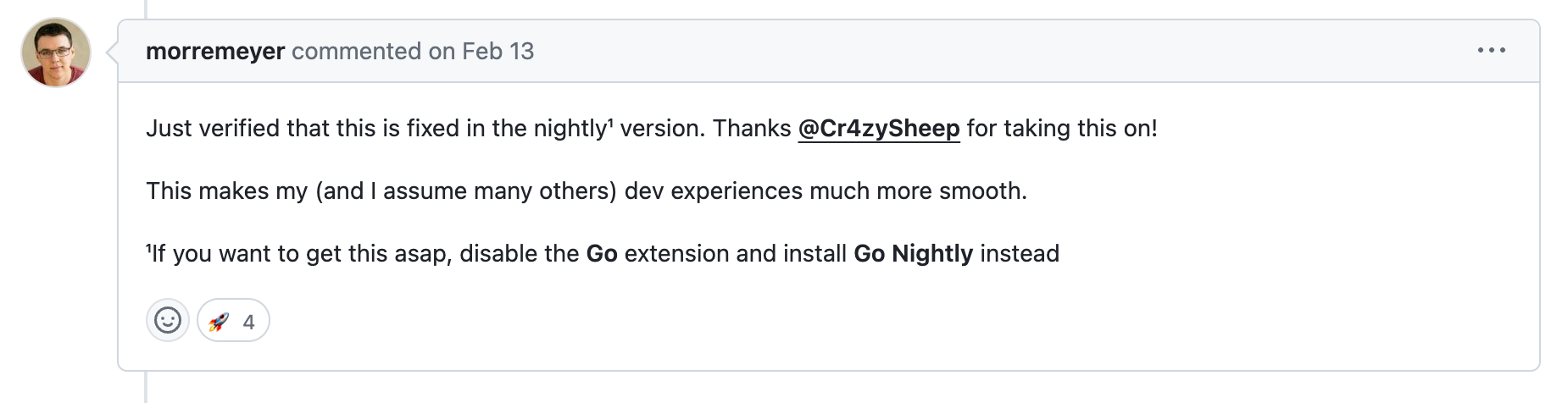
但是实际测试发现还是不行,替换插件后,重启了 vscode,依然不行。
参考这个回答:
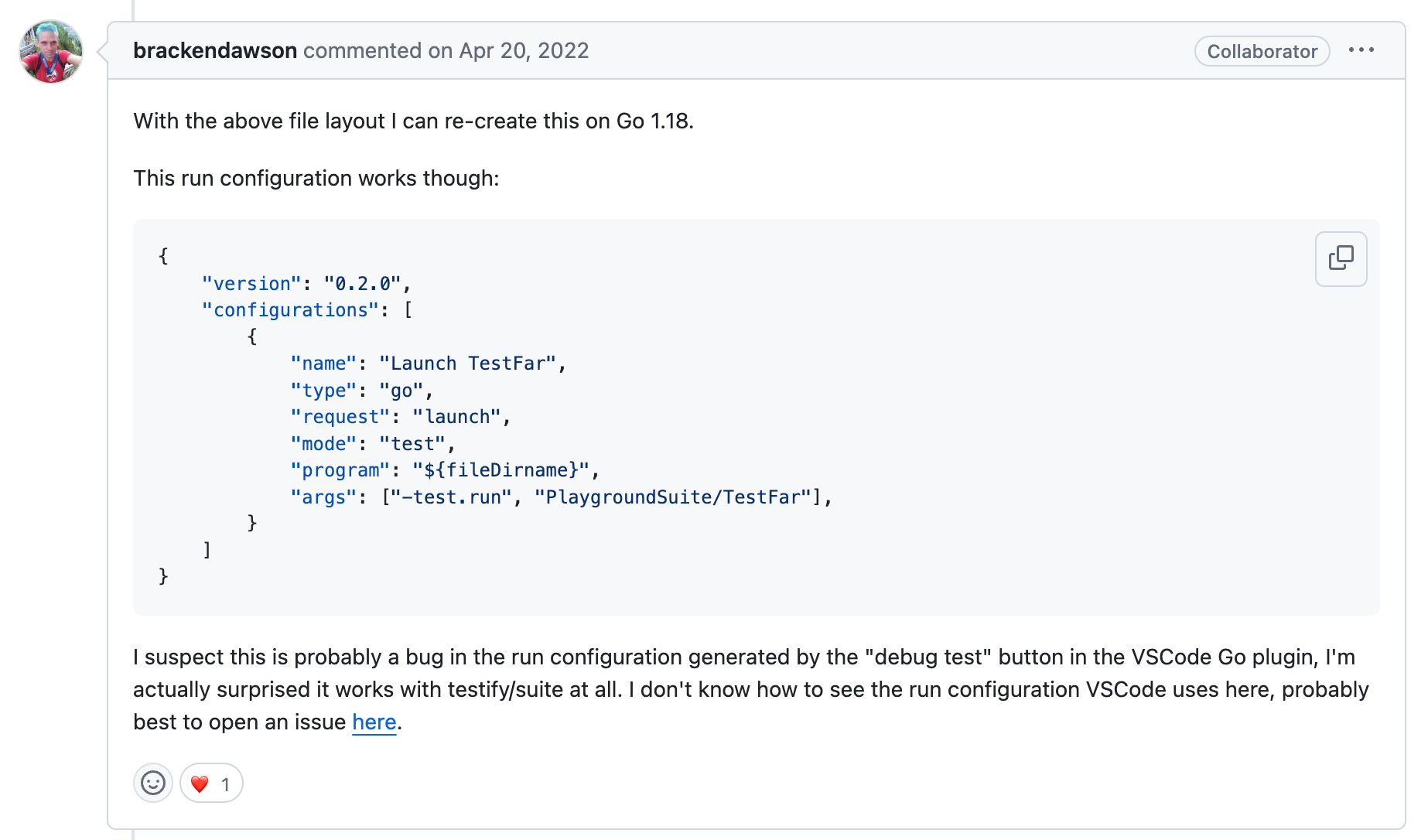
在 .vscode/launch.json 中进行如下配置:
{
    // Use IntelliSense to learn about possible attributes.
    // Hover to view descriptions of existing attributes.
    // For more information, visit: https://go.microsoft.com/fwlink/?linkid=830387
    "version": "0.2.0",
    "configurations": [
        {
            "name": "Debug TestMethodOne",
            "type": "go",
            "request": "launch",
            "mode": "test",
            "program": "${workspaceFolder}/pkg/service/service_test.go",
            "args": ["-test.run", "MyTestSuite/TestMethodOne"],
        },
        {
            "name": "Debug TestMethodTwo",
            "type": "go",
            "request": "launch",
            "mode": "test",
            "program": "${workspaceFolder}/pkg/service/service_test.go",
            "args": ["-test.run", "MyTestSuite/TestMethodTwo"],
        }
    ]
}
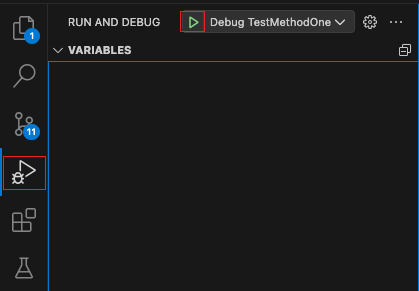
然后就可以在 vscode 的 Debug 页面中成功调试单个 test 实例了
posted on 2024-05-19 23:46 HorseShoe2016 阅读(259) 评论() 收藏 举报
此内容由惯性聚合(RSS阅读器)自动聚合整理,仅供阅读参考。 原文来自 — 版权归原作者所有。