惯性聚合 高效追踪和阅读你感兴趣的博客、新闻、科技资讯
阅读原文 在惯性聚合中打开

推荐订阅源

www.infosecurity-magazine.com
aimingoo的专栏
aimingoo的专栏
博客园 - 叶小钗
Jina AI
Jina AI
让小产品的独立变现更简单 - ezindie.com
人人都是产品经理
人人都是产品经理
博客园_首页
Last Week in AI
Last Week in AI
酷 壳 – CoolShell
酷 壳 – CoolShell
T
Tailwind CSS Blog
云风的 BLOG
云风的 BLOG
腾讯CDC
V
Visual Studio Blog
宝玉的分享
宝玉的分享
Threat Intelligence Blog | Flashpoint
P
Palo Alto Networks Blog
Know Your Adversary
Know Your Adversary
NISL@THU
NISL@THU
奇客Solidot–传递最新科技情报
奇客Solidot–传递最新科技情报
I
InfoQ
Simon Willison's Weblog
H
Help Net Security
AWS News Blog
AWS News Blog
P
Proofpoint News Feed
月光博客
月光博客
T
Threatpost
Recent Announcements
G
Google Developers Blog
Security Latest
Security Latest
T
Threat Research - Cisco Blogs
Blog — PlanetScale
Blog — PlanetScale
A
Arctic Wolf
OSCHINA 社区最新新闻
OSCHINA 社区最新新闻
Latest news
Latest news
T
The Exploit Database - CXSecurity.com
Security Archives - TechRepublic
Google DeepMind News
V
V2EX
P
Proofpoint News Feed
Y
Y Combinator Blog
The Register - Security
N
News | PayPal Newsroom
L
Lohrmann on Cybersecurity
H
Hacker News: Front Page
MongoDB | Blog
MongoDB | Blog
量子位
T
Troy Hunt's Blog
cs.CV updates on arXiv.org
Recent Commits to openclaw:main

博客园 - 心冰之海

最佳的免费Linux杀毒软件有哪些 源代码管理工具TFS简介 信息安全岗位技能提升路径图 IDEA,mysql,mysql workbeanch 新手开发环境搭建教程 JVM-性能优化工具 MAT SQL SERVER死锁查询,死锁分析,解锁,查询占用 Spring Boot热更新技巧:节省90%重启时间 Java spring boot 银河麒麟系统V10安装mysql5.7 使用 DBeaver 企业版将 SQL Server 数据库迁移至达梦 DM8 DBeaver 23.2 AI 智能体 DeepSeek本地化部署超简单,比装个office还简单 数据可视化分析平台 DataEase .NET 6应用程序适配国产银河麒麟V10系统随记 Linux上使用docker部署.net8项目详细教程 Nginx的安装并配置web服务 nginxUI 安装及学习 AI编程
Keycloak 安装
心冰之海 · 2025-04-16 · via 博客园 - 心冰之海

下载

下载地址:Keycloak10.0.1

安装

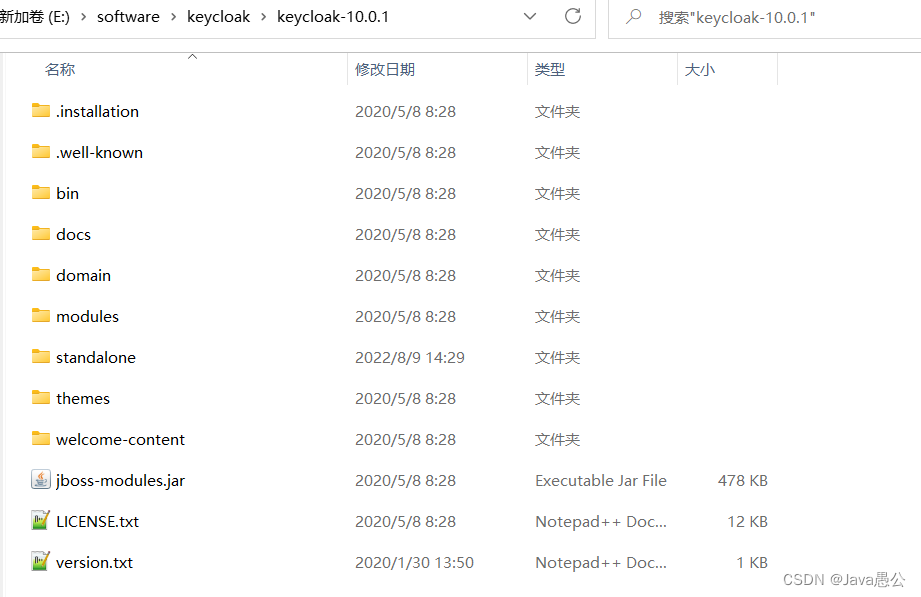
解压即可

启动

  1. 找到keycloak-10.0.1\bin目录下的standalone.bat,双击启动,如果是linux下,请通过standalone.sh启动。
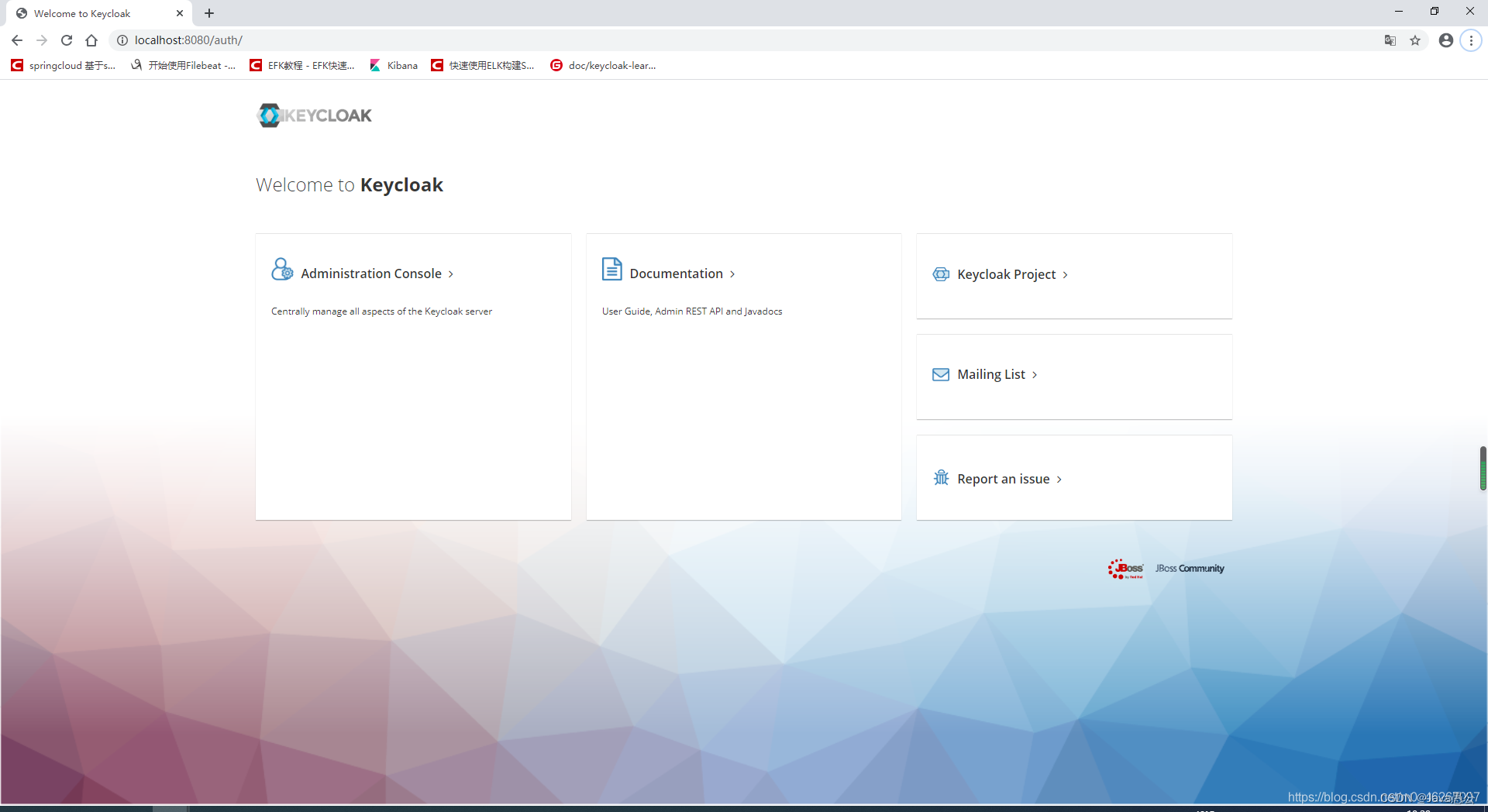
  2. 打开网页http://localhost:8080/auth/

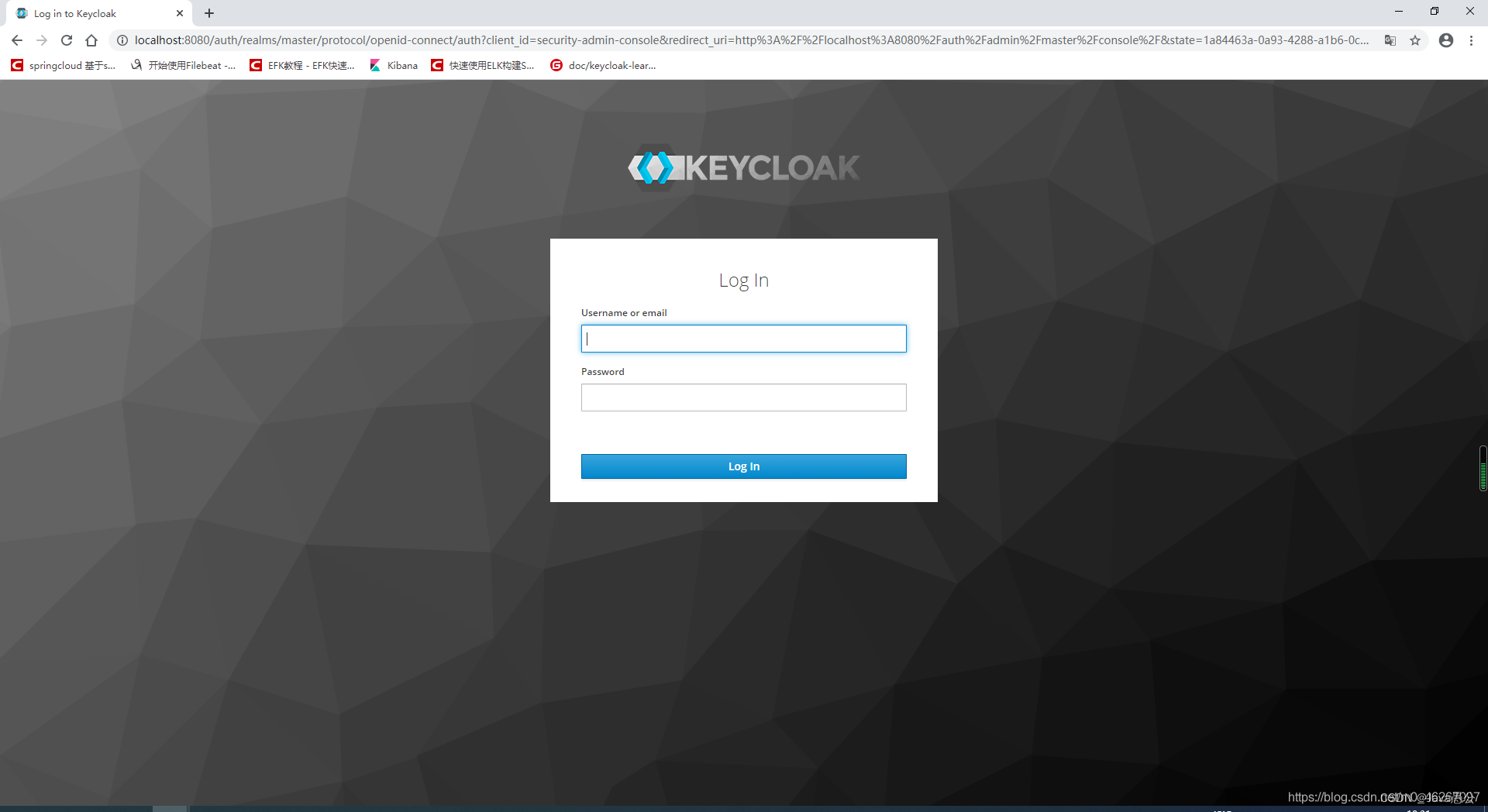
  1. 第一次登陆需要注册管理员账号,按要求注册即可。进入Admin Console


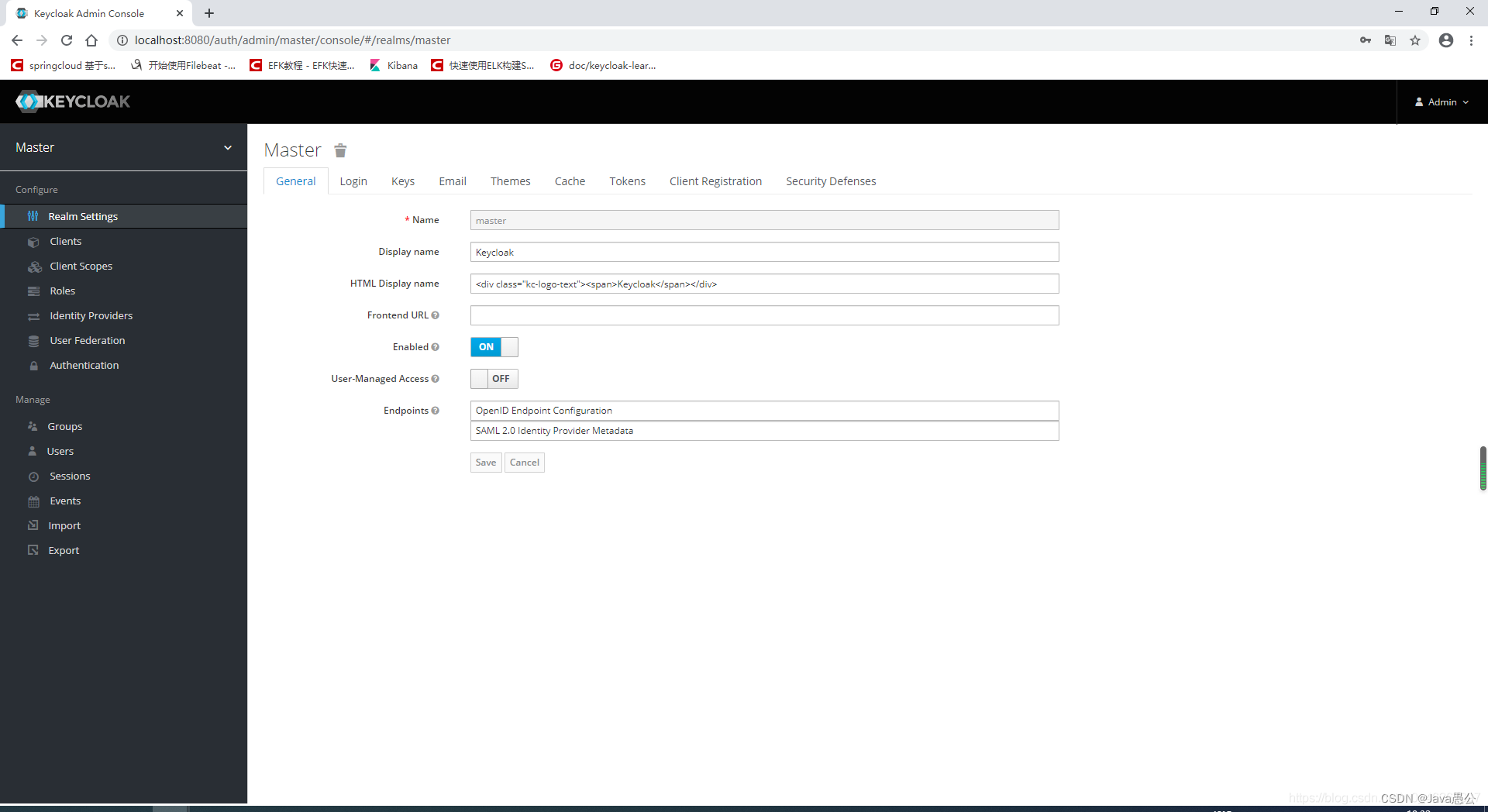
5. 输入刚刚注册的用户名、密码,并且点击登录,即可进入keycloak首页。
访问地址

首页:http://localhost:8080/auth
Admin Console:http://localhost:8080/auth/admin/
Account Console:http://localhost:8080/auth/realms/demo/account