惯性聚合 高效追踪和阅读你感兴趣的博客、新闻、科技资讯
阅读原文 在惯性聚合中打开

推荐订阅源

人人都是产品经理
人人都是产品经理
Stack Overflow Blog
Stack Overflow Blog
L
LINUX DO - 最新话题
Google Online Security Blog
Schneier on Security
Spread Privacy
Spread Privacy
www.infosecurity-magazine.com
雷峰网
雷峰网
Google DeepMind News
Microsoft Azure Blog
IT之家
IT之家
V
Vulnerabilities – Threatpost
K
Kaspersky official blog
S
Schneier on Security
B
Blog
The Register - Security
SecWiki News
SecWiki News
Hacker News: Ask HN
Hacker News: Ask HN
cs.AI updates on arXiv.org
S
Security Affairs
T
The Blog of Author Tim Ferriss
G
Google Developers Blog
T
Tenable Blog
P
Proofpoint News Feed
Apple Machine Learning Research
D
DataBreaches.Net
S
Secure Thoughts
Security Latest
Security Latest
H
Heimdal Security Blog
The Hacker News
The Hacker News
O
OpenAI News
AWS News Blog
AWS News Blog
量子位
Exploit-DB.com RSS Feed
腾讯CDC
U
Unit 42
L
Lohrmann on Cybersecurity
cs.CL updates on arXiv.org
L
LangChain Blog
阮一峰的网络日志
阮一峰的网络日志
T
The Exploit Database - CXSecurity.com
NISL@THU
NISL@THU
cs.CV updates on arXiv.org
Application and Cybersecurity Blog
Hugging Face - Blog
Hugging Face - Blog
The Last Watchdog
The Last Watchdog
Recorded Future
Recorded Future
V2EX - 技术
V2EX - 技术
爱范儿
爱范儿
F
Full Disclosure

博客园 - zhaotianff

解决IIS服务器typecho上传附件后无法访问的问题 Visual Studio编译过程中拷贝文件的一些实用小技巧 Jenkins快速入门教程 .NET是什么?为什么要选择.NET? 如何在WPF中实现类似DevOps的自动化流程 一文带你搞懂医疗器械设计开发全生命周期 Windows如何清除本机记录的git用户名和密码 HL7协议详解 医疗行业 GDT 数据格式详解 一文带你搞懂C# 异步编程(async/await)底层原理 如何在C#中使用Chromium headless(无头模式)浏览器 不同.NET版本中的WPF新增功能 如何在WPF中使用 Fluent 主题 Windows平台下的各种原生UI框架介绍 C#如何Hook托管函数 WinDbg 用户层调试进阶教程 Windows编程的一些基础理论 推荐一款优秀的Windows经典文件管理器项目-WinFile Windows如何阻止应用程序联网 如何在WPF中捕获窗口外的事件 如何查看Windows进程的启动来源 Visual Studio 2026新解决方案格式slnx详解 我的微软MVP申请通过了 WPF MVVM实战系列教程(八、Prism DialogService, 对话框服务) WPF MVVM实战系列教程(七、Prism模块化) WPF 性能优化实战指南 WPF MVVM实战系列教程(六、Prism区域导航) WPF MVVM实战系列教程(五、Prism中的MVVM) WPF MVVM实战系列教程(四、Prism中的依赖注入) Windows 7无法安装VMWare Tools的解决办法 WPF MVVM实战系列教程(三、创建Bootstrapper/启动器) WPF MVVM实战系列教程(二、使用Visual Studio 创建Prism项目) WPF MVVM实战系列教程(一、Prism框架介绍)
微软 IDE 新纪元:Visual Studio 2026 初体验
zhaotianff · 2026-01-13 · via 博客园 - zhaotianff

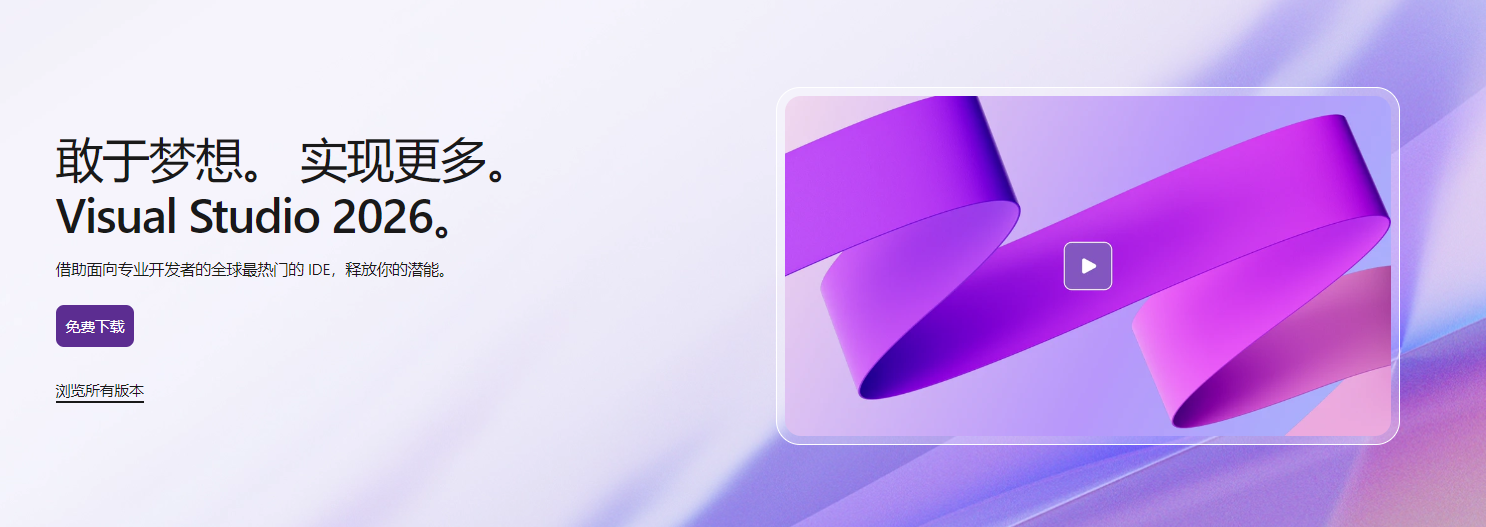
昨天需要在一台新电脑上安装Visual Studio,打开Visual Studio官网,发现Visual Studio 2022已经下架了,取而代之的是Visual Studio 2026。
image

那姑且就下载Visual Studio 2026体验一下。

官方称Visual Studio 2026具有 AI 的深度平台集成、更强大的基础知识和改进的性能。

配置要求

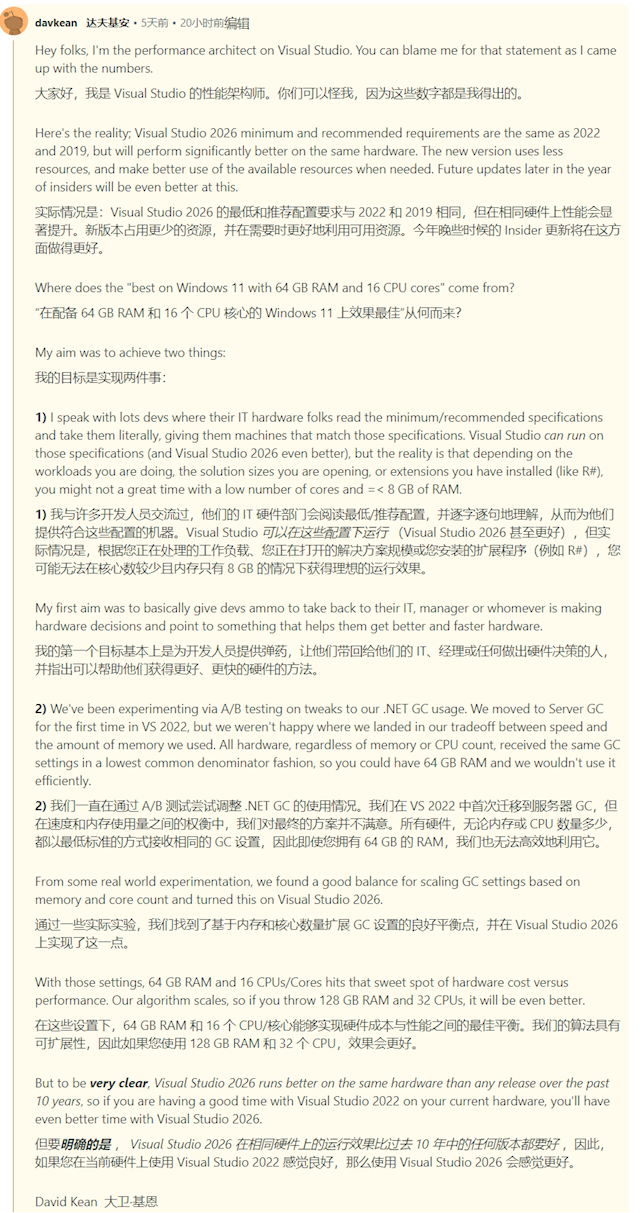
官方表示 Visual Studio 在具有 64 GB RAM 的 Windows 11 和具有 16 个核心或更高版本的 CPU 上运行最佳。 它运行速度更快,并且比同一硬件上的 Visual Studio 2022 响应更快。

果然与前面流传的图一致,需要64GB的内存,16个核心的CPU。
AA1Mw5d0

但实际上我这台电脑是一台8GB,6核心的配置,运行良好。

image

运行速度对比Visual Studio 2022有过之而无不及

动画

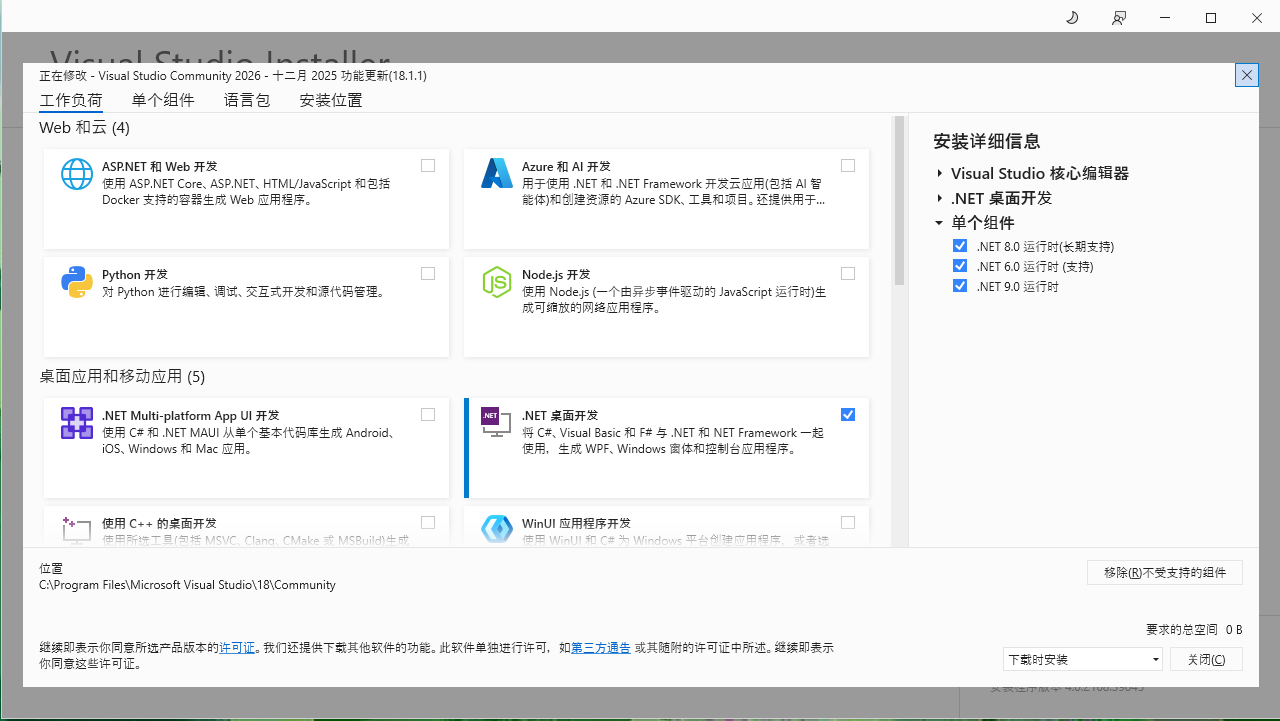
安装界面

image

 安装界面上来说,与Visual Studio 2022差别不大

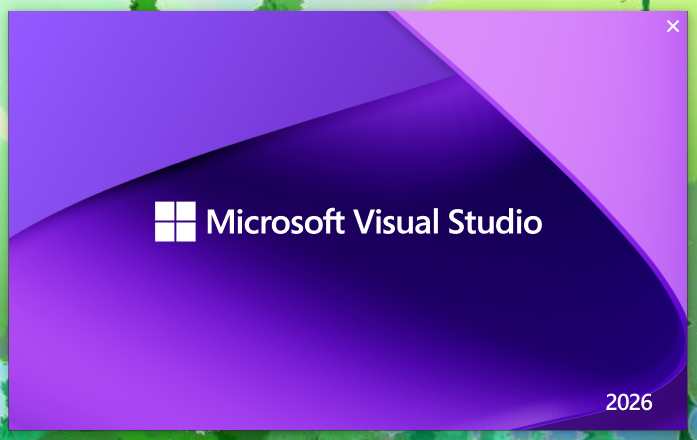
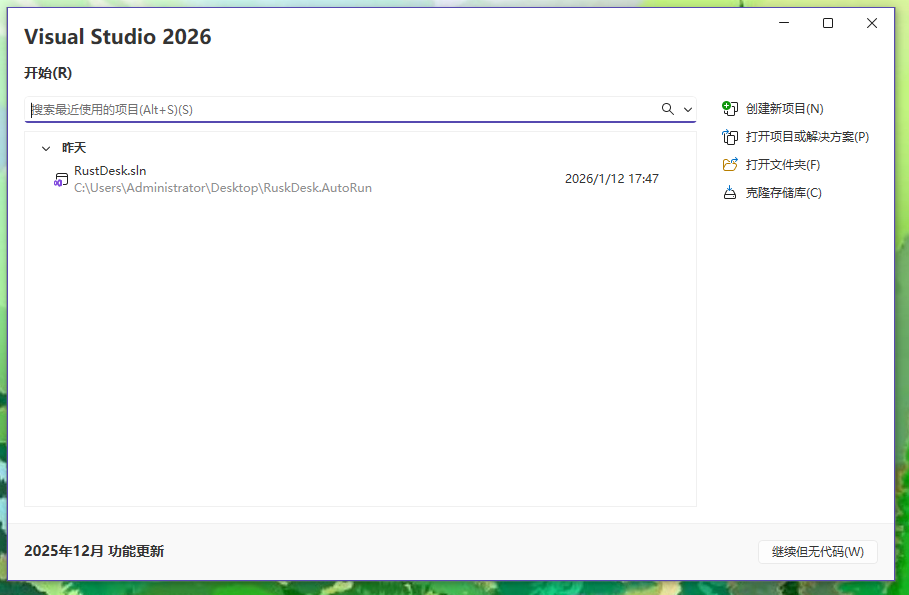
启动界面

image

image

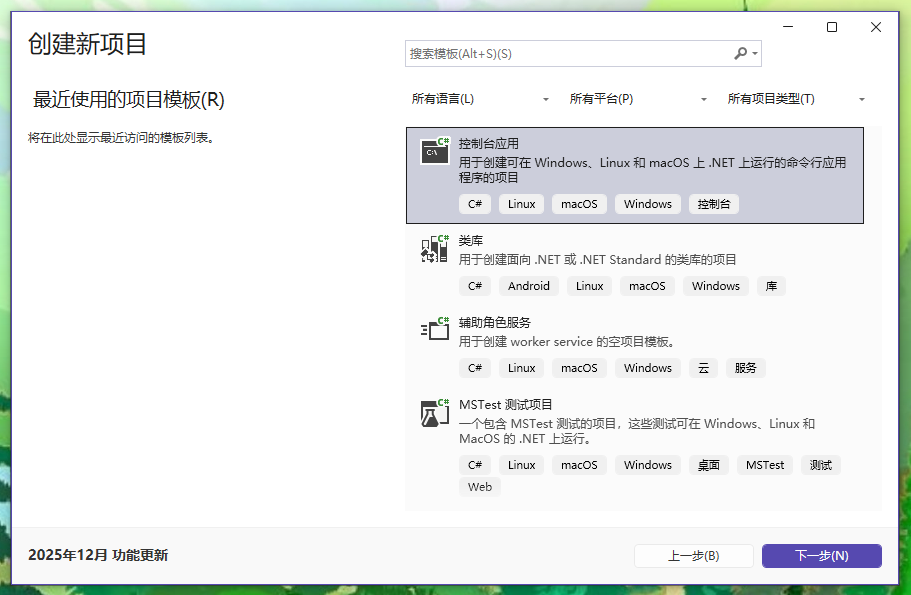
创建项目界面

image

主界面

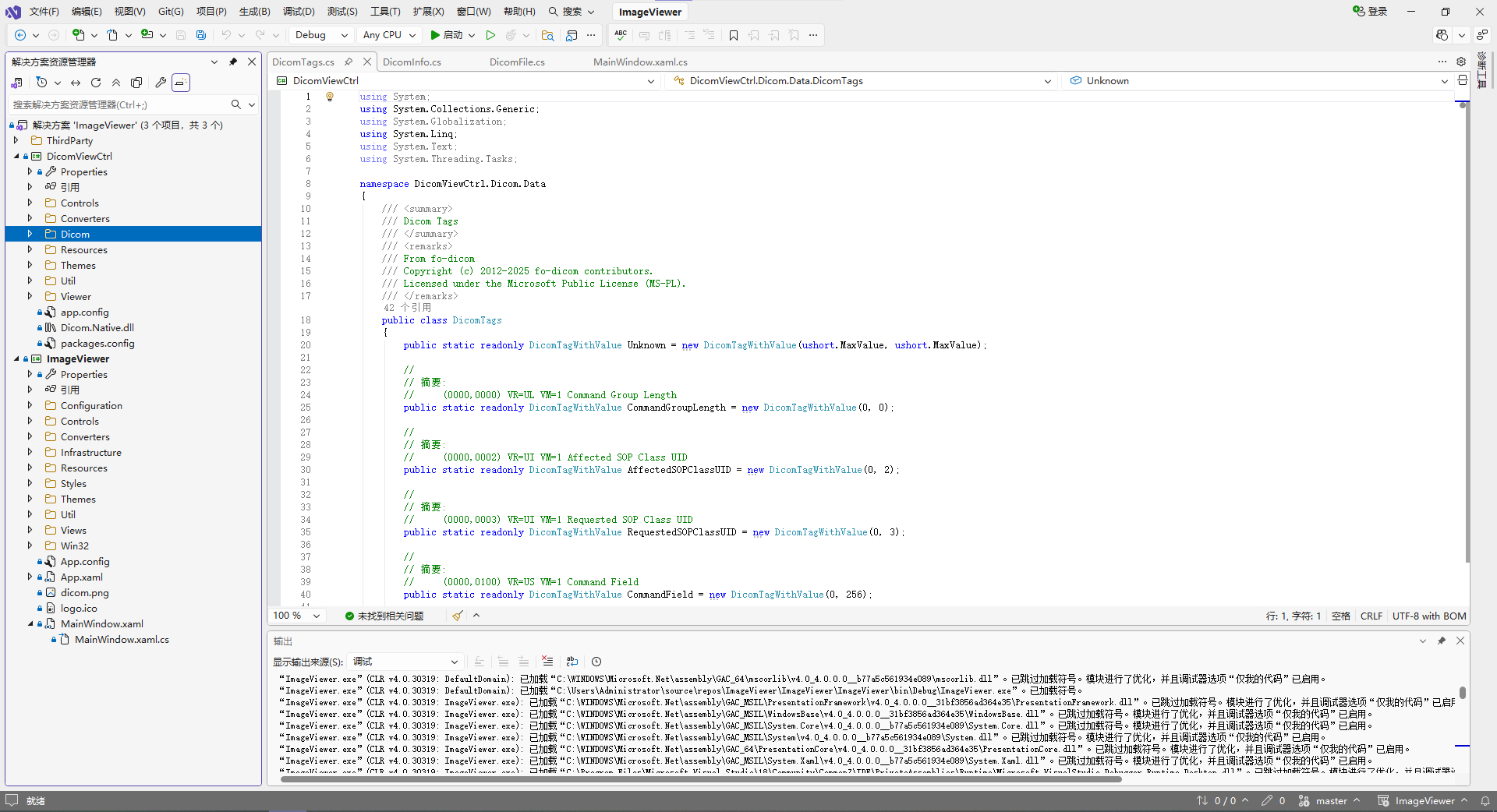
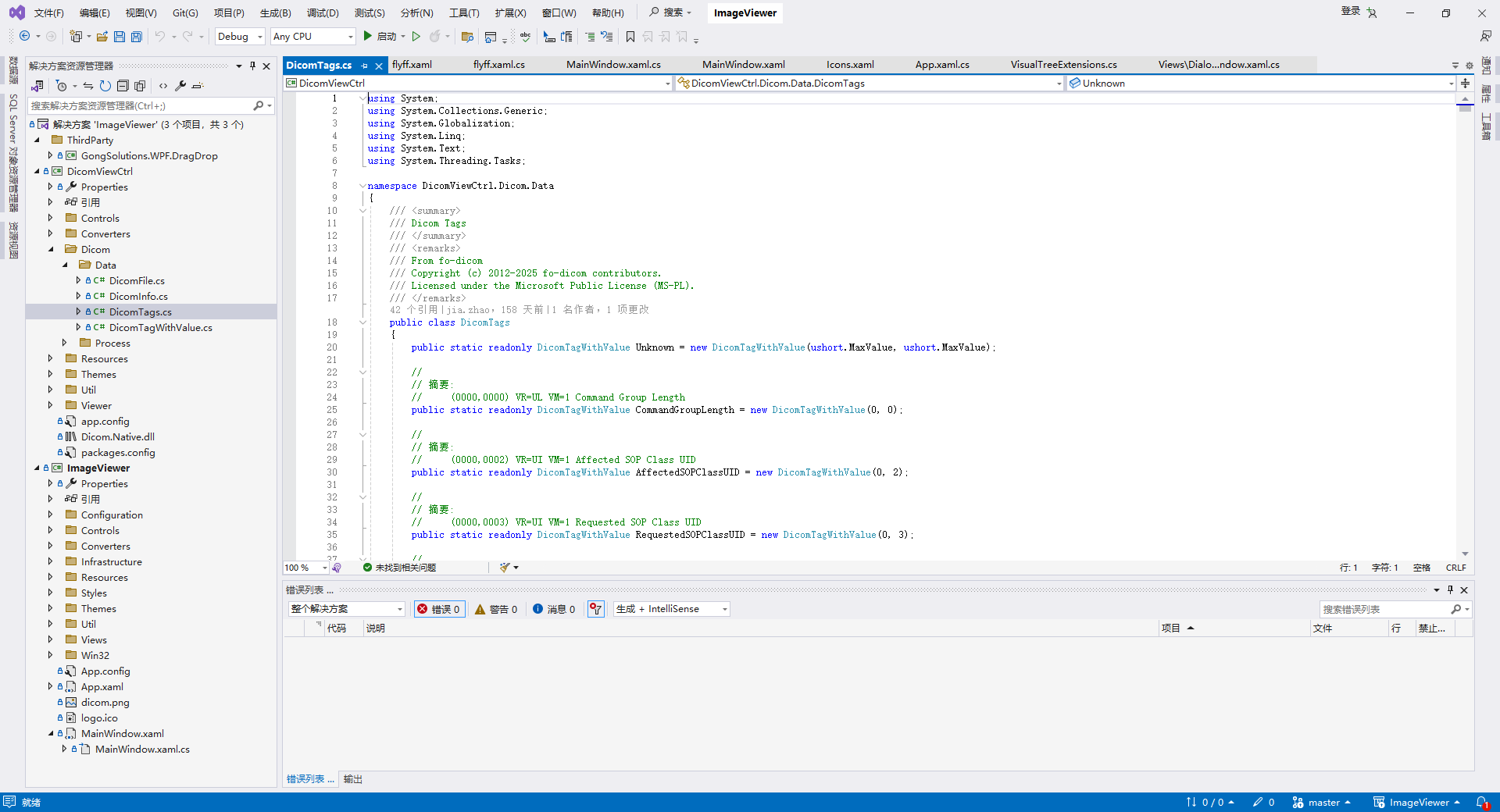
软件界面上来说,UI风格有较大的变化

image

 Visual Studio 2026

image

 Visual Studio 2022

图标更改

未命名

Visual Studio 2022     

        未命名

Visual Studio 2026

AI集成

image

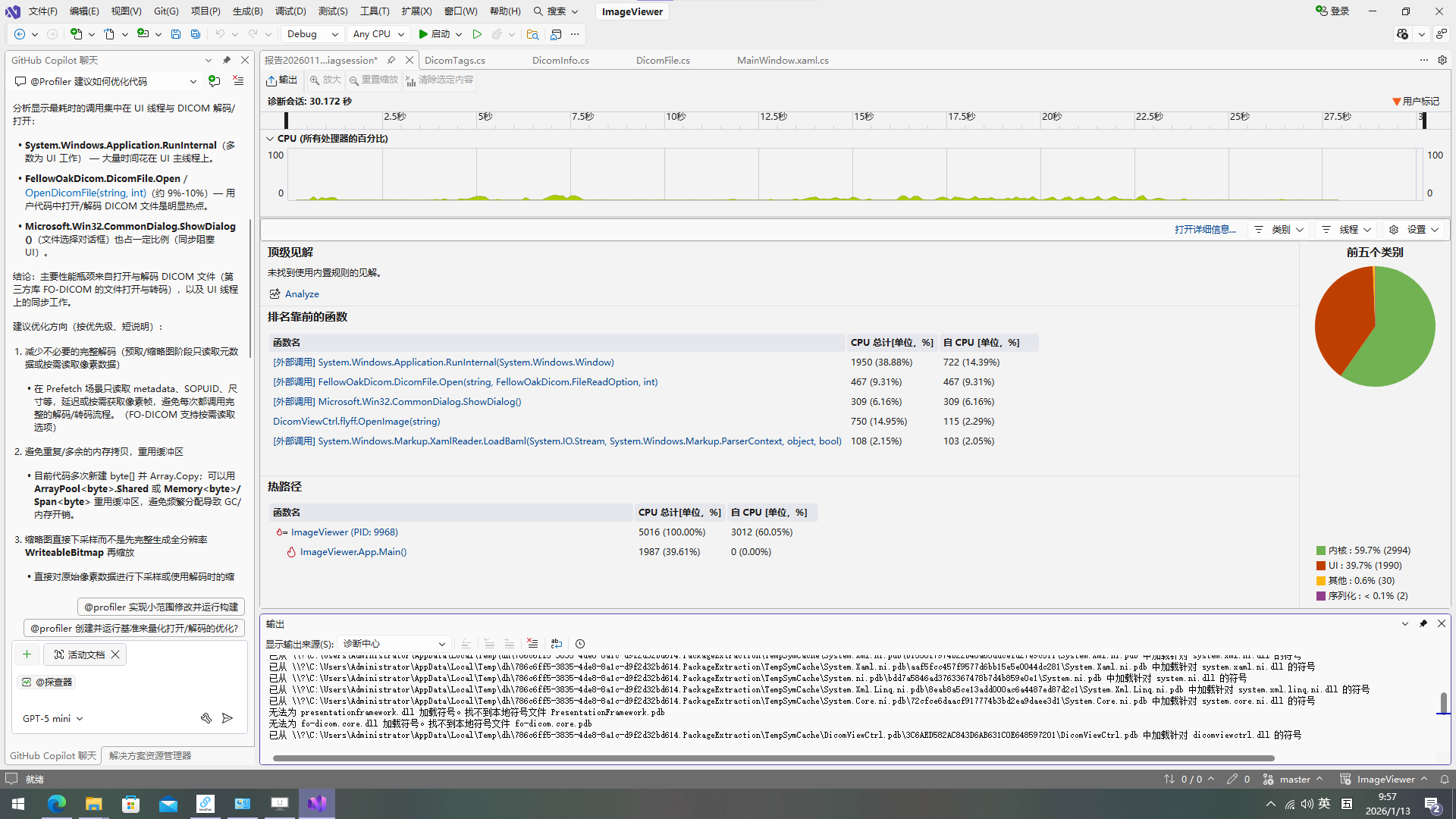
可以在Visual Studio中直接对话。

我这里体验了一下AI功能,让它帮我优化代码,他给出了很多准确的建议还进行了性能分析。

我这里并没有介绍很多Visual Studio 2026新功能,只是上手体验了一下

可以访问以下链接,查看Visual Studio 2026发行说明

https://learn.microsoft.com/zh-cn/visualstudio/releases/2026/release-notes

各位靓仔、靓女们,赶紧下载来体验吧