






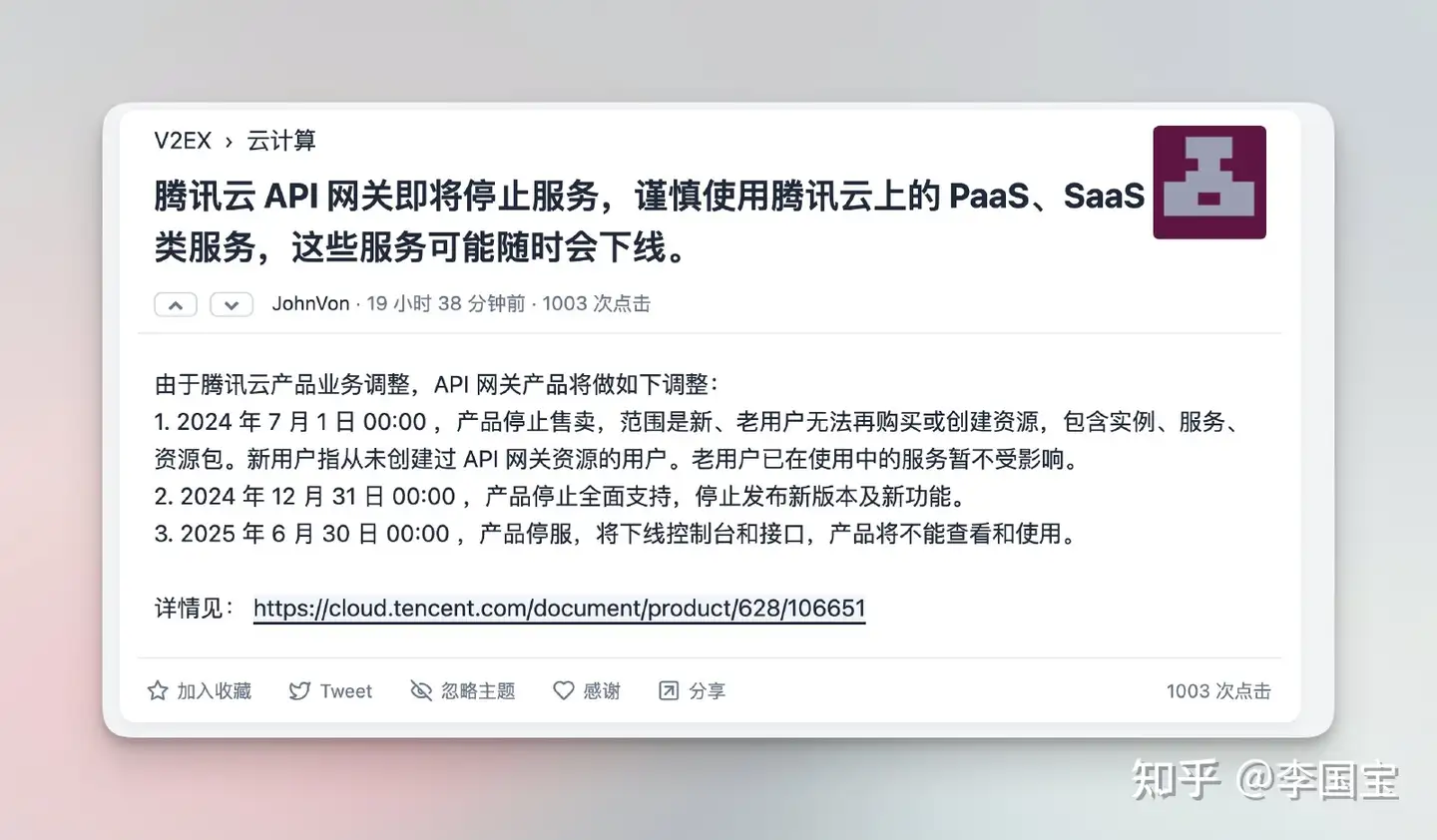

听过腾讯云API网关要下线了,之前的项目都(bu)是(shi)用的这个,现在要换成什么呢?
这玩意当年我还在白嫖腾讯云k8s master集群的时候,
某一次升级之后他们把k8s的service 切成了API网关,
然后开始要求我按量付费。
接着我就开始研究怎么把这个东西给替换掉~
到今天终于可以扬眉吐气了!!!
下面讲一下我的集群部署方案历史,管控窥屏~
这个方案跑了大概一年多左右,集群也开始收费了,美名曰管理费~
算下来一个月几十块,一年几百块,并不能接受这个价格。
遂,方案迁移~
自建集群嘛,什么方便什么来。
所以当年还写过这些文章:
妥妥算是他们的一个自来水了。
然而…
大概是在去年的时候,SuperEdge 微信群老群说迁移,新群加进去没人管了。
私聊了一下之前熟悉的技术,说项目进入维护状态了。
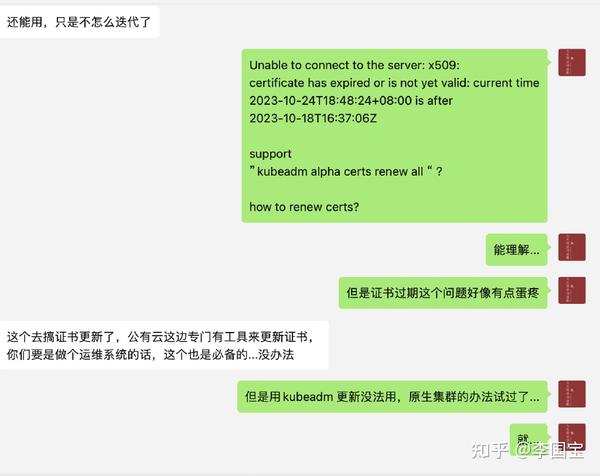
啧啧啧…
问题是,这玩意证书过期没法renew啊,我的集群直接崩了。
真心累了,国内的大厂的开源项目,大多逃不过KPI的命运。
玩不起不好进场,玩不转就只能被淘汰。
真的,再信国内的大厂开源项目,我就是猪头!!!
接着开始考察新的方案:
然后,发现 k3s 这个东西,真香~
部署方案见:知乎专栏:【k3s】年度最佳边缘计算集群方案
node节点大概如下:
NAME              STATUS                     ROLES                       AGE     VERSION
aliyun-bj-199     Ready                      <none>                      34d     v1.29.4+k3s1
haru              Ready                      <none>                      6d16h   v1.29.4+k3s1
t7610             Ready                      <none>                      6d2h    v1.29.4+k3s1
vm-16-12-ubuntu   Ready                      control-plane,etcd,master   75d     v1.28.7+k3s1
vm-28-17-ubuntu   Ready,SchedulingDisabled   control-plane,etcd,master   75d     v1.28.7+k3s1
zj-hc1            Ready                      <none>                      33d     v1.29.4+k3s1
在上面其实可以看到,master 节点就两台,vm-16-12-ubuntu 和 vm-28-17-ubuntu ,
两台机器在云端,内网互通,都有公网IP。(划重点)
其他的机器部分在本地,部分在其他云,部分在边缘设备上,内网互通,但是不一定有公网IP。
照着以前的逻辑,我们是需要一个API 网关,把流量转发到到worker节点上。
这也是现在某云的API网关的功能,但是我们现在没有了。
不过,没有了API网关,我们还有 ingress-nginx。
k3s 集群中,有公网IP的节点,其实都可以直接作为流量入口。
然后,我们可以通过 ingress-nginx 的配置,将流量转发到worker节点上。
需要的操作只是在 server or agent 启动的时候,加上 --node-external-ip 参数,指定公网IP。
 # server
ExecStart=/usr/local/bin/k3s \
    server \
	--node-external-ip 公网IP \
    --flannel-backend wireguard-native \
	'--tls-san' \
	'公网IP' \
	'--node-name' \
	'vm-16-12-ubuntu' \
	'--server' \
	'https://10.0.28.17:6443' \

# agent

ExecStart=/usr/local/bin/k3s \
    agent --node-name zj-hc1 \
    --lb-server-port 5443 \
    --node-ip 10.42.4.1  \
    -node-external-ip 公网IP \
    --server https://server:6443 \
    --token="YOUR_TOKEN" \
此时,这个节点的443端口和80端口就可以直接接受外部流量了。(当然,需要防火墙开放)
然后我们把对应的域名解析到这个节点的公网IP上,就可以直接访问了。
apiVersion: v1
kind: PersistentVolume
metadata:
  name: stirling-pdf
spec:
  capacity:
    storage: 30Gi
  accessModes:
    - ReadWriteOnce
  persistentVolumeReclaimPolicy: Delete
  storageClassName: local-storage
  local:
    path: /mnt/cfs-a4nopkhh/stirling-pdf
  nodeAffinity:
    required:
      nodeSelectorTerms:
        - matchExpressions:
            - key: kubernetes.io/hostname
              operator: In
              values:
                - zj-hc1
---
kind: PersistentVolumeClaim
apiVersion: v1
metadata:
  name: stirling-pdf
spec:
  accessModes:
    - ReadWriteOnce
  resources:
    requests:
      storage: 30Gi
  storageClassName: local-storage
---
apiVersion: apps/v1
kind: Deployment
metadata:
  name: stirling-pdf
  labels:
    app: stirling-pdf
spec:
  replicas: 1
  selector:
    matchLabels:
      app: stirling-pdf
  template:
    metadata:
      labels:
        app: stirling-pdf
    spec:
      containers:
        - name: stirling-pdf
          image: ccr.ccs.tencentyun.com/liguobao/s-pdf:ustc
          ports:
            - containerPort: 8080
          resources:
            requests:
              memory: "512Mi"
              cpu: "500m"
            limits:
              memory: "2048Mi"
              cpu: "1000m"
          readinessProbe:
            httpGet:
              path: /
              port: 8080
            initialDelaySeconds: 120
            periodSeconds: 60
          env:
            - name: DOCKER_ENABLE_SECURITY
              value: "false"
            - name: INSTALL_BOOK_AND_ADVANCED_HTML_OPS
              value: "false"
            - name: UI_APP_NAME
              value: "R2049 PDF"
            - name: ALLOW_GOOGLE_VISIBILITY
              value: "true"
            - name: LANGS
              value: "zh_CN"
            - name: APP_LOCALE
              value: "zh_CN"
          volumeMounts:
            - mountPath: /configs
              subPath: configs
              name: data
            - mountPath: /usr/share/tessdata
              subPath: tessdata
              name: data
            - mountPath: /customFiles/
              subPath: customFiles
              name: data
      volumes:
        - name: data
          persistentVolumeClaim:
            claimName: stirling-pdf
      imagePullSecrets:
        - name: regcred
      dnsPolicy: ClusterFirst
      restartPolicy: Always
      terminationGracePeriodSeconds: 30
---
apiVersion: v1
kind: Service
metadata:
  name: stirling-pdf-service
spec:
  selector:
    app: stirling-pdf
  ports:
    - protocol: TCP
      port: 8080
      targetPort: 8080
  type: ClusterIP
---
apiVersion: networking.k8s.io/v1
kind: Ingress
metadata:
  annotations:
    cert-manager.io/cluster-issuer: letsencrypt-prod
    kubernetes.io/tls-acme: "true"
  generation: 1
  name: ingress-pdf-house2048
spec:
  ingressClassName: traefik
  rules:
    - host: pdf.house2048.cn
      http:
        paths:
          - backend:
              service:
                name: stirling-pdf-service
                port:
                  number: 8080
            path: /
            pathType: Prefix
  tls:
    - hosts:
        - pdf.house2048.cn
      secretName: pdf-house2048-cn-tls
此内容由惯性聚合(RSS阅读器)自动聚合整理,仅供阅读参考。 原文来自 — 版权归原作者所有。