惯性聚合 高效追踪和阅读你感兴趣的博客、新闻、科技资讯
阅读原文 在惯性聚合中打开

推荐订阅源

酷 壳 – CoolShell
酷 壳 – CoolShell
H
Hacker News: Front Page
P
Palo Alto Networks Blog
T
ThreatConnect
Apple Machine Learning Research
博客园_首页
T
True Tiger Recordings
P
Privacy & Cybersecurity Law Blog
B
Blog
IT之家
IT之家
Last Week in AI
Last Week in AI
F
Full Disclosure
Hacker News: Ask HN
Hacker News: Ask HN
C
Comments on: Blog
Microsoft Azure Blog
C
Cybersecurity and Infrastructure Security Agency CISA
Microsoft Security Blog
博客园 - 【当耐特】
N
News and Events Feed by Topic
NISL@THU
NISL@THU
腾讯CDC
雷峰网
雷峰网
Security Latest
Security Latest
李成银的技术随笔
M
Microsoft Research Blog - Microsoft Research
L
LangChain Blog
L
Lohrmann on Cybersecurity
cs.CL updates on arXiv.org
C
Check Point Blog
Y
Y Combinator Blog
Recent Announcements
博客园 - Franky
N
News | PayPal Newsroom
V
V2EX
A
About on SuperTechFans
The Register - Security
月光博客
月光博客
奇客Solidot–传递最新科技情报
奇客Solidot–传递最新科技情报
Google Online Security Blog
MyScale Blog
MyScale Blog
Cisco Talos Blog
Cisco Talos Blog
Vercel News
Vercel News
WordPress大学
WordPress大学
C
Cyber Attacks, Cyber Crime and Cyber Security
The Hacker News
The Hacker News
IntelliJ IDEA : IntelliJ IDEA – the Leading IDE for Professional Development in Java and Kotlin | The JetBrains Blog
爱范儿
爱范儿
A
Arctic Wolf
L
LINUX DO - 最新话题
freeCodeCamp Programming Tutorials: Python, JavaScript, Git & More

博客园 - Pavilion

windows下安装mingw-w64,c/c++编译器 word 文档,高亮关键字,因 DOM 结构复杂(跨段落、跨表格、跨样式)导致滚动定位偏差问题解决方案 python 命令行参数修改 安装Mysql macd指标 pyCharm 设置 签名,时间 Pycharm 设置 flask 监听端口 Python 虚拟环境安装flask框架 Read timed out. Python虚拟环境 解决pip无法更新问题的简单方法:WARNING: You are using pip version 20.2.1; however, version 24.2 is available. pyqt5 列表内添加按钮 RequestsDependencyWarning: urllib3 (2.0.0.dev0) or chardet (3.0.4) doesn't match a supported version! RequestsDependencyWarning) - Pavilion PyCharm怎样添加Qt designer 十大排序算法 IntelliJ IDEA安装教程 JDK12的安装搭建 提交并发量的方法:Java GC tuning :Garbage collector VNPY加密教程(Python生成pyd文件) python 绘制点线
pycharm专业版的安装和破解教程
Pavilion · 2024-08-12 · via 博客园 - Pavilion

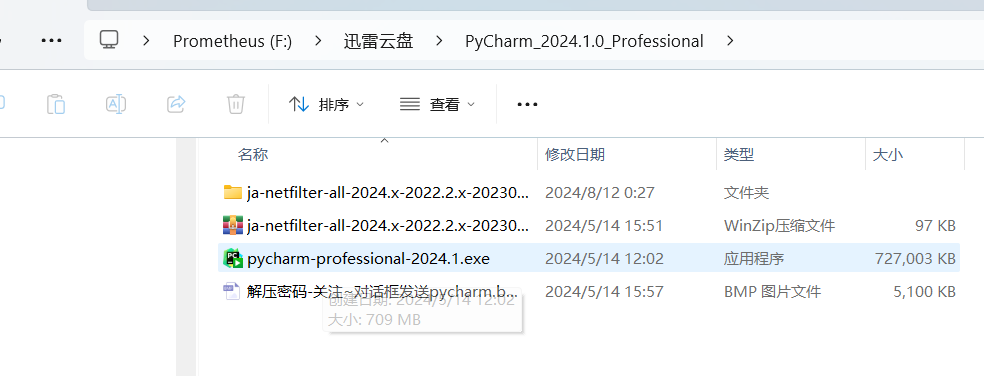
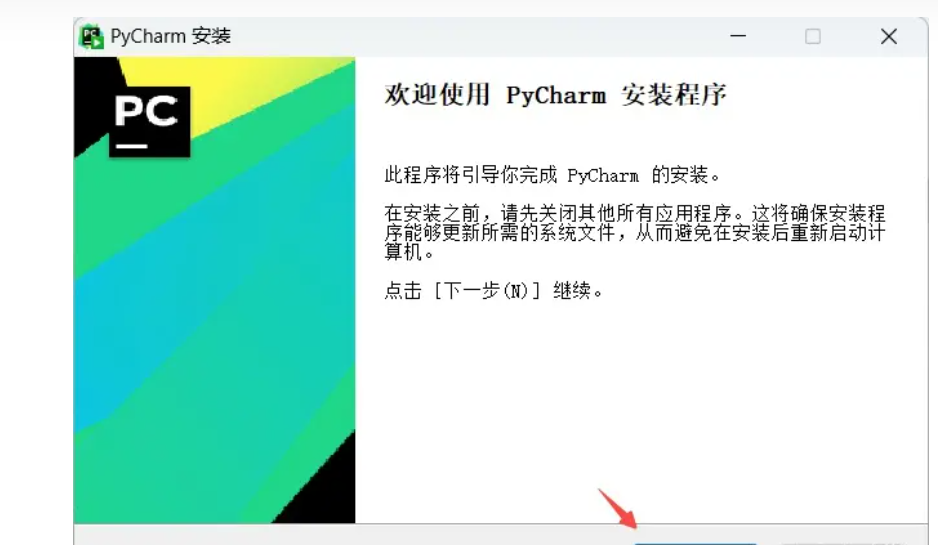
1. 下载资源后解压,以管理员身份运行pycharm-professional-2024.1.exe

解压码:520000

下载链接:https://pan.xunlei.com/s/VO41LIAJ5geCjsQuhaUTNRM8A1?pwd=tjwt#
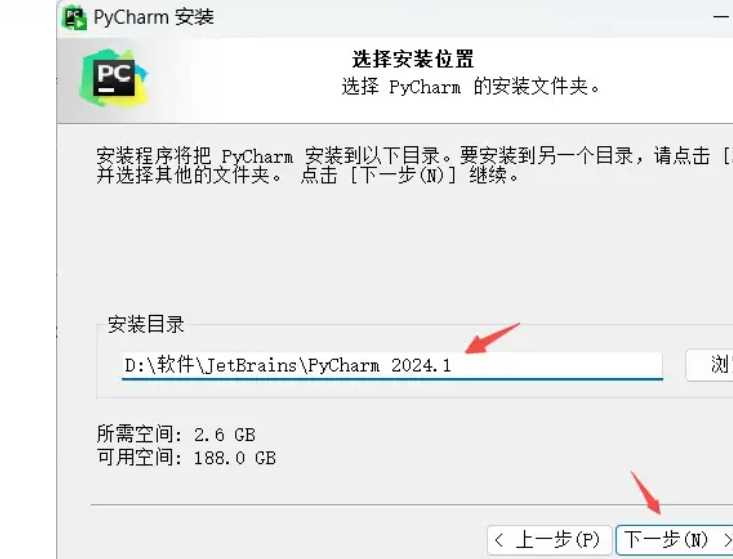
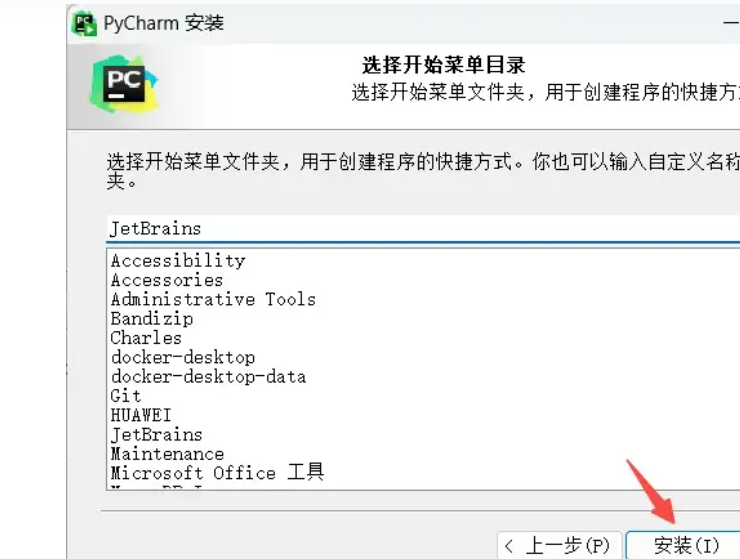
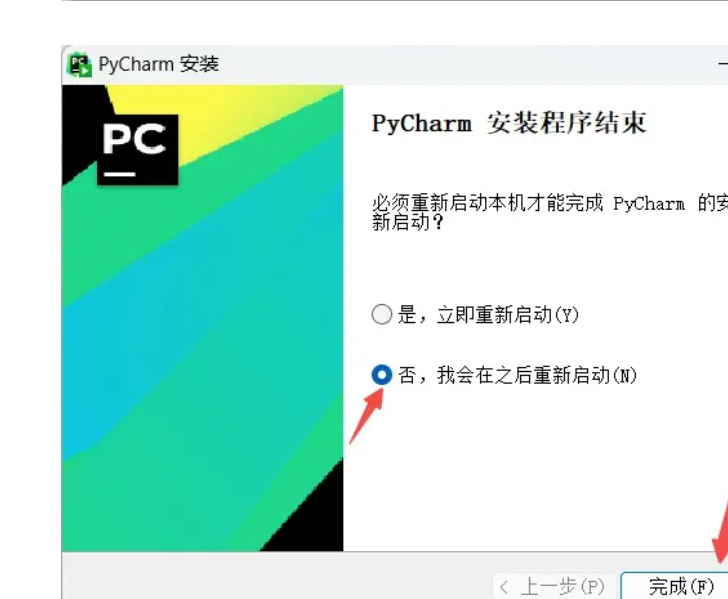
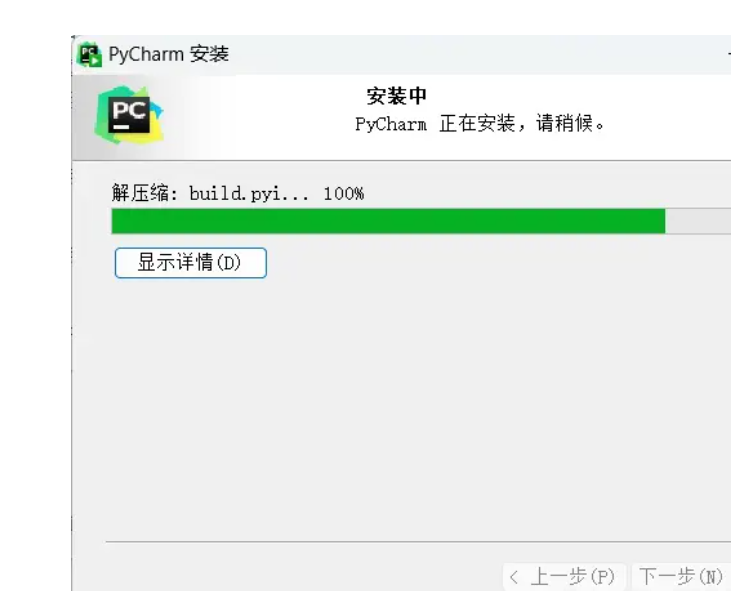
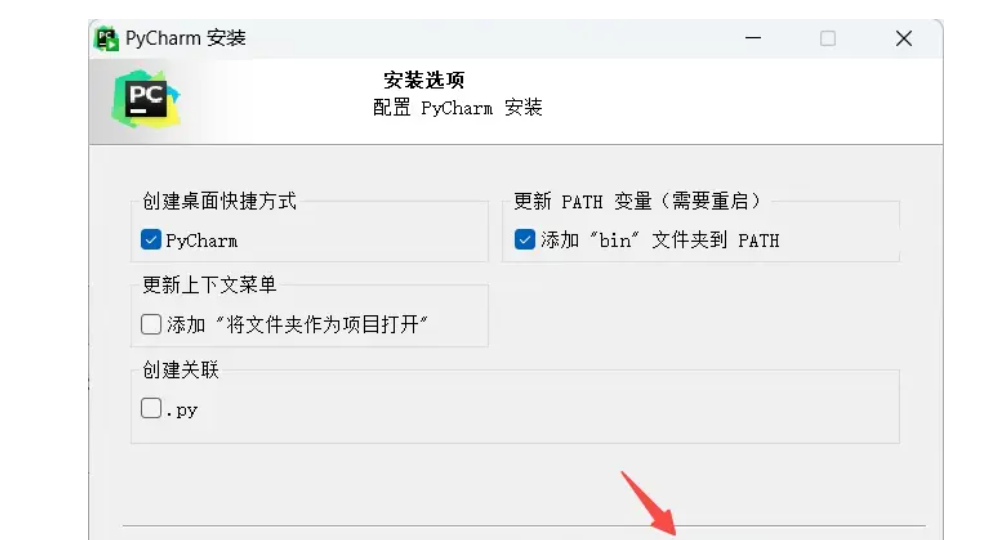
 2. 安装程序内:下一步 -> 设置安装目录(软件安装不推荐放c盘,可以改成别的盘),下一步 -> 根据需要勾选安装选项,下一步 -> 点击安装 -> wait a minute… -> 取消勾选运行,完成
激活流程:

1. 解压ja-netfilter-all-2024.x-2022.2.x-20230914.zip

2. 将解压后文件夹内jetbra文件夹复制粘贴到C盘的根目录,永久激活插件位置:C:\jetbra\scripts (不要删除或移动位置)
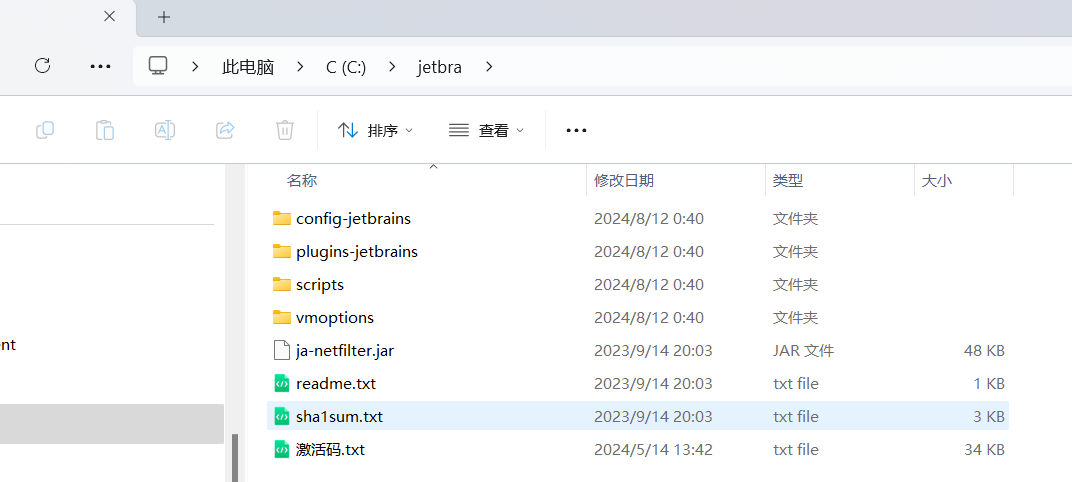
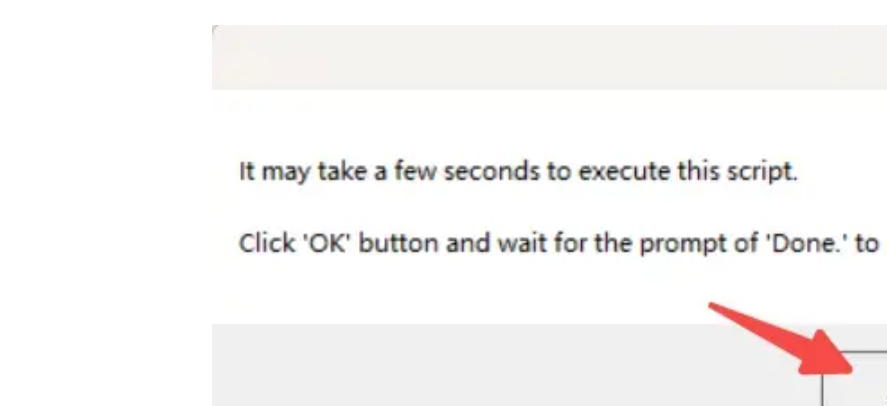
 3. 进入C:\jetbra\scripts,双击运行install-all-users.vbs,弹窗点击确定
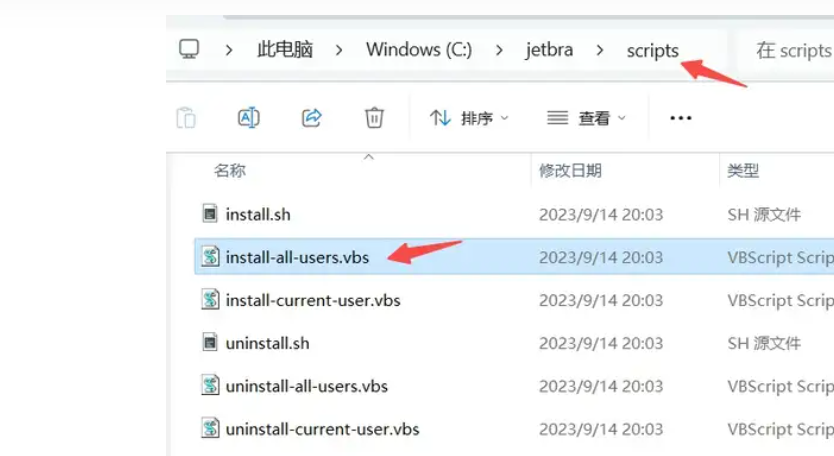
4. 等待… (大概几十秒到几分钟,中间没有任何窗口动画,执行完成才会弹出来,请耐心等待,弹出之后才进行下一步)弹窗内出现“DONE”,点击确定
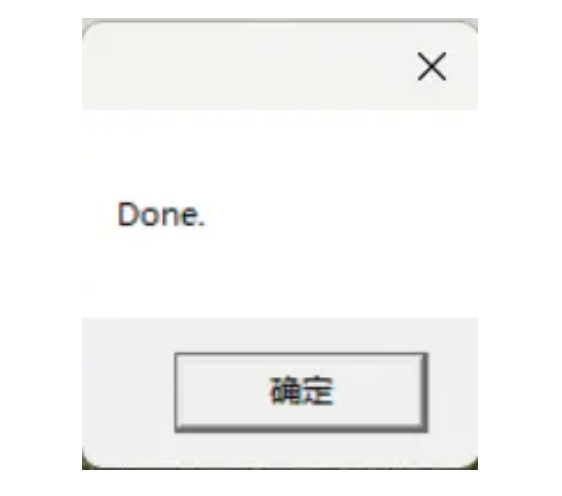
5. 启动pycharm,首次启动提示点击“Continue”-> Don't Send

6. Activate PyCharm
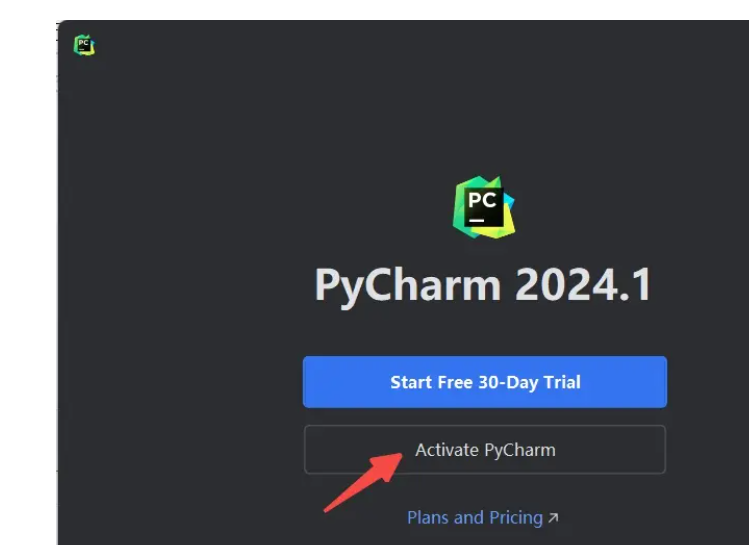
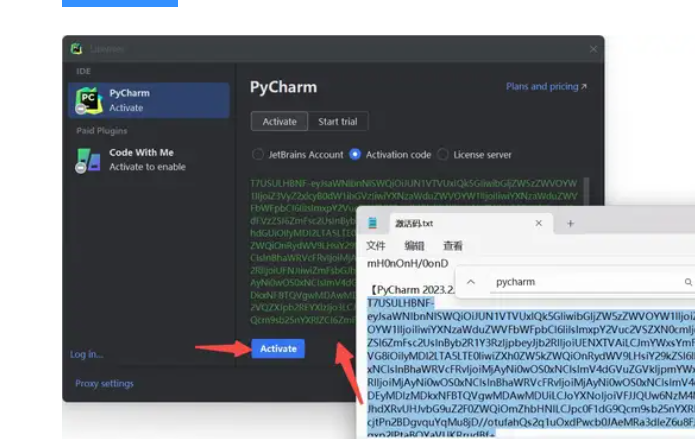
7. 打开C:\jetbra目录 激活码.txt,复制【PyCharm-2023.2.x】下面完整的激活码内容
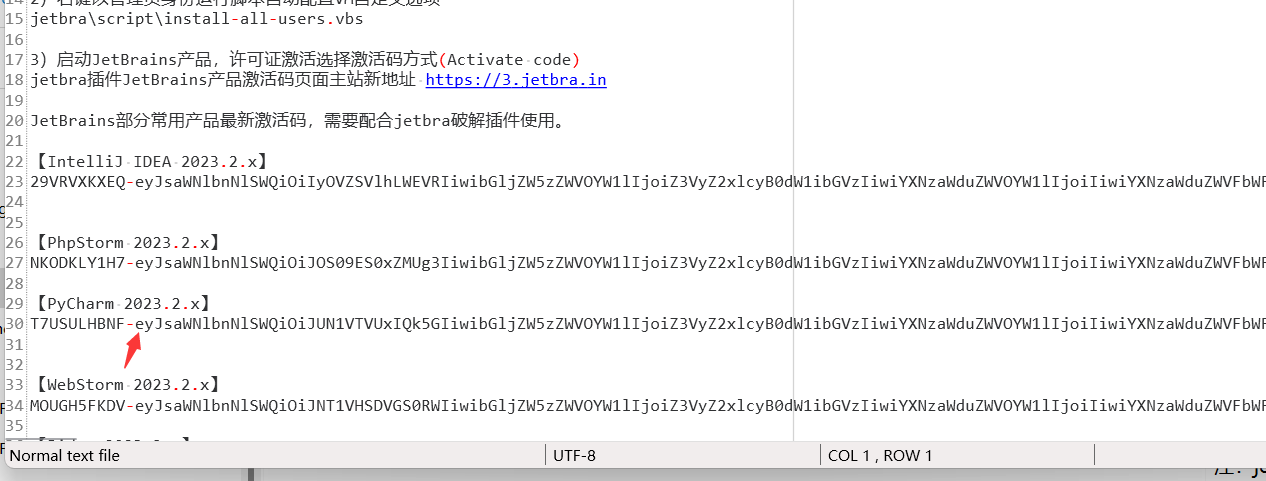
8. 回到PyCharm软件激活界面,选择激活码方式(Activate code),将激活码粘贴到框内,点击“Activate”

 9. 永久激活成功(有效时间忽略),点击Continue

汉化方法:

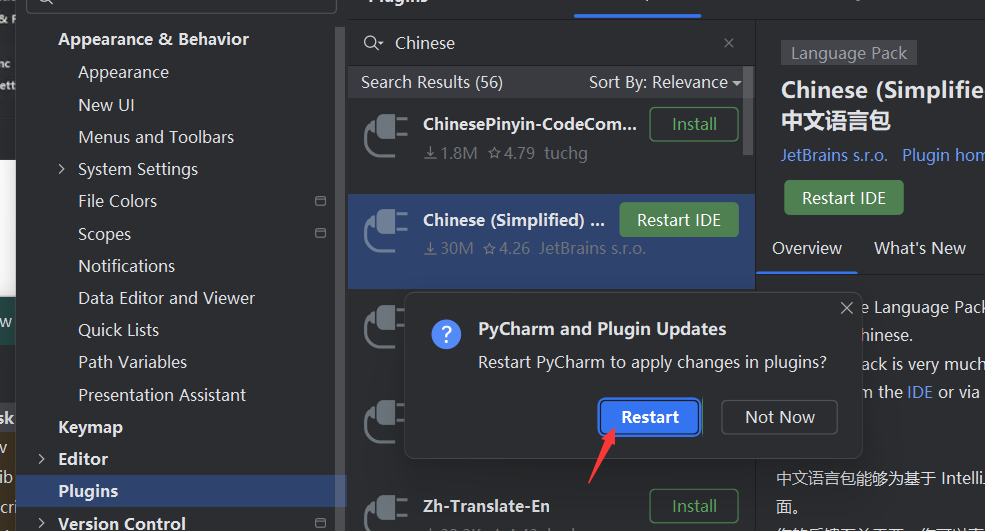
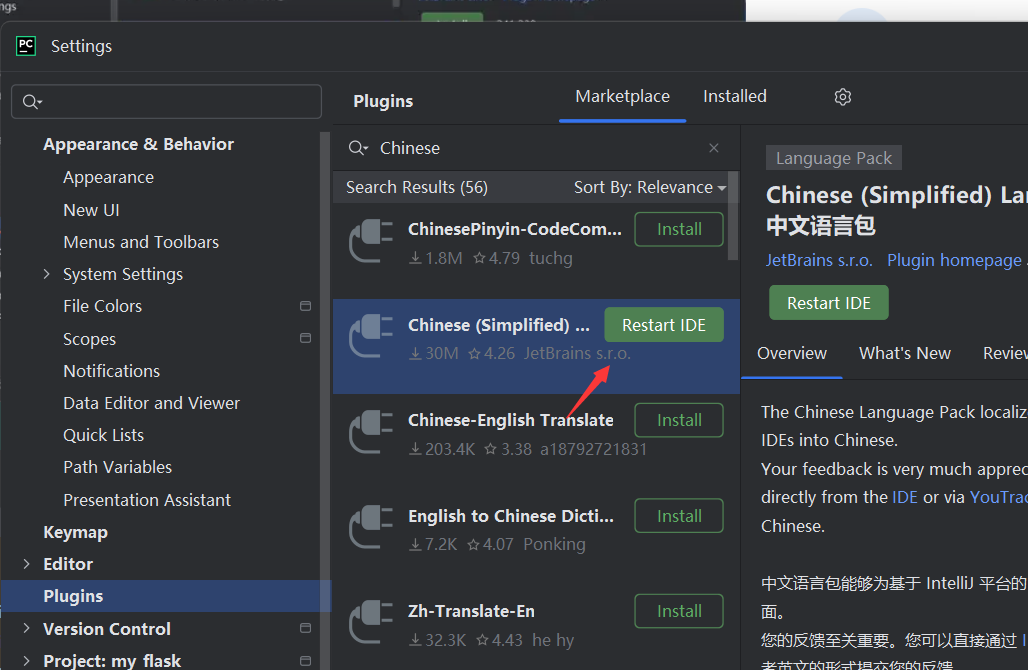
File -> Settings -> Plugins -> Marketplace -> 输入Chinese搜索 -> Chinese (Simplified) Language Pack / 中文语言包 -> 安装 -> 重启PyCharm
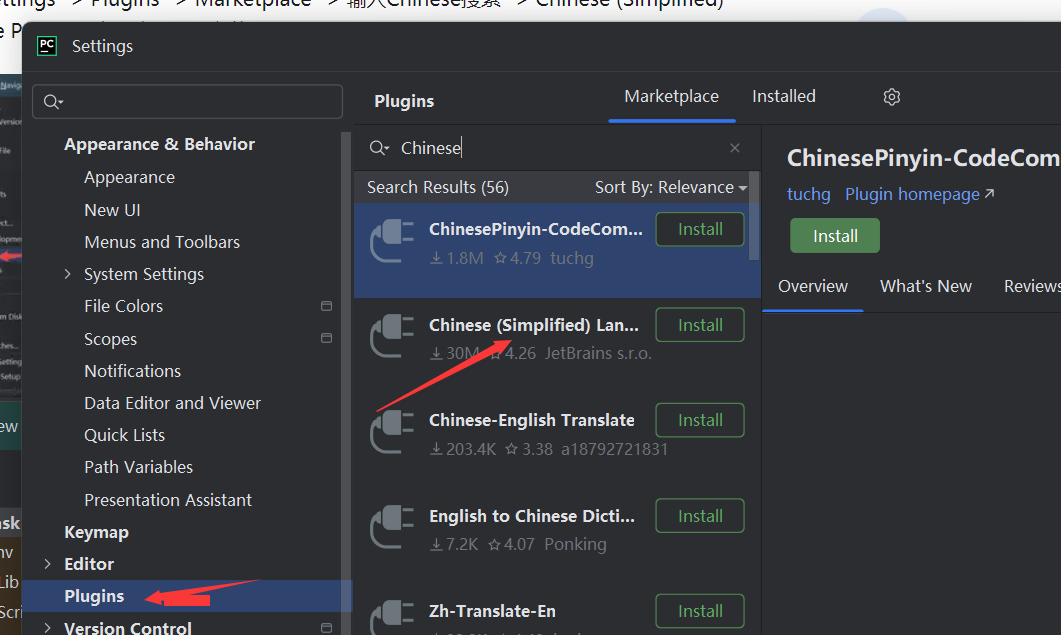
 学习来源:https://zhuanlan.zhihu.com/p/708109854