








For most of our customers, their database is the most critical piece of their infrastructure. On the rare occasion an issue comes up, the more information, the better. We recently shipped an improvement to the database page to make it easy to find out if there are any issues with PlanetScale itself. Any time there’s an update to our status page, you’ll now also see it in the UI as well.
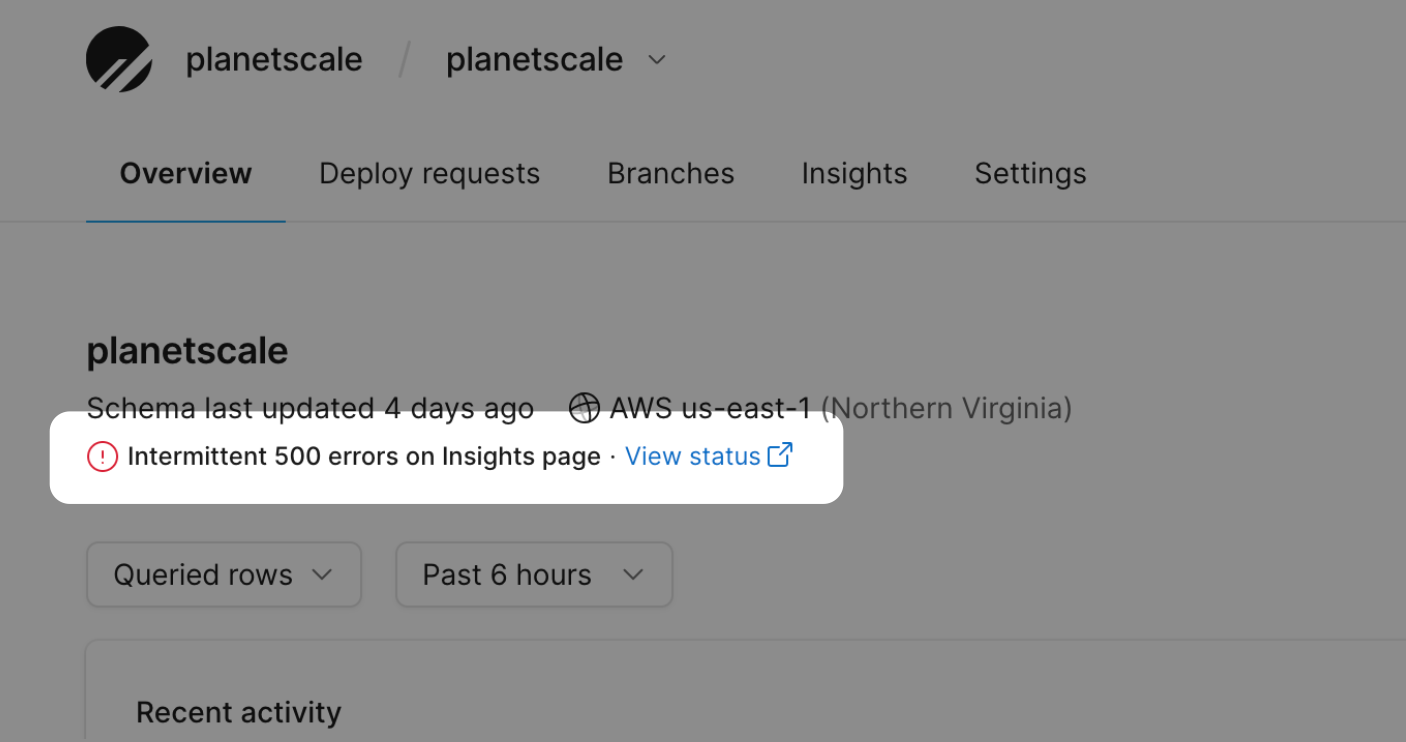
How we built it
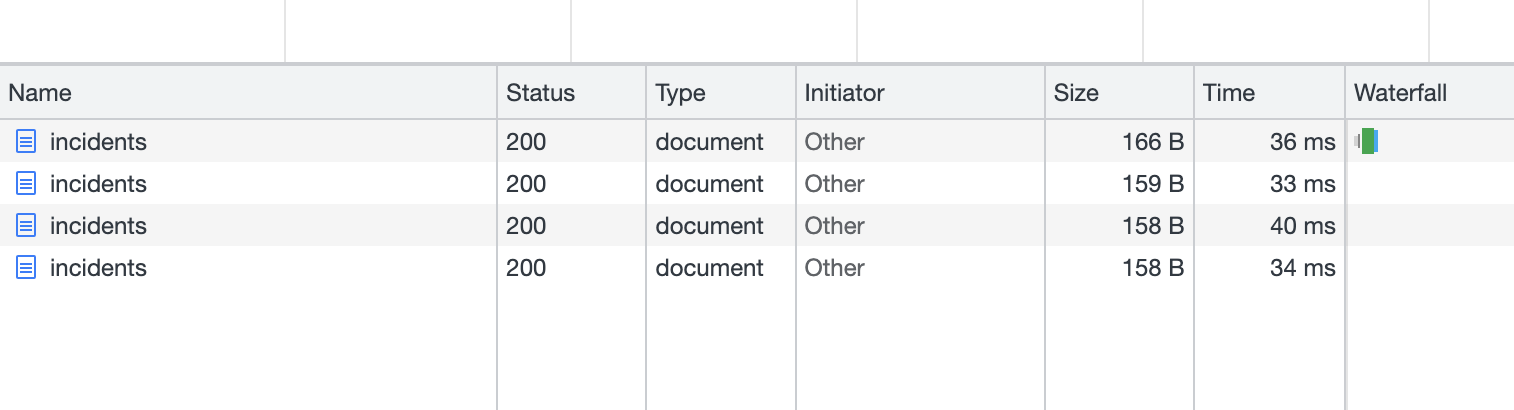
The PlanetScale dashboard is a Next.js app backed by a Ruby on Rails API. We felt this would be the perfect opportunity to make use of Vercel's new edge functions. This would allow us to proxy our status page API and cache it for super fast ~30ms response times.
If you use StatusPage, you could adapt this code to implement the same component in your own applications.
The Edge function
export const config = {
  runtime: 'experimental-edge'
}

export default async () => {
  const res = await fetch('https://www.planetscalestatus.com/api/v2/incidents/unresolved.json')
  const json = await res.json()
  let incident = json?.incidents?.[0] || {}

  if (incident) {
    incident = { ...incident, url: `https://www.planetscalestatus.com/incidents/${incident.id}` }
  }

  return new Response(JSON.stringify({ ...incident }), {
    status: 200,
    headers: {
      'content-type': 'application/json',
      'cache-control': 's-maxage=1, stale-while-revalidate'
    }
  })
}
Take note of the cache-control header. This is an important detail that instructs Vercel to serve our users with the response from their cache while updating the cache in the background.
This ensures users always get a super fast response, and the data is up-to-date as well. It works perfectly for this use case.
The React component
In our UI, we hit the edge function to check for any statuses, and then display the most recent one, if available.
import React from 'react'
import useSWR from 'swr'
import { SWR_OPTIONS, fetchSWR } from '@/utils/api'
import Icon from './Icon'
interface Incident {
id: string
url: string
name: string
}
const IncidentStatus: React.FC = () => {
const { data } = useSWR<Incident>(['/api/incidents', SWR_OPTIONS], fetchSWR)
if (!data?.id) {
return null
}
return (
<div className='flex items-center gap-x-sm text-sm'>
<Icon name='alert-circle' className='text-red' />
<span className='font-medium'>{data.name}</span>
·
<a href={data.url} className='flex items-center' target='_blank' rel='noreferrer'>
View status
<Icon name='external-link' />
</a>
</div>
)
}
export default IncidentStatus
Let’s connect
We hope this addition is helpful to your workflow. At PlanetScale, we’re users of our own product, so we’re constantly trying to figure out new ways to improve developer experience, both for you and ourselves.
If you have any feedback or questions, we’d love to hear from you. You can contact us or find us on Twitter.