










Have you heard about MySQL replication but aren’t sure exactly why you should care?
Having multiple servers for any workload is typically considered best practice. After all, a workload split across multiple servers helps balance out the performance of any application. When it comes to working with your database, though, the benefits may not be as clear.
In this article, you’ll learn about five real-world use cases for implementing MySQL replication.
What is MySQL replication?
Before we get into its use cases, let us briefly describe what MySQL replication is.
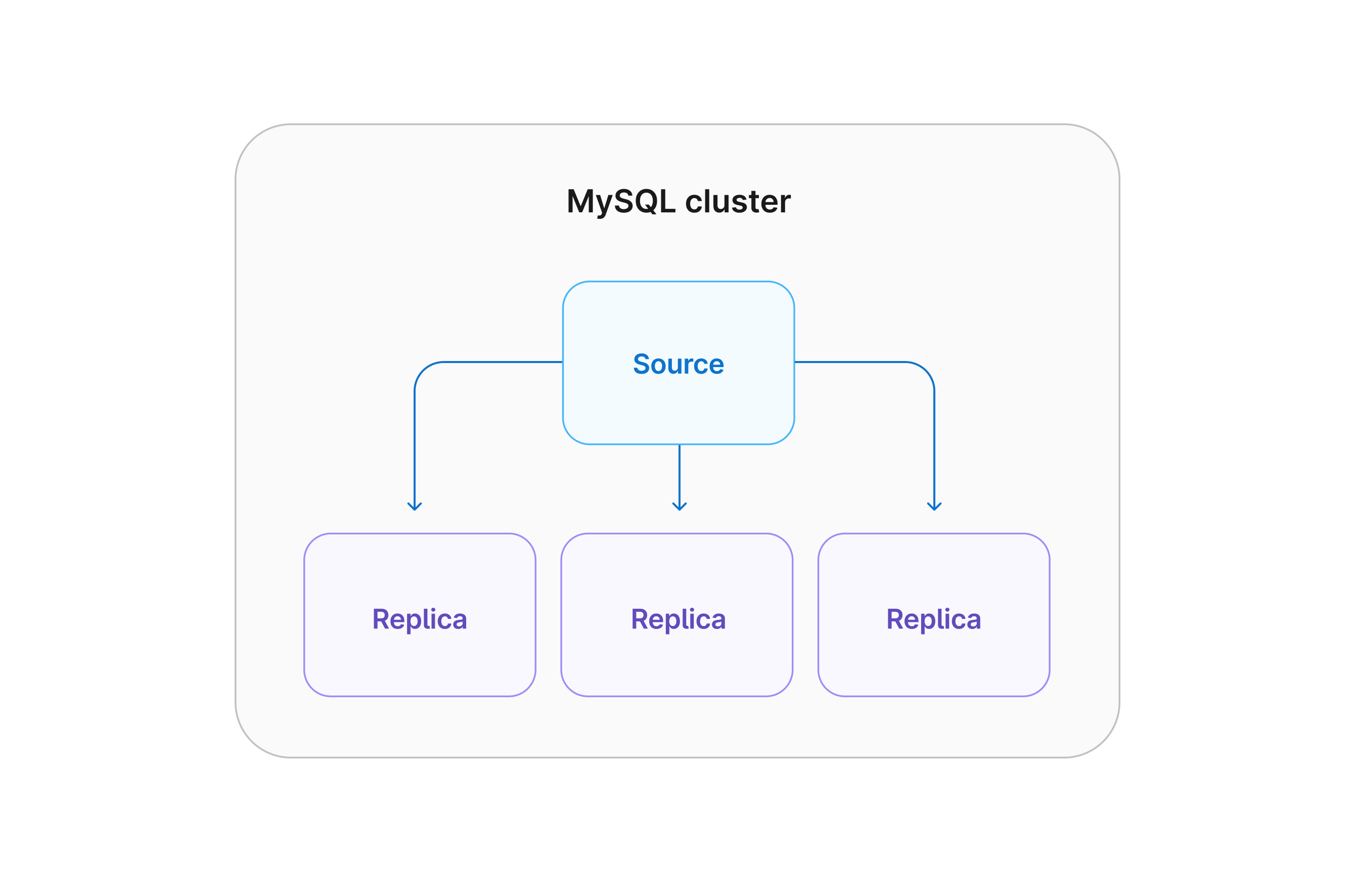
MySQL replication is a process that is used to keep multiple MySQL servers in sync. When you first set up a MySQL environment, it is typically with a single server to run your databases. One approach to scaling your database environment is to configure additional servers to contain copies of your database (replicas) that match the primary MySQL server (source).
As data is updated, written to, or deleted from the source, those changes are also dispatched to the replicas.
MySQL replication use cases
Now that we've defined database replication, let's look at when you should use it. The following are some common scenarios where you may consider database replication for improved performance: read-only connections, backups, analytical workloads, high availability, and planned upgrades.
Read-only connections
While a MySQL cluster can contain multiple active database servers, replication is typically configured in an active/passive configuration.
In this setup, the "active" server is the one that all requests will be sent to by default, and the "passive" servers are replicas that contain a read-only copy of the database. While you can't make changes to read-only replicas, you can still connect to them to read data.
Many applications are more read-heavy vs write-heavy. In these applications, setting up a read-only connection can help balance the load between the database servers, leading to higher performance overall. One thing to be aware of is that there may be some delay between replication, so keep this in consideration if your application requires that the data be immediately available after being written.
Backups
Backing up your database is critical and should not be taken lightly.
If something happens and your data gets corrupted or modified unintentionally, good backups can be the difference between your application going down for a period of time or your business collapsing. As important as backups are, they can create a substantial load on your database server. Since replicas typically contain a copy of your database, you can configure your backup system to take a snapshot of a replica.
This can reduce the load on your overall database infrastructure, reducing any kind of performance hit users might see while backing up your database.
Analytical workloads
In analytics solutions, the data from your database is often scanned at a specific point in time and transferred to a data warehouse.
While the process occurs, users of your database may notice performance degradation while data is being parsed into the data warehouse. Replicas are an excellent solution to get around this performance hit. By configuring your analytics solutions to read a replica and not the primary database server, users of your application won’t be affected by this process.
This (and the previous use cases) can be performed on one or even multiple replicas!
High availability
Deviating from read-only workloads, a well-architected replicated environment can help your application stay online.
It’s inevitable that all hardware will fail at one point or another, and your database server is no exception. Even if you have good backups, if your database goes down and it takes several hours to stand up a new server and restore the data, you’re still looking at a potentially lengthy outage. Luckily, with replication enabled, it's as simple as performing a configuration change on a replica to promote it to a new primary server, allowing for data writes.
Paired with a good load-balancing solution, you can potentially bring your database back online in minutes instead of hours or even days!
Planned upgrades
As new versions of MySQL are released, your IT teams should have a strategy to keep your servers updated with the latest version.
In a single-server environment, this often includes maintenance windows where your application is taken offline so the database can be updated. If you have replication configured, you can actually test and validate upgrades on your replicas to ease the pain of performing upgrades. This can also facilitate a rolling upgrade situation where your replicas are upgraded, a replica is promoted to the primary, and finally, the original source is updated.
With this approach, you can perform major upgrades to your MySQL environment with little to no downtime.