惯性聚合 高效追踪和阅读你感兴趣的博客、新闻、科技资讯
阅读原文 在惯性聚合中打开

推荐订阅源

Latest news
Latest news
T
The Blog of Author Tim Ferriss
T
Tailwind CSS Blog
Cyber Security Advisories - MS-ISAC
Last Week in AI
Last Week in AI
Y
Y Combinator Blog
雷峰网
雷峰网
V
Visual Studio Blog
freeCodeCamp Programming Tutorials: Python, JavaScript, Git & More
Vercel News
Vercel News
博客园_首页
P
Palo Alto Networks Blog
www.infosecurity-magazine.com
Stack Overflow Blog
Stack Overflow Blog
Threat Intelligence Blog | Flashpoint
N
News and Events Feed by Topic
博客园 - Franky
Webroot Blog
Webroot Blog
L
LINUX DO - 热门话题
Exploit-DB.com RSS Feed
G
GRAHAM CLULEY
OSCHINA 社区最新新闻
OSCHINA 社区最新新闻
H
Help Net Security
T
Threat Research - Cisco Blogs
AWS News Blog
AWS News Blog
WordPress大学
WordPress大学
N
News | PayPal Newsroom
Hugging Face - Blog
Hugging Face - Blog
小众软件
小众软件
Forbes - Security
Forbes - Security
The Cloudflare Blog
大猫的无限游戏
大猫的无限游戏
奇客Solidot–传递最新科技情报
奇客Solidot–传递最新科技情报
The Hacker News
The Hacker News
P
Proofpoint News Feed
D
Darknet – Hacking Tools, Hacker News & Cyber Security
C
Cisco Blogs
V
V2EX
Know Your Adversary
Know Your Adversary
博客园 - 三生石上(FineUI控件)
GbyAI
GbyAI
F
Full Disclosure
S
Securelist
O
OpenAI News
Jina AI
Jina AI
U
Unit 42
罗磊的独立博客
L
Lohrmann on Cybersecurity
H
Heimdal Security Blog
NISL@THU
NISL@THU

wp-1click.com

Local SEO Strategies in WordPress for Better Rankings 5 Best WordPress CRM Plugins for Better Customer Management 5 Best WordPress CDN Plugins to Speed Up Your Website in 2026 9 Best Ecommerce Plugins for WordPress in 2026 (Expert Guide) Cybersecurity in Financial Services: 5 Best Practices Financial Companies Must Follow What is WordPress Plugins: A Complete Guide for Beginners 6 Ways a Crypto Dedicated Server Improves WordPress Site Performance SQL Window Functions Explained: Syntax, Examples & Best Practices SEO Tips For Video Marketing To Improve Your Content Performance Top 5 WordPress Survey Plugins for Creating Engaging Surveys Why Fintech Products Fail Adoption Despite Strong Technology How to Show a Promotion on LinkedIn and Improve Post Visibility What Is a Checksum? How It Works, Types, and Limitations 7 Best WordPress Backup Plugins in 2026 (Compared & Ranked) Best WordPress Search Engine Plugins to Improve Your Site Search On-Page vs Off-Page SEO: What's the Difference and Why It Matters 10 Best WordPress Translation Plugins for a Multilingual Website Best Coding Kata Sites in 2026: Top 7 Platforms for Sharper Programming Skills Getting Started with Rust Programming Language in 2026 GuestPostCRM Launching Soon: A Smarter Way to Manage Guest Posting Campaign Drop Down Info Plugin for WordPress: Features, Benefits, and Setup Guide Best WordPress Booking Plugin Options to Streamline Your Business Custom Web Development Services for Modern Businesses: Handy Guide What Is a Runtime Environment? A Complete Guide for Beginners and Developers Plugins Not Working Minecraft? Common Causes & Easy Fixes Top Cybersecurity Bootcamp Courses to Kickstart Your IT Security Career 15 Top Programming Tutorials to Learn Coding Faster Database Design Patterns Every Developer Should Know WordPress vs Weebly: Which Website Builder Is Better? WordPress vs Bluehost: Which Web Hosting Platform Is Right? Top 10 Best SEO Plugins for WordPress in 2026 WordPress vs Blogger: Which Blogging Platform Should You Choose? WordPress vs Joomla: Choosing the Right CMS for Business - wp-1click.com 30 Best Coding Challenges for Beginners (With Solutions) WordPress vs Drupal: Which CMS Is Right for Website in 2026? How to Change IP for a Minecraft Server WordPress vs WooCommerce: Which Platform Is Best for Website Best GoDaddy Alternative Domain Registration in 2026 Plugin Not Working in WordPress: Easy Way to Fix It WordPress vs Wix: Which Platform Is Better in 2026? (Complete Guide) Webflow vs WordPress: What to Choose for a Better Website Development in 2026 How to Change SQL Server System Admin: A Complete Guide for 2026 Localhost WordPress: A 2026 Guide to Local Development how to make a clickable phone number in WordPress Is WordPress Multisite One Theme or Multiple Top 10 Best Email Extractor Websites for Marketers 2026 How to install WordPress What is WordPress: Beginner's Guide to the Best CMS Understanding WordPress 6.5: New Plugin Capabilities How to Connect a Domain to a WordPress Website | WP-1Click Is Your WordPress Website Slow? And How to Fix It How to Install WordPress on Laragon (Step-by-Step Guide for Beginners) How to Migrate WordPress Website to Another Hosting WordPress 6.9 Broke Slider Revolution: Causes, Fixes & Recovery Guide How to Secure a WordPress Site in 2026 (Step-by-Step Guide) How to Make a Website Mobile Friendly | WP-1Click How to Find Your WordPress User ID Number (5 Methods) – 2026 Guide - wp-1click.com
Top 11 SEO Internal Links Plugins for WordPress in 2026
ashu_masih · 2026-06-17 · via wp-1click.com

The article explores the top 11 internal links plugins for WordPress. It also explains the meaning and benefits of internal linking plugins, and how to choose an ideal plugin for your business. 

In managing a website in WordPress, internal linking remains one of the most powerful and underutilized SEO strategies. Many websites mainly focus on backlinks and keyword optimization, while internal links play a crucial role in helping search engines understand the structure of the site, distribute link equity, and enhance user navigation.  

With the growth of a website, managing internal links has become increasingly difficult. This is where the internal linking plugins for WordPress come into play. The plugins automate link suggestions, along with identifying orphan pages, and help create a stronger content architecture, which helps boost ranking and user engagement. 


What are Internal Linking Plugins?

On a website, internal linking plays a crucial role in SEO, as it helps search engines discover and understand the content, while guiding visitors towards related pages. A strong internal linking strategy also helps in significantly improving crawlability, distributing page authority across your website, and increasing user engagement.  

Internal linking plugins are a type of specialized WordPress tool that is designed to help website owners efficiently create, manage, and optimize links between pages and posts within the same website. The plugin helps eliminate manual effort by adding links to related content. These plugins can also identify linking opportunities, suggest relevant pages, automate internal link placement, and monitor the linking structure of the website. 


Key Features: 

The internal linking plugins for WordPress offer various key features, such as: 

  • Automatic internal link creation based on keywords. 
  • AI-powered recommendations.  
  • Orphan page detection. 
  • Anchor text management. 
  • Link performance tracking. 
  • Related content suggestion. 

Benefits of Internal Linking Plugins

The internal linking plugins for WordPress offer a wide range of SEO and user experience benefits. The plugin simplifies the entire process of connecting related content across the website.  

Some of the key benefits of internal linking plugins for WordPress are as follows: 

  • Improves Search Engine Crawling and Indexing: The plugin helps ensure that important pages are connected throughout the website. It also makes it easier for search engines to locate and index the content.  

Internal linking works even better when paired with performance optimization tools. Many website owners also use WordPress CDN plugins to improve page loading speed and ensure search engines can crawl content efficiently. 

  • Distribute Link Authority: The plugin helps create strategic connections between content, ensuring link equity is distributed more effectively throughout the site.  
  • Identifies Orphan Pages: The internal linking plugin for WordPress helps in quickly identifying orphan content and recommends linking opportunities. 
  • Strengthens Topical Authority: The plugin helps build a content cluster as it connects related pages around a specific topic. This signals expertise and relevance to search engines, improving the ranking of the website.

For example, a website publishing content around customer feedback or a WordPress survey plugin can use internal linking to connect related guides, tutorials, and plugin reviews, helping search engines better understand topical relevance. 


Top 11 Internal Linking Plugins for WordPress

Choosing the right internal linking plugin offers significant benefits in improving the SEO performance and content management workflow of the website. The ideal plugin helps discover linking opportunities, identify orphan pages, and improves the overall structure of the website. 

The top 11 internal linking plugins for WordPress are listed below:

1. Link Whisper 


Link Whisper 

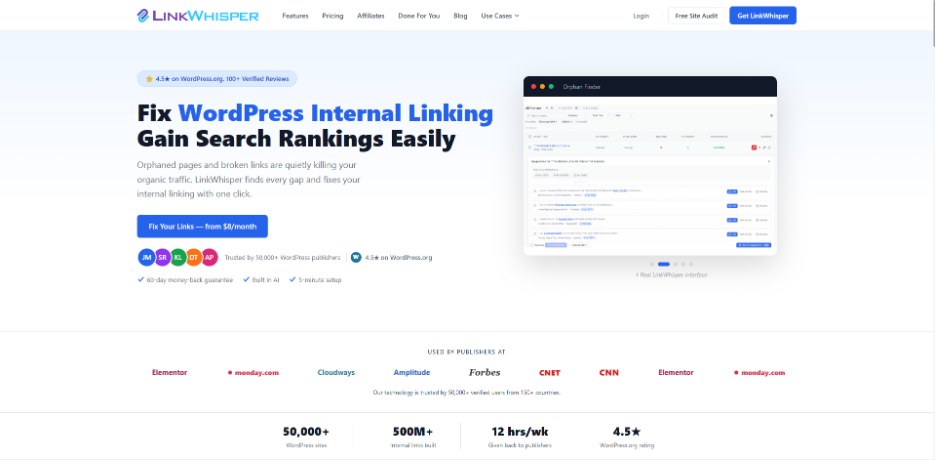
Link Whisper is among the most powerful internal linking plugins for WordPress, which features AI-powered capabilities designed specifically to automate and optimize internal linking.  

Key Features 

  • AI-based internal linking 
  • Automatic internal link insertion 
  • Orphan page detection 

Limitations 

  • Limited free access 
  • Focused only on internal linking 

2. All in One SEO 


All in One SEO 

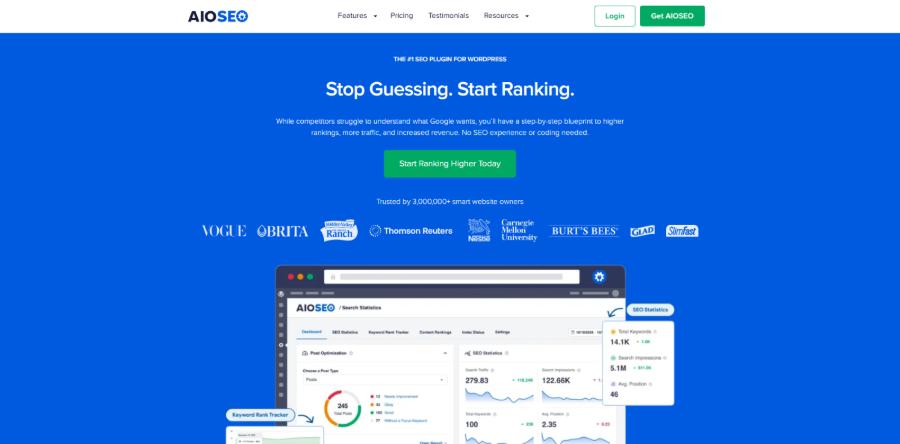
All in One SEO (AIOSEO) is a complete SEO plugin for WordPress that features advanced internal linking tools in its SEO toolkit.

Key Features 

  • Link assistant for internal linking 
  • On-page SEO controls 
  • Orphan page detection 

Limitations 

  • Paid plans for advanced internal linking features 
  • Heavy for small website 

Website owners looking to strengthen their overall SEO strategy may also combine internal linking tools with structured data solutions such as the SchemaWriter WordPress Plugin, which helps improve content visibility and search engine understanding. 

3. MonsterInsights 


MonsterInsights 

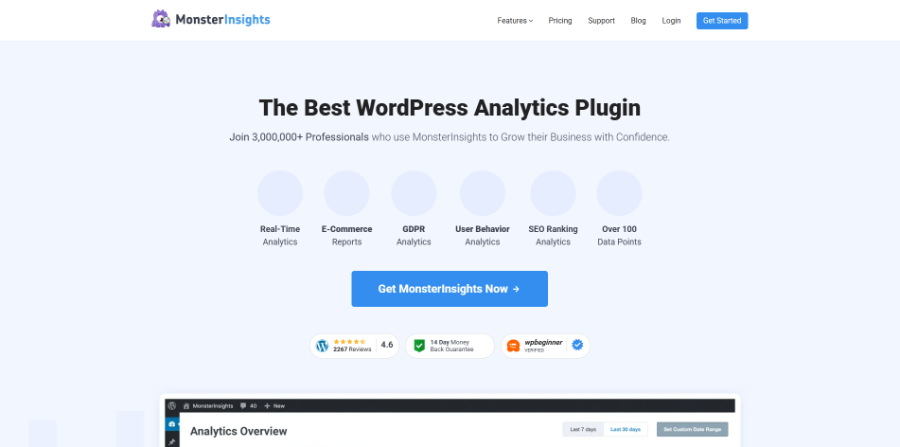
The platform is a Google Analytics integration plugin that offers deep insights into website traffic and user behavior.  

Key Features 

  • Traffic and engagement tracking 
  • Top-performing content reports 
  • Conversion tracking 

Limitations 

  • No automation for internal linking 
  • Does not provide internal linking suggestions 

4. WP Tasty Roundups


WP Tasty Roundups

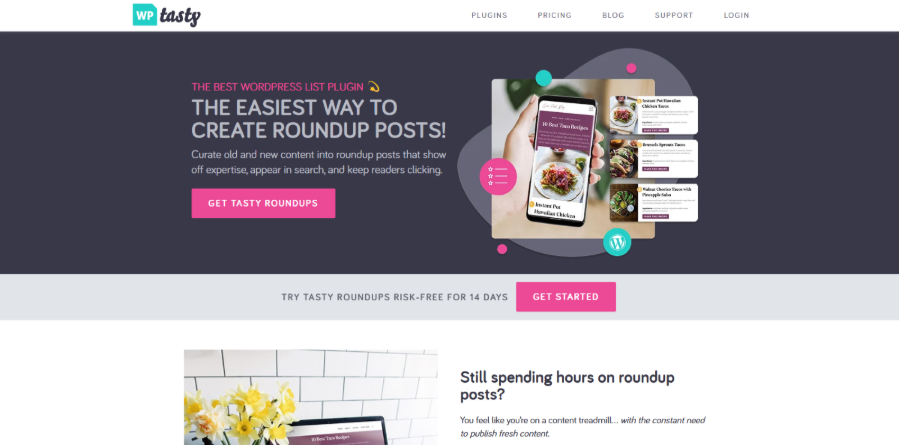
WP Tasty Roundups is a content creation plugin that is mainly used for building curated roundup posts. 

Key Features 

  • Easy creation of roundup-style posts 
  • Content and product aggregation 
  • Improves internal content exposure 

Limitations 

  • Not a dedicated internal linking plugin 
  • Limited SEO-specific features 

5. Yoast SEO 


Yoast SEO 

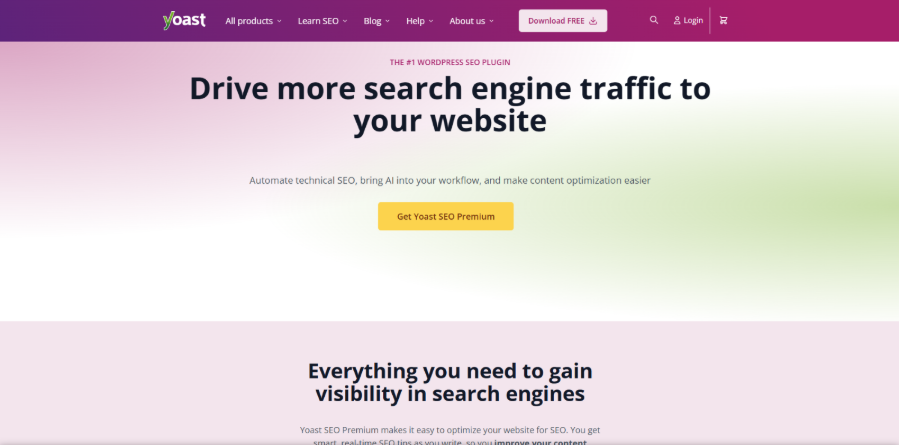
It is among the most popular SEO plugins, which includes basic internal linking suggestions in its premium version.  

Key Features 

  • On-page SEO analysis 
  • Readability and keyword optimization 
  • Cornerstone content feature 

Limitations 

  • Minimal automation 
  • Requires premium version for advanced features 

6. Internal Link Juicer


Internal Link Juicer

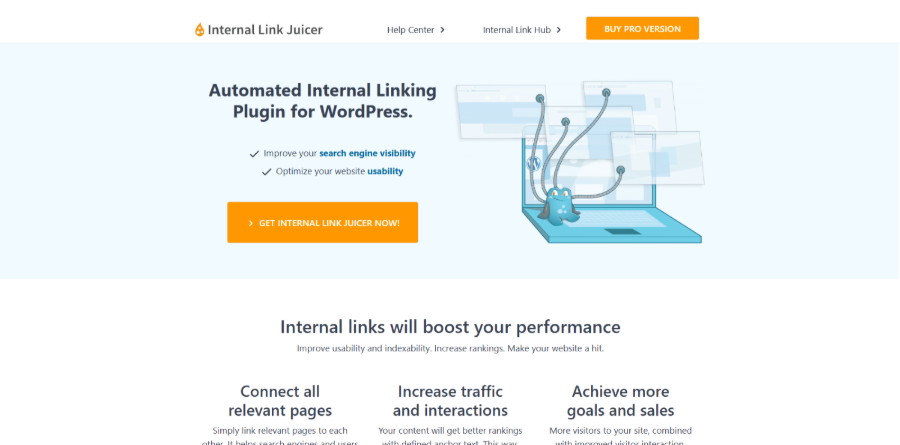
Internal Link juicer is a rule-based plugin that automatically creates internal links using predefined keywords.  

Key Features 

  • Automation keyword-based internal linking 
  • Link frequency setting 
  • Category and post filtering 

Limitations 

  • No AI-based contextual understanding 
  • Limited analytics features 

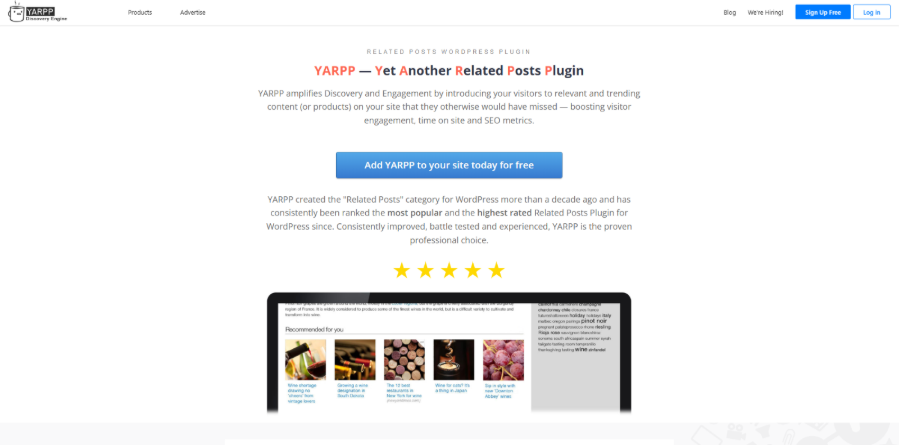
7. YARPP 


YARPP 

YARPP (Yet Another Related Posts Plugin) is a related content plugin that helps improve internal linking through post recommendations. 

Key Features 

  • Display related posts automatically 
  • Custom display templates 
  • Boost page views 

Limitations 

  • Does not create in-content internal links 
  • Limited SEO control over link placement 

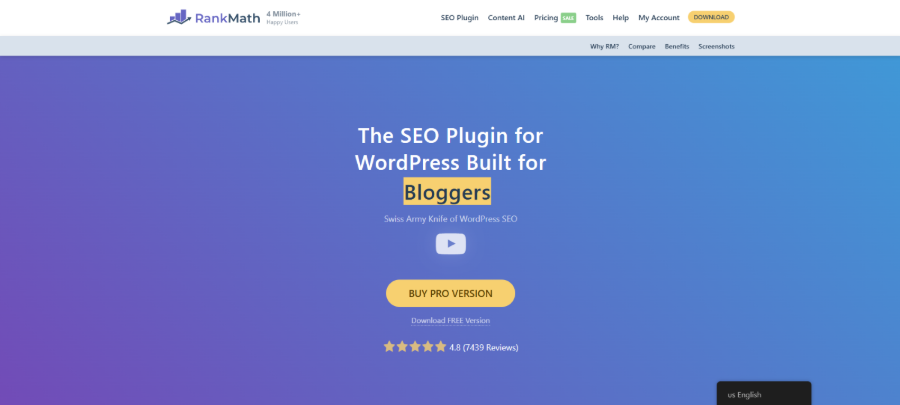
8. Rank Math 


Rank Math 

Rank Math is a complete SEO plugin that includes smart internal linking suggestions as its core optimization system.  

Key Features 

  • AI-based internal linking suggestion 
  • SEO content scoring 
  • Advanced SEO analytics 

Limitations 

  • Complex interface for beginners 
  • Not primarily focused on internal linking 

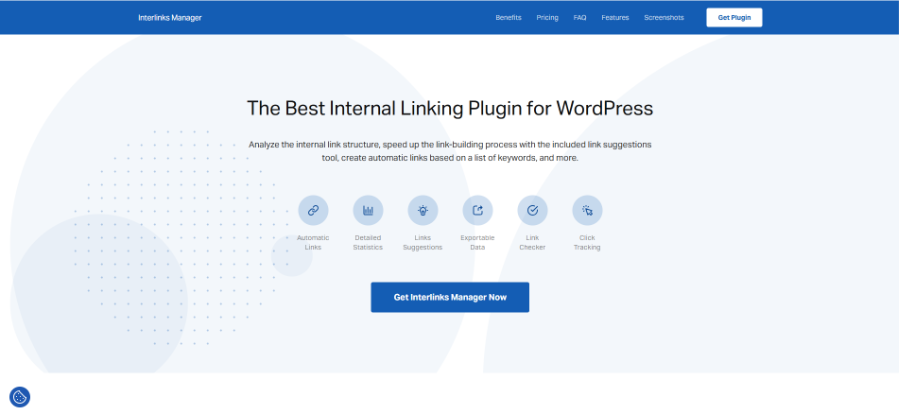
9. Interlinks Manager 


Interlinks Manager

Interlinks Manager is an advanced internal linking plugin for WordPress, which primarily focuses on tracking and analyzing the performance of links.  

Key Features 

  • Internal link tracking and analytics 
  • SEO reporting tools 
  • Click monitoring 

Limitations 

  • No AI-based suggestions 
  • Requires SEO knowledge 

10. SEO Audit Links and Related Posts 

It is a lightweight internal linking plugin for WordPress that automatically builds internal links based on keywords.  

Key Features 

  • Automatic keyword-to-link matching 
  • Bulk linking options 
  • Simple configuration 

Limitations 

  • Limited reporting and analytics 
  • No contextual AI understanding 

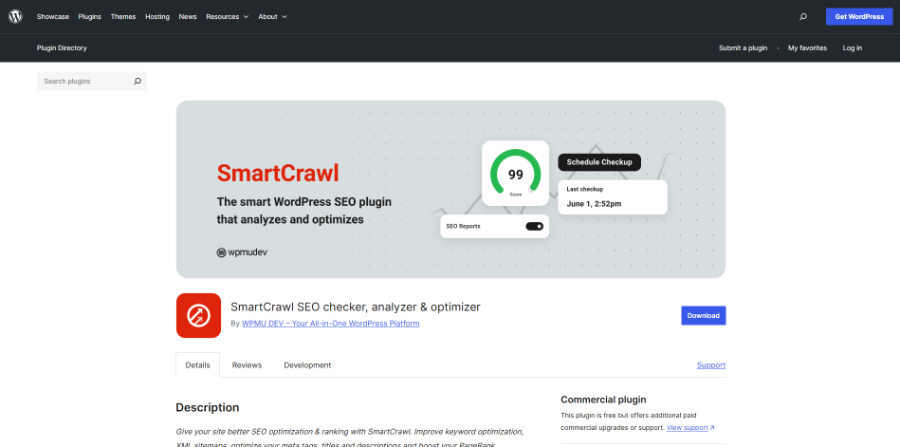
11. SmartCrawl 


SmartCrawl 

SmartCrawl is an SEO plugin that offers general optimization tools, including internal linking suggestions. 

Key Features 

  • SEO audits and optimization tools 
  • On-page SEO controls 
  • Sitemap generation 
  • Internal linking recommendations 

Limitations 

  • Limited linking features 
  • limited automation 

Quick Comparison of Top 11 Internal Linking Plugins 

The quick comparison table compares the purpose, linking suggestions, and ideal user base of the top 11 internal linking plugins for WordPress. 


Internal Linking Plugins Primary Purpose Internal Link Suggestions Ideal For 
Link Whisper Internal link optimization and automation AI-powered suggestions Bloggers, SEO professionals, Agencies 
All in One SEO Complete SEO management and optimization Yes Businesses, Marketers, Website Owners 
MonsterInsights Website analytics and user behavior No Website Owners focused on traffic analysis 
WP Tasty Roubdups Creating product roundups and affiliated content No Affiliate marketers, Review websites 
Yoast SEO On-page SEO optimization Yes (Premium Only) Content creators, Bloggers, Small businesses 
Internal Link Juicer Automated internal linking Rule-based suggestion Content-heavy websites, Publishers 
YARPP Related content recommendations No Bloggers, Publishers 
Rank Math Comprehensive SEO optimization suite Yes Bloggers, Businesses, Agencies 
Interlinks Manager Internal link monitoring and analysis No Enterprise website, Consultants 
SEO Auto Linker Automatic keyword-based internal linking Keyword-based suggestion Bloggers, Small businesses 
SmartCrawl SEO optimization and website health management Yes WordPress users 

Which Internal Linking Plugins Suit Your Business? 

Choosing the right internal linking plugin for WordPress mainly depends on various factors, like website size, content strategy, technical skill level, and SEO goals. Some plugins focus on automation, while others offer advanced analytics and reporting. Understanding which categories fit the website can help avoid unnecessary complexity.  

For Blogger and Content Creators 

The main aim of bloggers and content creators is to improve visibility while keeping readers engaged.  

Best Plugin: 

  • Link Whisper 
  • Rank Math 
  • Yoast SEO 

These tools help users quickly add internal links while writing and suggest relevant content automatically. 


For Large Content Websites and Publishers 

Websites with multiple pages require strong automation and structured management.  

Best Plugin: 

  • Link Whisper 
  • Internal Link Juicer 
  • Interlinks Manager 

These plugins focus on automation and scalability. They also help in managing a large internal linking structure. 


For SEO Agencies and Professionals 

For users managing multiple client websites, they require advanced reporting, control, and performance tracking. 

Best Plugin: 

  • Link Whisper 
  • Interlinks Manager 
  • Rank Math 

These tools offer deep insights into link structure, anchor text distribution, and SEO performance. 


For Small Business Websites 

Small business websites generally require simple and reliable SEO tools without complexity. 

Best Plugin: 

  • AIOSEO 
  • Rank Math 
  • SmartCrawl 

These plugins offer internal linking suggestions, making it easier for beginners. 

Before installing any SEO plugin, website owners should verify compatibility with their existing setup. If a plugin is not working, troubleshooting conflicts early can prevent indexing issues and disruptions to site performance. 


Conclusion

For websites, internal linking is no longer just a task that could be handled manually. It is a crucial aspect of SEO performance and search engine rankings. With increasing emphasis on site structure, content relationships, and user experiences by search engines, investing in a quality internal linking plugin for WordPress becomes more essential.  

Alongside internal linking optimization, website owners should also invest in the best WordPress backup plugin to protect valuable content, SEO settings, and site data from unexpected issues or accidental loss. 

From a personal blog or enterprise publication, selecting the right internal linking plugin can help users significantly improve crawling, along with increasing engagement and strengthening overall search visibility.