
惯性聚合 高效追踪和阅读你感兴趣的博客、新闻、科技资讯
阅读原文 在惯性聚合中打开

推荐订阅源

Scott Helme
Scott Helme
N
Netflix TechBlog - Medium
AI
AI
Security Latest
Security Latest
GbyAI
GbyAI
P
Proofpoint News Feed
Y
Y Combinator Blog
A
Arctic Wolf
G
Google Developers Blog
U
Unit 42
爱范儿
爱范儿
让小产品的独立变现更简单 - ezindie.com
V
Vulnerabilities – Threatpost
Know Your Adversary
Know Your Adversary
Cisco Talos Blog
Cisco Talos Blog
T
Tor Project blog
C
CXSECURITY Database RSS Feed - CXSecurity.com
T
Threatpost
L
Lohrmann on Cybersecurity
C
CERT Recently Published Vulnerability Notes
C
Check Point Blog
B
Blog RSS Feed
The GitHub Blog
The GitHub Blog
Microsoft Azure Blog
博客园 - 【当耐特】
博客园 - Franky
OSCHINA 社区最新新闻
OSCHINA 社区最新新闻
C
Cisco Blogs
云风的 BLOG
云风的 BLOG
NISL@THU
NISL@THU
D
Darknet – Hacking Tools, Hacker News & Cyber Security
Microsoft Security Blog
T
The Blog of Author Tim Ferriss
阮一峰的网络日志
阮一峰的网络日志
Latest news
Latest news
L
LINUX DO - 最新话题
cs.CV updates on arXiv.org
钛媒体:引领未来商业与生活新知
钛媒体:引领未来商业与生活新知
美团技术团队
WordPress大学
WordPress大学
L
LangChain Blog
Stack Overflow Blog
Stack Overflow Blog
Exploit-DB.com RSS Feed
酷 壳 – CoolShell
酷 壳 – CoolShell
大猫的无限游戏
大猫的无限游戏
The Hacker News
The Hacker News
Simon Willison's Weblog
V
V2EX
Project Zero
Project Zero
博客园_首页

Compliance Solutions for Websites, Apps and Organizations | iubenda

AI can build your website. It can't manage your consent. | iubenda Browser signals and machine-readable consent: what they are and what the EU’s Digital Omnibus could change California Consumer Privacy Act (CCPA): Complete Guide How to increase your cookie banner opt-in rates: 5 mistakes to fix today | iubenda DPO Newsletter: Global Data Protection & Privacy News (issue #153) Why your consent management setup is a marketing performance question Everything you need to know about GDPR The redesigned cookie banner and configurator What nobody tells you about handing over the company you built European marketers are betting on retention. Privacy could be the edge they’re not using yet. The 5 best alternatives to Didomi in 2026: Pros, cons, pricing, and comparison Looking back on 15 years: what iubenda's founder would tell his 2011 self | iubenda The best cookie policy generator in 2026 DPO Newsletter: Global Data Protection & Privacy News (issue #152) | iubenda What publishers should expect from the EU’s Digital Omnibus proposal Uncertainty is the biggest blocker to AI adoption in marketing | iubenda Everything AI app builders need to know about vibecoding and privacy compliance | iubenda Introducing 1-Click Embedding for Google Tag Manager The Essential Small Business Terms and Conditions Template: What You Need to Know Terms of Use Template | iubenda IAB Europe Raises Concerns Over GDPR Procedural Regulation Draft Report | iubenda Learn from HelloFresh's Costly Mistake: Ensure Compliance with iubenda | iubenda Understanding the Spanish DPA Guide on Audience Measurement Cookies | iubenda The Austrian Data Protection Authority's FAQs on Cookies and Privacy | iubenda DPO Newsletter: Global Data Protection & Privacy News (issue #127) | iubenda Microsoft Ensuring European Data Stays Within the EU Cloud Boundary | iubenda Businesses Beware: ICO’s Record £14.3m in Fines for Data Misuse in 2023 Understanding the Risks and Responsibilities of Model-as-a-Service Companies in AI Development Facebook's New “Link History” Feature: A Blend of Convenience and Surveillance? | iubenda OpenAI’s Strategic Move in the EU: Aligning with Data Privacy Regulations TikTok Faces Lawsuit Over Tracking Non-Users What’s the Digital Markets Act (DMA) and how will it affect you? | iubenda Simplifying Cookie Consent: The European Commission's Approach | iubenda Google Settles Landmark Privacy Lawsuit for $5 Billion | iubenda Navigate GDPR Compliance with Confidence: Lessons from Recent Fines in Italy Simplifying the Commission's New Reporting Template for Digital Market Gatekeepers | iubenda Understanding the GDPR Complaint Against X (Twitter) for Illegal MicroTargeting | iubenda Spanish Media Giants Take On Meta in a Groundbreaking $600 Million Lawsuit | iubenda DPO Newsletter: Data Protection & Privacy News (issue #126) | iubenda Belgian DPA Mandates Cookie Banner Changes for Major Media Websites | iubenda UK's Top Websites Warned by ICO to Revise Cookie Practices | iubenda Understanding the European Union's Data Act | iubenda Google Announces Consent Mode v2 – here’s what it means for your business and advertising Noyb Challenges EU Commission Over Controversial Ad Campaign | iubenda OECD Updates AI Definition: A Step Forward in Shaping EU’s AI Law Firefox To Introduce Simplified Global Privacy Control Berlin Court Cracks Down on LinkedIn’s Privacy Violations The YouTube Ad Blocker Controversy: A Test of the ePrivacy Directive? | iubenda DPO Newsletter: Data Protection & Privacy News (issue #125) Facebook and Instagram Subscription: Meta adds a paywall | iubenda GDPR Violation: Lack of Transparency in Data Processing via Google Fonts Amazon Introduces AWS European Sovereign Cloud to Address EU Regulations | iubenda Texas New Data Privacy Law TDPSA: Everything you need to know How to Make Money with a Website Without Selling Anything Oregon Consumer Privacy Act: Overview | iubenda Google’s Move to Disable Third-Party Cookies: What Advertisers Need to Know IMY Fines H&M for GDPR Violations: A Closer Look EU Commission Requests Information from X Under Digital Services Act: What You Need to Know | iubenda Understanding California’s “Delete Act” and Data Broker Regulations TCF v 2.2 Initial Layer (Banner) Requirements | iubenda Grindr Faces €5.8 Million Fine: A Reminder on the Importance of GDPR Compliance | iubenda Newly Enacted Iowa Consumer Data Protection Act (ICDPA) | iubenda The Witch’s Brew of Privacy: A Halloween Tale of Compliance and Consequences IAB TCF 2.2 – What you need to do DPO Newsletter: Data Protection & Privacy News (issue #124) Blog Ideas That Make Money: How To Make Money From Your Blog + Examples | iubenda Maximize your Growth with Online Presence Management | iubenda Meta's New Pivot in Europe: To Pay or Not to Pay for an Ad-Free Experience? | iubenda Consumer Reports Launches Free ‘Permission Slip’ App to Protect Your Data | iubenda DAZN’s Access Request Saga Personal Brand Logo: How to Stand Out in a Crowded Marketplace UK-US Data Bridge: A New Era for Secure Data Transfers 7 Ways How to Promote Affiliate Links Effectively (And Boost Commissions) | iubenda Mastering LinkedIn Personal Branding: A Guide to More Opportunities Meta's New Approach: Pay for Your Privacy? | iubenda No Return, No Refund Policy Template & Guide GDPR in the US: a GDPR Checklist for US Companies Crafting a Niche with Branding and Identity Design | iubenda The Online Safety Bill: A Leap Towards a Safer Digital United Kingdom Understanding Google's $93m Settlement over Consumer Location Data Accusations | iubenda CCPA vs CPRA: Key Differences You Need to Know | iubenda How To Use Ecommerce Retargeting to Grow Your Business | iubenda PECR: Everything you need to know | iubenda How Mobile Apps Illegally Share Your Personal Data: A Deep Dive | iubenda Legal Spotlight: Privacy Concerns Surrounding OpenAI’s ChatGPT and Microsoft’s Involvement Legal Scrutiny Looms Over Transatlantic Data Deal: French MEP Takes Action Understanding the Digital Markets Act: A Comprehensive Guide Block AI Crawlers: Here’s How To Stop Your Site From Being Used for AI Training (OpenAI and Google Bard Irish Regulator Slaps $368M Fine on TikTok DPO Newsletter: Data Protection & Privacy News (issue #123) | iubenda The Privacy Pitfalls of Vehicle Data Collection: What You Need to Know | iubenda Twitter customer’s data on the menu for xAI models Update: Revised Swiss Privacy Law Takes Effect Fitbit and the GDPR Hurdle: What You Need to Know About Your Data Privacy | iubenda Terms of Service Template for your site | iubenda Senators Urge FTC to Investigate YouTube and Google for Violating Children's Privacy: What You Need to Google AdSense Requirements: Here's What You Need to Know | iubenda Users can’t opt out from marketing emails: FTC fines Experian $650,000 | iubenda DPO Newsletter: Data Protection & Privacy News (issue #122) | iubenda 7 Ways Business Process Automation Can Increase Your Profits
Maximize Your Sales with Google Shopping Management | iubenda
Juan Ruiz · 2023-05-10 · via Compliance Solutions for Websites, Apps and Organizations | iubenda

Looking to increase your sales, leads, and website traffic for your online business? In this article, we’ll explore how to maximize your e-commerce potential with our complete guide to Google Shopping management.

In short, Google Shopping is a powerful tool that allows you to display your products to potential customers who are actively searching for what you offer. This is great, as it means that your campaigns are more likely to lead to sales. Ready to learn more? 👉 Let’s dive in.

  • What is Google Shopping Management?
    • What is Google Shopping Merchant Center
  • Why use Google Shopping?
  • Mastering Google Shopping management →
    • How to Add Products to Google Shopping
    • What you need to know to create an effective Google Shopping campaign
google shopping management

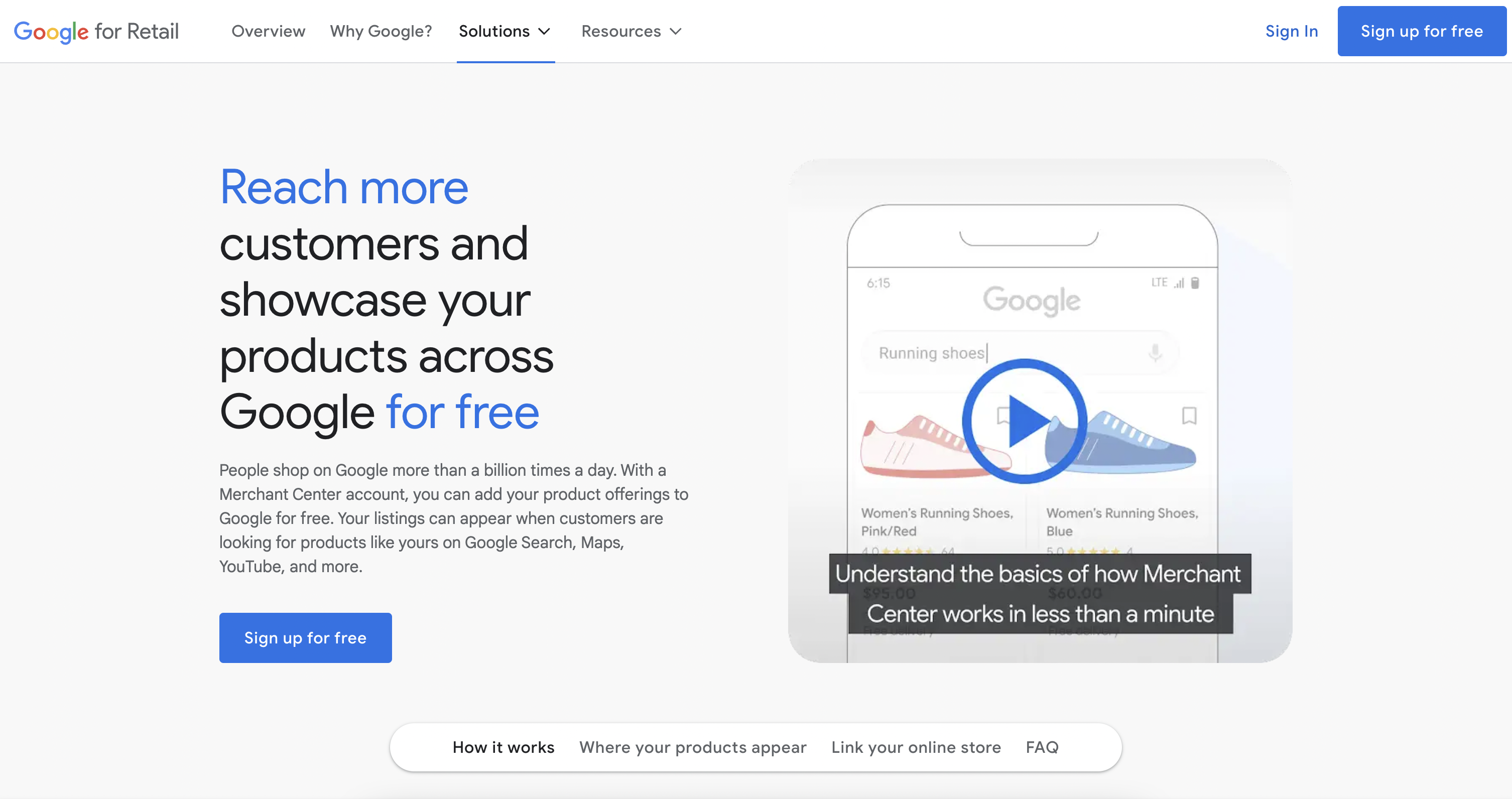
Google Shopping Management is a service that helps businesses promote and sell their products online through Google Shopping, an online marketplace that allows businesses to advertise their products on Google’s search results page.

Unlike traditional search ads, Google Shopping ads display product images, prices, and other relevant information to help users find what they’re looking for quickly. To get started with Google Shopping, you’ll need to set up a Google Merchant Center account and create product listings for your store.

What is Google Shopping Merchant Center:

The Google Merchant Center is a platform where you can manage your product listings, upload product data, and monitor your account performance.

It basically works like this:

  • You’ll need to create an account and verify your website’s domain.
  • Once your account is set up, you can create product data feeds, which are files that contain information about your products such as the product name, description, price, and image.
  • You can upload these feeds to the Merchant Center, where Google will use them to create product listings for your store.

💡 Want to increase the performance of your e-commerce?

Optimizing your conversion rates will not only boost your profits but save you money over time 👉 Learn how to increase your conversions here.

Why use Google Shopping?

There are many reasons why you should consider using Google Shopping to advertise your products:

  • For starters, Google Shopping allows you to reach potential customers who are actively searching for what you sell, which means you can target people who are already interested in your products.
  • Additionally, Google Shopping ads are highly visual and display product images, prices, and reviews, which can grab shoppers’ attention and help you stand out from your competitors.
  • Another benefit of Google Shopping is that you only pay when someone clicks on your ad, which can help you save money and improve your return on investment (ROI).

Overall, using Google Shopping can help you drive more website traffic, generate more leads, and ultimately, boost your online sales.

📌 Mastering Google Shopping management →

How to Add Products to Google Shopping

Adding your products to Google Shopping is an essential part of optimizing your e-commerce potential. And it is a key step for effective Google Shopping management.

Here are the steps you need to follow to add your products to Google Shopping: ⬇️

  • Set up your Google Merchant Center account: The Google Merchant Center is where you manage your product data, and it’s the first step in getting your products on Google Shopping.
  • Upload your product data: To add your products to Google Shopping, you need to upload your product data to the Google Merchant Center. This includes information like product titles, descriptions, prices, and images.
  • Verify your website: Google requires you to verify your website to ensure that you are the owner and have the authority to sell the products you are listing on Google Shopping.
  • Create your product feed: A product feed is a file that contains all the information about your products, which you will upload to the Google Merchant Center.
  • Optimize your product listings: Once your products are live on Google Shopping, it’s important to monitor their performance and make adjustments as needed. Use Google Shopping Analytics to track metrics like clicks, impressions, and conversion rates, and make changes to your product listings as necessary to improve your results.

💡 Some tips for optimizing your product listings include:

  • Use high-quality images that accurately represent your products
  • Write clear and concise product titles and descriptions
  • Use relevant keywords to help shoppers find your products
  • Include accurate pricing and shipping information
  • Ensure that your product data is up-to-date and accurate
👉 Now, keep in mind that the Google Shopping results you see are actually advertisements

In other words, in order to get your products in front of potential customers, you have to pay. While Google Merchant Center is how Google gets your product information, it’s through Google AdWords that consumers see your products, via Shopping campaigns.

So, let’s see how to link your Google AdWords account and create a successful Google Shopping campaign that can help you reach your target audience, drive more traffic to your website, and surely, increase your sales:

  • Link your Google AdWords account: To create a Google Shopping campaign, you need to link your Google AdWords account to your Google Merchant Center account. This will allow you to use your existing AdWords account to create and manage your Google Shopping ads.
  • Create a Google Shopping campaign: Once your AdWords account is linked to your Merchant Center account, you can create your Google Shopping campaign. This involves setting up your ad group, creating your ads, and selecting your target audience.

Below, we will delve into the details ⬇️

What you need to know to create an effective Google Shopping campaign:

  • Set up your campaign: To create a Google Shopping campaign, you need to log in to your Google AdWords account and navigate to the “Campaigns” tab. From there, click the blue plus sign to create a new campaign, select “Shopping” as your campaign type, and choose the Merchant Center account you want to use.
  • Choose your ad group: Once you’ve set up your campaign, you’ll need to choose your ad group. An ad group is a collection of products that you want to advertise together. You can choose to group your products by product category, brand, or other relevant criteria.
  • Create your product ads: With your ad group set up, it’s time to create your product ads. Your product ads will include product images, titles, and prices, and they will be displayed to potential customers when they search for products that match your ad group.
  • Set your bid and budget: Setting your bid and budget is an important step in creating a successful Google Shopping campaign. Your bid is the maximum amount you’re willing to pay for a click on your ad, while your budget is the maximum amount you’re willing to spend on your campaign.
  • Monitor your performance: Once your campaign is up and running, it’s essential to monitor your performance regularly. Keep an eye on your click-through rate, cost-per-click, and conversion rate, and make adjustments as needed to optimize your campaign for maximum ROI.

In conclusion, mastering Google Shopping management can be a game-changer for online businesses looking to boost their e-commerce potential. With Google Shopping, you can effectively reach a wider audience and increase your sales by creating eye-catching product listings and optimizing your campaigns.

💡 Remember that it is crucial to monitor your ad performance regularly and adjust your strategy accordingly; this will help you achieve your business goals and make the most out of your investment in Google Shopping.

Read also

About us

iubenda

The solution to draft, update and maintain your Terms and Conditions. Optimised for eCommerce, marketplace, SaaS, apps & more.

www.iubenda.com