






A new version of Tasker is out! Download it here!
New App Icons
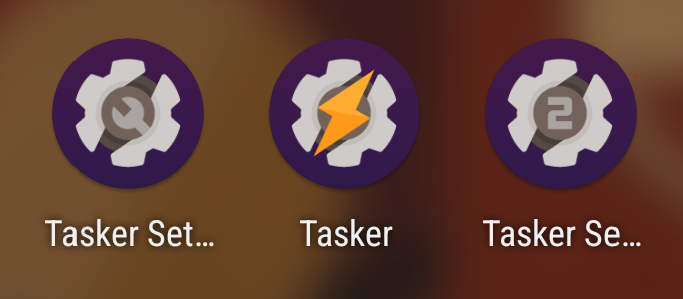
Color
Themed
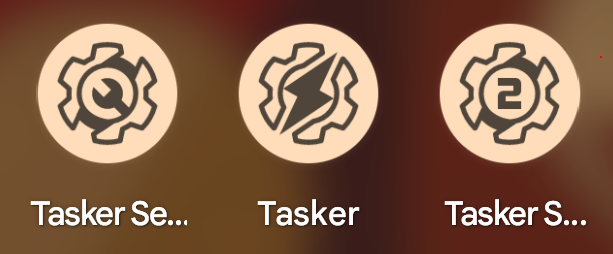
Tasker now has some more modern looking icons in both color and themed versions!
Thanks to Christian for the icons!
Accessibility Services Management
In the recent years Android has been notorious for systematically “killing” apps in the background, leaving both users and developers frustrated.
Tasker 6.1 introduces a new feature called Keep Accessibility Running which aims to mitigate that by automatically restarting any service that has been stopped. And that’s not just for the Tasker Accessibility Service, but for all apps on your device!
Moreover, you now also have a Tasker action that allows you to stop or start any of these services at will!
Quick Setting Tile Improvements and Additions
Tasker now has much more flexible quick setting tiles, allowing you to directly set the tile’s labels and icons and also perform different tasks or actions on long and double click!
My next goal will be to add more tiles to Tasker so that you can do even more with these! 🙂
Notification Icons
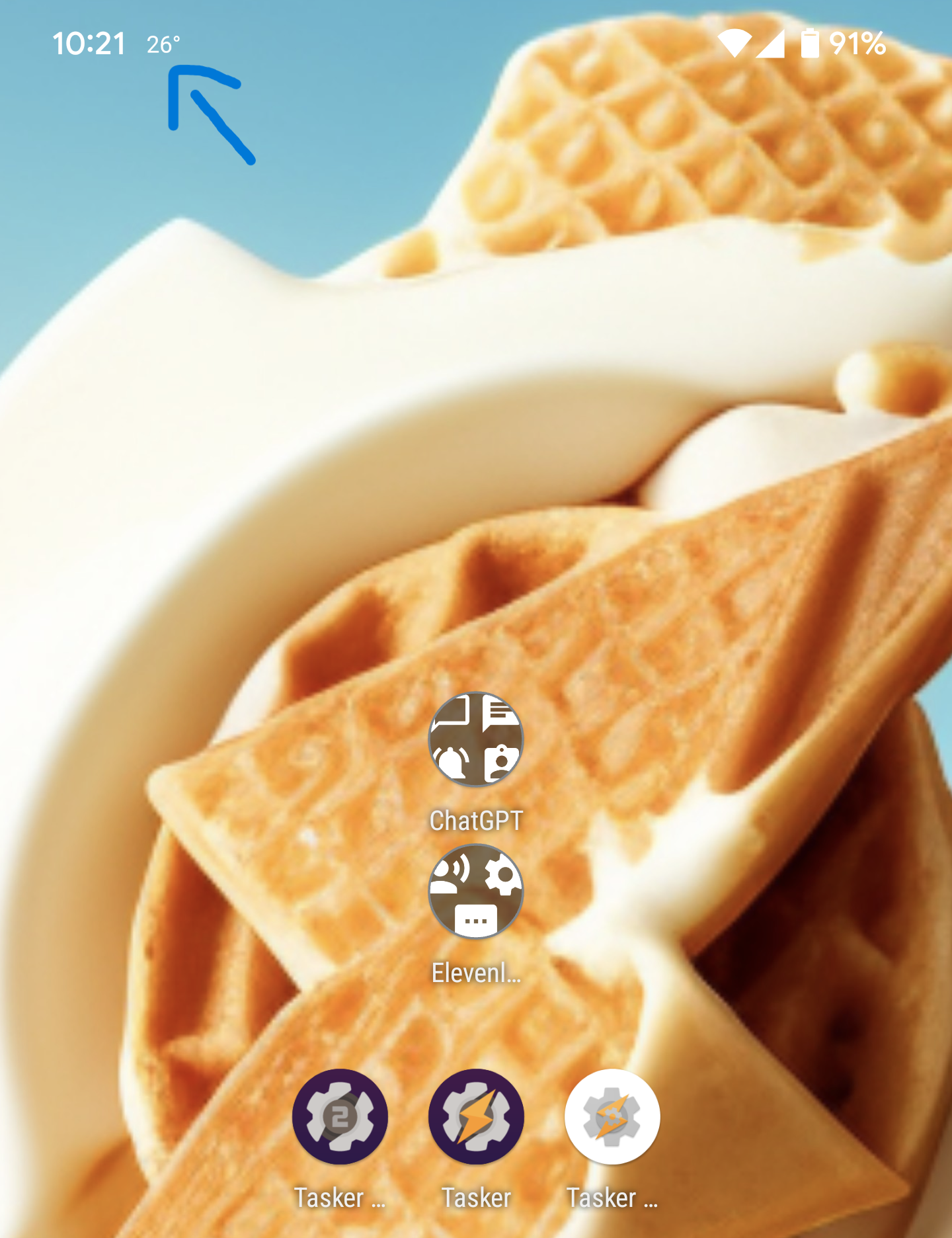
You can now use any kind of image for your notification icons! They can be local files, direct web URLs or even text! For example, you could have a weather forecast notification that shows you the temperature right on your status bar!
Flashlight Brightness
You can now totally control the brightness of your phone’s flashlight with the Torch action! Make as dim or as bright as you want!
Progress Dialog
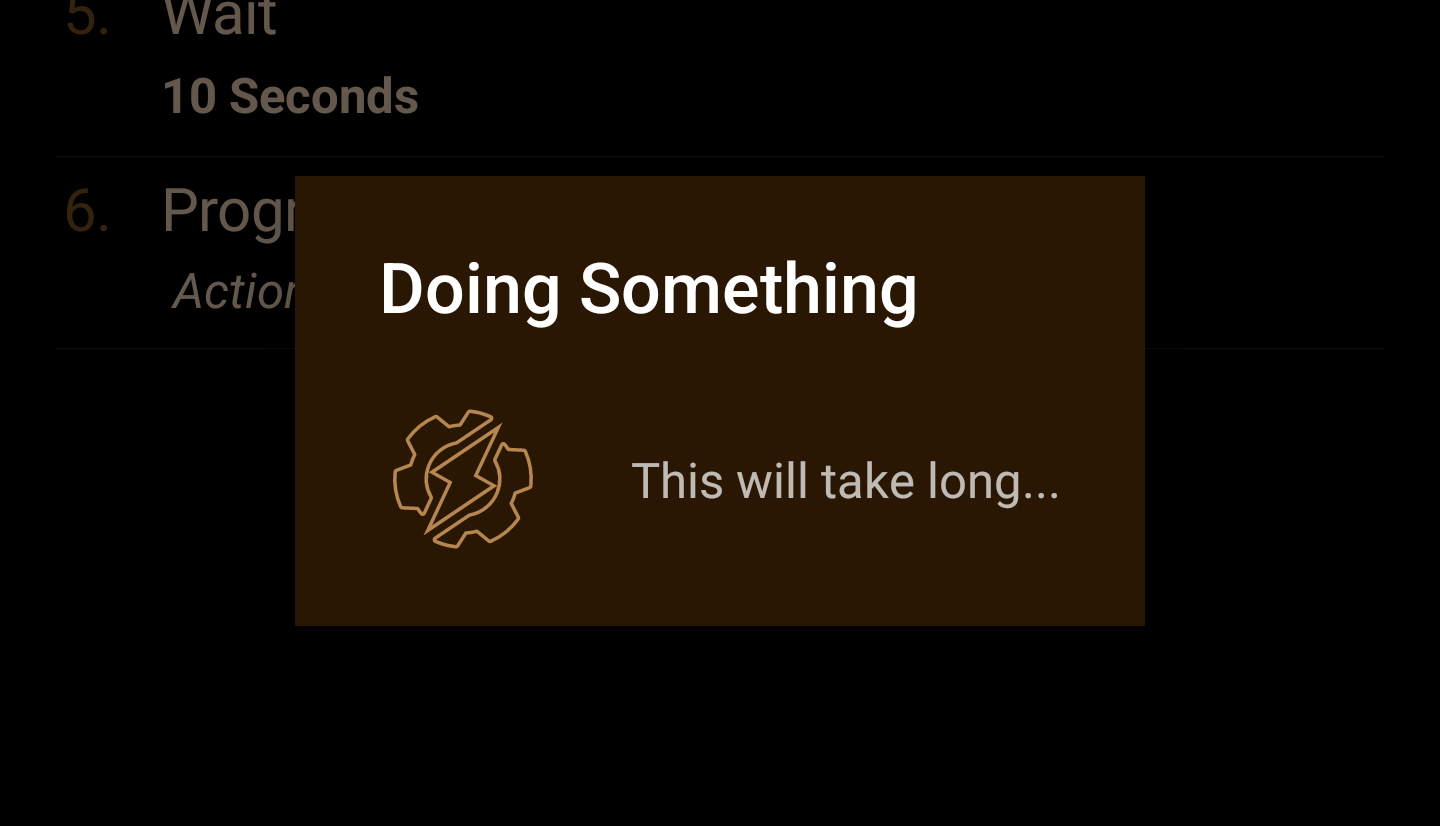
Instead of your longer tasks simply running in the background with no visual feedback, you can now show a dialog while they’re doing something!
You can use your custom icons as the progress animation or even use a progress bar if you know how long your task will take!
Convert Into Task
You can now select multiple actions in a task and simply create a new task with them. Will be very handy for parts of tasks that can be re-used in other tasks, or for tasks that are too long and you want to split them out into subtasks!
Pick Photos
You can now use the new Android 13 photo picker with Tasker!
Device Control With Locked Device
Use your “Device Controls” even when your phone is locked! Can be very handy for quick tasks without always having to unlock your device!
Device Unlock Failed Event
You now have a new event that will trigger any time unlocking your device fails. You can run any task when that happens!
Full Changelog
The full changelog for this release can be found here.
Comment On Release
You can comment and give feedback on this release here. Enjoy! ?