


cd ~{,/zhs/}Reference: Hexo and its documentation.
Hexo is a blog framework based on Node.js. In this article, we will maintain a Hexo instance on local machine, and talk about how to publish it to GitHub Pages, which would use Git indirectly.
On Arch Linux, you need just one command to do all the work below with your favorite AUR helper:
$ yay --sync hexo-cli git npm
Then you can skip to initialize instance step.
Yes this is showing off, it’s not that simple on most of other platforms.
Go to Download - Node.js, choose and install the latest 64-bit LTS version.
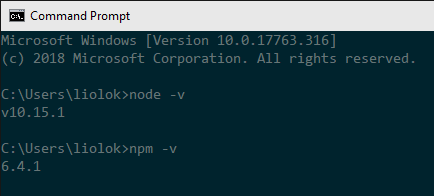
After installation, run node -v and npm -v to verify
both Node.js environment and its package manager:
Click this official link to download and install. VS Code is recommended for default editor, leave other options default if you don’t understand, all these stuff could be configured later.
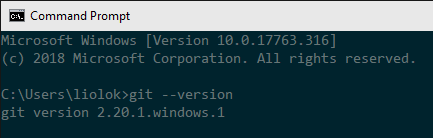
Run git --version to verify installation:
Then configure the user name and email, the latter should be the same as your GitHub commit email.
$ git config --global user.name "Your Name"
$ git config --global user.email [email protected]
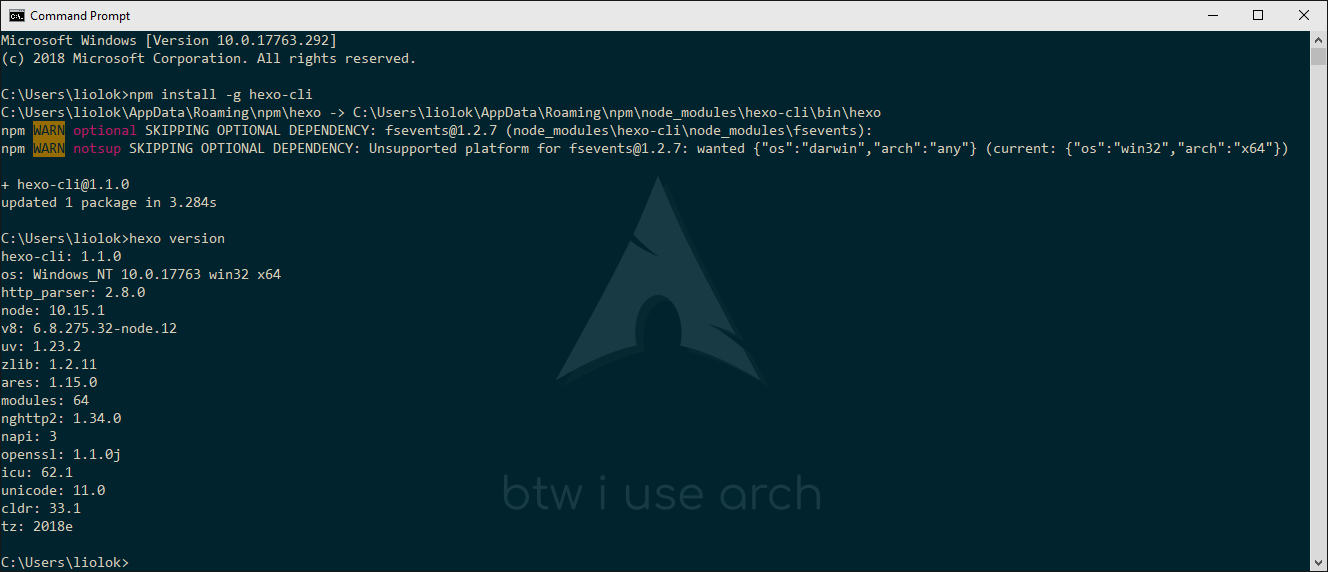
Run npm install --global hexo-cli and hexo version to install and verify Hexo.
There may be two warnings like below, saying that an optional dependency named
fseventwas skipped since it’s macOS only (npm, you have to say, huh?). We can just ignore this.
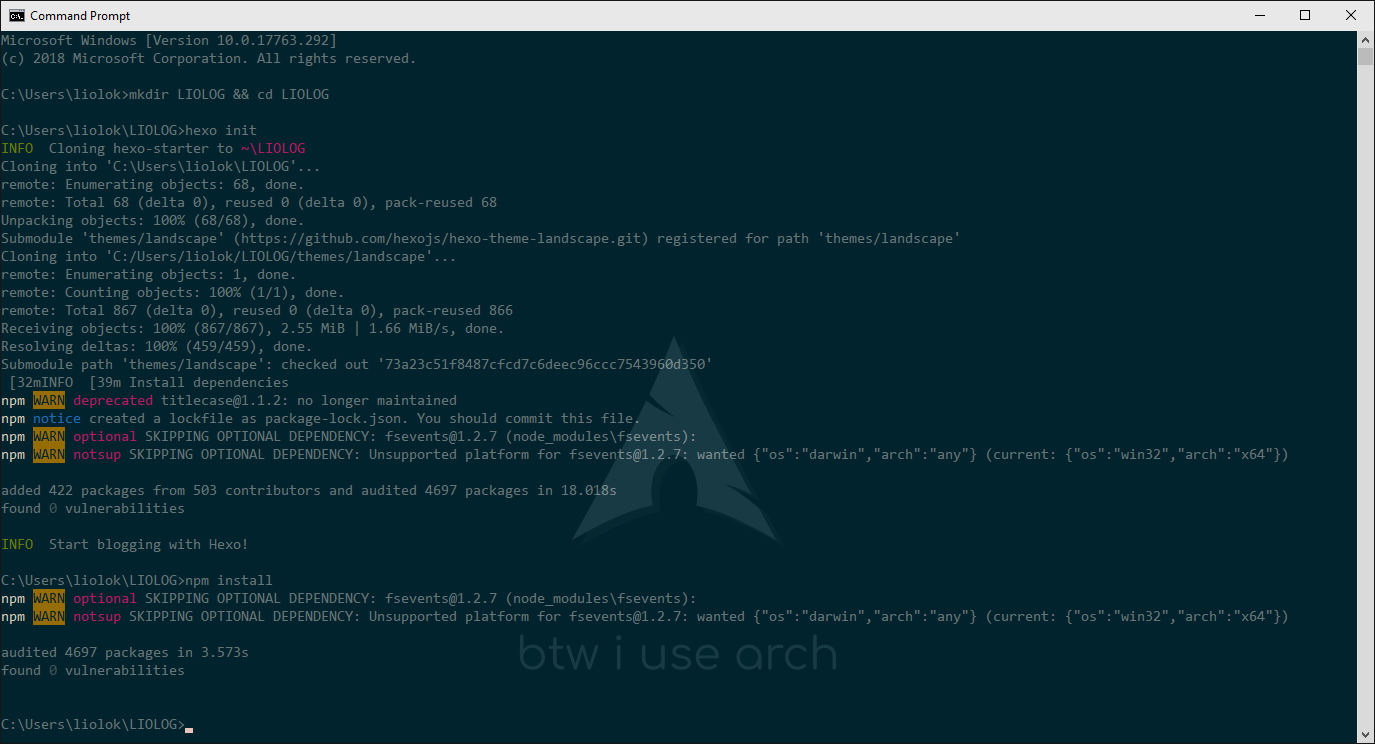
Change to your preferred directory, and run hexo init name (use your preferred name) and
npm install to establish site and update dependencies. You can also make an empty subdirectory
and run hexo init and npm install in it, I applied this method below:
Now we got a local folder containing a default blog’s source.
In site directory run hexo server or its abbreviation hexo s to start the local server.
You can also run hexo s -i 192.168.*.* (use your PC’s LAN IP) if want to preview on other devices
in LAN like phones. If you want to change the port or if you’re encountering EADDRINUSE errors,
use the -p option to set a different port.
According to output, visit http://localhost:4000:
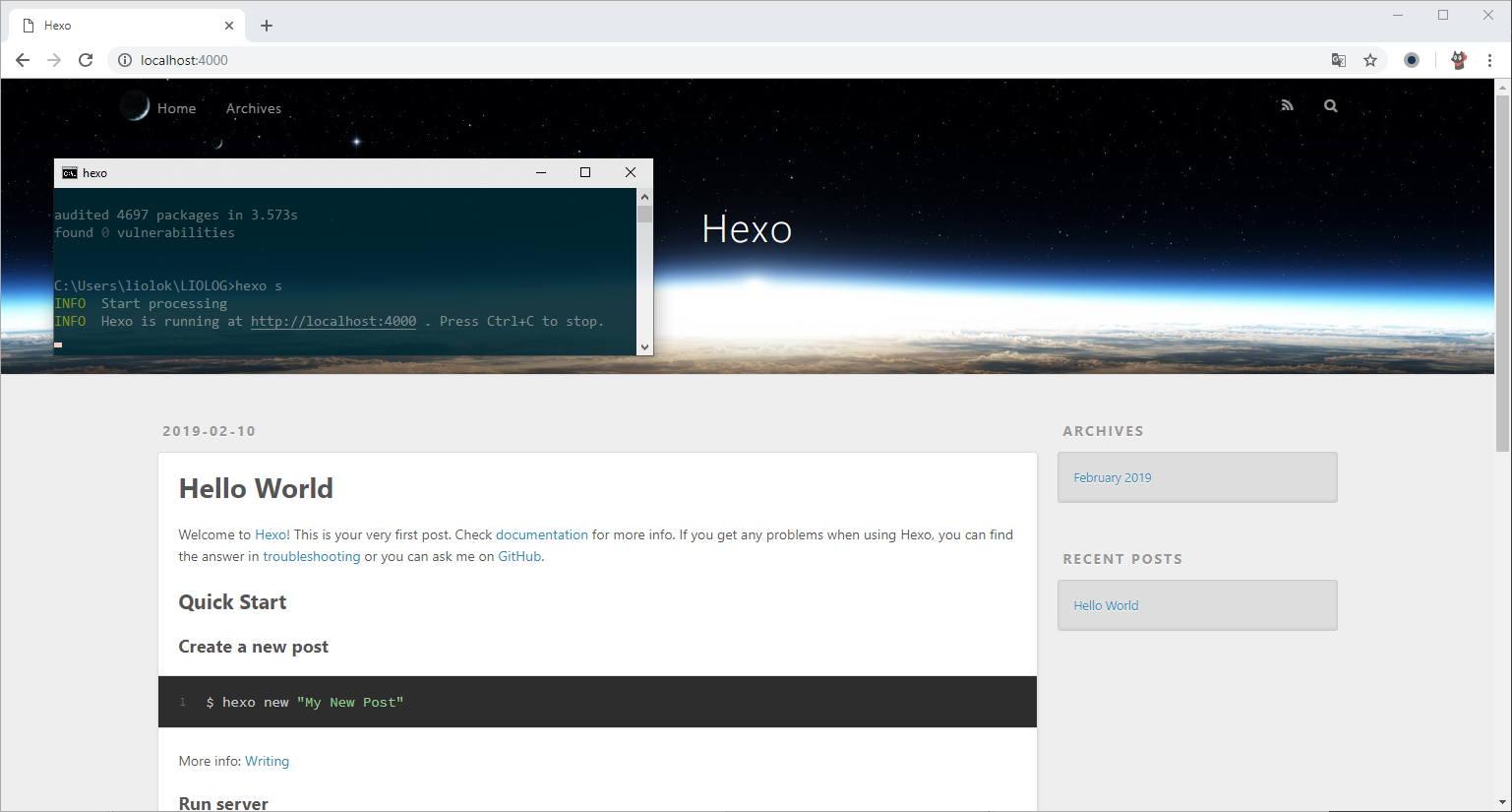
Preview operating would be frequent when managing blog, you may consider to write a script to save time.
What is GitHub Pages? —— GitHub Pages is a static site hosting service designed to host your personal,organization or project pages directly from a GitHub repository.
Of course Hexo is a static blog framework and we already have a Hexo instance on local machine, now we’ve got to create a particular repository and configure a bit more, soon we’ll arrive at “username.github.io” online.
Repository naming scheme refers to types of GitHub Pages sites.
Create a new repository like below,
replace username with your own (same as Owner on the left).
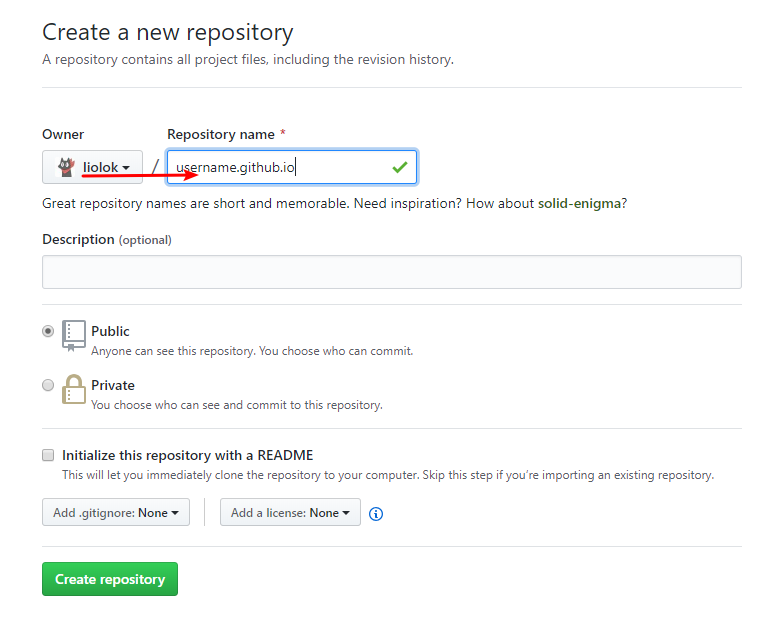
This chapter is reserved for reference only: I’m managing blog in a better workflow, including auto deployment and more, check out my CI article (Chinese version only).
Reference: One-Command Deployment - Hexo
Run npm install --save hexo-deployer-git under site instance folder.
Open site configuration file _config.yml, find deploy: part and edit:
deploy:
  type: git
  repo: https://github.com/username/username.github.io  # use your own username
  branch: master
Pay attention to syntax of YAML: the colon must be followed by a space.
In site folder run hexo deploy --generate or its abbreviation hexo d -g,
this lets Hexo generate the static files and then deploy blog to repository.
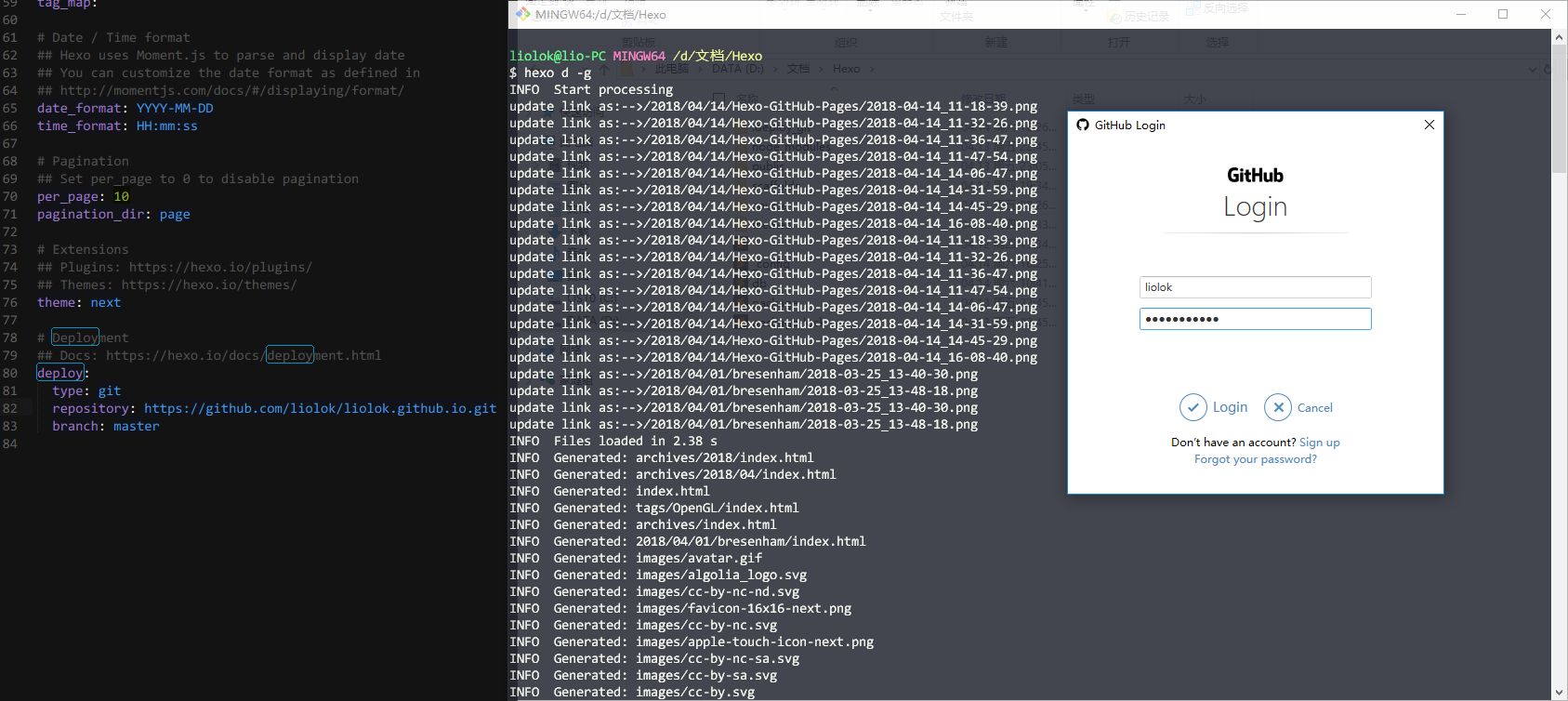
GitHub would verify your identity at first time as above, just login.
Quite soon the blog should be here: https://username.github.io.
此内容由惯性聚合(RSS阅读器)自动聚合整理,仅供阅读参考。 原文来自 — 版权归原作者所有。