



In Week 4 of the year, I tried out various ways of using distances in signed distance field fonts. In Week 5 I wanted to do something different. I decided to explore what I could do treating each character as its own sprite and then applying sprite antimation. The week turned out to be fun but I didn’t learn as much as I hoped I would. To start, I copied the code from the previous week so that I would have a working program right away. Then I removed things I didn’t care about this week and added new code. This is like forking a project but for my weekly experiments I tend to copy the code instead of forking.
During the initial experiments I made an interesting discovery:
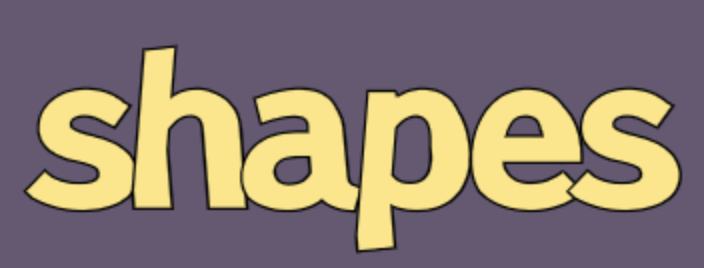
This is an ordinary font made more interesting by using a non-rectangular sprite.
This is what the font normally looks like:
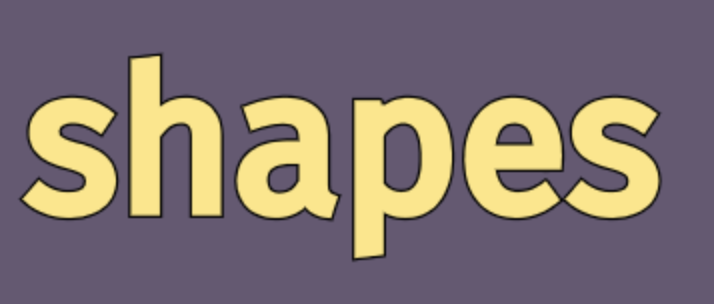
I had changed the shape from a rectangle to a trapezoid, thinking it’d be fun to see the bottom or top wider. But if you look closely, it’s more than that. There are straight lines that have become bent. Look in particular near the bottom of the h or p, or the inside left of the h. What could cause this?
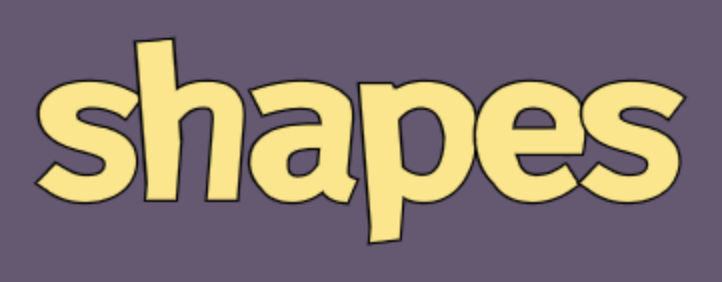
I don’t know. And I could spend time going down this rabbit hole, but my goal this week was to play with sprite animation. So I wrote it on a list of things to investigate later. And I made a list of things I did want to try:
[ ] sink into ground[ ] rise out of ground[ ] bold[ ] slant[ ] rotate[ ] wavy (left/right) character[ ] shadow with variable distance[ ] fall from above, bounce when it hits the ground[ ] curved path[ ] break into smaller squares / dissolve[ ] horizontal spin[ ] flip up/down like a train station sign[ ] rotate left/right on a cube[ ] text rotates on a giant wheel like price of right[ ] apply any of the above effects with a ramp or sine wave pattern to some charactersI find that making a list like this helps me a lot. It keeps me from getting too distracted. Breaking things down into even smaller steps helps me become even more productive. So I went through the various ideas, one by one, and it was fun. But I didn’t learn as much as I had hoped to. Most of these were routine animations, and doing them in code without some kind of tool was sometimes tedious. One of the more fun animations was the “War And Peace Gun” that shot out the text of War And Peace:
I also really enjoyed putting different animations in a sequence:
I didn’t write up my experiments in nearly as much detail as the previous few weeks, but I saved some videos of the animations. See the collection here.
So that was it for my experiments with signed distance field font rendering. I spent three weeks on it and I learned a lot. I now have something I can use for future projects. In particular, I’d like to draw text on my procedurally generated maps. But that’s a project for another day. The next week (Week 6) I tried putting this knowledge into practice by integrating it into a C++ game.
此内容由惯性聚合(RSS阅读器)自动聚合整理,仅供阅读参考。 原文来自 — 版权归原作者所有。