


An open-source coding agent rebuilt for the terminal, with free models to get started.

Last week I had three agents running across three tmux panes. One was refactoring a database layer on a feature branch. Another was updating API docs. A third was generating migration scripts from a schema diff I piped in from stdin. I switched between panes with a keystroke, watching each agent reason through its task in real time.
None of this would have worked in an IDE sidebar.
Not because the IDE is bad. The IDE is great at what it was designed for a human writing code in a file, one cursor at a time. But the work is shifting. Models have gotten good enough at reasoning across entire codebases that developers are spending less time writing individual lines and more time orchestrating systems. You're not editing a single file; you're telling an agent to refactor a module, update the tests, fix the build, and write the migration. You're managing intent, not syntax.
When the work looks like that, you need an interface built for orchestration, not authoring. The terminal was always built for orchestration. Long-running processes, parallel sessions, scriptable workflows, piped I/O, composable tools these are exactly the properties you need when a coding agent is no longer a sidebar assistant but an infrastructure primitive. Cline CLI 2.0 brings the full agent to that surface.
A redesigned interactive experience
Launch cline and you're in the new terminal UI. We designed it to mirror the interaction patterns you're used to from the VS Code extension, rebuilt for a different medium. Settings panel you navigate with keystrokes instead of clicks. Mode toggle with Tab instead of a button. Streaming responses with markdown rendered inline, so the agent's reasoning unfolds visually the same way it does in the extension.
Press Tab to switch between Plan and Act modes. Watch Cline reason through your codebase before it touches anything. Approve each step or let it run with auto-approve by pressing shift+tab you decide how much oversight you need. Change models mid-session based on the complexity of the work. The tools are the same, the agentic loop is the same, the model support is the same. The difference is you're in a terminal, which means everything the terminal is good at becomes part of how you work with the agent.
Slash commands make common workflows fast. Type /history to resume a previous task. /settings to change configuration mid-session. Drop a markdown file like pr-review.md into your custom workflows and it becomes /pr-review automatically.
0:00
/0:48
Parallel agents that actually work
In an IDE, running multiple agents means multiple windows, multiple extension instances, careful state isolation, and a lot of manual window management. It's technically possible. Nobody does it.
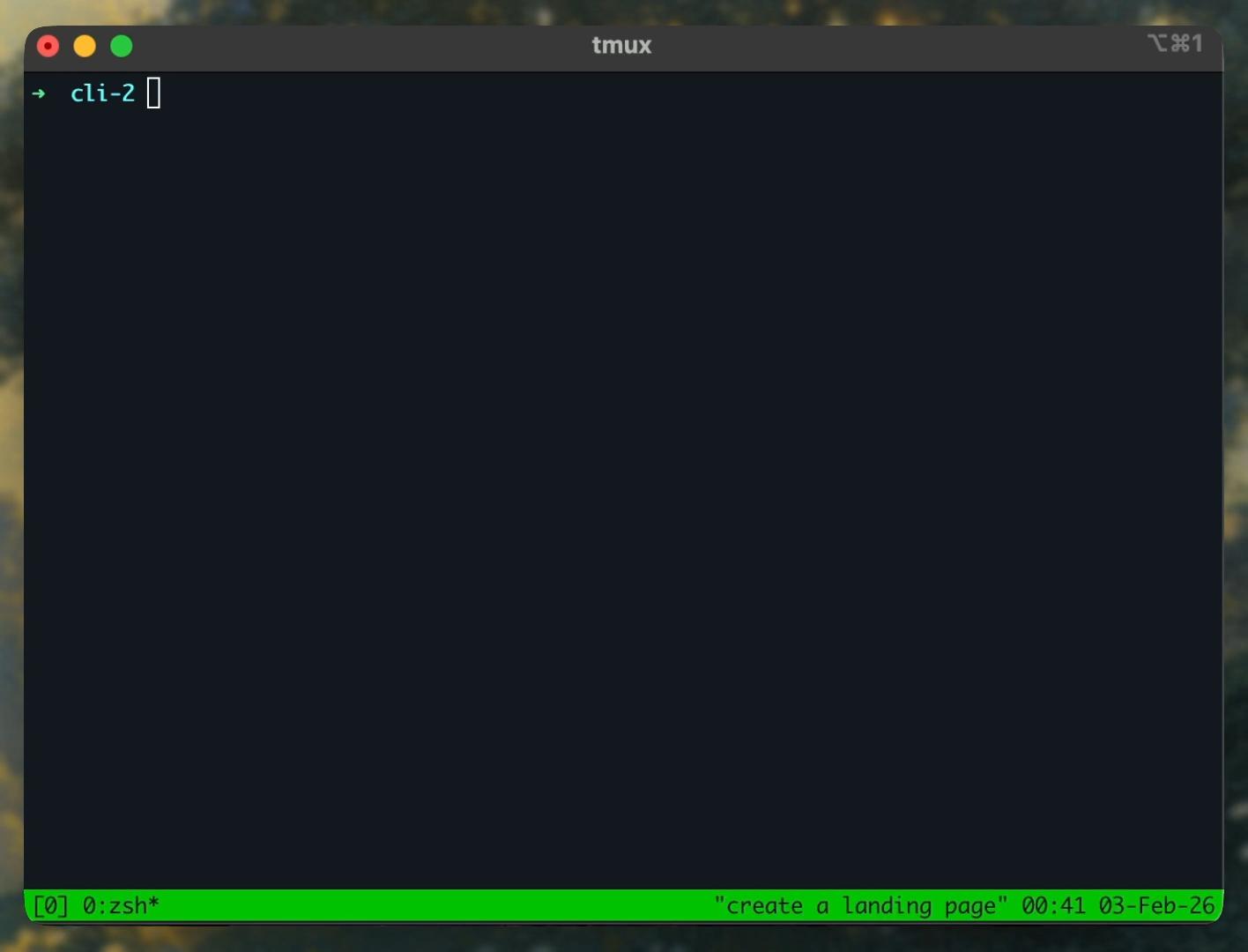
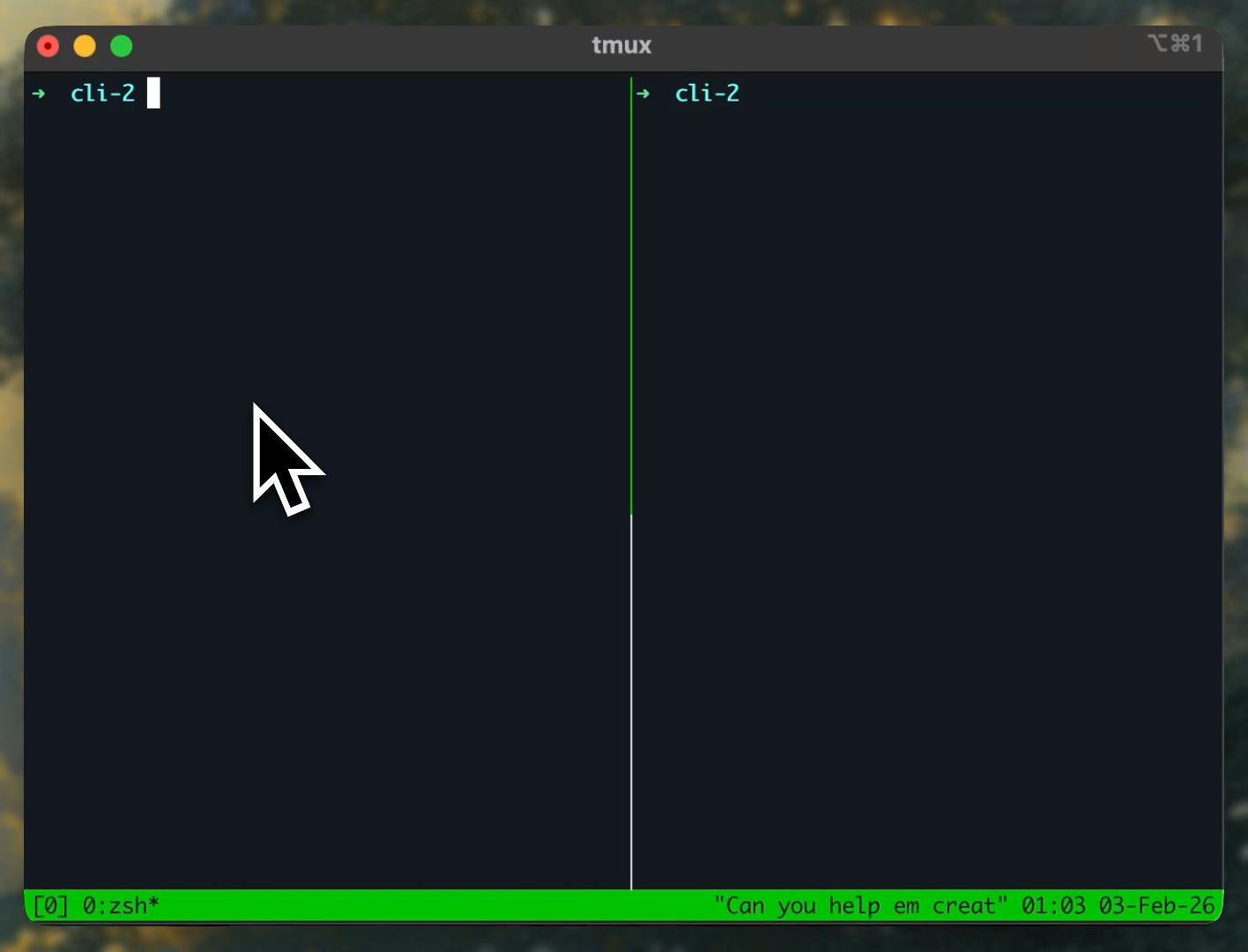
In a terminal, you already know how to do this. Open a tmux session, split into panes, run a process in each one. The infrastructure for managing parallel interactive sessions has existed for decades. What was missing was a coding agent designed to work this way.
Cline CLI instances are fully isolated. Each one maintains its own state, its own conversation, its own model configuration. One agent refactoring your database layer while another updates API docs on a different branch. No shared state, no stepping on each other. The TUI makes each instance's progress visible and interactive independently.
Parallel agents are a new workflow pattern that only becomes natural when your interface supports parallel views. The TUI just needed to be good enough that running multiple instances was worth it.
0:00
/0:34
Headless mode for automation
The -y flag gives Cline full autonomy. No interactive TUI. Everything streams to stdout. Full stdin/stdout support means you can pipe content in, chain commands, and treat Cline as another building block in your shell workflow.
# Automated code review in CI
git diff origin/main | cline -y "Review these changes for issues"

# Generate release notes from commit history
git log --oneline v1.0..v1.1 | cline -y "Write release notes"

# Run tests and fix failures with a timeout
cline -y "Run tests and fix failures" --timeout 600
This makes Cline usable in GitHub Actions, GitLab CI, Jenkins, shell scripts, cron jobs anywhere you can run a command. The agent becomes part of your pipeline, not a separate tool you switch to.
Cline fits the Unix philosophy of small tools that compose. Pipe anything into it, chain the output into another tool. JSON mode (--json) streams structured output for programmatic use cases, so you can build tools on top of Cline or integrate it into existing automation.
ACP means your agent travels with you
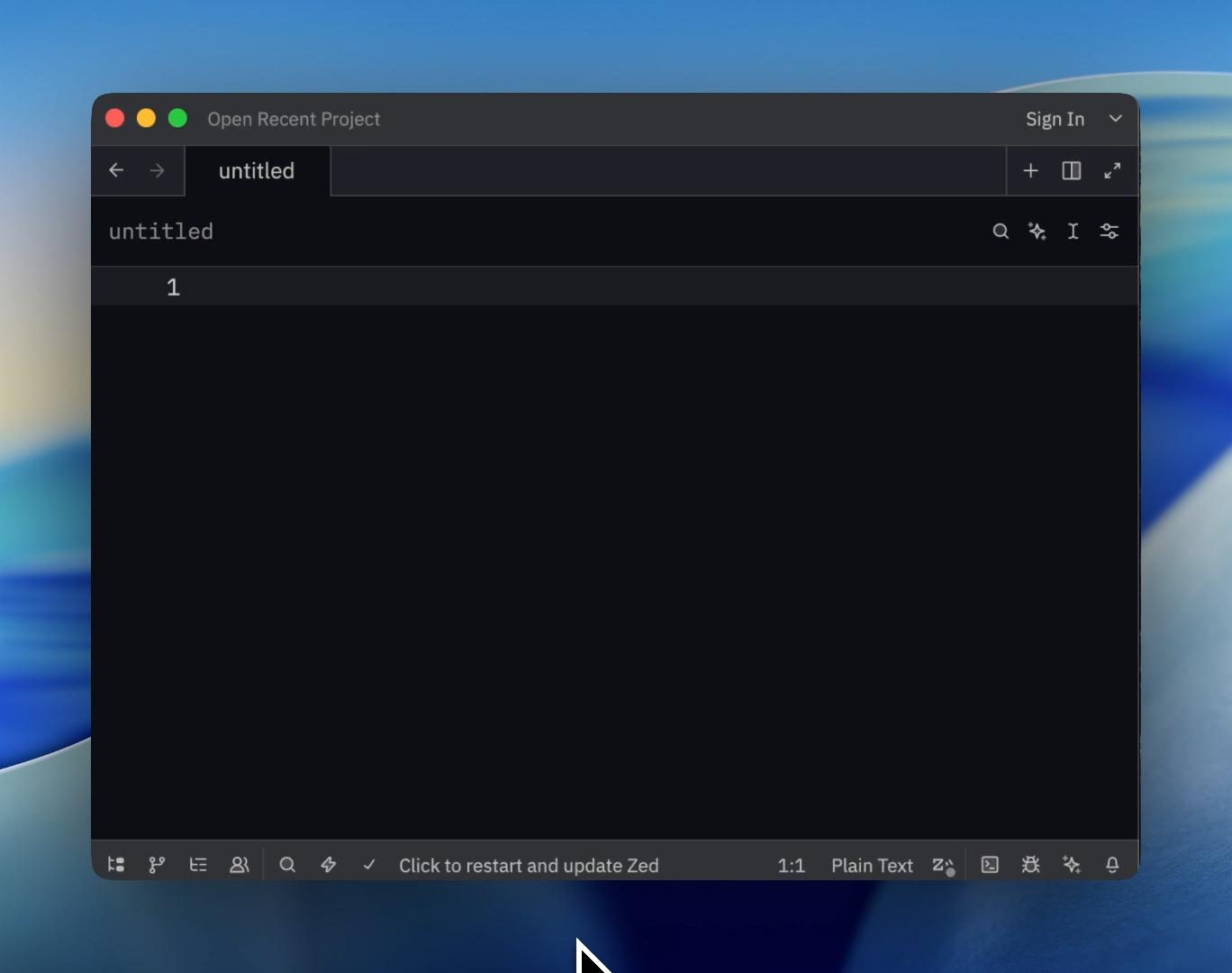
The --acp flag turns Cline into an ACP-compliant agent. ACP (Agent Client Protocol) standardizes how coding agents and editors communicate, similar to what LSP did for language servers. That means Cline works in JetBrains, Zed, Neovim (via CodeCompanion or avante.nvim), Emacs, and any other editor that speaks the protocol.
Your coding agent shouldn't lock you into a specific tool. If you've built your workflow around Neovim or you're trying out Zed, you shouldn't have to give that up. The same agent, the same configuration, the same design attention we put into the terminal experience, it carries into whatever editor you already use.
0:00
/0:38
Configuration that stays out of your way
All providers work out of the box. Run cline auth to set up your provider, Cline's native provider, OpenAI, Anthropic, Bedrock, Vertex, and more. Use cline config to toggle YOLO mode, change your default model, or configure Plan mode to use a different model than Act mode.
Need multiple configurations? Pass the --config flag to point to a different settings directory. Run one terminal with Claude for planning, another with a fast model for implementation. Each instance maintains its own state.
The bigger picture
The IDE was the right answer when the developer wrote every line. But when an agent is managing repositories, running terminal commands, and executing end-to-end workflows, the question becomes: what's the right interface for overseeing that work?
The answer isn't any single surface. It's meeting developers wherever they are. Cline runs in VS Code, JetBrains, Zed, Neovim, Emacs, and now the terminal as a first-class experience. Exploring and debugging an unfamiliar codebase? The IDE's visual tools are hard to beat. Orchestrating parallel agents, automating pipelines, scripting repeatable workflows? The terminal. Running an agent as part of a build system? Headless. Different work deserves different interfaces. The CLI occupies the sweet spot that didn't exist before: rich enough to feel like a real development environment, light enough to compose with everything else in your shell.
The IDE was the starting point. It won't be the ending point.
Try it now:
npm install -g cline
cline auth
For a limited time, Minimax M2.5 and Kimi K2.5 are free to use, no API key required. The barrier to entry is zero.
Cline is Apache 2.0 licensed, trusted by over five million developers, and recognized by GitHub Octoverse as the fastest-growing AI open-source project by contributors. You're not locked into any model or vendor. Bring your own API key from Anthropic, OpenAI, Google, Mistral, or run local models with Ollama.
Learn more at cline.bot/cli. Full docs at docs.cline.bot/cline-cli. Source code at github.com/cline/cline.
We're iterating in the open and your feedback shapes what comes next. Keep the ideas, issues, and discussions coming through GitHub, Reddit, or Discord.
The terminal is ready. Let's build.