






Best Budget Gaming Laptop
Gaming laptops can be pricey, and in the past few years, they have only gotten more expensive. The components inside laptops have gotten more expensive, the market below $1,000 has effectively been decimated, and finding a good deal is harder than ever. But we're still testing, and while the goal posts of what defines a budget gaming laptop may be a bit more expensive than they used to be, there are still ways to save.
At Tom's Hardware, we test many gaming laptops every year at a range of prices with different features and parts, so we know what to expect at every price point, no matter what your budget. While even the budget gaming laptops may not be cheap, we can still point out where you get the most for your money. We thoroughly benchmark all of the best budget gaming laptops in numerous games, extensively measuring gaming performance under a wide range of graphical conditions to suss out the best cheap laptops on the market.
Most gaming laptops under $1,500 will use Nvidia's GeForce RTX 5050 and RTX 5060 graphics cards. Many of them will use the latest Intel Core Ultra or AMD Ryzen mobile processors, though sometimes you'll still find last-gen options. Above $1,500 (which, unfortunately, is still on the low end with all-new components these days), you should have the latest. That being said, don't cut corners so far that you settle for 8GB of RAM or just 256GB of storage. Those are outdated specs for gaming laptops.
With a budget gaming laptop, you'll be able to play most games — even graphically intensive ones — on medium or high settings, if not better. If you're playing lighter games, like esports, you should still be able to achieve high frame rates.
Best Budget Gaming Laptops You Can Buy
Why you can trust Tom's Hardware Our expert reviewers spend hours testing and comparing products and services so you can choose the best for you. Find out more about how we test.
Best budget gaming laptop overall
Best budget gaming laptop overall
Specifications
CPU: AMD Ryzen 7 260
GPU: Nvidia GeForce RTX 5060 Laptop GPU
Display: 16-inch, 1920 x 1200, IPS, 16:10, 180 Hz
Weight: 4.55 pounds
Reasons to buy
+
Variety of ports, including microSD
+Large, bright, and colorful display
+Fast storage performance
Reasons to avoid
-
Gaming performance at 1080p could be better
-720p webcam
-Loads of bloatware
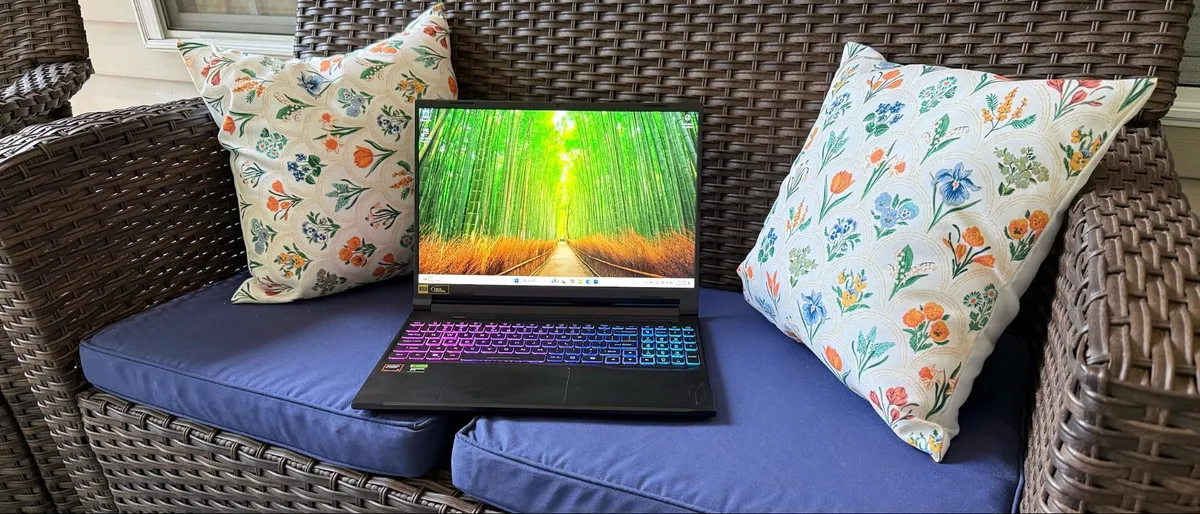
The Acer Nitro V 16S AI is, as of this writing, typically selling around $1,500. This laptop is great for those who are willing to trade off some gaming performance for a bright and colorful screen and a ton of ports, including a microSD card slot.
Those ports, paired with a speedy storage drive in our tests, make the Nivro V 16S AI a solid productivity machine alongside one that can play most games. Acer is using an RTX 5060 with an 85W graphics card, so it's not the most performant system out there, but it's well-balanced if you're going to use just one laptop for gaming, work, or school.
The 16-inch, 1920 x 1200 IPS screen goes up to 180 Hz, allowing for smooth gameplay for esports and indie games. Our system came with a 1TB storage drive, which should hold a few games, and there's room to add another inside. It also came with 32GB of RAM, which should be a bit future-proof.
There is a bunch of bloatware that you'll probably want to uninstall, and the webcam is just 720p.
Read: Acer Nitro V 16S AI review
Best budget gaming laptop for work and play
Best budget gaming laptop for work and play
Specifications
CPU: AMD Ryzen AI 7 350
GPU: Nvidia GeForce RTX 5070
Display: 16-inch, IPS, 16:10, 2560 x 1600, 165 Hz
Weight: 4.2 pounds
Reasons to buy
+
Strong productivity performance
+Good battery life
+Comfortable input devices
+Solid upgradeability
Reasons to avoid
-
Middling display quality
-Weak audio
-No Wi-Fi 7
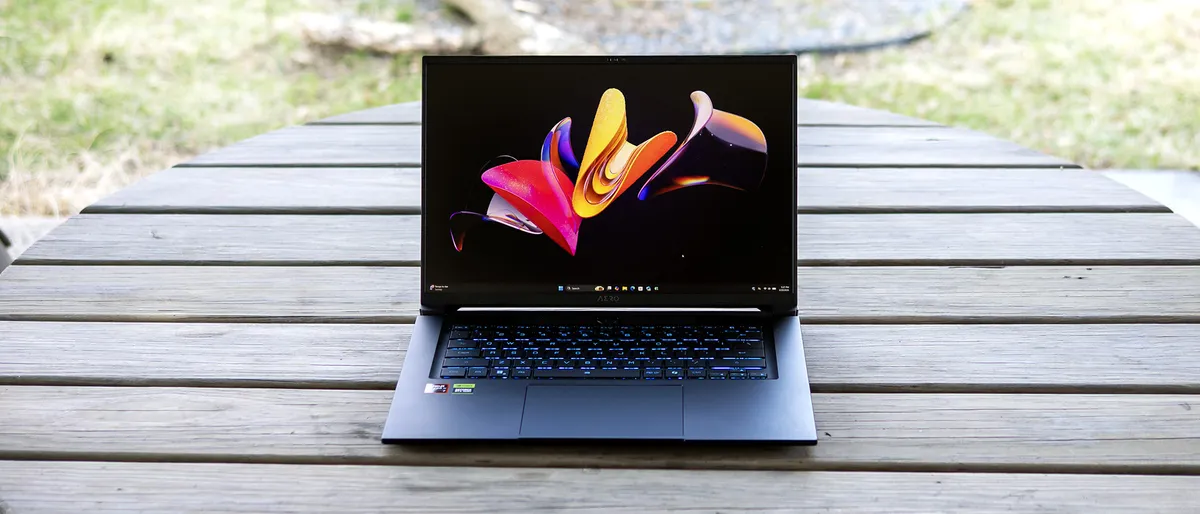
We had previously seen this laptop as high as $1,800, but lately it's been on sale closer to $1,500. The machine is another good mix of productivity and gaming. Like many other budget systems, it's using an 85W GPU (in this case, an RTX 5070), which means you won't get the most powerful gaming performance.What it does allow for, however, is strong battery life, lasting 9 hours and 13 minutes on our test. We also found the keyboard and touchpad to be quite comfortable.
The Ryzen AI 7 350 is a recent chip, and one that offers strong productivity performance, should you be using this system for work other than just gaming.It would have been nice to see Wi-Fi 7 at this system's full price, though on sale, Wi-Fi 6E is more forgivable. That being said, the display and audio are both middling, so this may be best if you use a monitor or speakers to bump up your experience.
Read: Gigabyte Aero X16 review
Best for battery life
Best for battery life
Specifications
CPU: Intel Core 7 240H
GPU: Nvidia GeForce RTX 5060 Laptop GPU
Display: 16-inch, 2560 x 1600, IPS, 16:10, 120 Hz
Weight: 5.64 pounds
Reasons to buy
+
Attractive chassis
+Remarkable battery life
+Colorful display
Reasons to avoid
-
80W RTX 5060 limits gaming performance
-Slow storage performance
-720p webcam
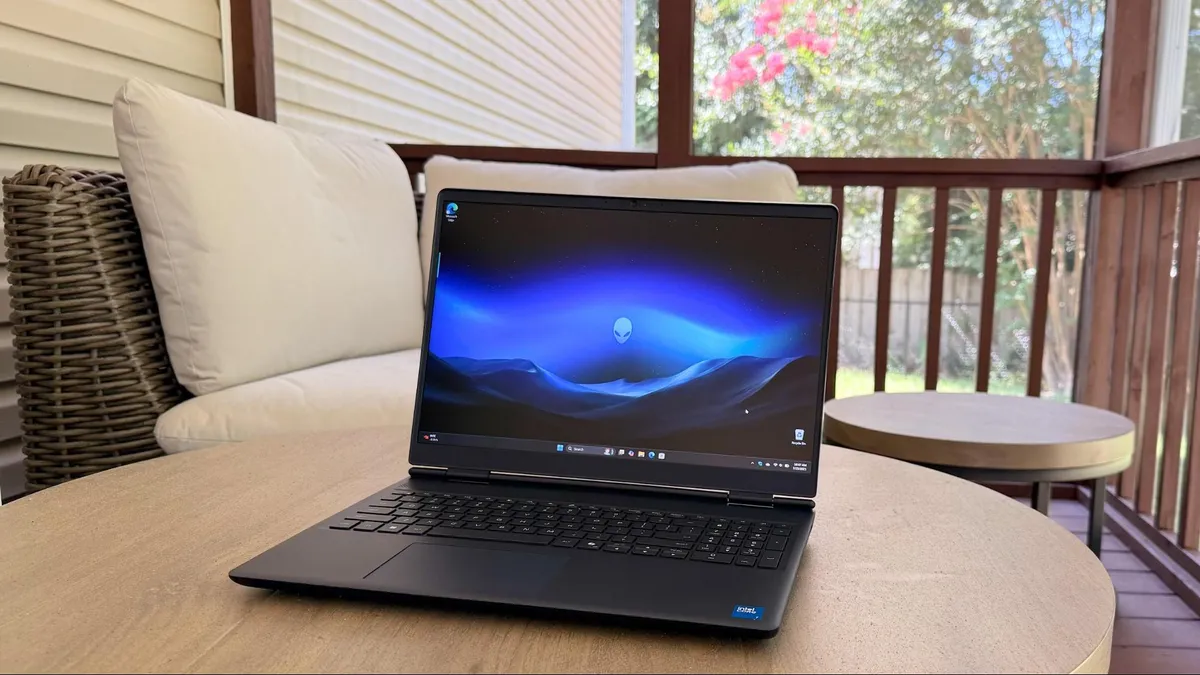
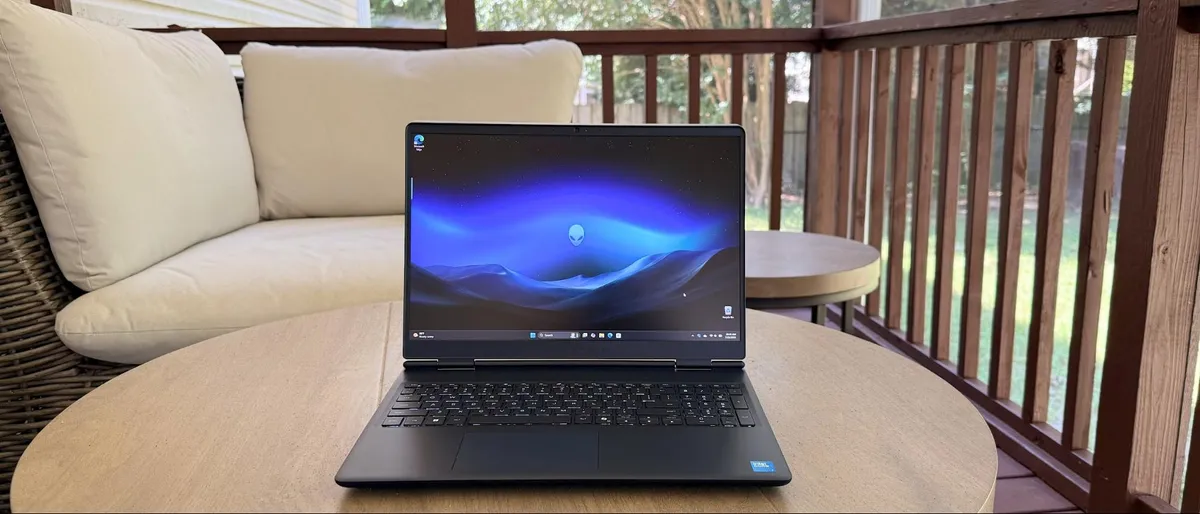
If you want something a bit more minimalist, the Alienware 16 Aurora, the gaming brand's stripped-down machine, may work for you. This one has been consistently available.
The Aurora has an attractive chassis that mixes its plastic body with an alumium lid. The indigo color seems almost black, but has a navy shimmer in the right light.
The biggest benefits we saw were in the 16-inch, 2560 x 1600 IPS display, which goes up to 120 Hz. That screen was brighter and far more vivid (112% of sRGB color volume, 312.2 nits) in our measurements compared to other budget machines.
We also appreciated the Aurora's 96 WHr battery, which helped the system last for 9 hours and 41 minutes on our battery test.
The 80W RTX 5060 is fairly low-power, which might help with the longevity, but means you'l have to set your expectations while gaming. Additionally, the storage could be faster, though you could consider swapping that out down the line.
Read: Alienware 16 Aurora review
Quick Shopping Tips
What to Expect From the Best Budget Laptops for Gaming
👉 GPU
Your gaming laptop’s graphics card is the most important part when it comes to delivering impressive graphics at smooth frame rates. Barring some extraordinary sales or closeouts, the best graphics card you can normally find in this price range is the Nvidia RTX 5060 or RTX 5050. The RTX 5060 card can deliver smooth 1080p gaming at high or ultra settings or solid frame rates with ray tracing enabled. The RTX 5050 can provide reasonably smooth performance at 1080p, but we wouldn’t recommend it for ray tracing.
👉 Screen
The displays on a gaming laptop can be anywhere between 14 and 17 inches, though you're most likely to see something around 15 inches. For a budget laptop, expect a 1080p or 1200p resolution and a refresh rate between 120 and 165 Hz. The important thing to look for here is the quality of the display, including brightness and color, which can vary widely and will severely impact how nice games look.
👉 CPU
Don’t be too picky about the CPU, as the GPU is much more important for gaming in this price range. When you're on a budget, you don't need to think too much about the CPU; the GPU is far more important at lower price ranges. You can usually find Intel Core Ultra 7 or AMD Ryzen 7 CPUs on budget gaming laptops. Sometimes, you may find the best deals on laptops with older processors – like 14th Gen Intel Core or Ryzen 7000 series. You will also see some Core Ultra and Ryzen 5 CPUs on cheaper systems, which should be fine if you're primarily gaming and not using them for any sort of professional creative work.
👉 RAM
16GB of RAM (typically DDR5, but a good older deal m ight have DDR4) should be your baseline here. That should be adequate for anyone gaming on a budget system, and for most people in general. Keep in mind that many systems will let you upgrade RAM (check before you buy!), so it's possible that you could add more down the line if the component crisis ever dies down. If you buy a system, particularly a slimmer one, with soldered RAM, make sure you get enough when you buy.
👉 Storage
On a budget, you're likely to find a 512GB NVMe SSDs that's speedy, but only offers enough storage space for a few games. If you can snag one with a 1TB drive, that's a huge plus, though, like RAM, that may be something you can update down the line.
Some cheaper, older models might have a meager 256GB drive, which is barely enough for the operating system and may not be enough for ballooning AAA games. Avoid that unless you have a spare drive lying around to upgrade it with.