





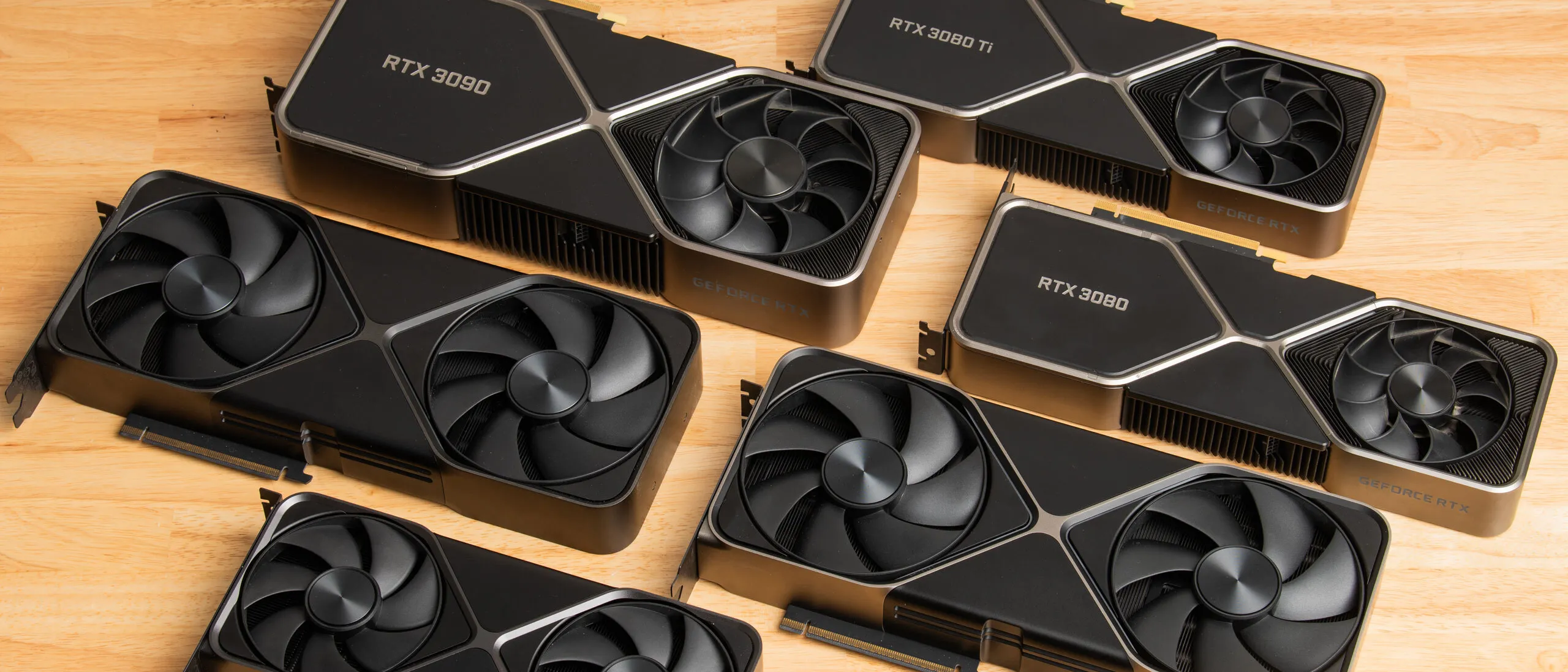
Nvidia’s RTX 30-series graphics cards made a big splash when they began arriving all the way back in 2020. Those products delivered a huge performance leap in their day, but time marches on for us all. The oldest Ampere cards are just a few months away from their sixth birthdays, and even though Nvidia has continued to support 30-series cards with its latest Game Ready driver optimizations and DLSS model upgrades, other signature GeForce features like DLSS Frame Generation are never coming to Ampere.
Even where new software features are technically supported, Ampere comes with big asterisks. DLSS 4.5 is the first upscaling model to take advantage of FP8 acceleration that’s exclusive to RTX 40- and 50-series Tensor Cores. RTX 30-series cards can still technically run DLSS 4.5 upscaling models, but the improved image quality they offer now demands a significant performance penalty from Ampere compared to past DLSS versions. And if you want to experiment with frame generation, you have to deal with the lower image quality of AMD’s cross-platform FSR 3.1 framegen tech, assuming it’s available at all in a given title.
Those software limitations aren’t insurmountable obstacles to a good gaming experience, but VRAM is a different story. Ampere cards arrived when games were less hungry for VRAM than they are today, and even the RTX 3080 has just 10GB to play with. Unless you bought into the highest end of the Ampere range, you’re likely feeling constrained by your card’s 8GB of VRAM with max settings in the latest games at resolutions higher than 1080p.
Article continues below
If any or all of those limitations have you itching for a more powerful, more flexible modern GPU, and you’d rather not navigate our GPU Hierarchy to figure out what constitutes a true upgrade, worry not. We’ve done the hard number-crunching work and thought through the most common gaming scenarios to arrive at the best upgrade path for each common Ampere card.
Monitoring the situation
Before we talk about specific upgrade paths for your GPU, we need to take a moment and consider the monitor you’re using with it. If you only have a 1080p or 60Hz monitor, a fixed-refresh-rate panel, or all of the above, your graphics card likely shouldn’t be your first or only upgrade. It’s overwhelmingly likely that you won’t enjoy a perceptibly smoother or lower-latency gaming experience on a 60Hz monitor than you currently do with the graphics card you already own.
The continuing development of high-quality upscaling tech means that monitor resolution is no longer a hard wall for gaming smoothness and responsiveness. Instead, it’s a hard cap on the image quality you can achieve. To get the most out of DLSS (or FSR), you really want to give those upscalers the highest output resolution and highest refresh rate to work with that you can. Upscaling from lower resolution to 1080p just isn’t worth it anymore unless you absolutely must, while upscaling to 4K using DLSS 4.5 Performance requires only a small frame-rate penalty relative to native 1080p output.
Along with more and more affordable OLED options, we’re seeing plenty of dual-mode monitors that can offer high-refresh-rate 4K output alongside even faster 1080p modes for downright affordable prices. And broadly compatible variable-refresh-rate tech is now in virtually every gaming monitor, so you can likely enable G-Sync or G-Sync Compatible modes with the GPU you already have.
Best of all, displays are one of the few PC gaming products that don’t rely heavily on advanced logic chips or DRAM to work, so prices for gaming monitors have remained reasonable even as everything else has gotten eye-wateringly expensive. If your monitor is older than your Ampere GPU, it’s likely high time for an upgrade. Start there first.
RTX 3080 Ti, RTX 3090, and RTX 3090 Ti: Wait for a compelling upgrade
If you’re one of the lucky gamers with an RTX 3080 Ti, RTX 3090, or RTX 3090 Ti, you can rest easy knowing that your graphics card has plenty of life left in it. Any upgrade right now is elective rather than essential, especially if you’re already using DLSS upscaling. The RTX 3080 Ti’s 12GB of VRAM is the only conceivable pain point we can see in this upper tier of Ampere.
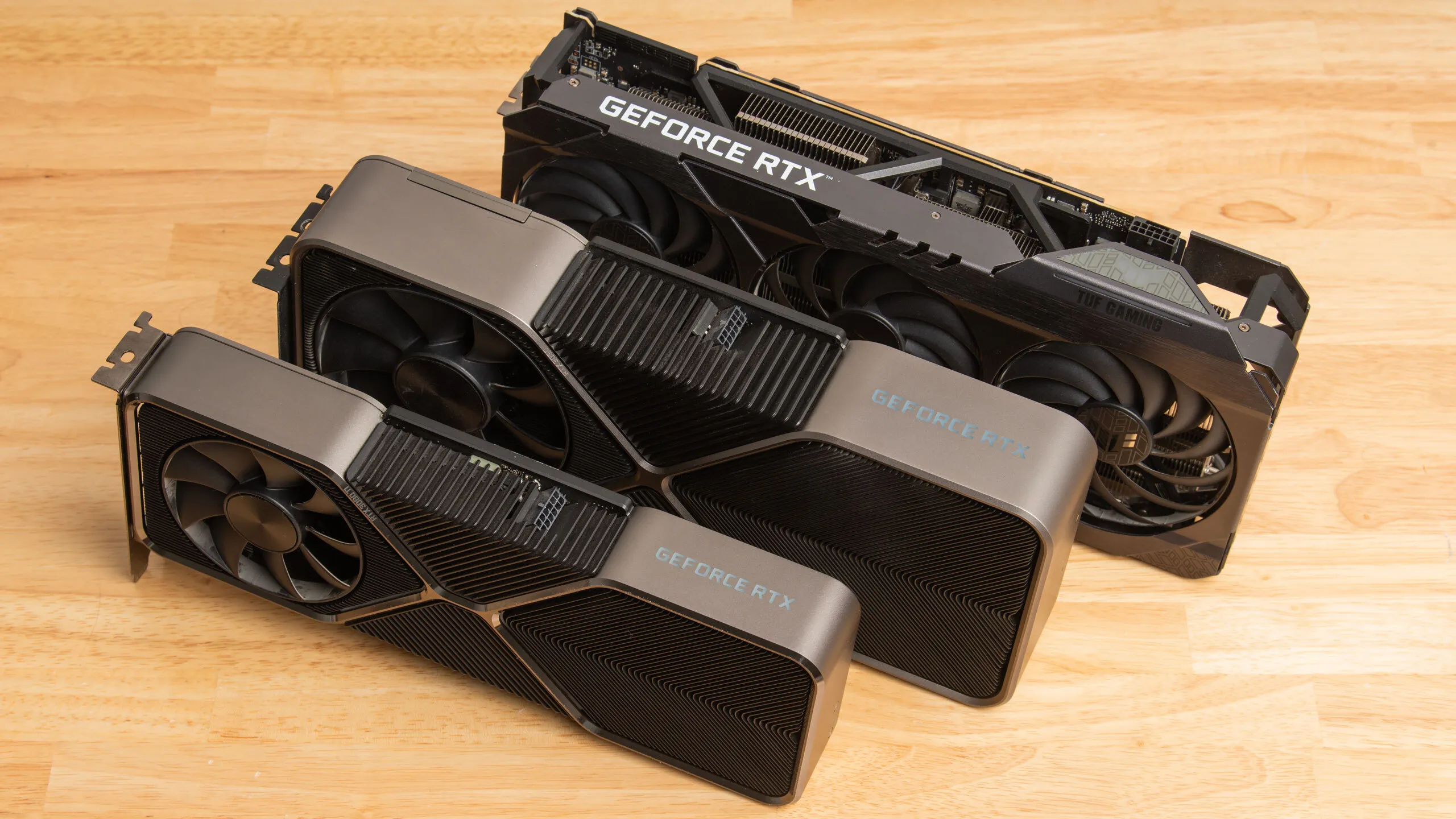
The only cards that are likely to feel like major upgrades for you are the RTX 4090 or RTX 5090, and unless you’re willing to compete with local LLM trailblazers for a used 4090 or put down nearly 2X MSRP for a new 5090, your best bet is to hold onto your current card unless you’re really feeling limited by its ray-tracing or path-tracing horsepower, the lack of FP8 Tensor Core acceleration for DLSS 4.5, or the lack of high-quality framegen support.
If you’re only gaming, 24GB of VRAM isn’t doing much for you, and you might ponder selling your RTX 3090 or 3090 Ti to one of those same LLM enthusiasts while the market is hot and putting the proceeds toward a new RTX 5080, which is substantially faster and more power-efficient than those cards and gives you full-speed access to DLSS 4.5 and MFG. But both of those things are nice to have rather than essentials.
RTX 3080: Upgrade if you’re feeling the VRAM pinch
The RTX 3080 isn’t constrained so much by its compute horsepower, which remains strong in pure raster gaming, as it is by its 10GB of VRAM. Especially if you’re trying to game at 1440p or 4K with max settings and minimal upscaling, you are likely finding that your 3080’s VRAM is the biggest obstacle to achieving the best combo of performance and image quality nowadays.
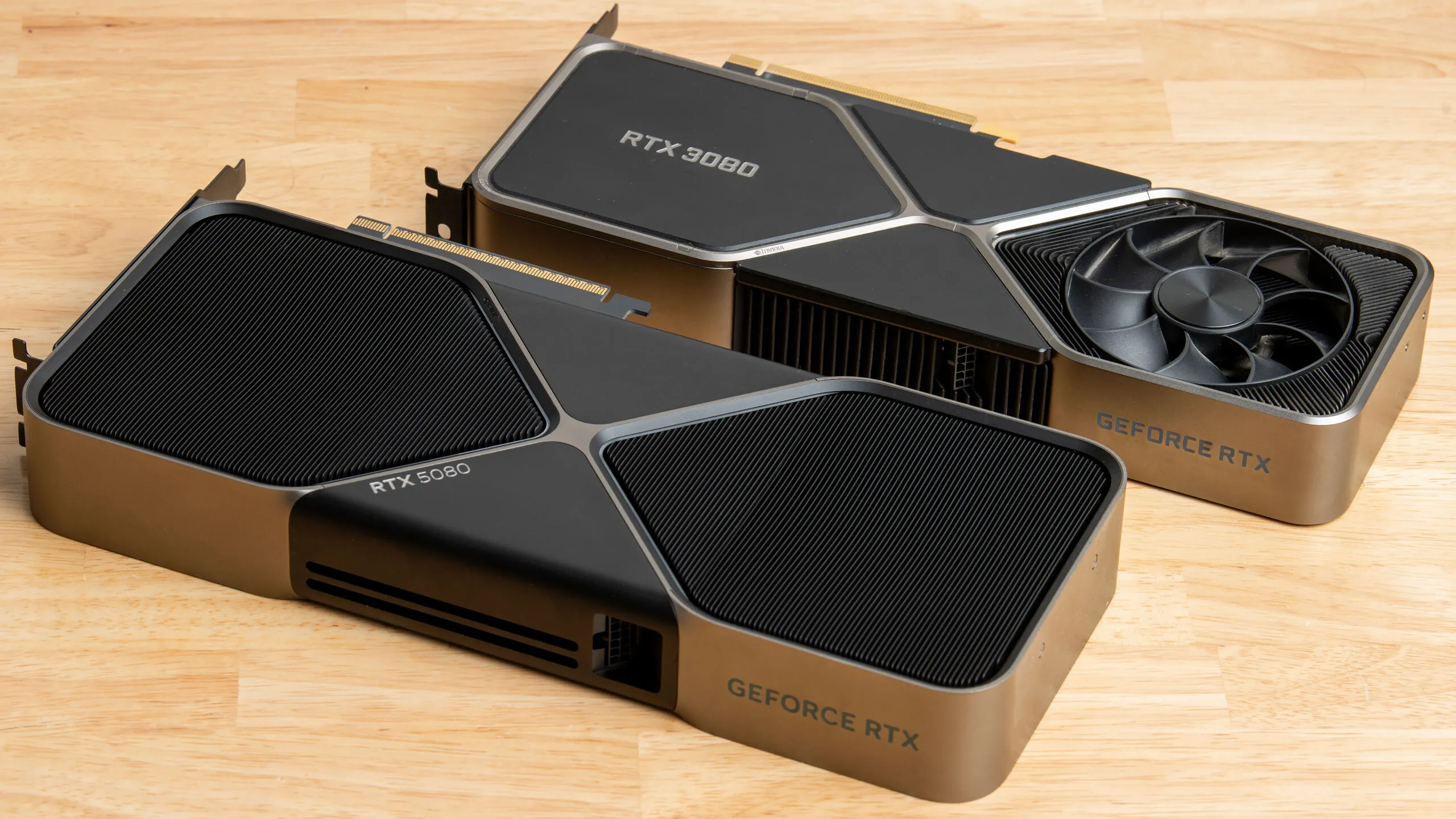
Unfortunately, the most tangible upgrades for the 3080 are the currently pricey RTX 5070 Ti or the chronically overpriced RTX 5080. Both of those cards will feel much faster for both raster and ray-traced games, they enable full-speed DLSS 4.5 upscaling for practically free performance boosts, and they give you access to framegen and MFG juice that the 3080 doesn’t support at all.
But you’d have to be really hurting for an upgrade to shell out for either of those cards, given their stiff premiums over MSRP right now. A faster, higher-resolution monitor paired with DLSS 4 upscaling (Preset K in Nvidia App override language) is a cheaper, easier path if you haven’t already tried it.
But if you’re a 3080 gamer looking for that “wow” moment from a new GPU, the RTX 5070 Ti and 5080 are the way, and their prices are what they are.
RTX 3070 and RTX 3070 Ti: Upgrade now
As with the RTX 3080, the biggest performance constraint for the RTX 3070 and 3070 Ti these days isn’t necessarily raw compute, but VRAM. Nvidia only ever offered these cards in 8GB flavors, and they still offer solid 1080p gaming performance with the latest titles. But if you’ve tried to max out settings at 1440p or above, you’ve likely felt the squeeze of that limited VRAM pool.
And VRAM-hungry RT gaming is inadvisable on the 3070 and 3070 Ti, as you’re going to be leaning hard on DLSS to even get to a fuzzy 1080p output. It’s just not worth it.
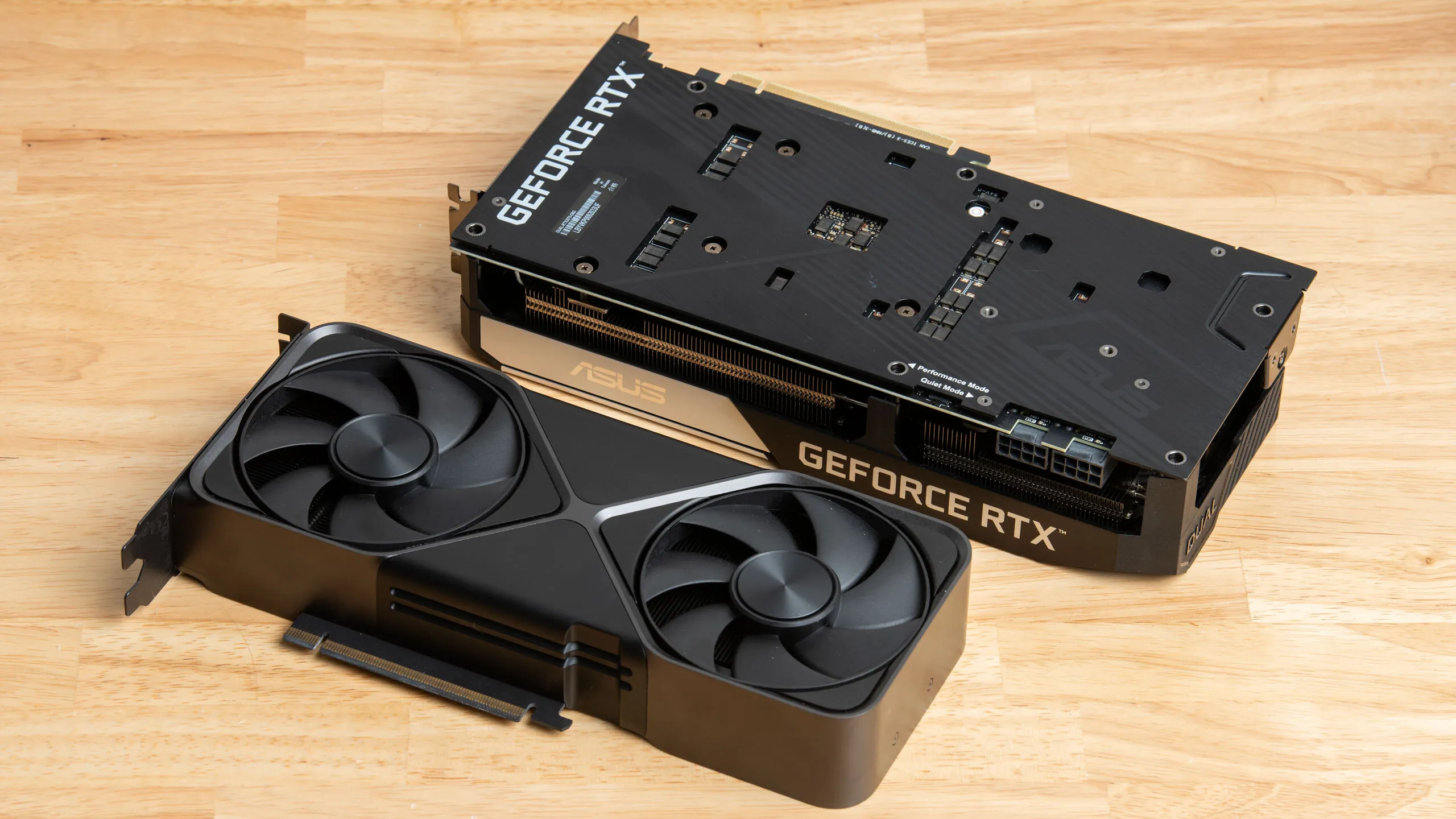
The RTX 5070 neatly solves all of the problems. It delivers the large baseline performance boost we want to see for a true upgrade, it has 12GB of VRAM for more demanding games at higher resolutions, and its support for DLSS 4.5 and MFG unlocks the latest tools for achieving high output image quality and smoothness. And it does all of this at a relatively reasonable price, even in today’s graphics card market.
If you don’t bleed green, you can get even more VRAM and a bit higher performance with the impressively fast and efficient Radeon RX 9070, whose prices also haven’t risen too terribly amid the current RAMpocalypse.
But that move is a bit of a leap of faith given the spotty support for FSR 4 AI upscaling and frame gen in the latest titles, and it also comes with the risk that you’ll be entirely locked out of next-gen features like path tracing, as we’ve seen in the latest Capcom games. If none of that sounds bothersome to you, though, the RX 9070 is worth a look as a possible option.
RTX 3060 Ti: Upgrade now
Like the RTX 3070 and 3070 Ti, Nvidia only ever offered the RTX 3060 Ti in an 8GB flavor, and that’s a tough enough limitation these days. But the 3060 Ti’s somewhat lower compute horsepower is a correspondingly greater liability as games march ever forward.
As with the RTX 3070 and 3070 Ti, your best upgrade bet is the RTX 5070. You’ll feel an even bigger boost in performance than you will with the 3070 duo, and you get more VRAM and better DLSS support than your existing card to go with it. Easy.
RTX 3060 12GB: Upgrade if you can make the 5070 leap
The RTX 3060 12GB keeps going and going thanks to its unusually large VRAM pool for a budget-friendly GPU. But that VRAM is paired with just so-so compute horsepower that’s really showing its age in the latest games.
The most natural upgrade for the 3060 in normal times would be the RTX 5060 Ti 16GB, which delivers the performance leap we want at a reasonable MSRP. But the ongoing RAMpocalypse has made those cards too scarce and too pricey to recommend. And the RTX 5060 Ti 8GB’s performance is all too likely to fall off a cliff due to its small VRAM pool, so we’d never suggest it as an upgrade.
Sorry to repeat ourselves, but the best step up from the 3060 12GB in today’s chaotic market is the RTX 5070, assuming you can afford it. It more than doubles the 3060 12GB’s gaming performance even at 1080p, and that gap becomes even more pronounced at 1440p and beyond.
Critically, the 5070 doesn’t leave you with less VRAM than you already have. Add in vastly better RT performance and support for DLSS Multi Frame Generation, and an RTX 5070 is a truly transformative gaming upgrade.
If you need a more budget-friendly upgrade than the RTX 5070 amid the RAMpocalypse, your only reasonable choice is the Radeon RX 9060 XT 16GB. That card delivers the 1.5x basic performance improvement that we want to see for the money, it runs FSR 4 AI upscaling and framegen where it’s available, and it slots into roughly the same power envelope as the RTX 3060 12GB. But you’ll need to be comfortable with leaving the Nvidia fold, and that might be too big a leap for some.
RTX 3050: Upgrade now
As the entry-level Ampere card, the RTX 3050 was already wimpy when it hit the market, and time hasn’t treated it well. It lands well below the 60 FPS mark in our overall standings, even at 1080p, and we’ve found that its baseline performance is so low that DLSS doesn’t improve things much.
If you’re still gaming on an RTX 3050 and have the freedom not to, it’s dead simple to find a compelling upgrade. Even the humble RTX 5060 handily doubles the 3050’s average frame rate across our tests at 1080p, and assuming you don’t run into VRAM limitations, the 5060 can even deliver a smooth 1440p gaming experience if 60 FPS is an acceptable baseline on average. That major performance boost barely comes with increased power requirements, so you won’t have to budget for a PSU upgrade, either.
But the 5060’s 8GB of VRAM means that you might still run into performance pitfalls in modern games, especially if you want to try out RT and DLSS framegen. If you’re only playing Counter-Strike 2, Fortnite, or Apex Legends, that’s less of a problem than it might be if you’re keen for the latest AAA experiences or PlayStation ports. But you’ll always be thinking about
If you’re looking for a card with greater longevity than the 8GB 5060 and aren’t married to the Nvidia ecosystem, we’d also check out the Radeon RX 9060 XT 16GB. It’s even faster than the 5060 in our tests and will allow you to start properly exploring ray tracing in titles that support it. It offers high-quality FSR 4 upscaling and framegen, and it won’t crush a small or aging PSU.
Bottom line
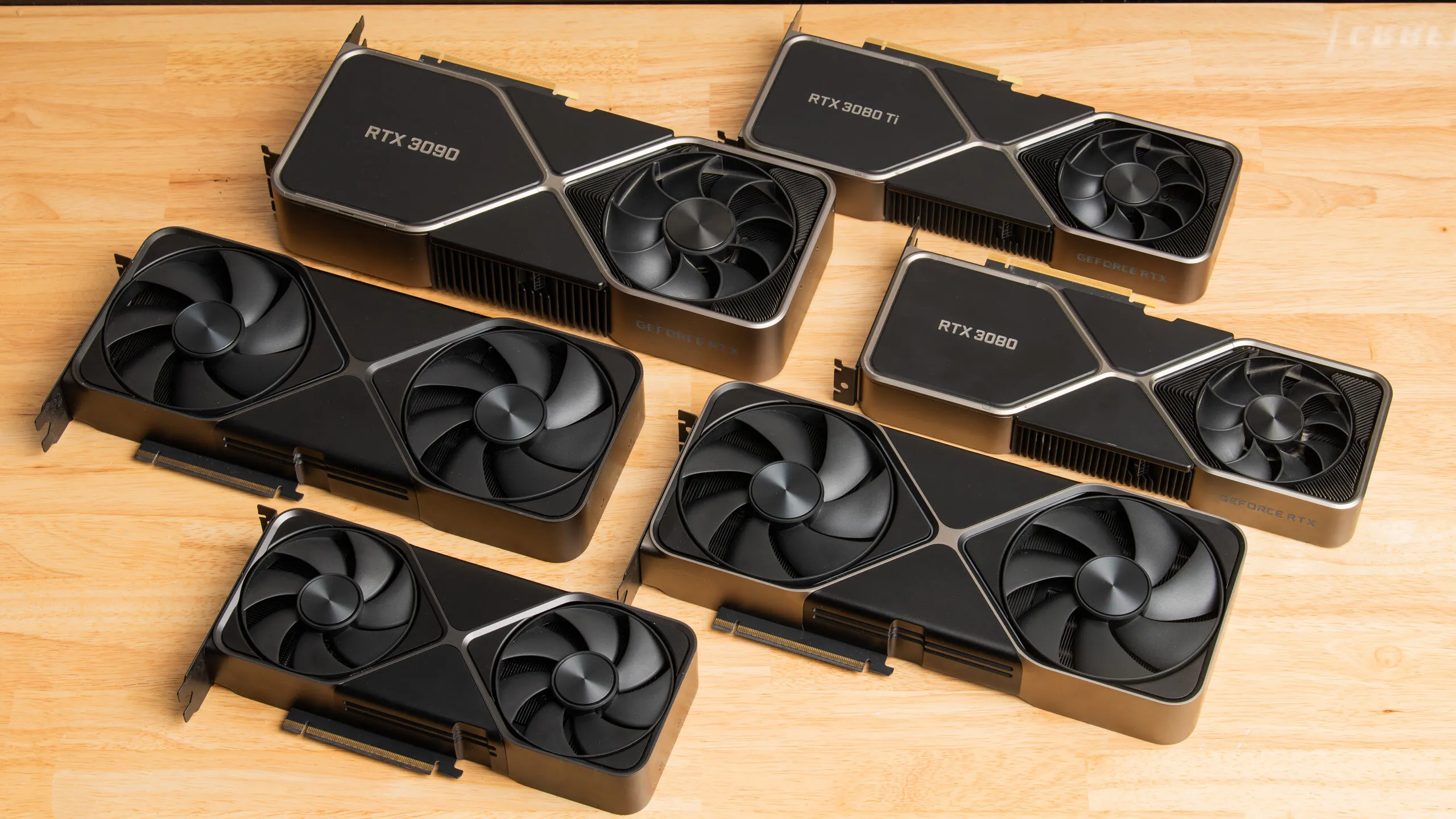
Nvidia graphics cards are lasting longer than ever, thanks to common architecture capabilities like RT and Tensor Cores, in addition to a continuously improving DLSS software suite that boosts both performance and image quality. But even with those benefits, games are continuously advancing, too, and today’s titles are starting to put pressure on even the top-end RTX 30-series GPUs of yore.
The AI boom and the accompanying RAMpocalypse both make this a tough time to upgrade for gamers’ wallets, but if you’re still using an RTX 30-series GPU and are starting to feel the upgrade itch, the relative stability of gaming GPU roadmaps also means that you can make the leap to a Blackwell card (or competing Radeon) with some confidence that you won’t be taken by a surprise next-generation GPU launch any time soon.
That said, if you’re still happy with your current graphics card and gaming monitor setup, don’t mind missing out on DLSS Multi-Frame Generation, and don’t feel the need to explore maxed-out ray-traced or path-traced effects in the latest titles, we wouldn’t blame you for squeezing every last bit of life out of your Ampere GPU. No matter which path you take, it’s hard to lose.