


Wi-Fi USB dongles promise high speeds, but can your USB port keep up?
A Wi-Fi USB dongle is the easiest way to add new Wi-Fi hardware to a computer. Wi-Fi 7 and Wi-Fi 6 adapters promise data rates of well over one gigabyte per second. This is why many users wonder whether the USB port on their PC or laptop might be slowing down their Wi-Fi connection.
To answer that, it helps to understand the speed specifications for Wi-Fi USB adapters–as with Wi-Fi devices in general–aren’t particularly reliable. The packaging often features a value such as AX1800 for a Wi-Fi 6 dongle or BE6500 for a Wi-Fi 7 dongle. This is what’s known as a pseudo-class–this speed rating is a marketing invention that has nothing to do with real-world speeds.
First, manufacturers simply add up the maximum data rates for each frequency band supported by the adaptor. For example, AX1800 combines 1,200 Mbit/s on 5 GHz with 574 Mbit/s 2.4 GHz, which rounds up to 1,800 Mbit/s. However, as a Wi-Fi transmission always runs on just one frequency at a time, these combined figures can never be achieved.
With Wi-Fi 7, this would theoretically be possible, provided that both the dongle and the router support the MLO MLMR (Multi-Link Operation with Multi-Link-Multi-Radio) function. However, no Wi-Fi 7 dongle is capable of this. The manufacturers’ specifications for the individual frequencies are gross figures that can never be achieved in practice.
This is because, even at short distances between the router and the dongle, the data rate is reduced due to signal errors. You can assume that, in the best-case scenario, a Wi-Fi connection will achieve 60 to 70 percent of the specified data rate. A Wi-Fi 7 USB dongle ideally achieves a real-world data rate of around 2 Gbit/s.
The maximum data rate for USB 3.0 (USB 3.2 Gen 1) is 5 Gbit/s. Here, too, there are some losses: USB speeds are reduced by overhead, poor-quality cables, high CPU load, faulty drivers, and other USB devices connected to the computer. Nevertheless, USB 3.0 should deliver 2.5 to over 3 Gbit/s in practice, which is sufficient even for the fastest Wi-Fi 7 dongles.
Asus
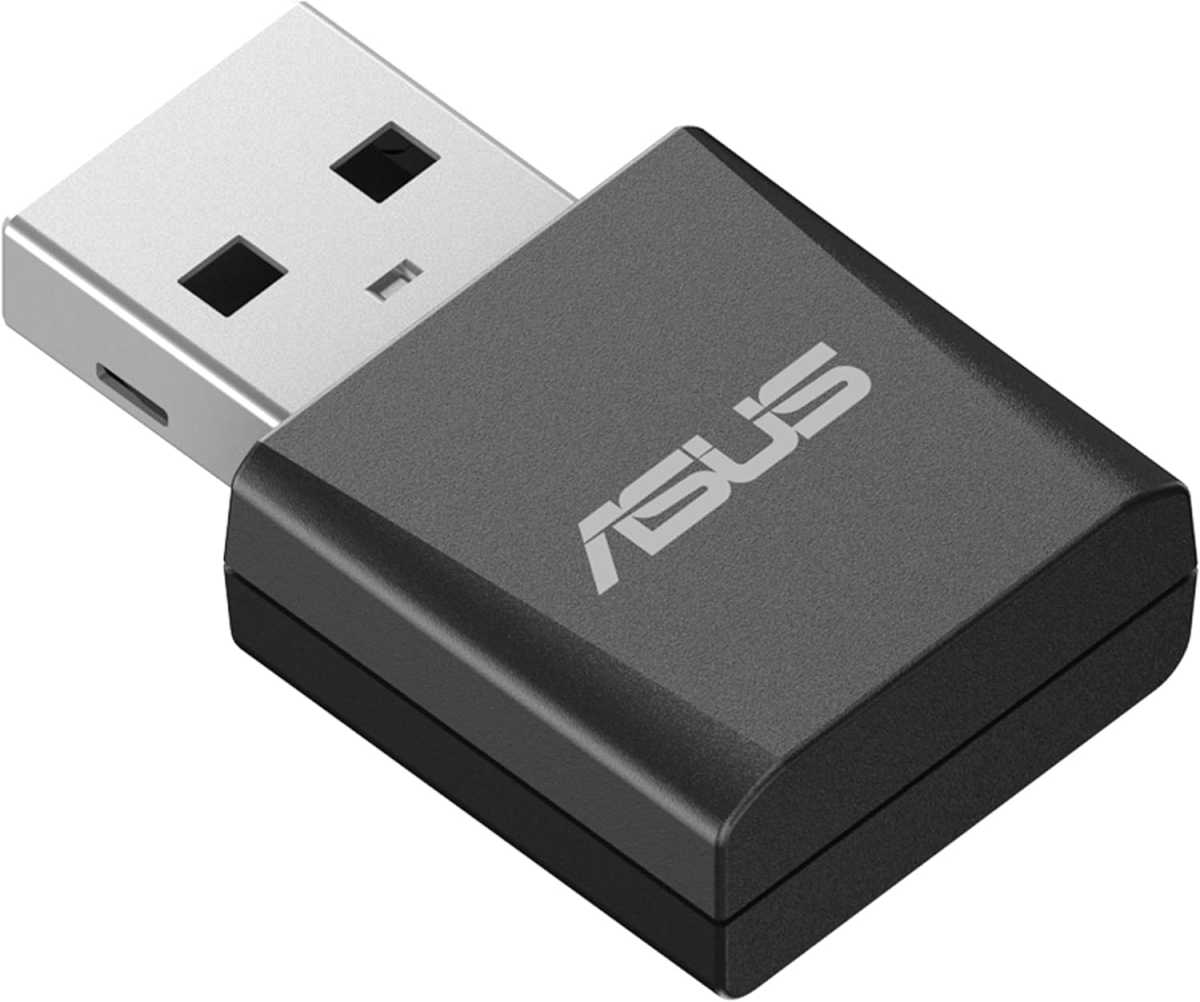
This means the interface is also fast enough for Wi-Fi 6 adapters, with the fastest models offering speeds of 1.5 to 1.8 Gbit/s. You should, however, avoid Wi-Fi dongles with USB 2.0 for Wi-Fi 6 or Wi-Fi 7 if you don’t want to slow down the connection. That said, these models – such as the Asus USB-BE92 Nano – offer other advantages.
They are usually very small, which means they can stay plugged into your laptop and are unlikely to get lost. Furthermore, under good wireless conditions, they achieve speeds of around 200 to 300 Mbit/s, which is sufficient for the bandwidth offered by most VDSL internet connections. There is a pitfall to watch out for with USB Type-C.
Unlike Type-A, where a 3.0 port can usually be distinguished from a 2.0 port by its blue color, with Type-C you’ll have to check whether the port on your computer is labeled accordingly. If it isn’t, the only solution is to consult the manual.
This article originally appeared on our sister publication PC-WELT and was translated and localized from German.