惯性聚合 高效追踪和阅读你感兴趣的博客、新闻、科技资讯
阅读原文 在惯性聚合中打开

推荐订阅源

酷 壳 – CoolShell
酷 壳 – CoolShell
D
DataBreaches.Net
C
Check Point Blog
雷峰网
雷峰网
小众软件
小众软件
GbyAI
GbyAI
美团技术团队
P
Proofpoint News Feed
让小产品的独立变现更简单 - ezindie.com
罗磊的独立博客
大猫的无限游戏
大猫的无限游戏
WordPress大学
WordPress大学
MyScale Blog
MyScale Blog
The Cloudflare Blog
阮一峰的网络日志
阮一峰的网络日志
Apple Machine Learning Research
Y
Y Combinator Blog
Jina AI
Jina AI
爱范儿
爱范儿
Last Week in AI
Last Week in AI
MongoDB | Blog
MongoDB | Blog
I
InfoQ
钛媒体:引领未来商业与生活新知
钛媒体:引领未来商业与生活新知
博客园 - 司徒正美

Black Hills Information Security, Inc.

Bad Habits: An ANTISOC Operation Same Problem, Different Angles: When Red Team and Blue Team Actually Talk to Each Other How to Identify and Exploit New Vulnerabilities Swapper – A Pure Regex Match/Replace Burp Extension A Practical Guide to BloodHound Data Collection Network Engineering Basics Signed, Trusted, and Abused: Proxy Execution via WebView2 Getting Started In Pentesting – Advice From The BHIS Pentest Lead Cloud Security: Tips and Resources for Securing the Cloud Lessons From A Chatbot Incident How to Lead Effective Tabletops Understanding GRC: How to Navigate Risks and Compliance Standards The “P” in PAM is for Persistence: Linux Persistence Technique Malware Analysis: How to Analyze and Understand Malware OSINT: How to Find, Use, and Control Open-Source Intelligence What to Do with Your First Home Lab When the SOC Goes to Deadwood: A Night to Remember Social Engineering and Microsoft SSPR: The Road to Pwnage is Paved with Good Intentions Common Cyber Threats Finding the Right Penetration Testing Company Deceptive-Auditing: An Active Directory Honeypots Tool The Curious Case of the Comburglar How to Set Smart Goals (That Actually Work For You) Inside the BHIS SOC: A Conversation with Hayden Covington Abusing Delegation with Impacket (Part 3): Resource-Based Constrained Delegation Why You Got Hacked – 2025 Super Edition Abusing Delegation with Impacket (Part 2): Constrained Delegation Abusing Delegation with Impacket (Part 1): Unconstrained Delegation GoSpoof – Turning Attacks into Intel Model Context Protocol (MCP)
Backdoors & Breaches – Tabletop Simulator Guide
BHIS · 2021-03-16 · via Black Hills Information Security, Inc.

Edward Miro //


Backdoors & Breaches is now available as an official Workshop Mod for Tabletop Simulator!


Backdoors & Breaches (B&B) contains 52+ unique cards to help you conduct incident response tabletop exercises and learn attack tactics, tools, and methods. This post is a guide for getting a virtual B&B game going.

Note: New attack, defense. and inject cards will be added periodically.

This is a multi-step process, but it’s not difficult. Our mod is built with Tabletop Simulator (TTS) and is hosted on the TTS Workshop. TTS runs on the Steam Platform.

Note: this guide is designed for Windows users, but you can do the same on Mac or Linux. TTS and the B&B mod work on any platform. ​

​What you will learn from this guide:

  • How to install Steam
  • How to install Tabletop Simulator (TTS)
  • How to access the “Backdoors & Breaches” mod
  • Some gameplay basics to get you started


How to install Steam

​If you don’t already have Steam installed, that’s okay. It’s super easy to get and free to install. Head over to: https://store.steampowered.com/

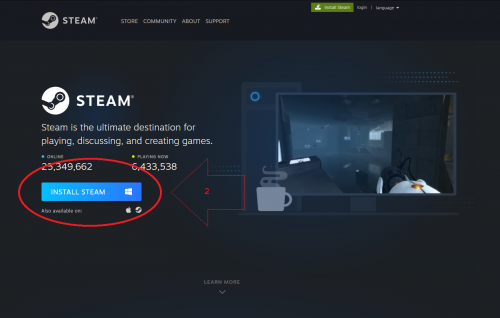
Now click “Install Steam” in the upper right-hand corner: ​
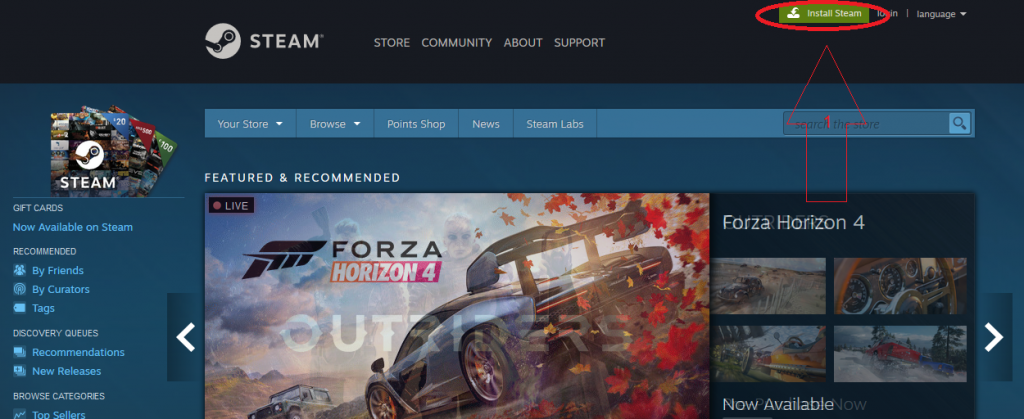
​On the next screen, click “Install Steam”:​

​Save the ‘SteamSetup.exe’ file, then run the installer. Select your language, choose an install location, and at the end click ‘Finish” to run Steam: ​
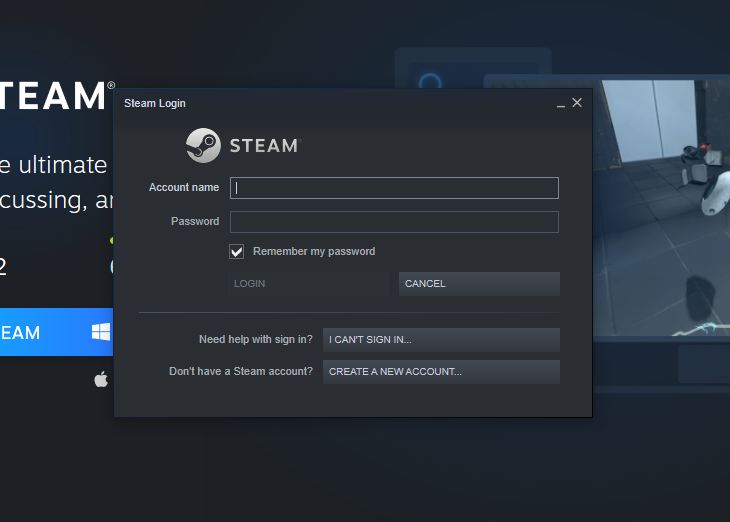
​At this point either sign in with a previously made account or click ‘CREATE A NEW ACCOUNT…’ to make a new account. Once your account is set up and you’re logged into Steam, then proceed to the next step.


​How to install Tabletop Simulator

From the main ‘Steam’ menu, search using the ‘search the store’ search box in the upper left for ‘Tabletop Simulator’. It should be the first result and will look like this: ​
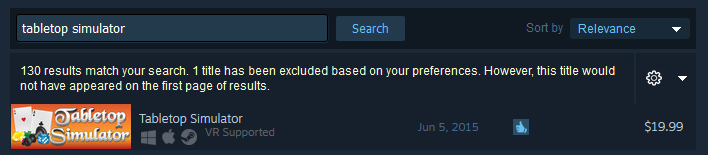
​Now just ‘Add to Cart”, and after purchasing… ​(you will need to purchase TTS, but the B&B mod will be a free workshop subscription)
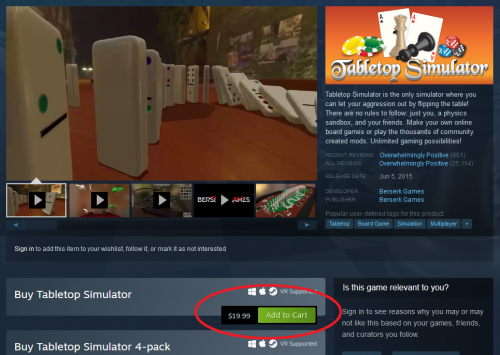
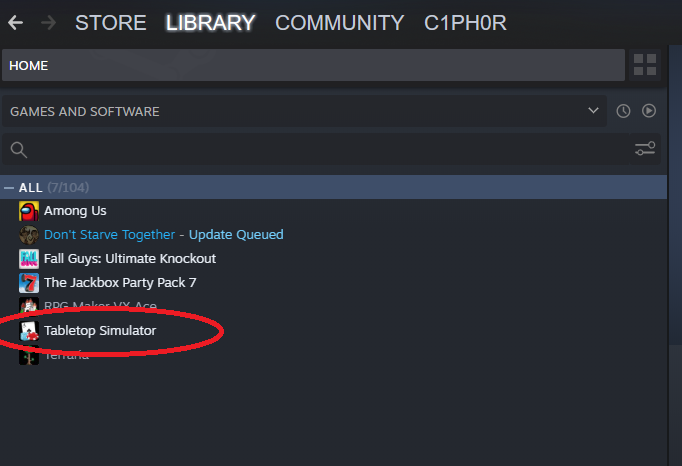
​…it will be added to your ‘LIBRARY’: ​

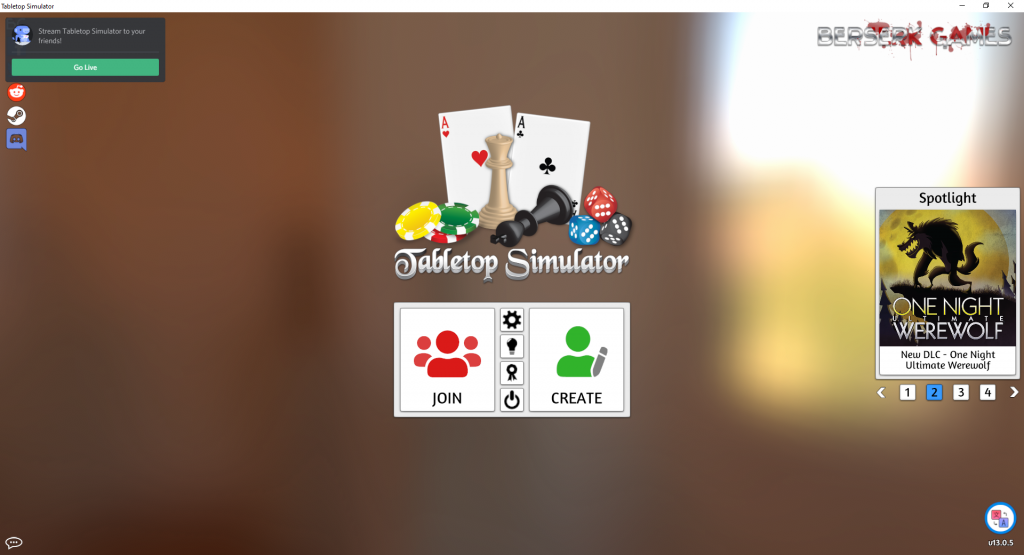
​Double-click it and then select ‘Play Tabletop Simulator’ to open TTS. (if you have a vr rig, this is also supported) ​
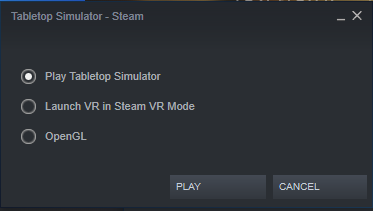
​Now you’re ready for the last step: ​


​How to access the “Backdoors & Breaches” mod

In your browser, head to:

https://steamcommunity.com/sharedfiles/filedetails/?id=2401033477

Note: if that doesn’t work, you can also access the TTS Workshop directly and search ‘BHIS’ in the search box.

Click on ‘Subscribe’ at the bottom to add the B&B mod to your saved Workshop games: ​
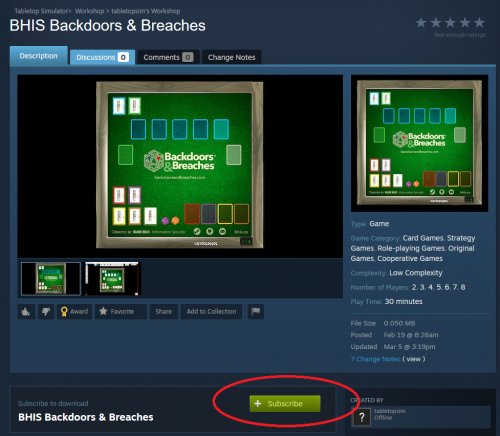
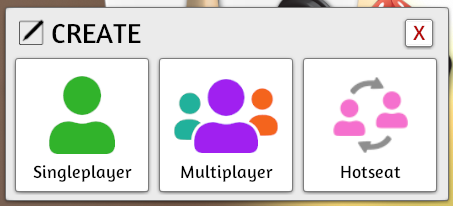
You can now go back to Tabletop Simulator. Click on ‘CREATE’ to start a new game: ​
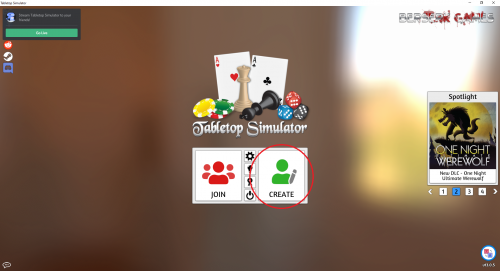
Select either ‘Singleplayer, Multiplayer or Hotseat’. Singleplayer will be just for you. Multiplayer allows you to host a game to play with other people who have Tabletop Simulator, and Hotseat allows you to play multiplayer with the same computer.

For this walkthrough, I’ll be selecting Singleplayer: ​
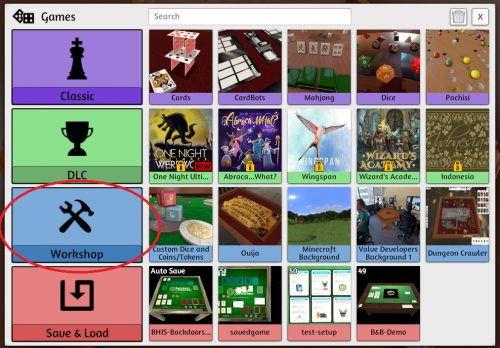
​From the ‘GAMES’ menu, we will then select ‘Workshop’: ​
​If you’re new to TTS, your ‘WORKSHOP’ menu should look like this: ​
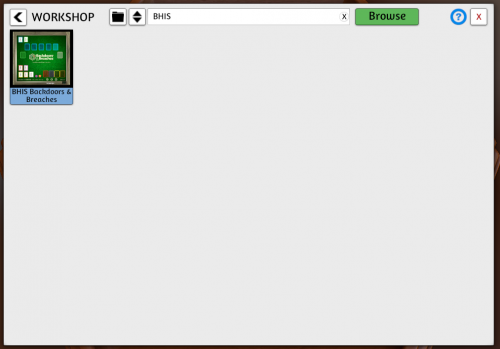
If not, you can type ‘BHIS’ in the search box to filter the items.

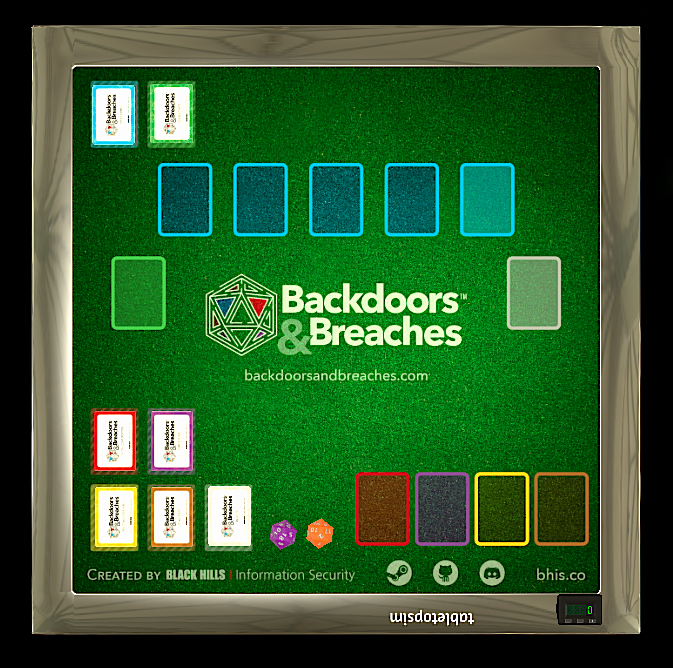
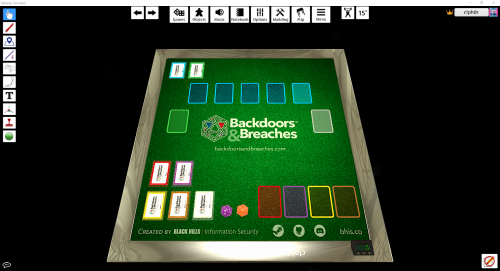
Click on ‘BHIS Backdoors & Breaches’, then ‘Load’, and you’re in: ​


Some gameplay basics to get you started

Tabletop Simulator Knowledge Base – Controls & Movement
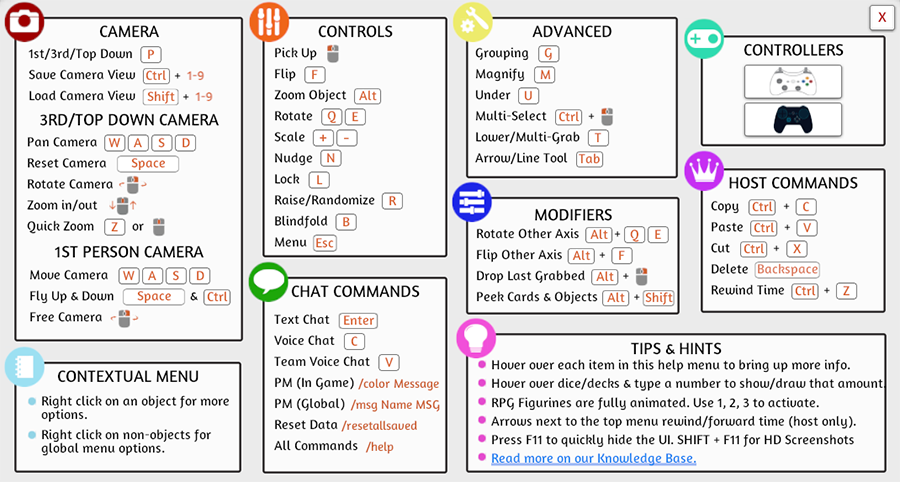
Tabletop Simulator Tutorial Series Part 1: Controls

Want to see the Backdoors & Breaches Tabletop Simulator in action?