








Jordan Drysdale & Kent Ickler //
Ubuntu base OS, install AZCLI, unpack terraform, gather auth tokens, run script, enjoy new domain.
https://github.com/DefensiveOrigins/APT-Lab-Terraform
For those of you who have been diligently following along – three webcasts now, a four-hour intro training session on a Saturday, our students who have attended the virtual courses – it has been written. The labs are now available for your use and deployment on Azure with a few reasonable steps. The instructions below will spin up three systems on Azure with Terraform to mirror the classroom environment we preach (DC + member + HELK). They have the same IPs, same creds, everything you’ve gotten used to.
The steps are listed below and assume you have an account on Microsoft Azure. If you do not already have one, visit here and claim your $200 in credits: https://azure.microsoft.com/en-us/free/
If my math is close, you can run the lab built by the instruction set below for about 30 days on just the credits. Anyway, thanks for reading, following along, and keeping up with our efforts.
New Ubuntu 18.04 on Digital Ocean at $5/month

Install AZCLI
curl -sL https://aka.ms/InstallAzureCLIDeb | sudo bash

Gather up the terraform binaries, unpack, and add to PATH. An old habit I learned from a fella named Fletch was to add packages and tools to /opt/. Also, be careful, binary locations change over time. Grab the latest terraform package location here: https://www.terraform.io/downloads.html
cd /opt/
wget https://releases.hashicorp.com/terraform/0.12.29/terraform_0.12.29_linux_amd64.zip

Unzip terraform_0.12.29_linux_amd64.zip
mv terraform /usr/local/bin/
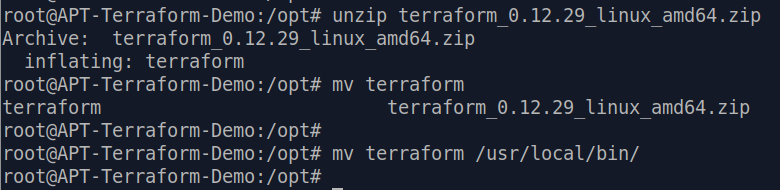
Terraform should now be operational!
terraform -v

This step is a bit more complicated and is likely to cause some trouble on the path to deployment. We need to gather the necessary token information to authenticate via AZCLI to our Azure subscriptions.
az login
This command should prompt us for authentication on the AZ cloud. I simply accessed an existing Azure session and followed the instructions.
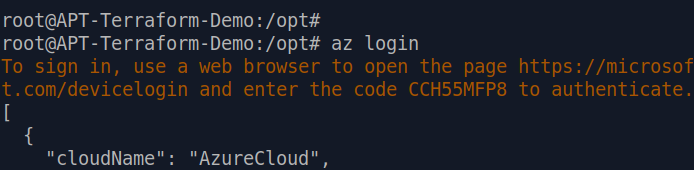
The next command is used to set your authenticated AZ CLI session to the appropriate subscription.
az account set --subscription="YOUR_SUBSCRIPTION_ID"
The next command will create a service principal with role-based access controls for this deployment.
az ad sp create-for-rbac --role="Contributor" --scopes="/subscriptions/YOUR_SUBSCRIPTION_ID"
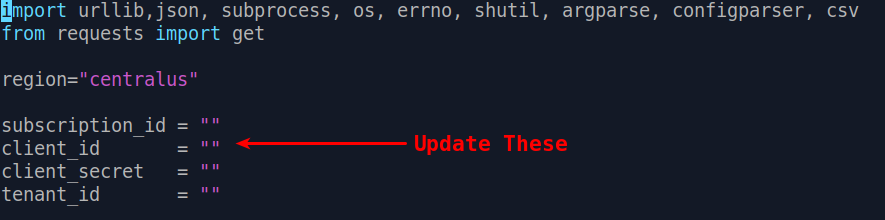
This command will output some sensitive information, as indicated by zeroes in the following screenshot, which was lifted from a Microsoft article linked as a reference. Each of these values will be inserted into your LabBuilder.py script.
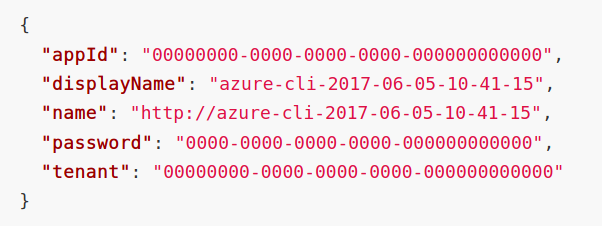
(appId is the client_id)
(password is the client_secret)
(tenant is the tenant_id)
Gather the repo and configure the LabBuilder script for your subscription and service principal.
git clone https://github.com/DefensiveOrigins/APT-Lab-Terraform.git
cd APT-Lab-Terraform
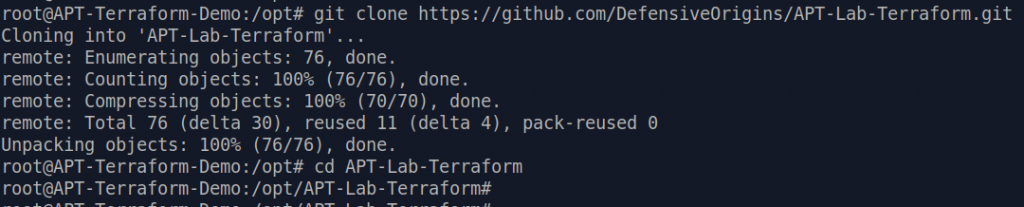
vi/vim/nano/emacs/word/textpad/mousepad/leafpad/notepad/ LabBuilder.py
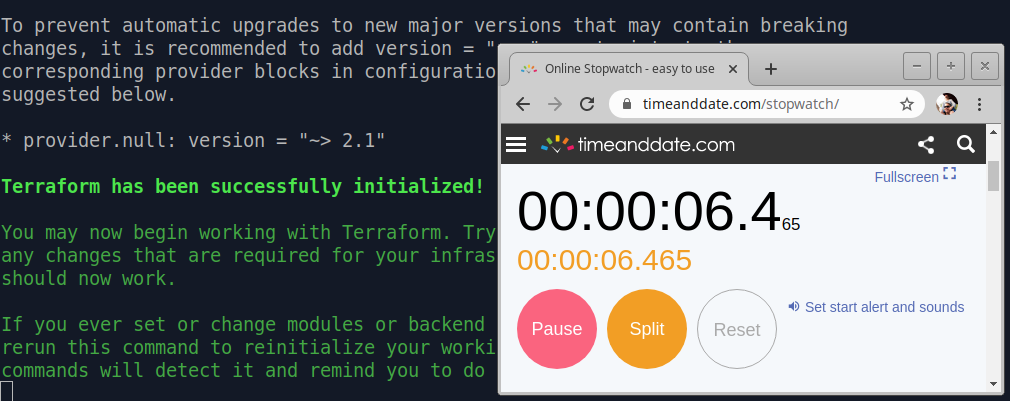
Build!
python3 LabBuilder.py -m <publicIP>
Right now, I am guessing a complete build will be done in 27 minutes.
This build finished in a modest 23 minutes, 53.8 seconds.
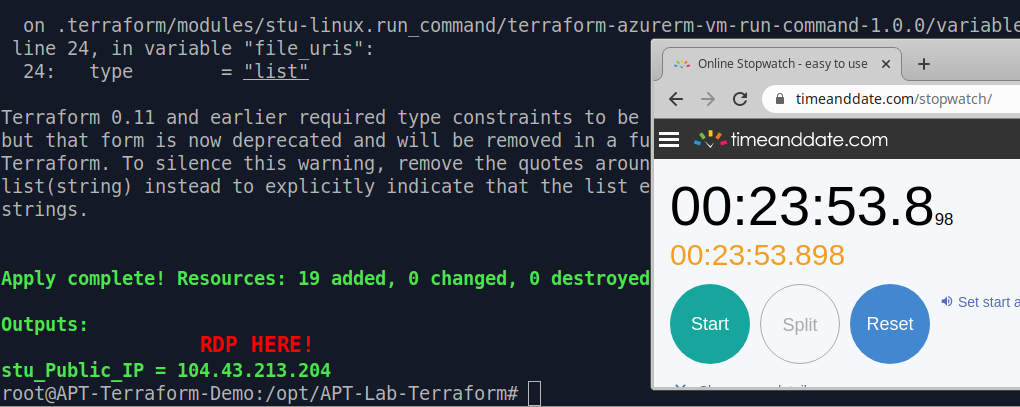
The output as shown is just a public IP address from Microsoft’s allocations. That address has a listening remote desktop service available to the labs.local\itadmin user. The password is “APTClass!” no quotes. Please recognize that at this point, the optics stack is unconfigured (you will not see a thing in Elastic, no Sysmon is installed, nada).
A fantastic description of the code base itself, all the underlying systems, services, users, etc is available on the git repo. A high level overview of the lab environment at this point is listed below. This information is also documented on the git repo.
Windows DC: 10.10.98.10
Public IP restricted to the provided public IP will land on the Windows member system.
Windows WS: 10.10.98.14
HELK: 10.10.98.20
In our experience, this lab runs between six and eight bucks a day ($6.00 – $8.00 / day) on Azure (AWS is more than twice this cost in testing thus far). Which, for newcomers to Azure, you are eligible for $200 in credits.
https://github.com/DefensiveOrigins/APT-Lab-Terraform
https://github.com/Cyb3rWard0g/HELK
https://www.terraform.io/downloads.html
https://www.terraform.io/docs/providers/azurerm/guides/service_principal_client_secret.html
Next up: using two individual scripts to install the entire Windows optics stack and ship logs. Once you run these scripts, the listening Apache Kafka broker will do its thing and you will start seeing log data in Elastic. This will get turned loose in the same repo.
Want to learn more mad skills from the person who wrote this blog?
Check out these classes from Jordan and Kent:
此内容由惯性聚合(RSS阅读器)自动聚合整理,仅供阅读参考。 原文来自 — 版权归原作者所有。