









Charles Brutlag/Shutterstock
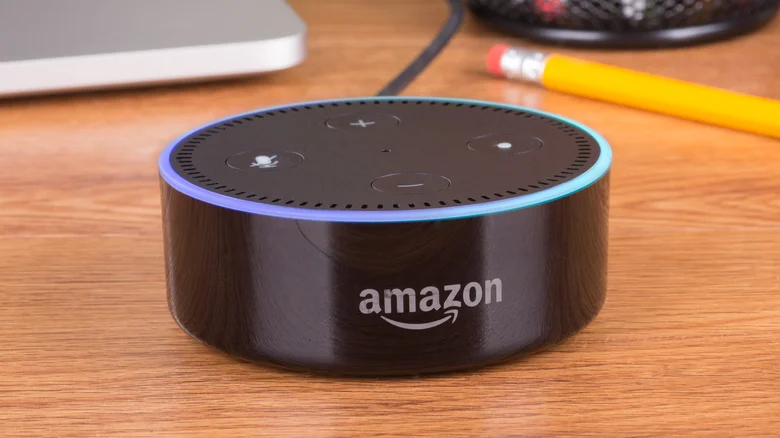
Launched in November 2014, Alexa is Amazon's cloud-based voice assistant, and it's similar to Google's Gemini in that it can help users complete a variety of tasks or gain information via smart home devices such as the Echo Dot. Though there may be a number of things you didn't know your Amazon Alexa can do, one thing you certainly should know is that there can be some terrible locations to keep an Amazon Alexa speaker.
It may seem innocent enough placing an Alexa speaker wherever you feel like, but certain areas are simply not a good idea. Some of these locations should be avoided to help preserve the longevity of your device, and certain spots can also bring about privacy risks or create interference with other devices in your space. Placing an Amazon Alexa speaker in these locations won't necessarily guarantee a catastrophe, but it's nonetheless best to avoid them to keep your device performing at its best. Naturally, we also know some other essential tips and tricks for your Alexa.
Though we're exploring places you shouldn't put an Alexa, that doesn't mean we don't think about where it should go. If you want to keep your Alexa safe, placing it on a shelf where you know it won't get knocked over can be a good start, or a corner in your living room can also be ideal. So long as you're making sure nothing is obstructing the device and it can be detected and heard, you'll likely be good to go if you avoid the following places.
The bathroom
Onurdongel/Getty Images
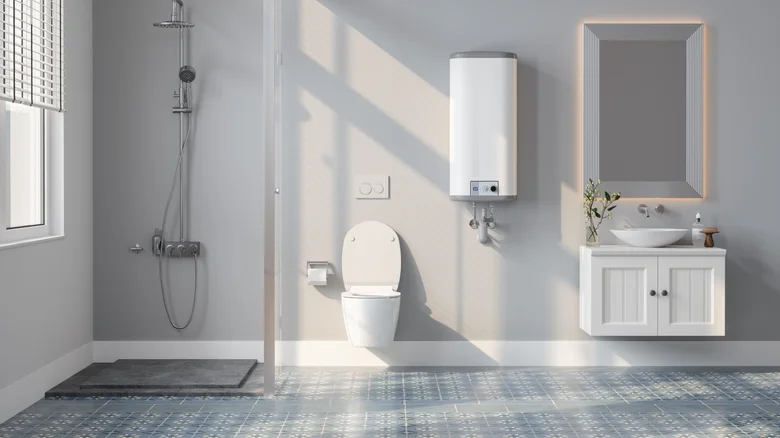
With audio options such as streaming music or using Amazon Alexa Calls and Messaging features, wanting to keep an Alexa speaker in your bathroom can make sense. Though it can seem like an innocuous place for a speaker, there are some things you should consider before leaving an Alexa device in your bathroom consistently. For starters, no matter how clean you keep the area, it can still be a hotbed for bacteria due to the frequent moisture that arises from taking a hot shower or performing other bathroom activities.
Keeping electronics in areas with frequent moisture isn't a great idea for the devices, as it may potentially cause damage, including electrical shorts. If you can keep the device directly away from water, you'll likely be fine, but if you want to ensure your device stays fresh, it may be a good idea to keep your Alexa speaker away from the bathroom altogether. If you really want your Alexa in this space, consider a place where it may be less exposed to humidity and water.
Lastly, there can also be some privacy concerns with your Alexa speaker that we're going to address a bit later in this article. While it can be fun to play some music while you get ready for the day, it may be wise to consider an alternative audio source. If you really want devices in the bathroom (and honestly, we don't blame you), we know plenty of gadgets for under $50 that can upgrade a bathroom.
Close to a router
Simpson33/Getty Images
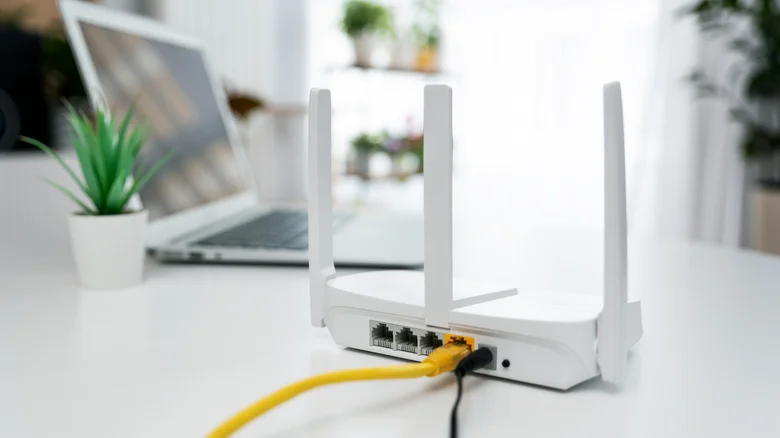
Depending on where you keep your router — and we know the best place to put it – you may feel that it's a discreet yet accessible location that would also make a good spot for an Alexa speaker. Since a central location in your home is good for a router, you may consider this an ideal spot for your Alexa speaker as well. Though this can be sound logic, there are some components and features in both devices that may cause signal disruptions if you keep these two items too closely together.
For starters, the Bluetooth capabilities found in the majority of Alexa speakers can cause interference with your router. One reason for this is that Bluetooth devices typically utilize a 2.4 GHz frequency band, which relies on the frequency-hopping spread spectrum (FHSS) to ensure it can always find open channels for sending information. Considering 2.4 GHz routers are rather common, having these two items together may cause issues if the two devices are trying to hop on the same frequencies.
A more powerful router may solve Bluetooth interference. For example, a 5 GHz router may be impacted less, as 5 GHz Wi-Fi operates with more frequency channels. However, your Alexa speaker is still constantly transmitting wireless signals, which can have an impact on the strength of your connections. If you're able to, it's really best to avoid having any electronics near your router — ideally with at least a couple of feet of clearance. Nonetheless, if you've been noticing changes in your Wi-Fi connection, it may be best to move your Alexa speaker.
Near a heat source
Korinnna/Getty Images
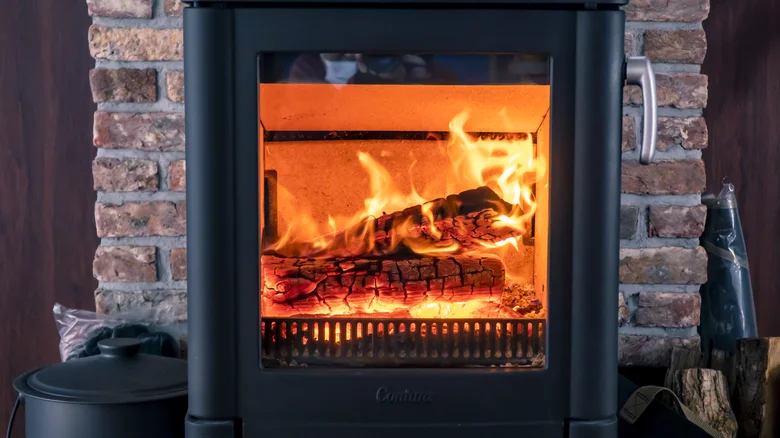
Considering some regions can be naturally hot, whereas others may need constant warmth, keeping an Alexa away from heat sources may be tricky for some. Unfortunately, heat is typically bad for virtually all electronics. Since electronics require some amount of power to operate, they, in turn, create heat, which can compound certain issues if you factor external heat sources into the equation.
For electronics, it's ideal to keep them around 95 degrees Fahrenheit or cooler, so leaving a speaker near something like an electric heater can be asking for trouble. Additionally, leaving an Alexa device next to a heat source can cause the device to malfunction or even shut down entirely. There's also the problem that keeping an Alexa device near a heat source can be a fire hazard. Along with keeping an Alexa speaker away from heat sources like radiators and portable heaters, you should also keep this idea in mind if you plan on putting a speaker in your kitchen — stoves and ovens can be bad, as well.
It's a lot like how you shouldn't use a laptop while it's in your lap — it's simply less stressful to play things safe, especially when it concerns fire. Find a dry place for your device where it can enjoy a consistent temperature, one that's ideally between 60 and 70 degrees Fahrenheit. You should also ensure that you're keeping your Alexa speaker properly ventilated, as it can save you a headache in the long run.
Close to windows

Sheilasay/Getty Images
Though it may seem silly, it is possible for someone close to your residence to activate an Alexa without actually being inside your home. If you live in a rural area that doesn't see much foot traffic, this may not be a problem. However, if you live in an area where there are a lot of people, having an Alexa speaker by your window may cause problems.
If someone outside your home is savvy enough to activate your Alexa, then they may be able to access additional smart home accessories that are tied to the device. It might be a bit of a stretch, sure, but remember that an Alexa can control things like your thermostats and security cameras, or even just some cool gadgets for an Amazon Alexa that you may have purchased. For certain areas, there's at least the possibility that a nefarious individual could take advantage of the situation.
While windows can be inviting for miscreants, avoiding these spots can also be a good idea for keeping your Alexa away from direct sunlight, as it is possible for the device to absorb more heat than it can actually handle. Depending on how often you keep the window open, there's also the risk that you could expose the Alexa speaker to inclement weather. If you find that your Alexa speaker is acting strange, including not performing as well as you think it should, consider what heat or sunlight sources may be impacting it.
Anywhere you want the utmost privacy
Diego Thomazini/Shutterstock
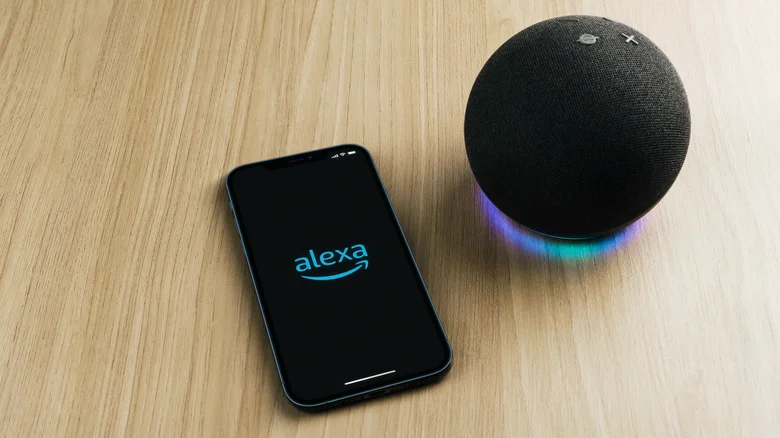
We've already asked ourselves if an Amazon Echo is always listening, and the answer is essentially yes. However, it's really only listening for its wake word, and it's only supposed to record conversations after hearing it. For those truly looking for privacy, this may not be good enough — especially if you know how easy it can be to trigger an Alexa device. Essentially, if you don't want to compromise on privacy in any way, you should consider that your speaker may end up hearing parts of your conversations.
Though it may sound slightly paranoid, it doesn't help matters that Amazon removed the ability on select Alexa devices to stop voice recordings from being sent to the company back in March 2025. Ultimately, anywhere that you have an Alexa speaker may be subject to a stray recording if a phrase is misinterpreted as the wake word, so think about the types of conversations you're having in front of one. This may be especially important for places like the bedroom, where most people expect a certain amount of privacy, and this may even be another example of why you shouldn't keep an Alexa device in your bathroom.
Even if the idea of Jeff Bezos personally listening to you singing in the shower is amusing, there is something of a middle ground in terms of solutions. Some Alexa devices may allow you to shut off the microphone. For example, on an Echo Dot, it's just a matter of locating the microphone button and pressing it until the indicator light goes red. Of course, disabling it means losing access to voice commands, so remember to re-enable the microphone the same way when you want to use it again.