


AV1 Image File or AVIF is a new image format that offers superior compression, visual image quality, and features as compared to the traditional formats like JPEG, PNG, and GIF, and even the relatively new WebP format. It has generated a lot of interest from website owners, especially after the popular blog by Netflix that highlights the superior features of AVIF compared to JPEG and even WebP images.
In this post, after comparing some features of AVIF vs. other formats, we will look at how you can start using AVIF images on your website today, with the help of ImageKit.
Is AVIF supported in browsers and apps?
Chrome 85+ already supports AVIF format by default. That alone accounts for over 25% of internet users as of December 2020. Firefox also has this feature available behind a configuration flag right now and should make it available by default in the future. Android devices, too, would soon add support for AVIF images. The latest status for browsers supporting AVIF can be found here.
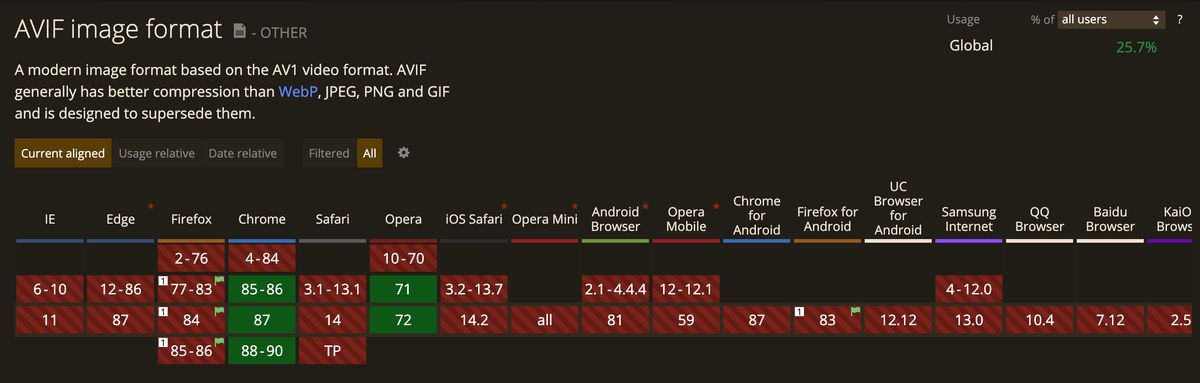
The Alliance for Open Media, which includes all the big names in technology like Google, Apple, Microsoft, Amazon, Facebook, Mozilla, and many more, is working towards creating this royalty-free, cross-platform format for media delivery. With such big names backing AVIF, it is likely to get adopted much faster than the WebP format, which took almost ten years from launch before being supported in Firefox.
Comparing AVIF with other formats
Let's look at the compression and visual quality of AVIF images as compared to other formats. Here we are resizing the image to 500px width and then converting it to different formats - JPG, WebP, and AVIF. Each rendition is captured as a lossless PNG image for the comparison below. There are two kinds of comparisons here -
a. Comparing the image size in different formats at similar visual quality
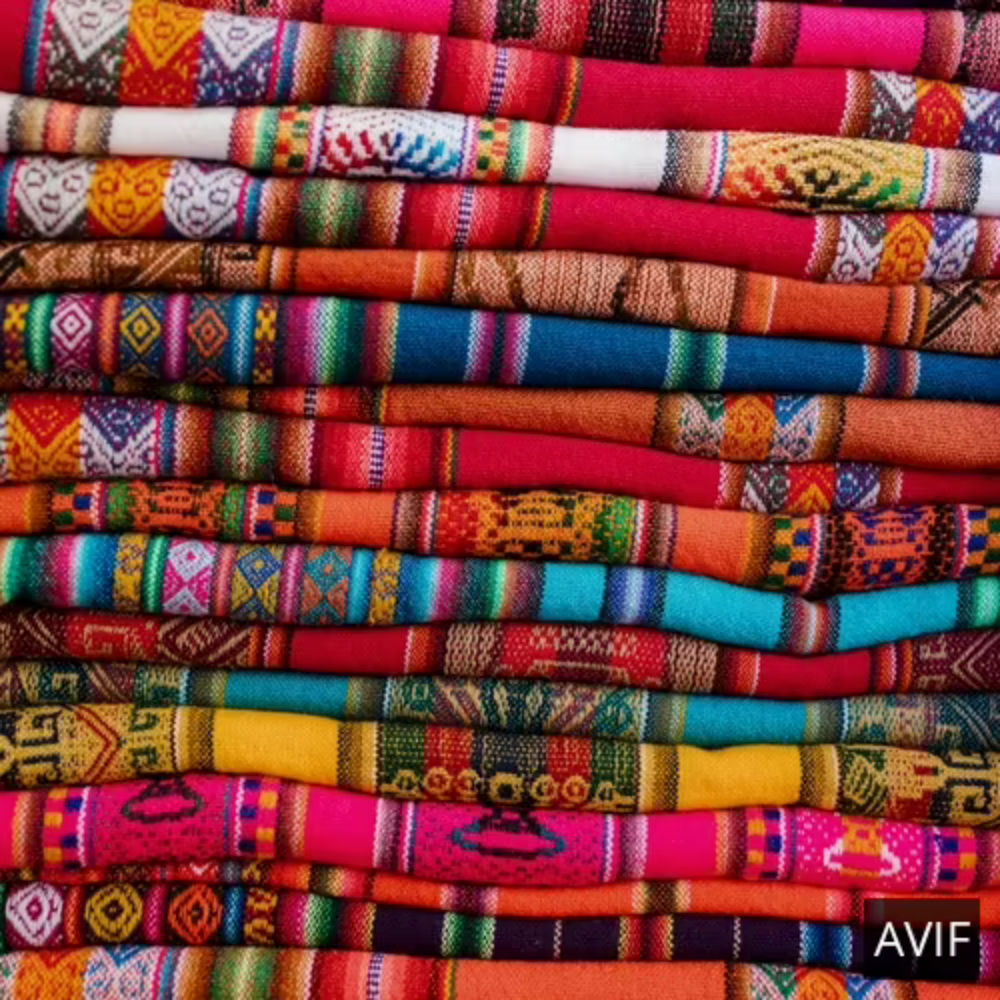 AVIF - 80KB AVIF - 80KB | 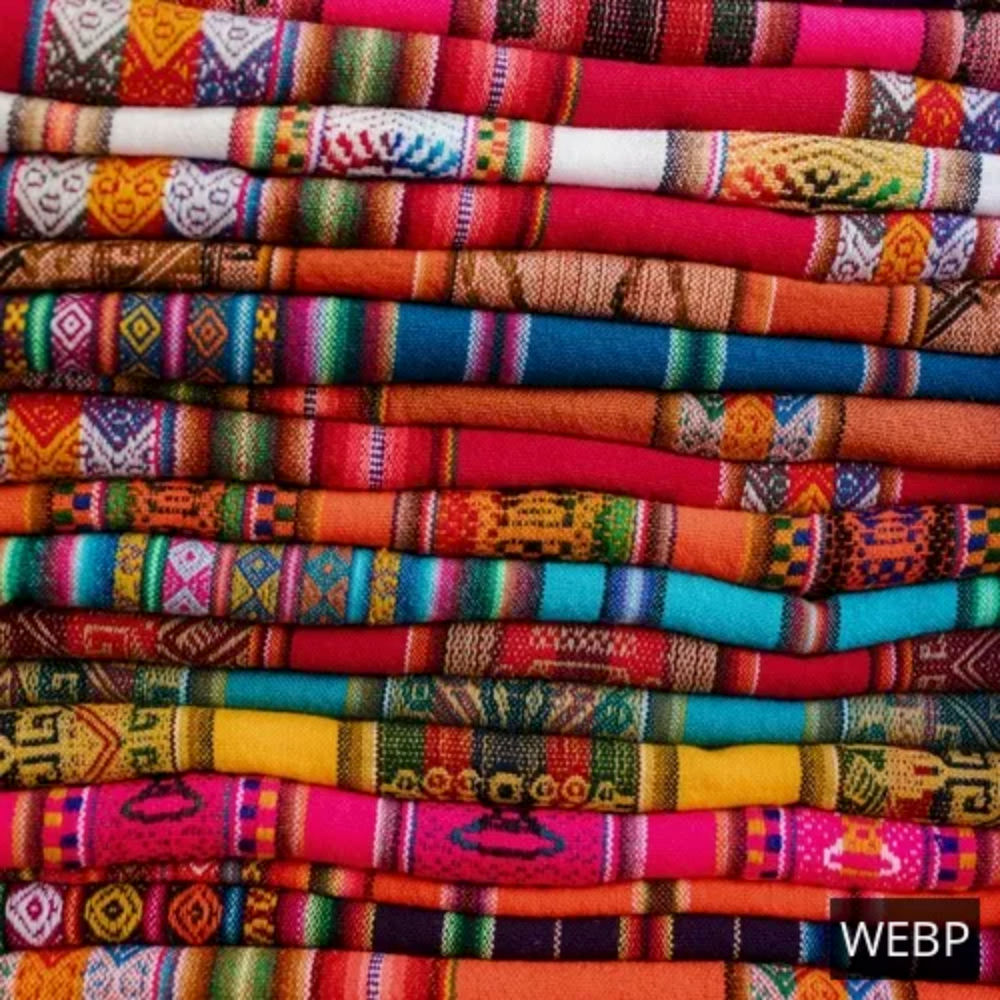 WebP - 91.9KB WebP - 91.9KB | 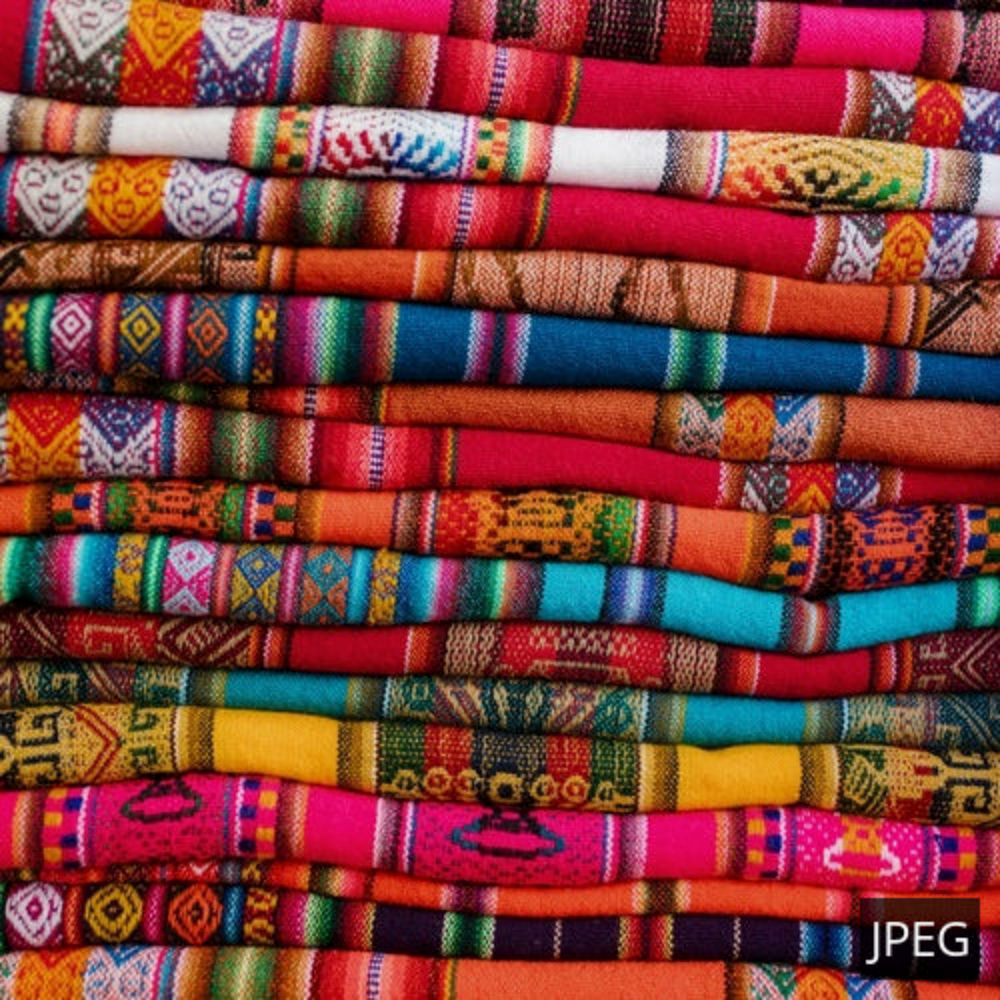 JPEG - 116KB JPEG - 116KB |
|---|---|---|
 AVIF - 10.7KB AVIF - 10.7KB |  WebP - 15.5KB WebP - 15.5KB |  JPEG - 29KB JPEG - 29KB |
 AVIF - 11.1KB AVIF - 11.1KB |  WebP - 16.4KB WebP - 16.4KB |  JPEG - 31KB JPEG - 31KB |
b. Comparing the visual quality in different formats at the same size
| AVIF (at 80KB) | 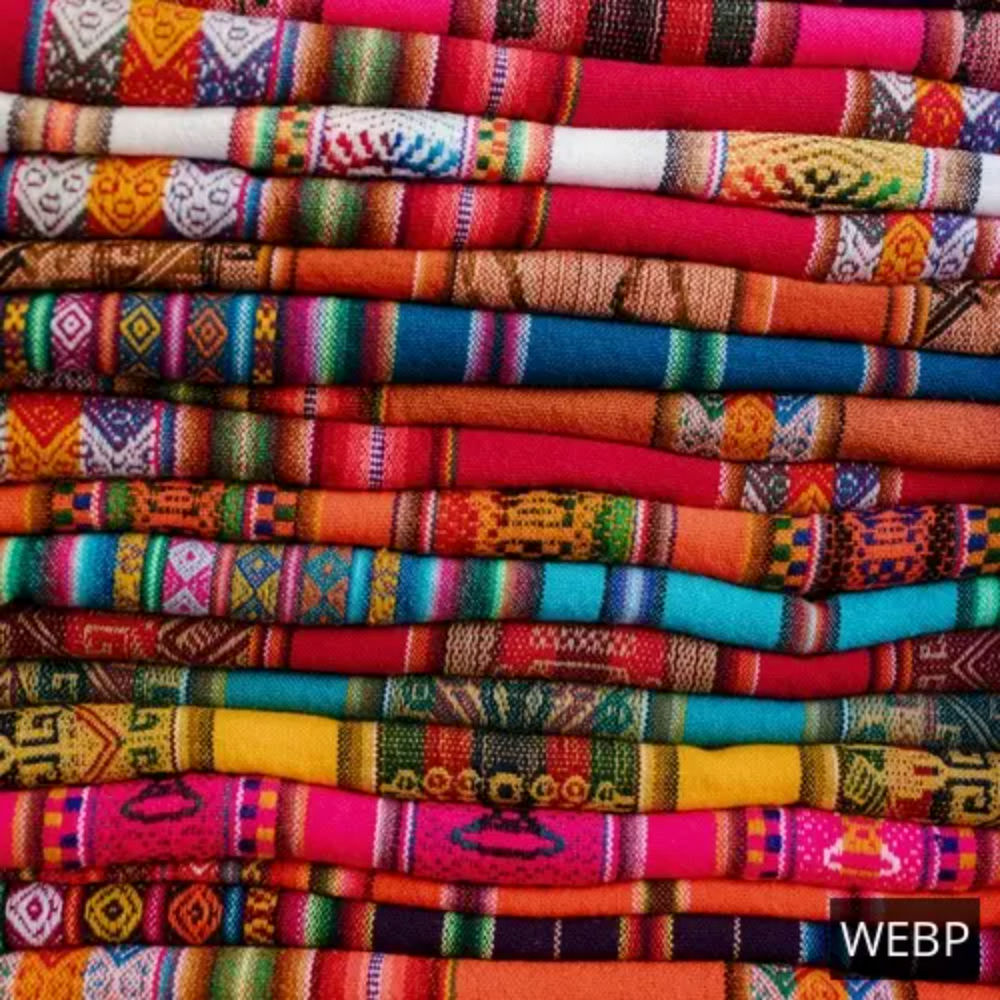 WebP (at 80KB) WebP (at 80KB) | 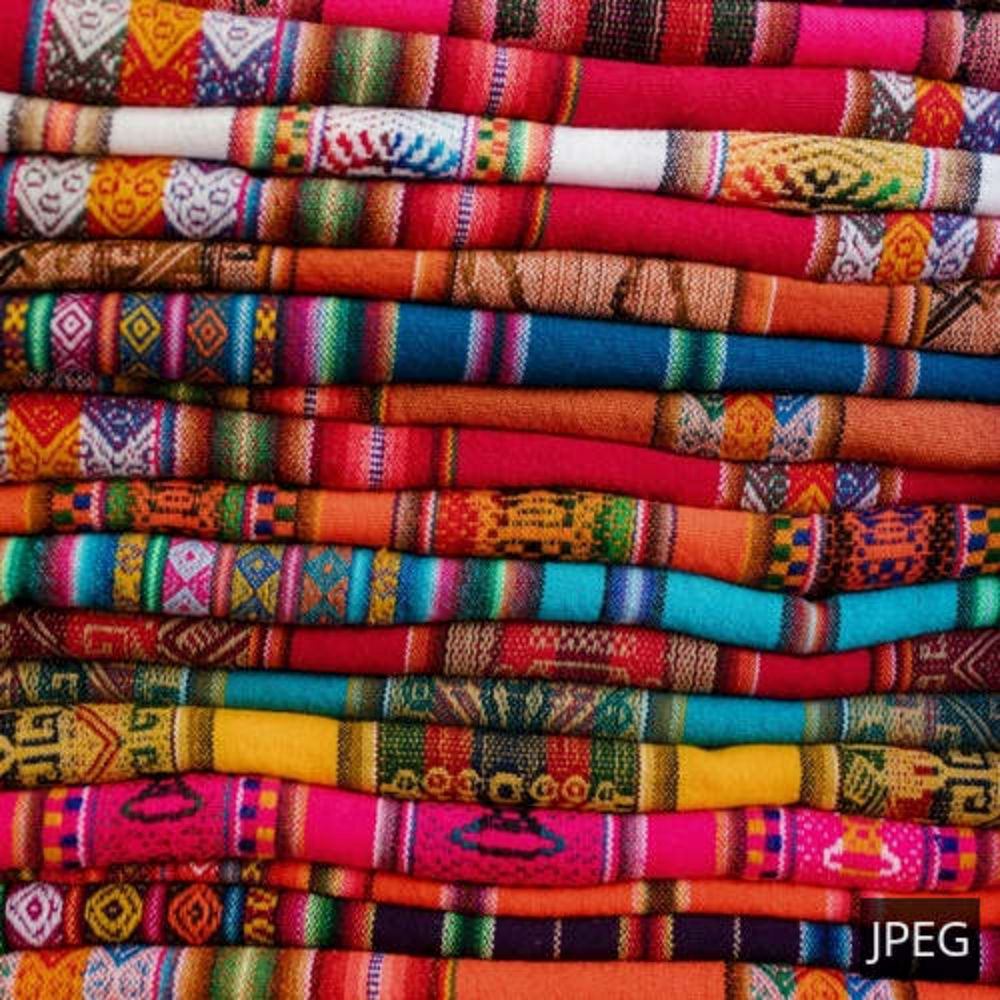 JPEG (at 80KB) JPEG (at 80KB) |
|---|---|---|
| AVIF (at 10.7KB) |  WebP (at 10.7KB) WebP (at 10.7KB) |  JPEG (at 10.7KB) JPEG (at 10.7KB) |
| AVIF (at 11.1KB) |  WebP (at 11.1KB) WebP (at 11.1KB) |  JPEG (at 11.1KB) JPEG (at 11.1KB) |
We can clearly see in both the above comparisons that AVIF images result in smaller images at the same visual quality and when a format like JPEG, is compressed to the same size as AVIF, they end up with a lot of visual artefacts. More such image quality and size comparisons can be found in the blog by Netflix, and this excellent blog on AVIF by Jake Archibald.
Current drawbacks of using AVIF format
While most of the things about AVIF are very promising and it is likely to become the standard for media delivery in the future, there are some shortcomings that we should be aware of before migrating to AVIF.
A major bottleneck is the encoding performance of AVIF images, which is very slow compared to JPEG or WebP images. While user devices would have no problem decoding AVIF images for display, it can at times take over a second to encode an image to AVIF. Thankfully, as covered later, you can rely on third-party service providers like ImageKit with extensive image processing networks to provide decent AVIF encoding performance in real-time for your images. As the format evolves, the encoding performance is likely to improve.
Another drawback is the lack of progressive rendering in AVIF images. Browsers would have to download the complete picture before they can display anything on the screen. On the other hand, JPEG images can load progressively, i.e., the user will see a low-quality approximation of the image, getting the impression of a faster loading experience till the complete image is loaded. However, AVIF offers excellent compression as compared to JPEG images. So this drawback of not having progressive rendering is partly compensated by the smaller size of AVIF images.
Converting images to AVIF on supported devices
Looking at the benefits and shortcomings of the AVIF format, it makes sense to deliver AVIF images on supported devices for better visual quality and load time. But converting all of your images to AVIF or developing a solution yourself that can do it in real-time will be time-consuming. Instead, you can rely on ImageKit, an image CDN with real-time image optimizations and transformations, to deliver them in AVIF format.
With ImageKit, you have the option of either forcing the image format to AVIF or letting ImageKit decide the best possible format (AVIF, WebP, JPG, or PNG) to deliver the image.
a. Forcing the format to AVIF
ImageKit has a format parameter that allows you to force an image to any format. To convert an image to AVIF format, you can add the transformation parameter f-avif to your image URL. You can then combine this with the <picture> tag, as shown in the example below, to load AVIF images on browsers that support that format and falling back to other formats on unsupported devices. You can read more about using the <picture> tag in this guide on Flaviocopes.
<picture>
    <source srcset="my-image.jpg?tr=f-avif" type="image/avif">
    <source srcset="my-image.jpg?tr=f-webp" type="image/webp">
    <img src="my-image.jpg" alt="Description of My Image">
</picture>
Example of using the picture tag to load AVIF images
b. Automatic optimization to AVIF format
ImageKit can also automatically determine the image formats supported on the requesting device and analyze the input image for its content to decide the best output image format for delivery. This technique always ensures the smallest possible output size for an image with no perceptible difference in visual quality.
For example, the following URL delivers the optimized image in AVIF format on Chrome 85+, WebP format on Firefox, and JPG format on Safari.
<img src="http://ik.imagekit.io/ikmedia/backlit.jpg?tr=w-300,h-300" alt="Image with automatic image optimization"/>This account on ImageKit has automatic conversion to AVIF format enabled. So it delivers the image in AVIF on supported browsers
Note that with this capability of ImageKit, you do not have to change the image URL or any change to our HTML to add support for AVIF format. All you need to do is attach your existing image server or storage like AWS S3, Google Cloud Storage, Azure, etc. or upload images to ImageKit's media library and start using ImageKit for delivering images on your website.
Note: ImageKit is gradually rolling out support for automatic conversion to AVIF. Refer to this AVIF support documentation for the latest updates on the rollout.
Start converting images to AVIF now!
AVIF seems to be the answer to the requirement of a widely supported, feature-rich media format offering better compression and visual quality compared to other image formats. The browser support will only go up in the future. If you want to start delivering optimized AVIF images on your website for a faster load time and better visual experience for your users, sign up today on ImageKit. You get free 20GB bandwidth every month and will be able to automatically optimize your images to AVIF format.