


Images are a key factor in influencing your website visitors' engagement and their purchasing decisions. And as most marketers and creative teams can attest, producing unique, high-quality images or media content is challenging.
In today's times, when downloading and content scraping is far too easy, unauthorized third parties, rogue bots, or competitors can misuse your content for their benefit, often without any crediting the original content creator. This is not ideal, undermines your team's efforts, and also threatens your brand's reputation.
In this post, let's look at five ways to give unauthorized parties a hard time stealing images from your website. You cannot completely prevent such misuse, but you can make it exponentially challenging to do so.
1. Watermarking images using overlays
Watermarking is one way to show that you own the images, and even if they end up on another site, visitors can find their way back to the original owner.
ImageKit, through its overlay transformation feature, allows you to place images or text on an image and control how and where they appear.
For example, we have the following image uploaded to the ImageKit Media Library, a highly available digital asset management tool.
https://ik.imagekit.io/ikmedia/security_blog/dog-chasing-car_npfmo_Zpu.jpg?tr=f-jpg
And here is the logo we want to use as a watermark on the image, also stored in the Media Library.
https://ik.imagekit.io/ikmedia/security_blog/imagekit_logo.png
Now, we will use ImageKit's real-time transformations to place this logo on top of our image. We will control the overlay's position and dimensions with the URL-based parameters to place it in the image's bottom-right corner.
Our new URL looks like this -
https://ik.imagekit.io/ikmedia/security_blog/dog-chasing-car_npfmo_Zpu.jpg?tr=l-image,i-security_blog/imagekit_logo.png,w-200,lx-N30,ly-N30,l-end
And our watermarked image looks like this -

Although real-time URL-based overlays help us to watermark thousands of images in real-time, the transformation parameters in the URL that apply the watermark can be just removed from the image URL to get a watermark-less version. Therefore, we need to add another layer of security to our URLs.
2. Preventing URL changes using transformation restrictions
ImageKit offers another security feature that blocks any transformation other than the ones allowed by you. The transformations that you explicitly allow are called named transformations. They are cleaner, easier to remember, and secure aliases for transformation strings.
The first step towards securing our image URLs with named transformations is to replace the transformation string with its named transform. From our previous example, we can create an alias for image layer transformation l-image,i-security_blog/imagekit_logo.png,w-200,lx-N30,ly-N30,l-end and give it the name watermark.

We can then use it in our URL with the transformation set as n-watermark as shown below -
https://ik.imagekit.io/ikmedia/security_blog/dog-chasing-car_npfmo_Zpu.jpg?tr=n-watermark
Now, to activate the corresponding security setting, navigate to Settings > Images > Security and turn on the toggle for "Restrict Unnamed Image Transformations" in your dashboard.

With this setting turned on, a transformation on height, width, or anything else, won't work.
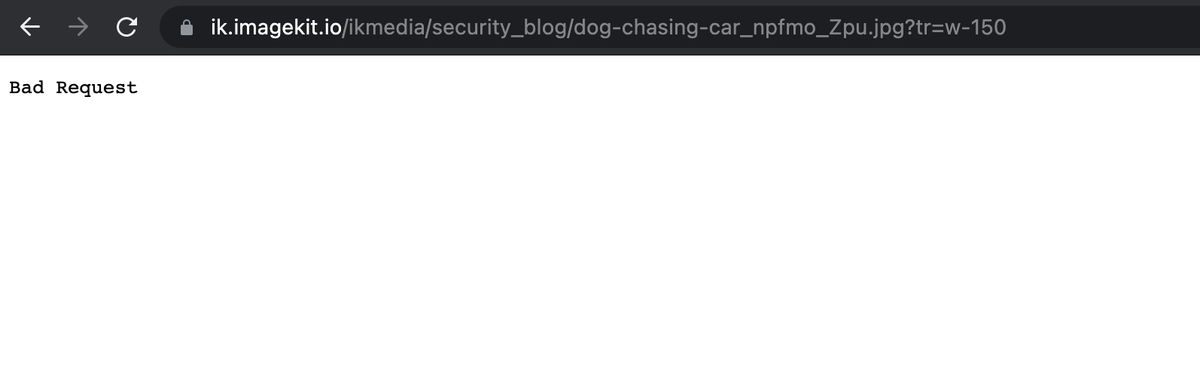
However, in certain cases, it might not be feasible to whitelist all possible transformations. You might want to use all the possible transformations while still securing your URL against any tampering. Let's look at how we can tackle this.
3. Securing URLs using signatures
A signature is a way to authenticate that the content that is signed has not been tampered with. ImageKit allows you to "sign" the URLs, i.e., indicate that the URL has not been tampered with after signing. The signature is unique for every image or transformation or any other URL parameter. With this security setting turned on, ImageKit blocks any request without a valid signature attached to it.
Let's look at how to use this security setting.
a. Generating a signed URL
A signed URL in ImageKit contains an additional query parameter ik-s that holds the URL's signature. You have to generate the signature using your account's private key known only to you (and must be kept safe). It is therefore secure.
You can read the details about the signature generation process from ImageKit's documentation. To simplify this, ImageKit's server-side SDKs provide the functionality to generate signed URLs for different languages and frameworks.
b. Preventing Any Unsigned Image URL From Getting Accessed
Now that we have generated our unique signed URL, we have to activate the corresponding security setting. Navigate to Settings > Images > Security in your dashboard and turn on the toggle to restrict unsigned image URLs.

Now, signatures attached to each URL are checked, and an ImageKit delivers an image only if the signature is valid. Try tampering with any part of the URL or re-using the same signature on any other image, and the request would get blocked as shown below -
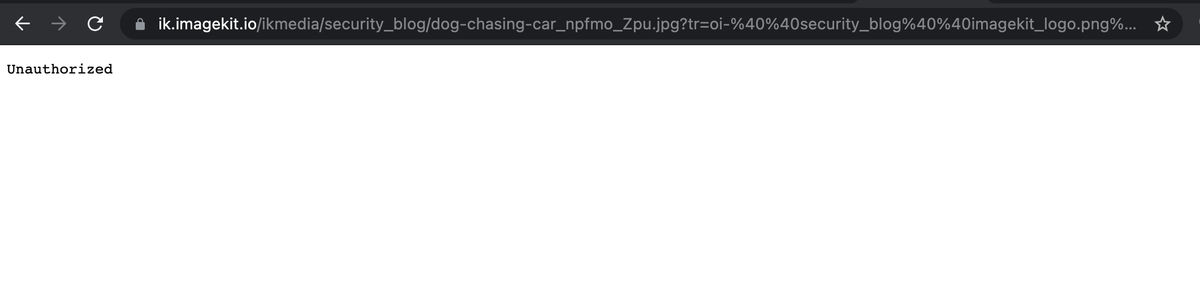
You can now be assured that no third party can modify your image URLs, misuse them, or remove the transformations applied.
Note: The demo account used for these examples may have different settings than demonstrated above when you try accessing these URLs. Therefore, you might see different results when you try to modify the URL. This is just a case of settings not being turned on for this demo account. The feature works as described above.
4. Setting your URLs to expire after a certain time
An extension to signing URLs against tampering is setting an expiry time for a URL. This ensures that even if someone gets hold of an image URL from their website, they would only be able to use it up to the end of the specified period, after which one would need a new URL for the same image. Companies like Facebook and Instagram use both these techniques for images on their platform.
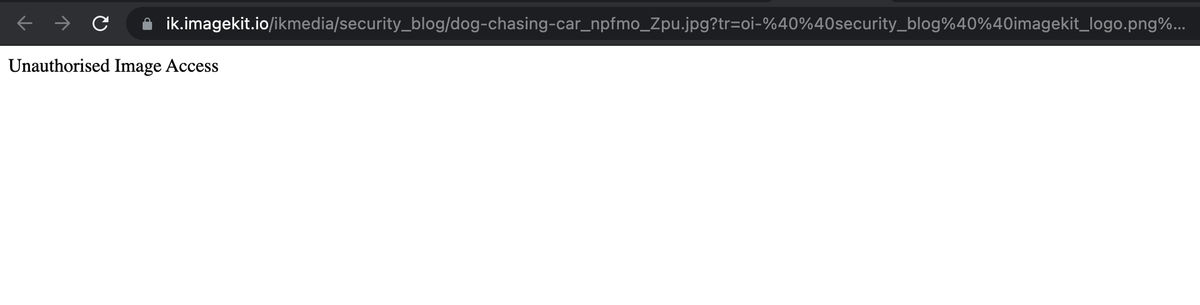
Beyond the expiry time, the image URL would return an error. The signature parameter ensures that the URL and its expiry timestamp are valid and have not been tampered with.
Note: For this feature to work, signature evaluation is essential. Therefore the setting to restrict unsigned image URLs must be kept turned on.
After the expiry timestamp, the URL returns an error, as shown below.
5. Securing Only Specific Images Using Private Images
Till now, we have covered how to restrict the dynamic modification of our image URLs. The changes we discussed applied to all the image URLs from an account. What if we can deter unauthorized parties from accessing specific images from our account while allowing regular, unrestricted access on the others?
For example, a stock photography website only allows its paying users to access the original high-quality images, and that too for a specified time, while the other thumbnails remain accessible forever.
Enter Private Images! Any image marked as 'private' while uploading to the Media Library, through the dashboard or via the upload API, or from your origin will not be accessible through a standard image URL but only through a valid signed URL that you generate.
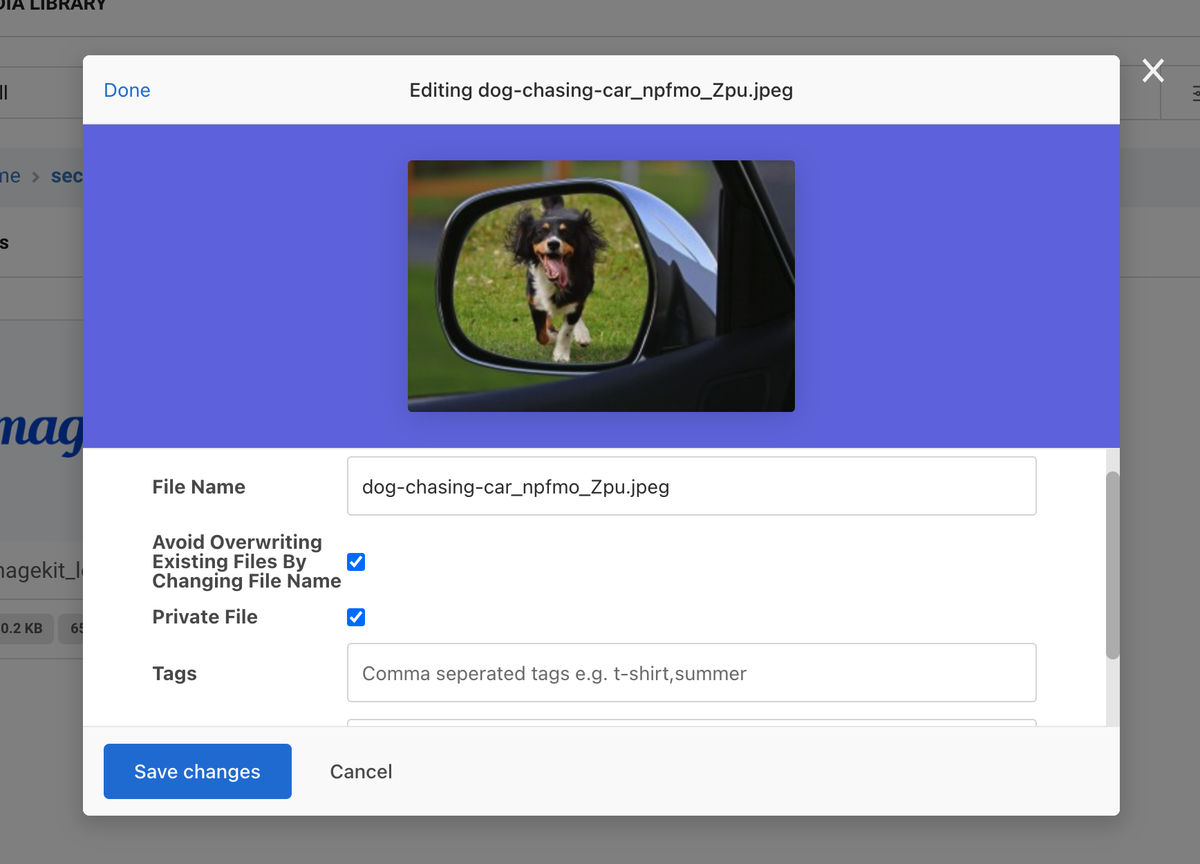
If a private image is accessed without a signature, you will get an error.
https://ik.imagekit.io/ikmedia/security_blog/dog-chasing-car_npfmo_Zpu_8KwVrQXnZ.jpeg
As explained in the examples for signed URLs above, you can also set private image URLs to expire after a specific time. This feature would help mimic the pay-for-access functionality of stock photography websites without restricting image access on the entire account. Or, you could set your images as private, which would prevent bots from accessing them without a valid signature.
Choose to Protect Your Images the Right Way
Whether you are an enterprise business or a startup, image security is imperative to the overall protection of your website's content and your brand.
With ImageKit, you can start securing your images within minutes and share your images on the internet, on your terms!