


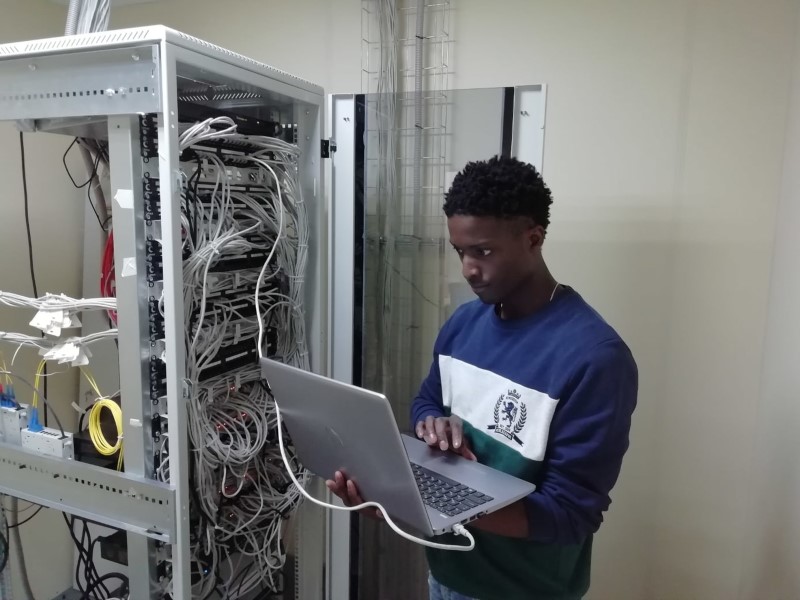
Many small businesses, especially those in the SASS or technology space, outgrow and outpace standard network setups or even colocation. Therefore, there are a great many benefits to housing and managing a small server room dedicated to your business’s needs. If done correctly, this will lead to reduced downtime, further control. In addition, potential speed increases for your customers if they are mainly local, and for many monetary savings.
There’s a great deal to consider when building out your server space. Where will you place it? You want somewhere with enough room, yet cooled. You’ll need to take time to install, considering placement, airflow, and cable management. Then you’ll need to consider your hardware.
You’ll want to start with only what you need. While some might wish to plan ahead for expansion when moving to housing their server, it’s often best to take a measured approach. You’ll need to buy some fundamental products to start. As you grow, options can change, value tends to increase, and incremental growth will allow you to take advantage of what’s on the market, and 42U will always help you navigate the best available options for your needs.
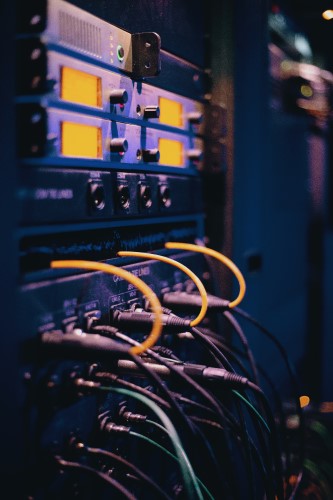
Before contacting anyone about your server room, there are a few questions you need to be prepared to answer, and in doing so, may plan out your budget server room for yourself.
Space requirements
How much space can you dedicate to your server room? If it’s a small space, you may need to invest more into your setup, but using a large closet could equal savings in the long run. But do remember that wherever you put your server room, a great deal of noise will come from the room.
Floor and cabinet types
We’ll speak to this more later, but if you use repurposed desktops as servers or blade servers/rack-mounted servers will determine a great deal about your setup.
Heating and cooling systems
The number one cost of your server that you can control is cooling to manage heat. There is plenty of solutions based on your setup, but you’ll need to invest in some solution to save in the long run.
Electrical setups
The number one cost for a budget server should be power. Therefore, ensuring a clean draw with proper PDU units is vital and helps keep your components protected from potential surges.
Fire prevention
Fires happen. With a budget setup, though, you should be fine relying on your building’s distribution of sprinklers and fire extinguishers but make sure these are available and appropriate for your setup.
Emergency electrical backup
For a budget solution, this means investing in a UPS. If you’re questioning the need for this, simply balance the downtime of your server during any power blip vs. the cost of the unit you’re considering over a five-year duration.
Security and alarms
If you require added security, such as limiting physical rack access, smoke or fire alarms, or moisture monitoring, you might need to consider appropriate rack locks or additional environmental monitoring.
Some items you will need include bios level access/remote management for IT to manage crisis situations during the midnight hours that they always seem to occur during, appropriate power distribution units for a clean power draw, a reliable uninterruptible power supply to keep a momentary power blip from shutting your small server room down, and airflow management & cooling to meet the needs of your setup.
If you are still managing your setup across a few desktop boxes, it’s best to start with IT furniture rather than a rack, and a KVM switch to minimize the setup in the room by allowing you to utilize a single monitor, keyboard, and mouse setup and still access every server in the room.
If you have blade servers, you’ll want the same, but it could be in your best interest to buy ahead in one respect. Your rack should have some space to grow because then you can simply slot in components, such as an additional server with minimal setup changes or extra cost, and in the meanwhile, an inexpensive blanking panel can keep airflow optimal and keep dust out.
Another benefit of a small rack is the minimization of installation, meaning you won’t need to drill into your walls, which, if you are renting, can be a significant consideration. Finally, if space is an essential factor, a small rack and a server rack monitor can drastically reduce the space needed for a server, even if you’re simply propping up a desktop within the frame.
When considering budget options, you can quickly end up with several parts from different companies. This can be troublesome to track, and some consider adding costs upfront to minimize the number of brands used within their server room.
Your order is kept in our logs when you shop with KVM Switches Online and Server Rack Online. We can quickly reference the correct number for you to call and put you on your way when you have an issue. This means you’ll only need to remember to call us, and we’ll point you to the appropriate company.
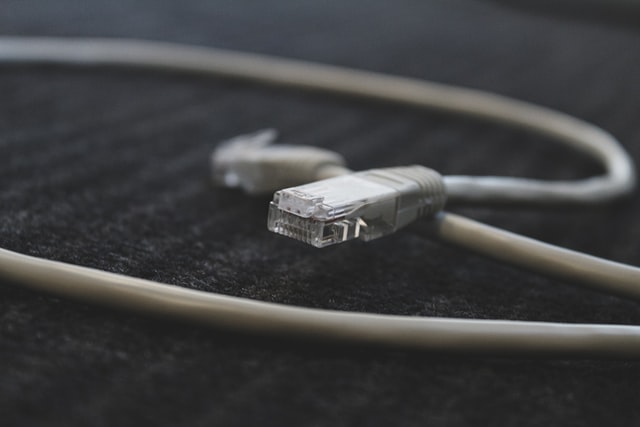
When you get all of the components in, there might be a rush to get everything installed as soon as possible. This usually comes at the cost of cable management. It will save you time and hassle, in the long run, to purchase some hook & loop cable ties and plan to take some time to get the cables where they will stay before powering on your new server room.
Failing to plan ahead for cable management will make future upgrades much more complex, can cause an unneeded hazard by having loose cables out that can be tripped over, and even limit airflow, which can lead to increased power costs.
Experts agree it’s easy to confuse which server is which, which cord is for a monitor connection, and which is the power cord. So label these during installation and save yourself a great deal of hassle and potential downtime in your future.
We’re always here for you. If you need help selecting the correct components or considering a more complicated solution, don’t hesitate to get in touch with us to help you set up your perfect server room.
此内容由惯性聚合(RSS阅读器)自动聚合整理,仅供阅读参考。 原文来自 — 版权归原作者所有。