This article is also available in Chinese 简体中文.
As part of our Enterprise Hub plan, we recently released support for Storage Regions.
Regions let you decide where your org's models and datasets will be stored. This has two main benefits, which we'll briefly go over in this blog post:
Currently we support the following regions:
But first, let's see how to setup this feature in your organization's settings 🔥
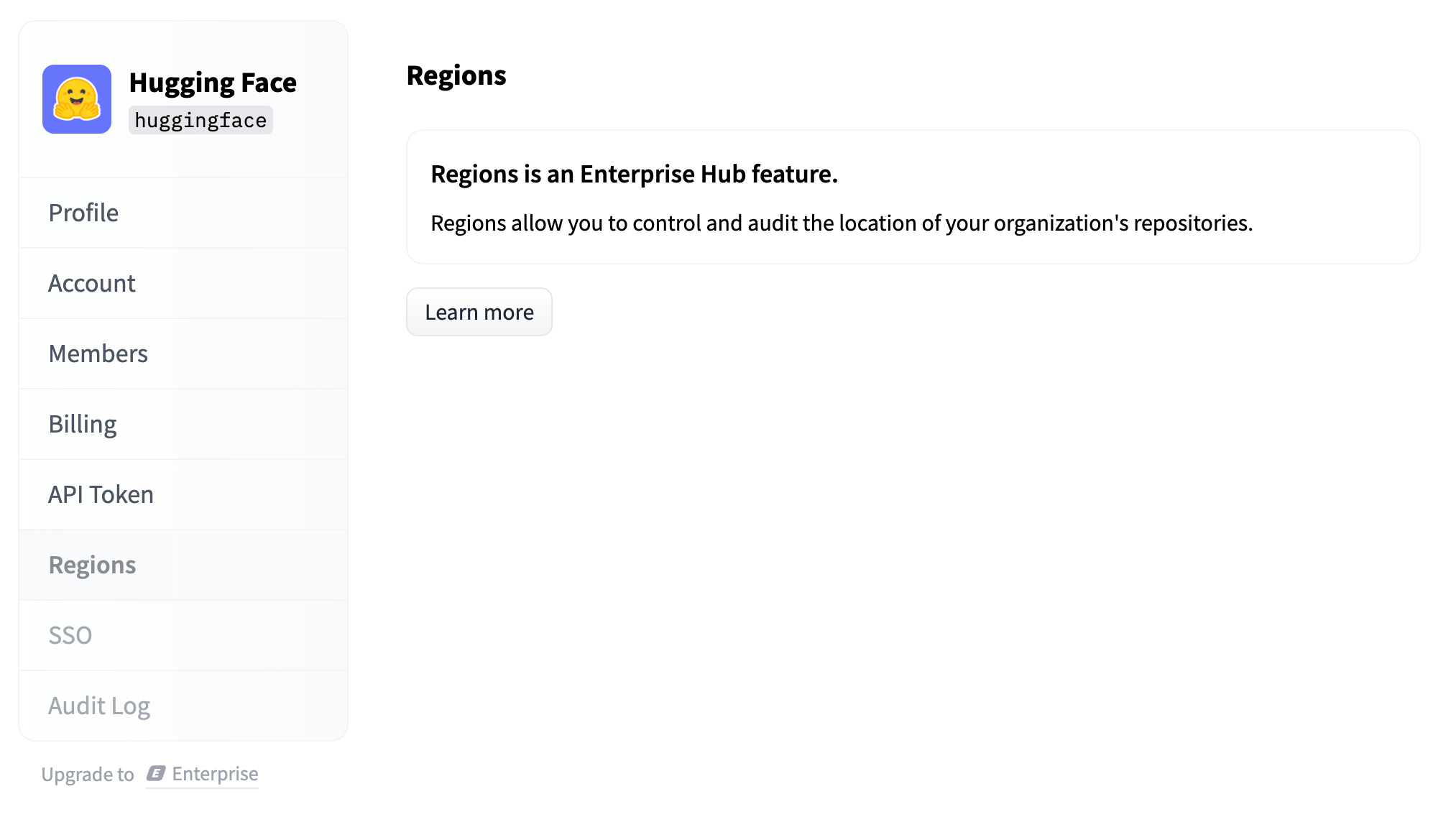
If your organization is not an Enterprise Hub org yet, you will see the following screen:
As soon as you subscribe, you will be able to see the Regions settings page:
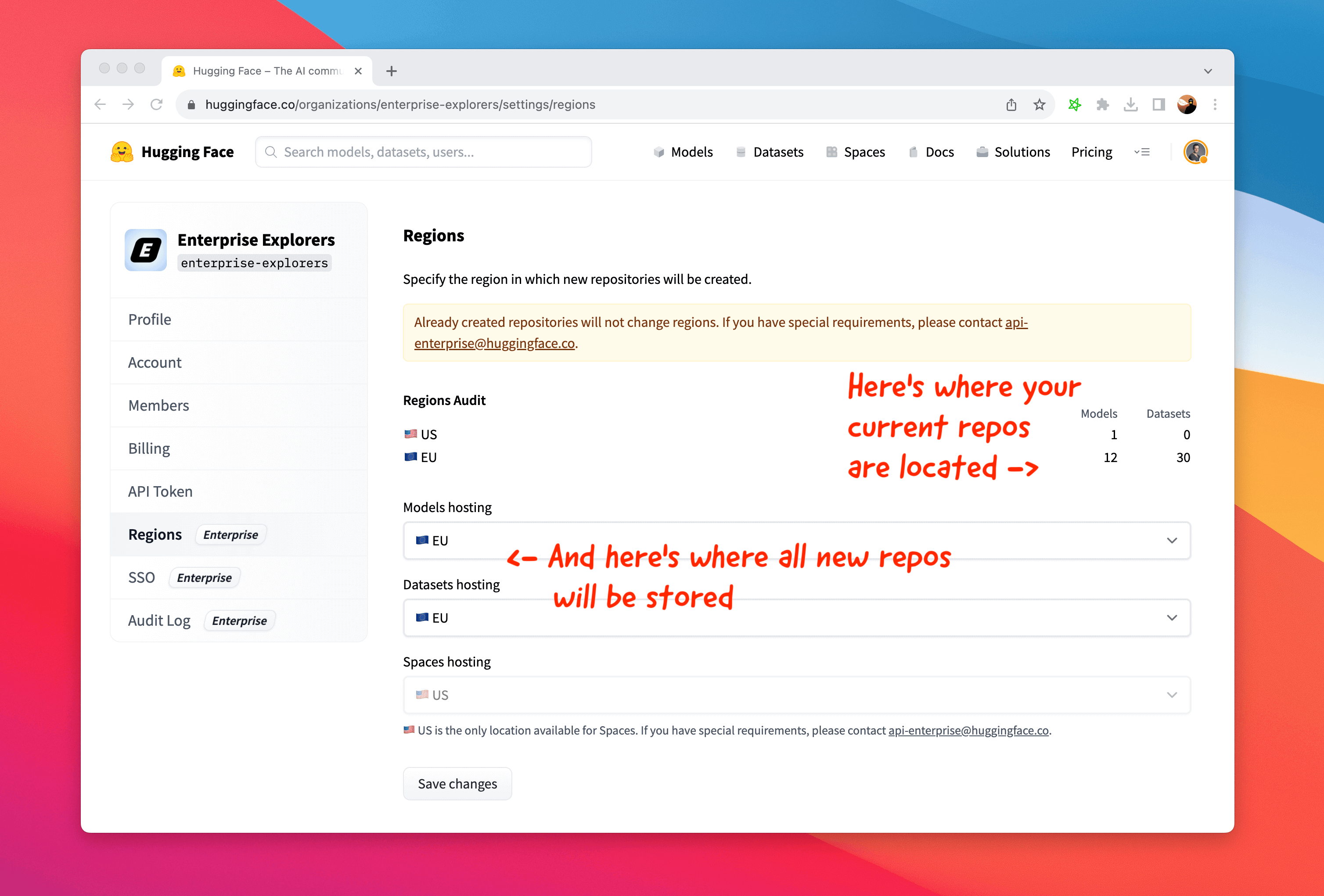
On that page you can see:
Any repo (model or dataset) stored in a non-default location will display its Region directly as a tag. That way your organization's members can see at a glance where repos are located.

In many regulated industries, you may have a requirement to store your data in a specific area.
For companies in the EU, that means you can use the Hub to build ML in a GDPR compliant way: with datasets, models and inference endpoints all stored within EU data centers.
If you are an Enterprise Hub customer and have further questions about this, please get in touch!
Storing your models or your datasets closer to your team and infrastructure also means significantly improved performance, for both uploads and downloads.
This makes a big difference considering model weights and dataset files are usually very large.

As an example, if you are located in Europe and store your repositories in the EU region, you can expect to see ~4-5x faster upload and download speeds vs. if they were stored in the US.
此内容由惯性聚合(RSS阅读器)自动聚合整理,仅供阅读参考。 原文来自 — 版权归原作者所有。