



This article is also available in Chinese 简体中文.
Did you know you can host a Unity game in a Hugging Face Space? No? Well, you can!
Hugging Face Spaces are an easy way to build, host, and share demos. While they are typically used for Machine Learning demos, they can also host playable Unity games. Here are some examples:
Here's how you can host your own Unity game in a Space.
First, navigate to Hugging Face Spaces to create a space.

Select the "Static HTML" template, give your Space a name, and create it.
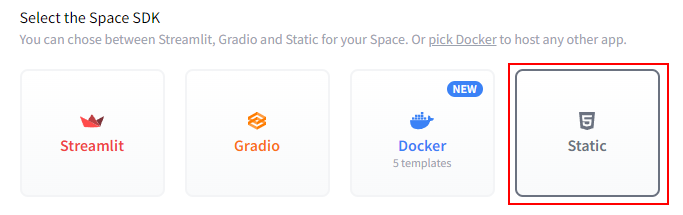
Clone your newly created Space to your local machine using Git. You can do this by running the following command in your terminal or command prompt:
git clone https://huggingface.co/spaces/{your-username}/{your-space-name}
Open the Unity project you want to host in your Space.
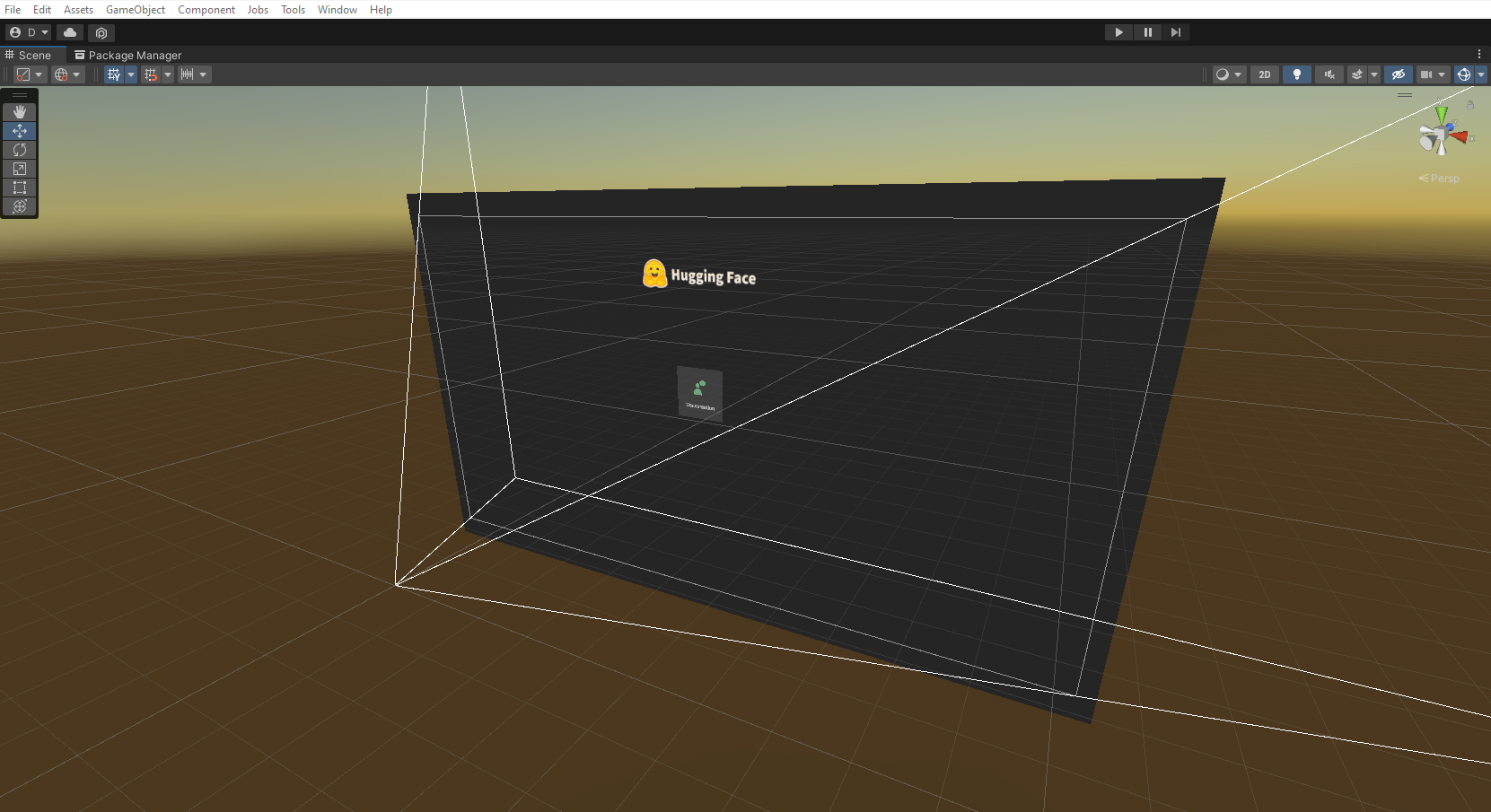
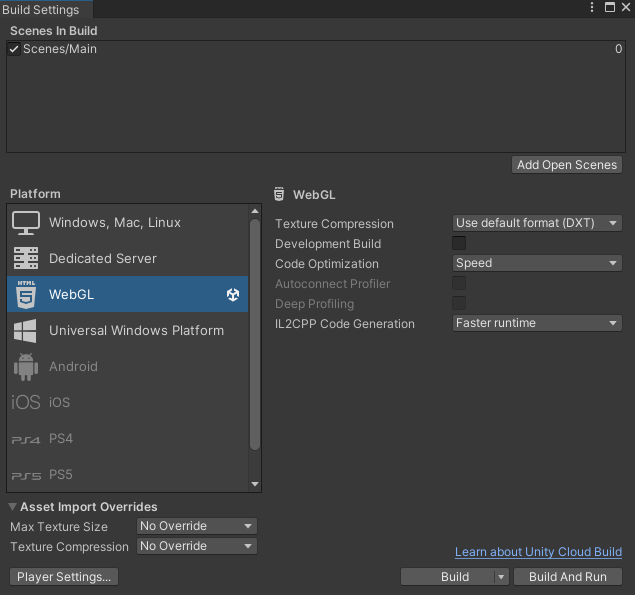
Navigate to File > Build Settings and switch the Build Target to WebGL.
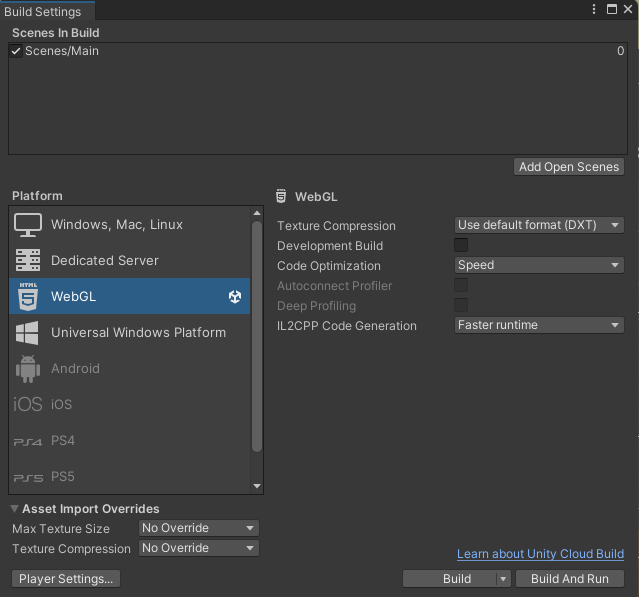
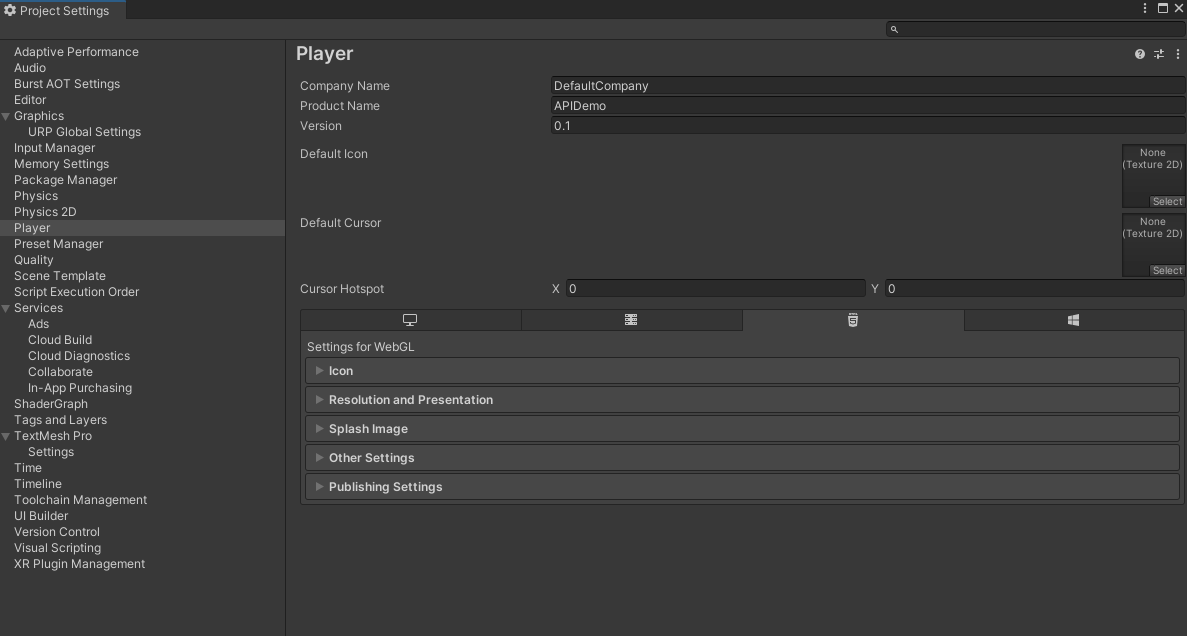
In the Build Settings window, click the "Player Settings" button to open the Player Settings panel.
You can enhance your game's appearance in a Space by downloading the Hugging Face Unity WebGL template, available here. Just download the repository and drop it in your project files.
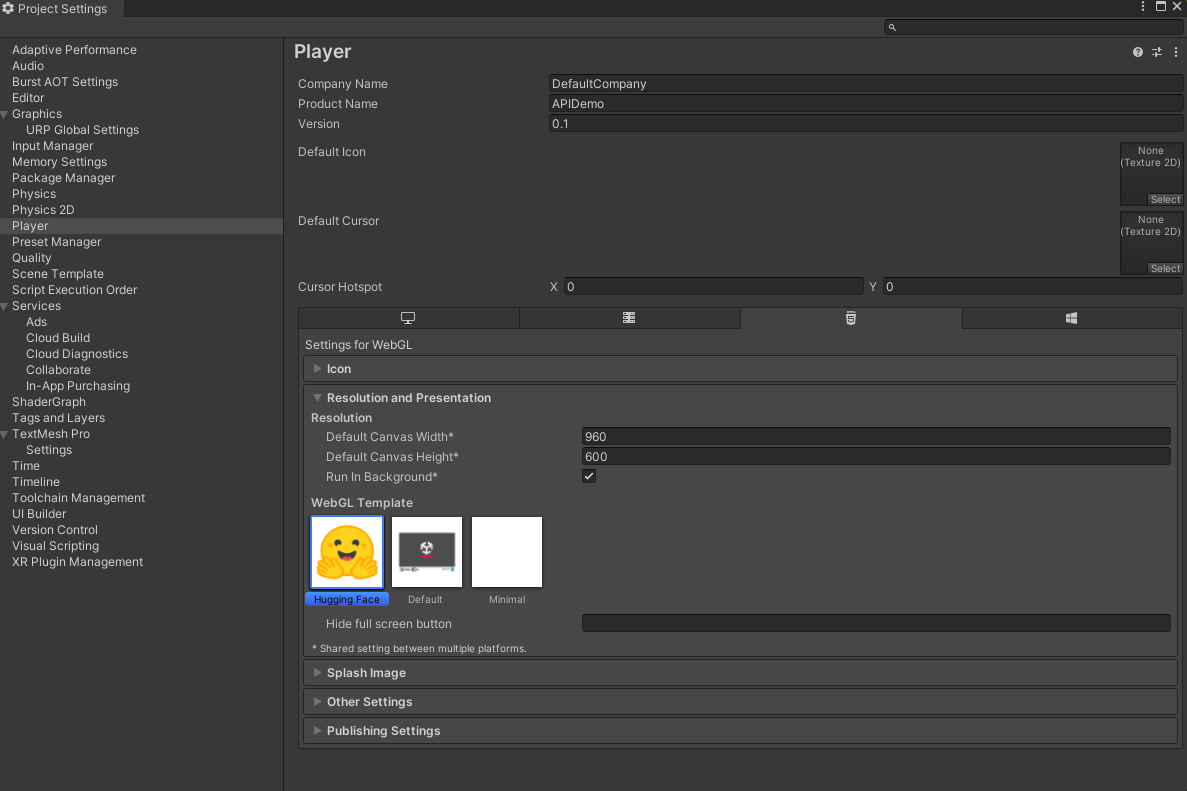
Then, in the Player Settings panel, switch the WebGL template to Hugging Face. To do so, in Player Settings, click "Resolution and Presentation", then select the Hugging Face WebGL template.
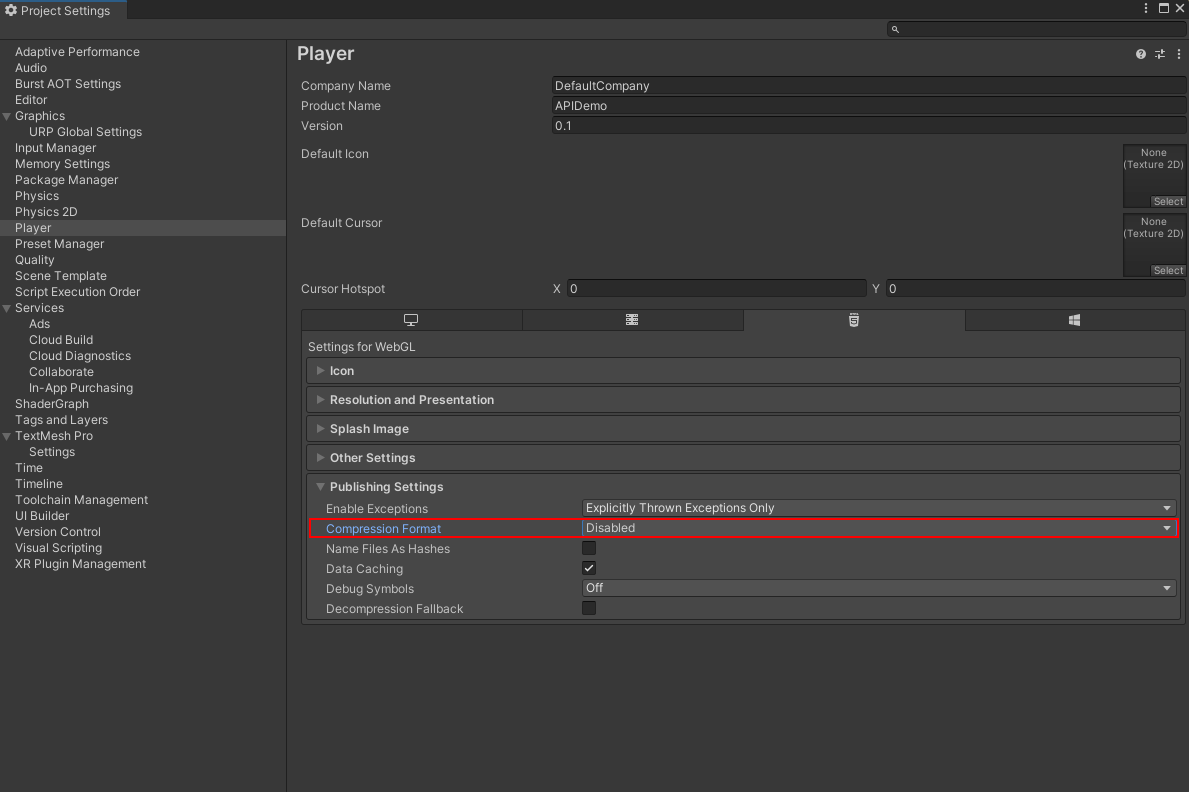
In the Player Settings panel, navigate to the "Publishing Settings" section and change the Compression Format to "Disabled".
Return to the Build Settings window and click the "Build" button. Choose a location to save your build files, and Unity will build the project for WebGL.
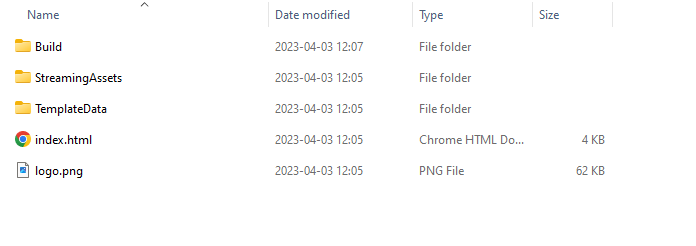
After the build process is finished, navigate to the folder containing your build files. Copy the files in the build folder to the repository you cloned in Step 2.
Navigate to your repository. Use the following commands to track large build files.
git lfs install
git lfs track Build/*
Finally, use the following Git commands to push your changes:
git add .
git commit -m "Add Unity WebGL build files"
git push
Congratulations! Refresh your Space. You should now be able to play your game in a Hugging Face Space.
We hope you found this tutorial helpful. If you have any questions or would like to get more involved in using Hugging Face for Games, join the Hugging Face Discord!
此内容由惯性聚合(RSS阅读器)自动聚合整理,仅供阅读参考。 原文来自 — 版权归原作者所有。