


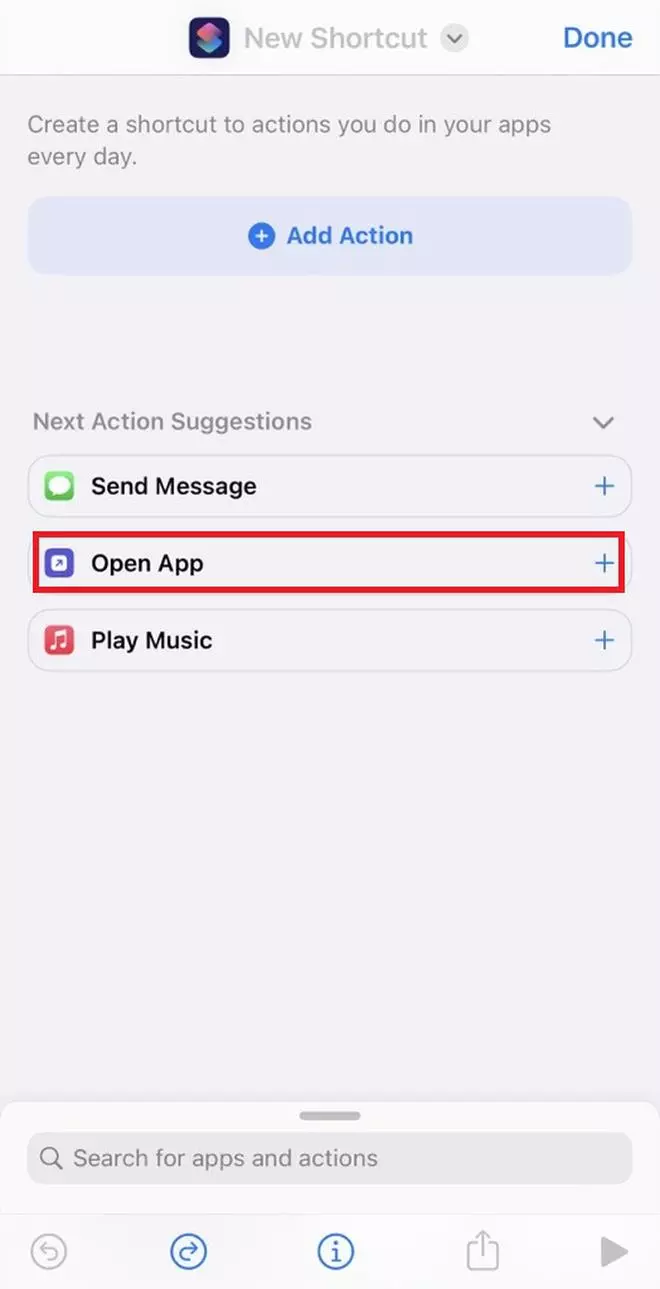
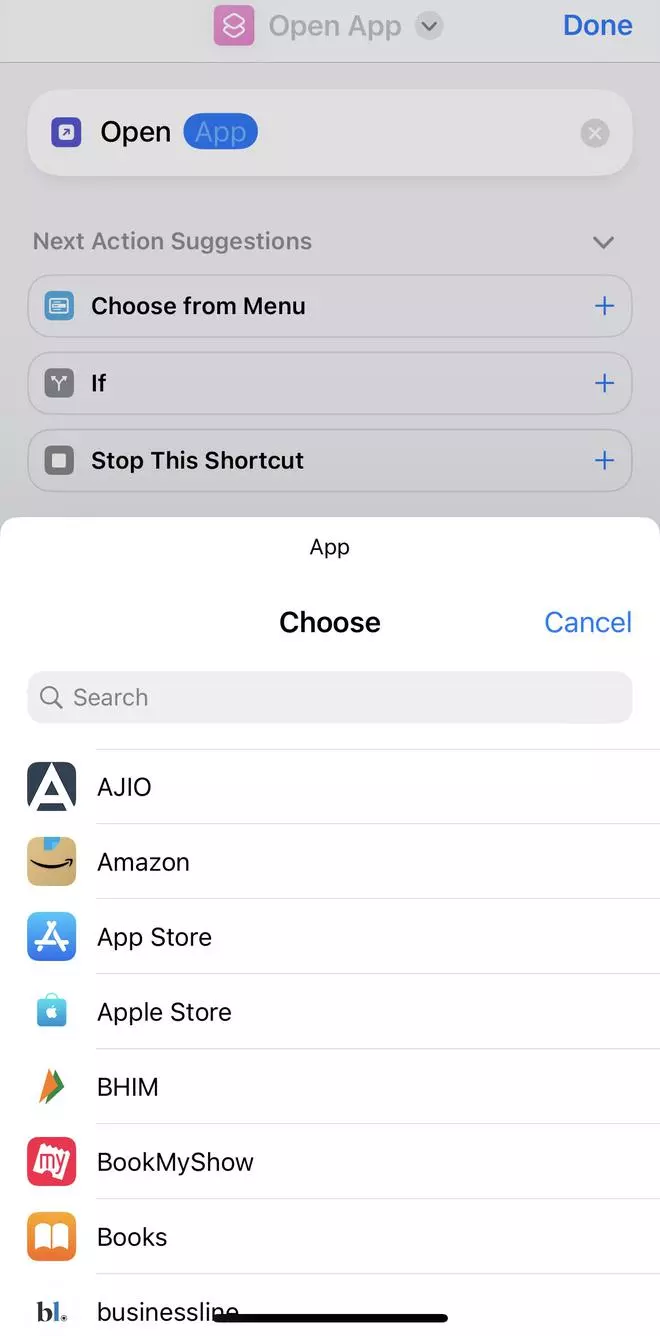
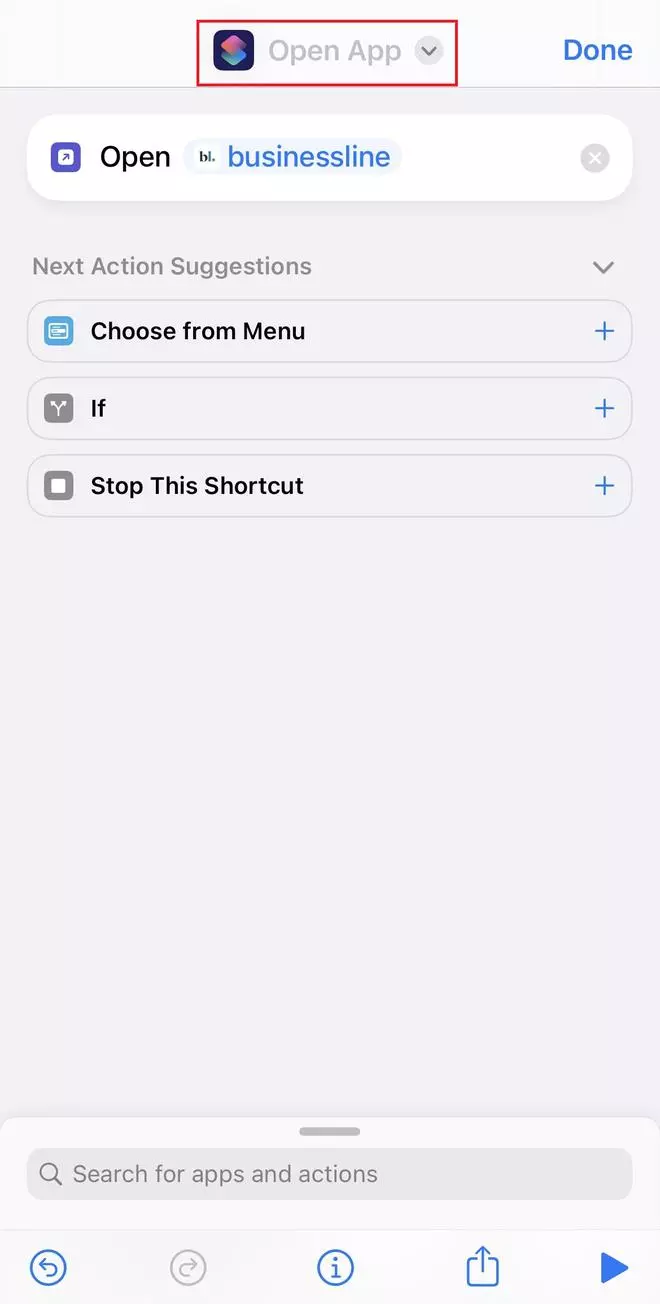
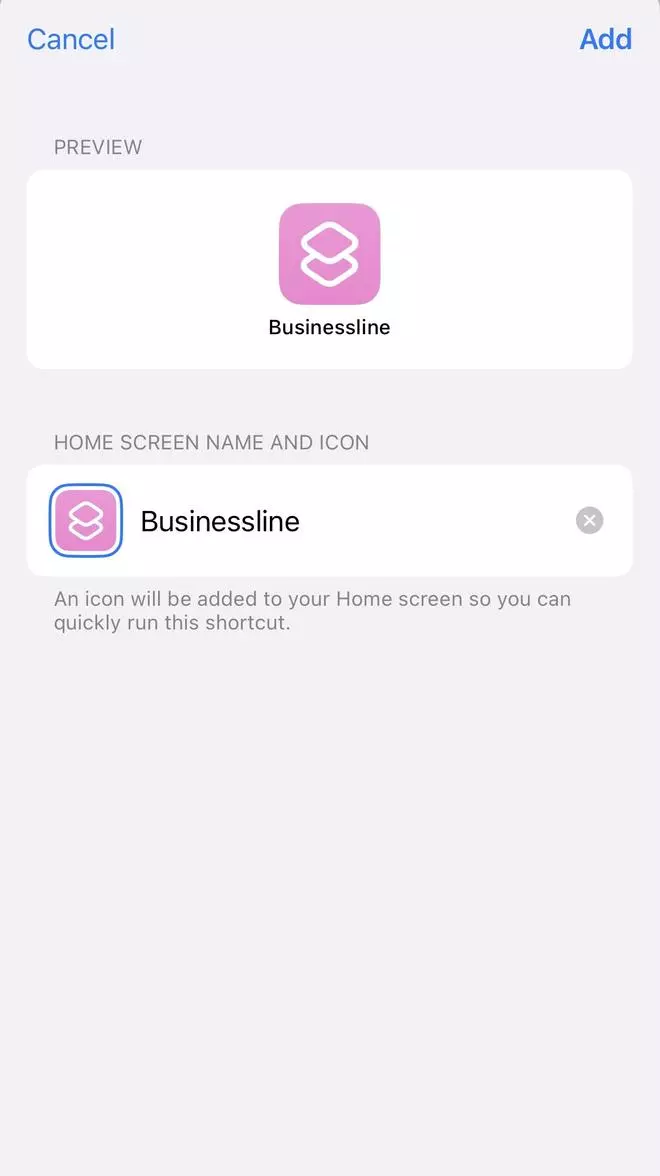
Unlike in Android where you can can use in-store themes for a phone makeover, Apple iPhone follows a long process. With the Shortcuts app, one can customise Apple app icons, ditching the default dynamic icons. Here’s how to do it.
Published on June 9, 2023
此内容由惯性聚合(RSS阅读器)自动聚合整理,仅供阅读参考。 原文来自 — 版权归原作者所有。