


When it comes to power and portability on a device, having the best of both worlds is an enticing idea. If that’s the combination you are looking for in a laptop, here’s the lowdown on the latest 13-inch Dell XPS 2-in-1 convertible.
Just shy of 1.5 kg, the device is obviously designed for portability. Docked with the folio - mimicking the laptop form factor - the volume rockers are placed at the top left of the bezel and the power button with an in-built fingerprint reader on the top right corner. Bang in the middle are the cameras, and on the left side are two USB-C ports.
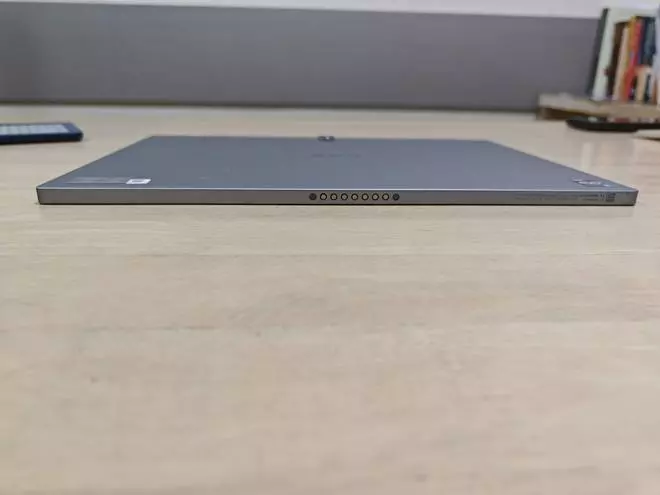
Yanking the device off the pogo pins at the bottom where it’s attached to the folio, I get a massive tablet in hand. A 13-inch tablet wouldn’t be my device of choice but it does make for a great canvas for creative pursuits. I might be stretching the definition of what creative pursuits mean when I start hunting for the next true crime series to binge on. Propping the tab up on my lap isn’t really the most comfortable way to consume content - it’s hefty owing to the 13-inch screen, despite a super this form factor.
Also read: Plug in, tune out: Jabra Evolve2 Buds review
The 13-inch (2880x1920 pixels) touch display has up to 500-nits brightness. Similar to a handful of other high-end laptops and hybrids, the Dell XPS 2-in-1’s display is protected by Gorilla Glass Victus. Dell says it’s an anti-reflective and anti-smudge screen but that wasn’t my experience.
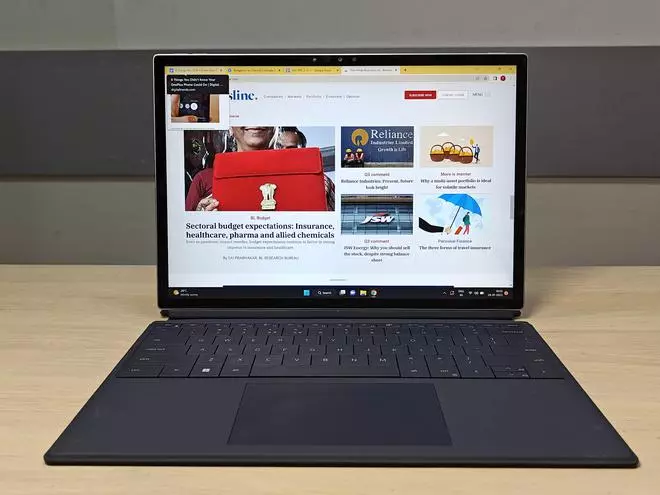
Considering it’s a hybrid supported by a magnetic kickstand - I get three pre-fixed screen angles to work with. All three work well for different purposes. I notice I appear best in Zoom meetings when it’s at the almost-vertical 110° tilt, and great for typing and watching movies at bigger angles (112.5° and 125°). I miss the freedom to prop it in whatever angle suits me, like on laptops. Content does look pretty vivid on the screen.
I’ve used - and gotten used to - keyboards with slightly deeper, more satisfactory travel. As the folio lays flat on my workstation, I miss the depth of a traditional keyboard. But hey, sometimes familiarity and comfort needs to be sacrificed at the altar of portability.
The processor driving this system is the 12th Gen Intel Core i5 with 16 GB RAM. The default OS on the hybrid is Microsoft Windows 11 Home and the storage space available on the variant I reviewed was 512 GB, although you can buy the 1TB variant as well. Slowing down was non-existent as were heating issues. I mostly used the device to write, read, edit copies and watch YouTube videos.
Also read: Shines through the crowd! realme 10 Pro+ 5G review
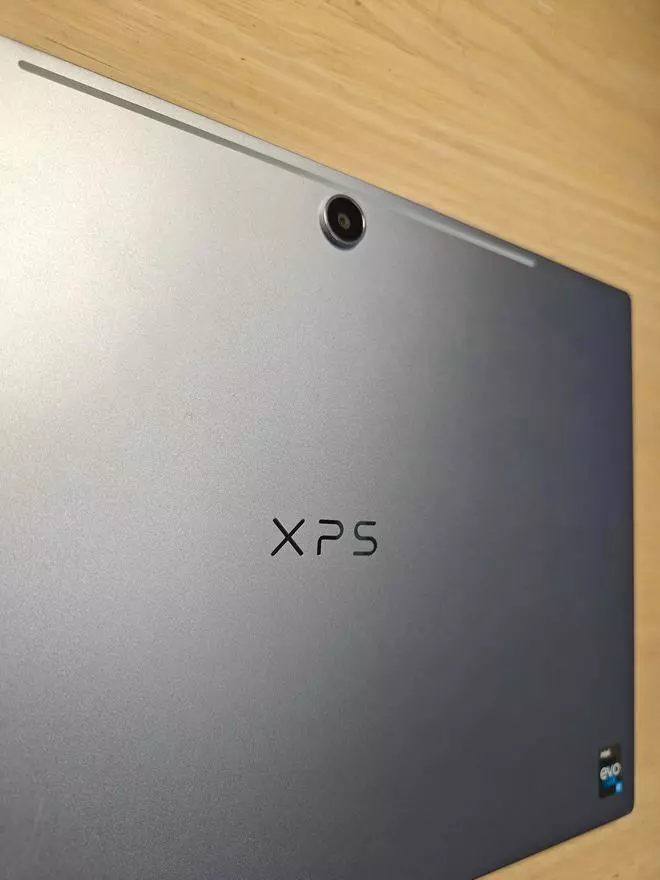
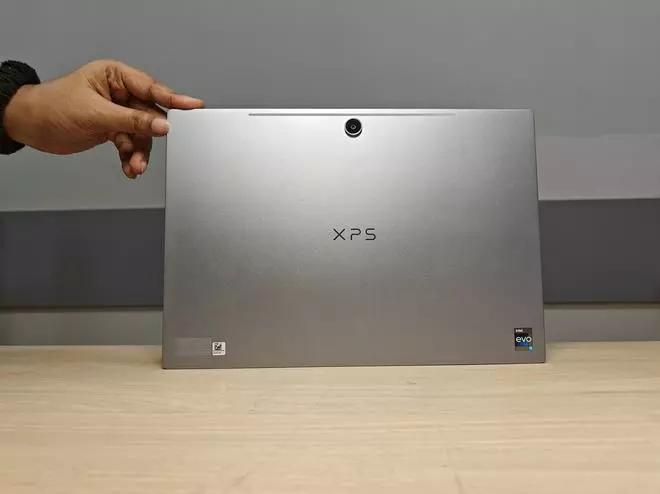
The Dell XPS 13 2-in-1 is fitted with a 4K 11MP primary camera which delivers sharp images, but I’d be hard-pressed to use this big a tablet to capture snaps when I travel. The 1080p 5MP webcam is impressive and I enjoyed using it during meetings and webinars, with a couple of colleagues commenting on how sharp my video was.
There’s a 45W AC adapter packed in and it takes a little less than 2 hours to charge it up fully, from zero. The battery retention leaves no room for complaint. If it’s fully charged and you happen to forget the charger at home, it might still push through and last the better part of a working day - maybe without too many video calls.
As hybrids go the latest gen Dell XPS 2-in-1 is definitely one of the top contenders out there. A crisp display, long battery life and a compact form factor works in the hybrid’s favour. The inability to prop freely, along with the discomfort of using a 13-inch tablet standalone, on a prolonged basis is what takes away a bit of pleasure, from what is otherwise a pretty impressive gadget.
Cons: No auto-rotate, virtual keyboard doesn’t snap in quick enough at times.

Published on January 25, 2023
此内容由惯性聚合(RSS阅读器)自动聚合整理,仅供阅读参考。 原文来自 — 版权归原作者所有。