


Intrigued by global events? Live cameras offer a solution. Millions of exposed webcams worldwide provide real-time views of cities and remote locales. For virtual explorers, these feeds satisfy curiosity. But their true power lies in OSINT applications. Analysts use them to track live events, like public gatherings and conflicts.
Ready to tap into this network? We’ll guide you to find these digital windows. They will unlock a world of live observation at your fingertips.
Niche websites, IoT search engines, and Google Dorking are ways to find exposed webcams. Each offers a unique approach. Specialized sites cater to certain webcam types. IoT engines scan exposed devices worldwide. Google’s advanced search operators, known as “dorking,” uncover hidden camera feeds. Each technique yields unique results, from traffic monitoring cameras to unsecured home systems. Savvy searchers use a mix of methods for full coverage.
Do not use private cameras for your own purpose
The Internet offers access to public and some private webcams. Yet, using private cameras for fun is unethical and illegal in some countries. This article aims to introduce you to the search engine’s functions. Netlas.io is not responsible for what you see after this reading.
This article rethinks our two 2023 pieces on webcam search, on Netlas’ Medium. If you’ve read them, you can find some new dorks here. If you haven’t read, then you should be especially interested. 😀
As mentioned in the introduction, we will use three methods to search for exposed cameras.
These three methods vary in complexity and moral considerations. Each approach has unique strengths, from simplicity to customization. We’ll explore these techniques in depth before embarking on our search.
Certainly, the idea of Google Dorking might be one of the first to come to mind. It is a powerful and versatile tool commonly used in OSINT (Open Source Intelligence). For those who may not be familiar with it, let me provide a brief explanation.
This method manipulates the search engine to yield precise, targeted information. Skilled users can uncover hidden data and fine-tune their queries for optimal outcomes.
Basic dorks:
allintitle - Search for pages with a specific phrase in the title.inurl - Search for pages with a specific path in the URL.intext - Search for pages with a specific phrase in the page text.These three keywords will be enough for us to search for most of the objects of interest.
Netlas, a specialized search engine, complements Google Dorking in our toolkit. This powerful platform scans the web, uncovering exposed devices and servers with precision. Together, these tools provide a comprehensive approach to online discovery.
Netlas offers variety of attack surface management and search tools. Yet, this article will focus on the Responses Search Tool. This tool provides access to the Internet scanning results.
In this article, the following filters will be used to craft Netlas search queries:
http.title - Responses with a specific phrase in the title of the page.http.meta - Responses with a specific phrase in the meta page.http.headers.server - Objects that are hosted on a server with a specific OS.http.favicon - Responses with matching favicon hash.tag.name - All results related to a specific product.tag.category - All results combined by a specific product category.In addition to Netlas, you can use other IoT search engines (like Shodan or Censys). Their syntax differs slightly. But, it is easy to adapt the queries in this article for use with these platforms.
Netlas search query syntax
You’ll find a lot of search query examples bellow. If you’ll find some of them not clear, you can learn more about search syntax from this help topic →
Further, we’ll discuss various methods for finding exposed webcams using Netlas IoT search engine. The search is more captivating if you narrow it to a specific country or, better, a city. Let’s see how to achieve that.
First, let’s review the different GeoIP filters available. The image below illustrates these.
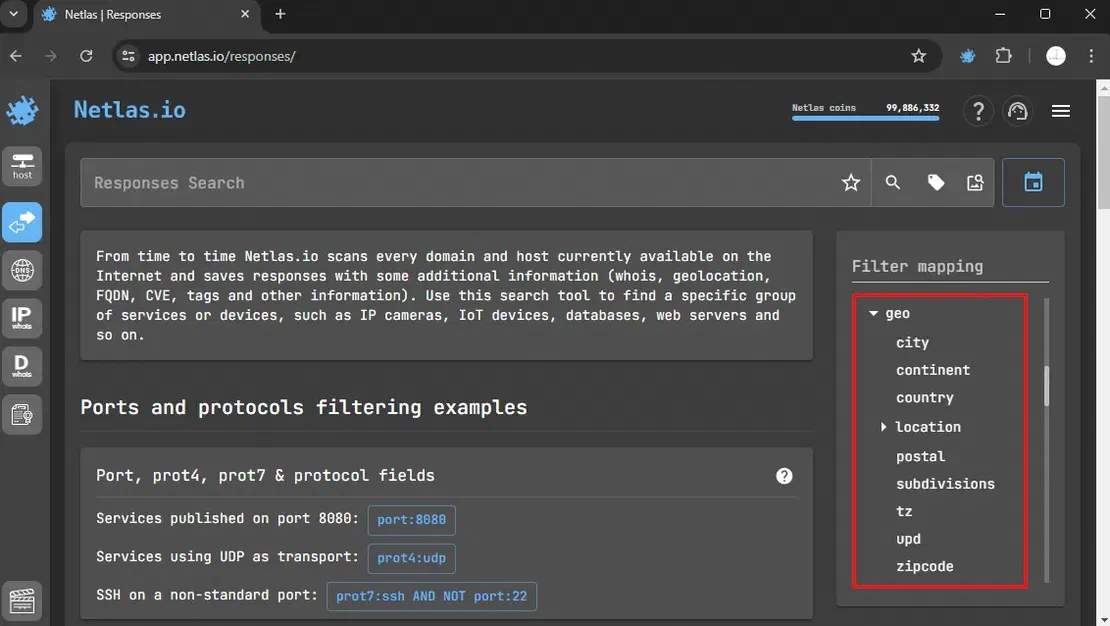
As you can see, Netlas allows filtering by continents, countries and cities. To narrow down your search, you need to include the appropriate filter in your query. This is done using logical operators such as AND, OR, and NOT. The filters themselves follow this syntax:
geo.country:"countryName"Let’s give an example.
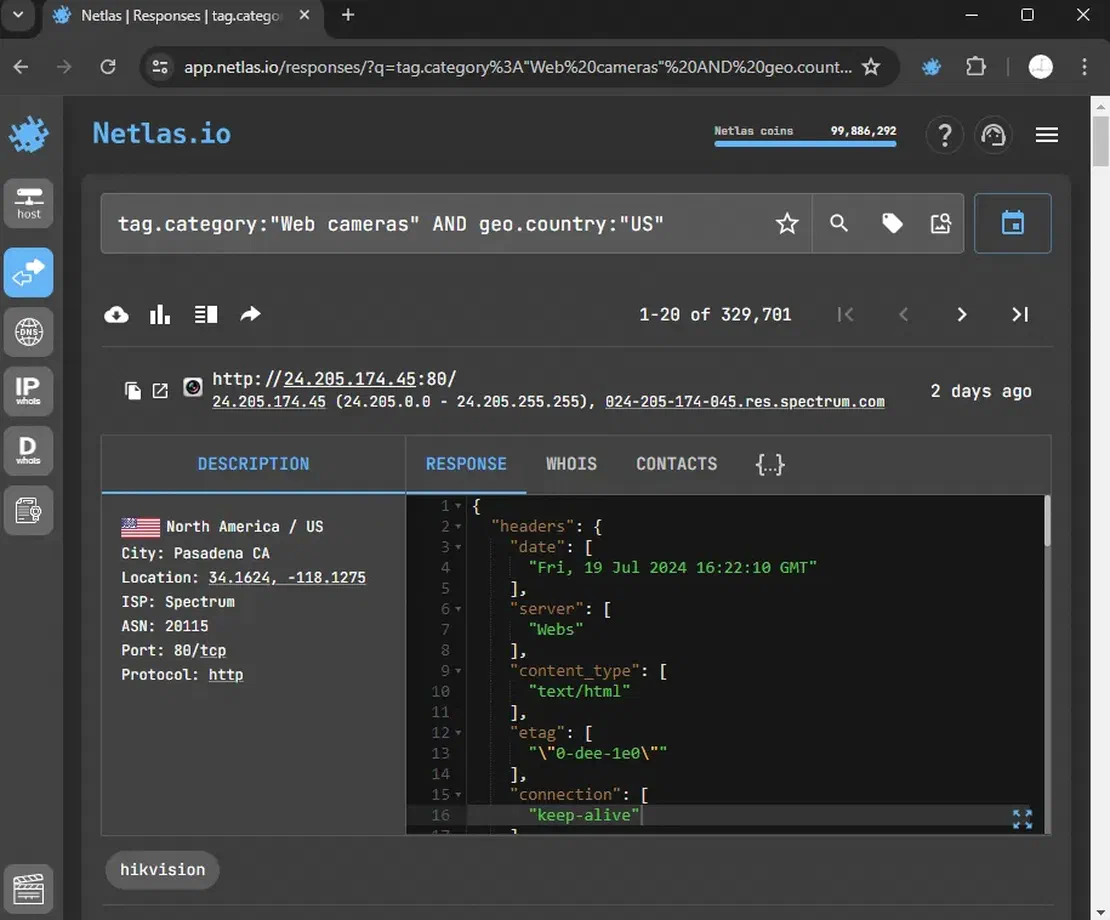
Public webcams often broadcast landmarks or scenic vistas. Owners frequently share these feeds intentionally. Specialized websites catalog such public streams, allowing users to add their own.
While previous methods involve searching for any exposed webcam, public or private, this approach focuses on openly shared broadcasts. We’ll discuss this search option at the end of the article.
Finally, let’s move on to the actual search samples. The following sections will present webcams or web interfaces from both major vendors and popular open-source projects. By studying these examples, you’ll be able to easily create similar queries and find other types of devices.
Let’s start with the common queries.
Netlas Dorks
http.title:"camera stream"http.title:"online camera"etc.
Users who have access to tags (this is a paid feature) can use the following request:
tag.category:"Web cameras"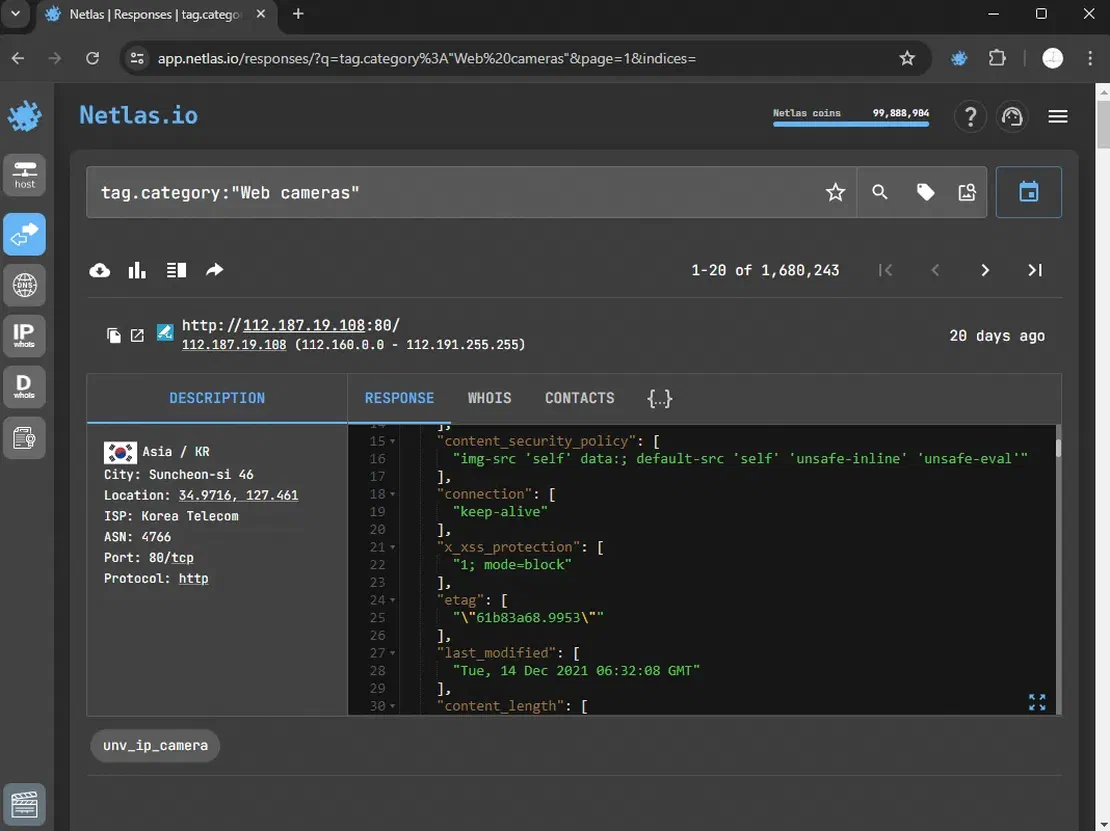
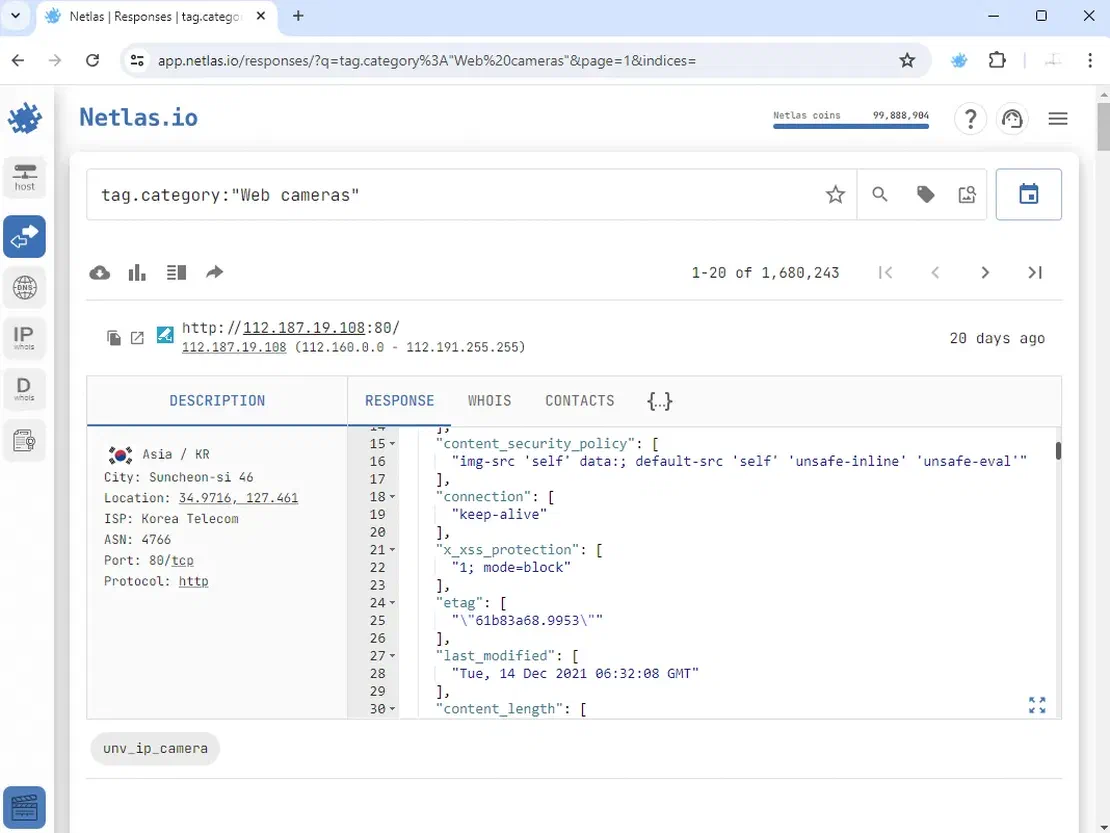
Netlas has gathered over one million exposed webcams in its last two scans, as shown in the previous image. This is quite impressive and provides a vast array of content to explore. These results encompass various applications, countries, and more. Hence, we will narrow our focus to more specific queries.
Google Dorks
To search for exposed webcams using Google, use a simple dork: allintitle. You can adjust the queries from the previous paragraph in the following manner:
allintitle:"camera stream"IP Webcam is an Android app. It lets you turn your phone into an online camera.
Netlas Dorks
http.headers.server:"IP Webcam Server"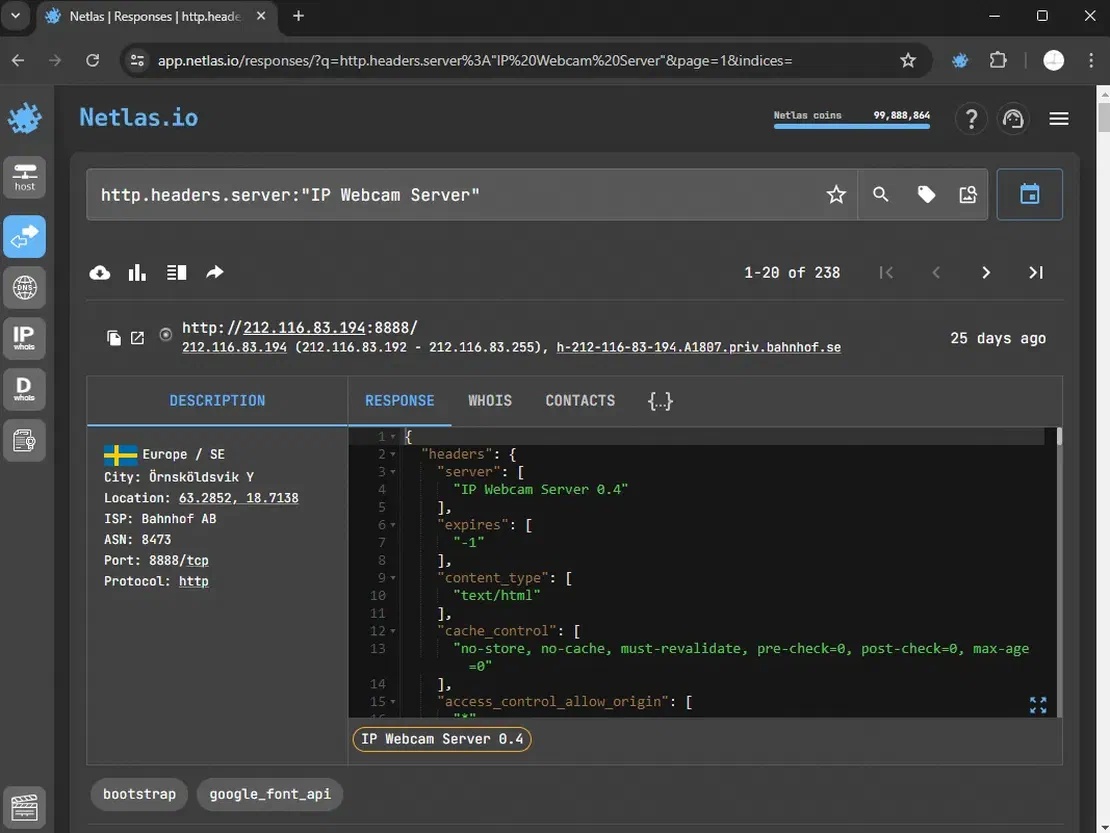
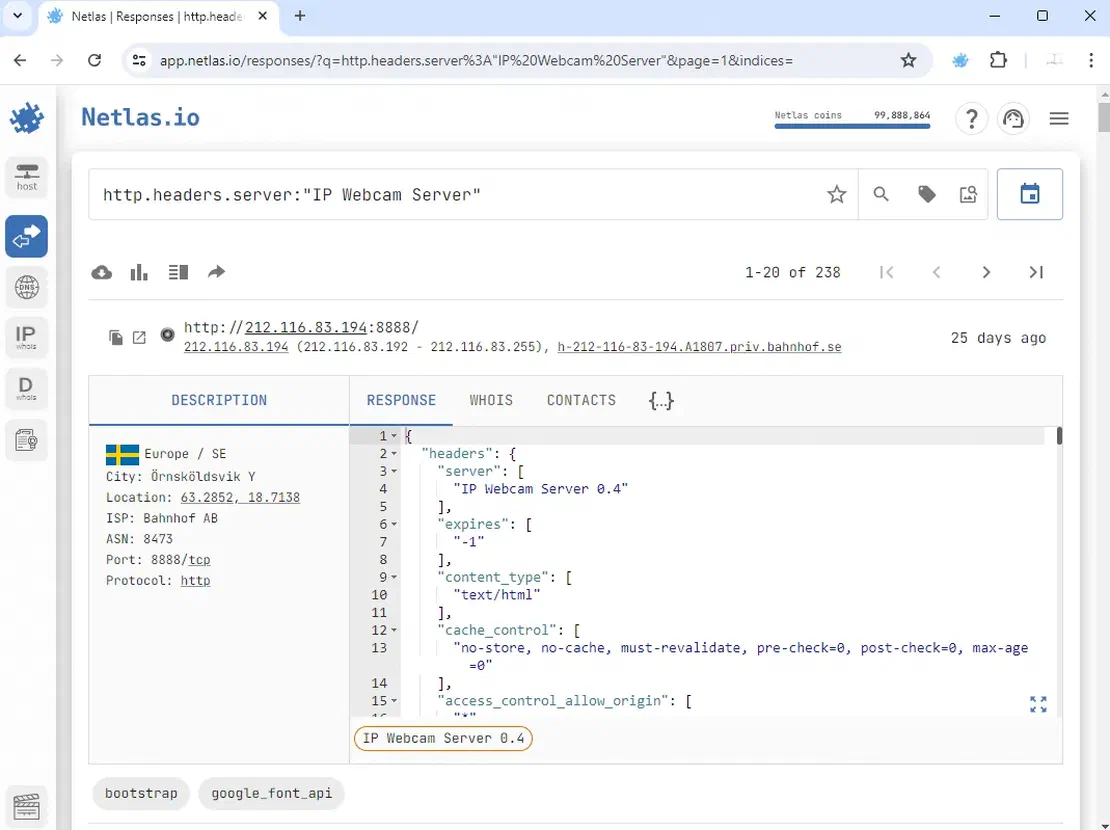
We didn’t find many results. The recent Netlas index has only 238 matching devices at the time of writing. Yet, even this small number offers some intriguing research opportunities.
Google Dorks
In this case, you should approach Google queries with creativity. You can still compose a dork like this:
But, most results will be irrelevant. They will show only instructions and camera models. However, you can find a page with screenshots and video clips in the IP Webcam web interface.
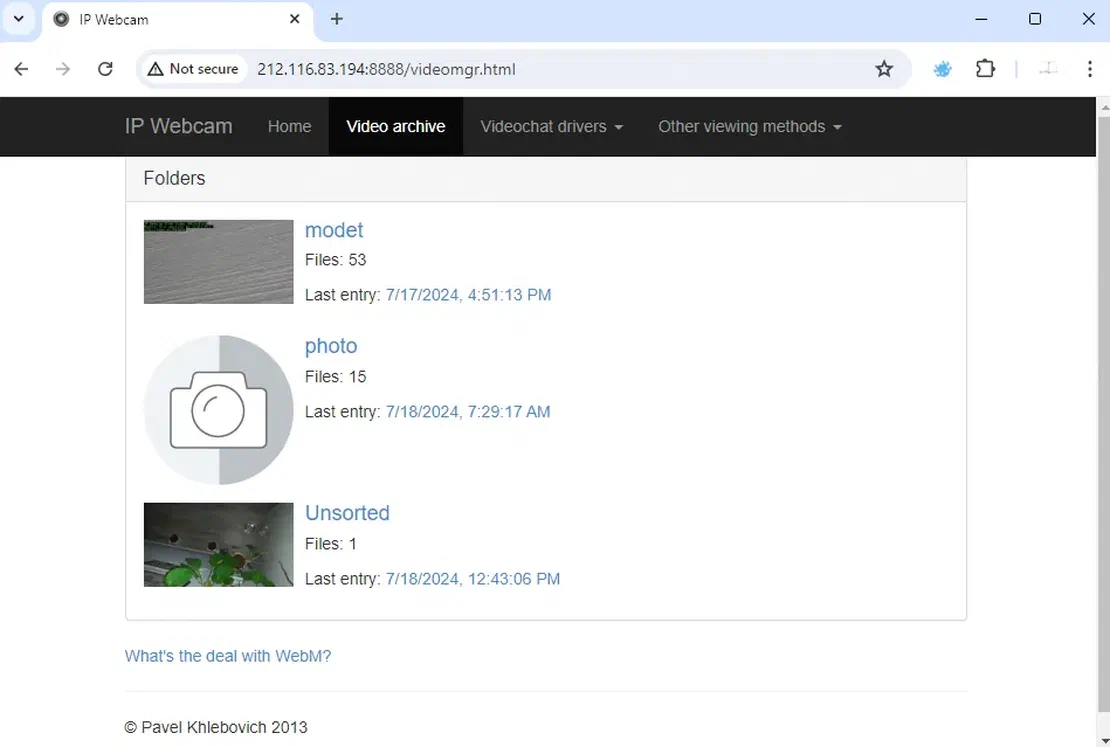
These are the pages we will try to find. Enter the following query into Google:
Well, it will help us much better to locate the desired cameras.
AXIS is one of the largest brands producing security systems, including webcams. Their products are everywhere. Small cameras are in homes and shops. Large ones are in subways and on streets.
Netlas Dorks
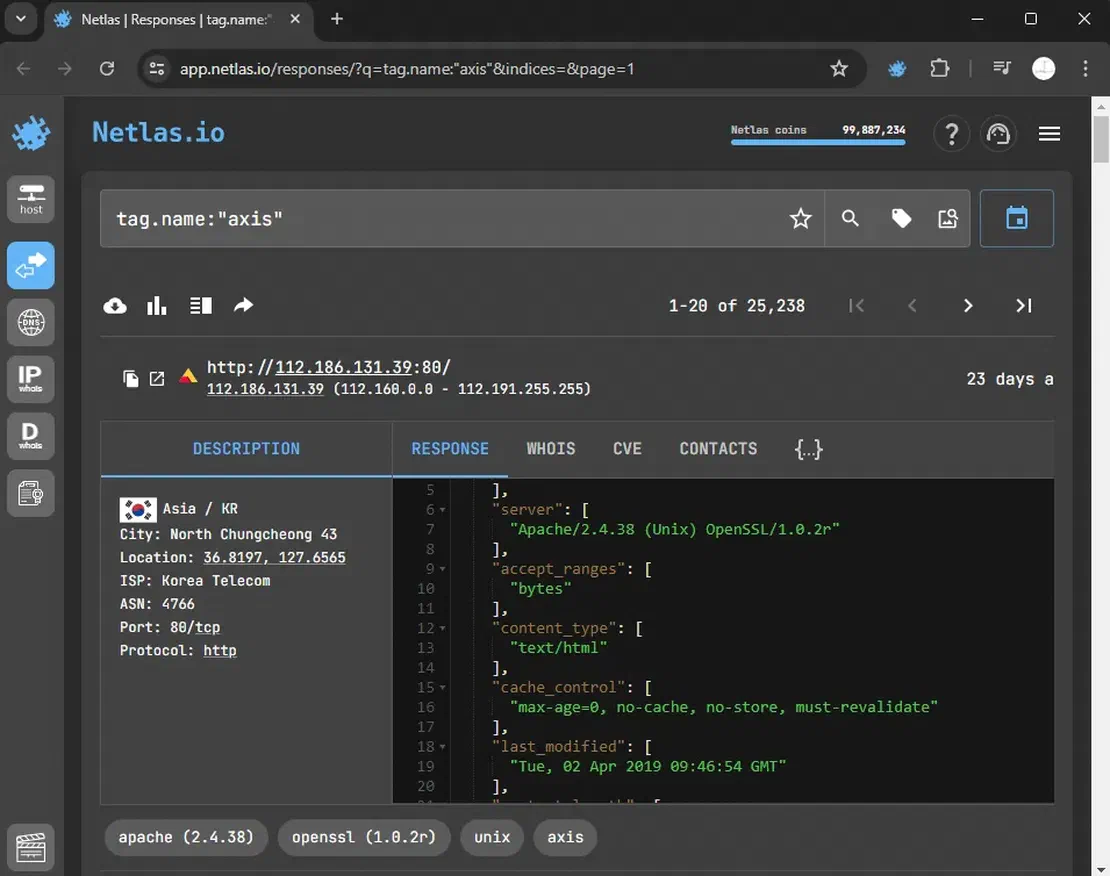
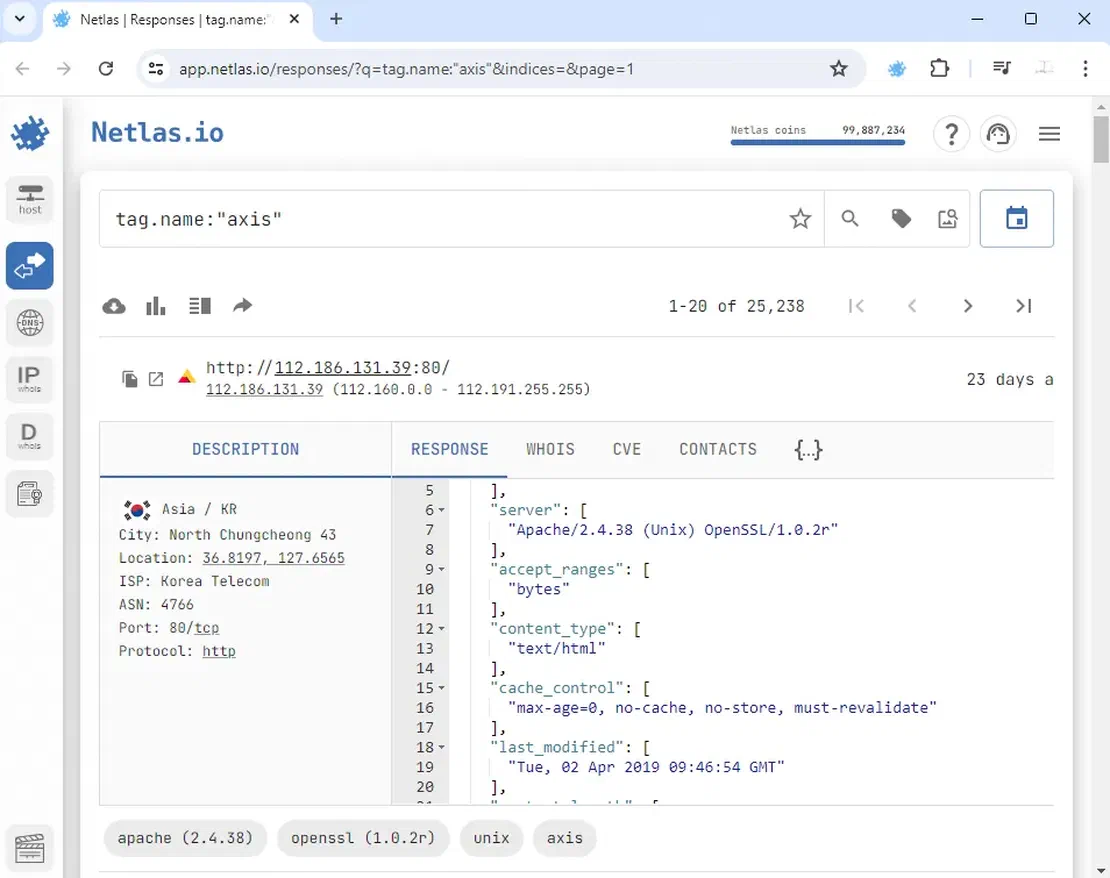
Like any devices connected to the Internet, these webcams can be found using Netlas. To do this, use the following query:
http.meta:"Axis Communications AB"Also, if your subscription plan supports search by tags, you can create a different search:
This will yield more accurate results. It will cut, for example, pages of online stores selling cameras.
Google Dorks
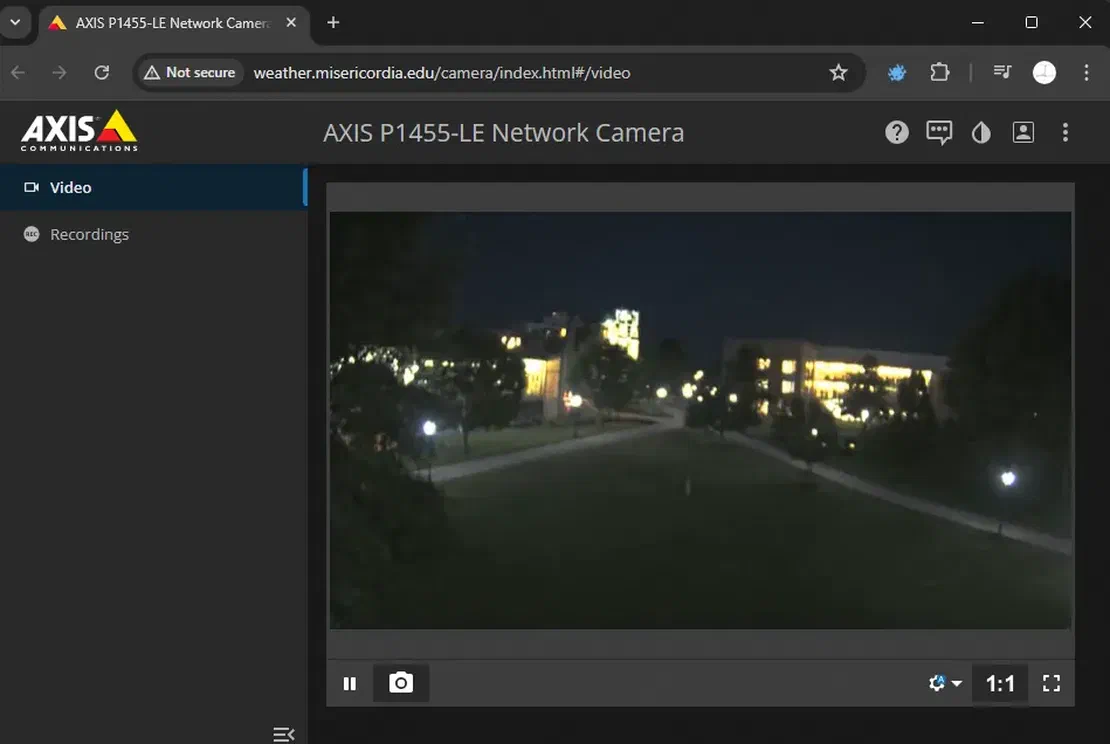
Searching by title on Google comes with some difficulties. Most likely, the first 10-15 pages will show only documentation or product listings. Instead, after checking the AXIS web interface, a different query was created:
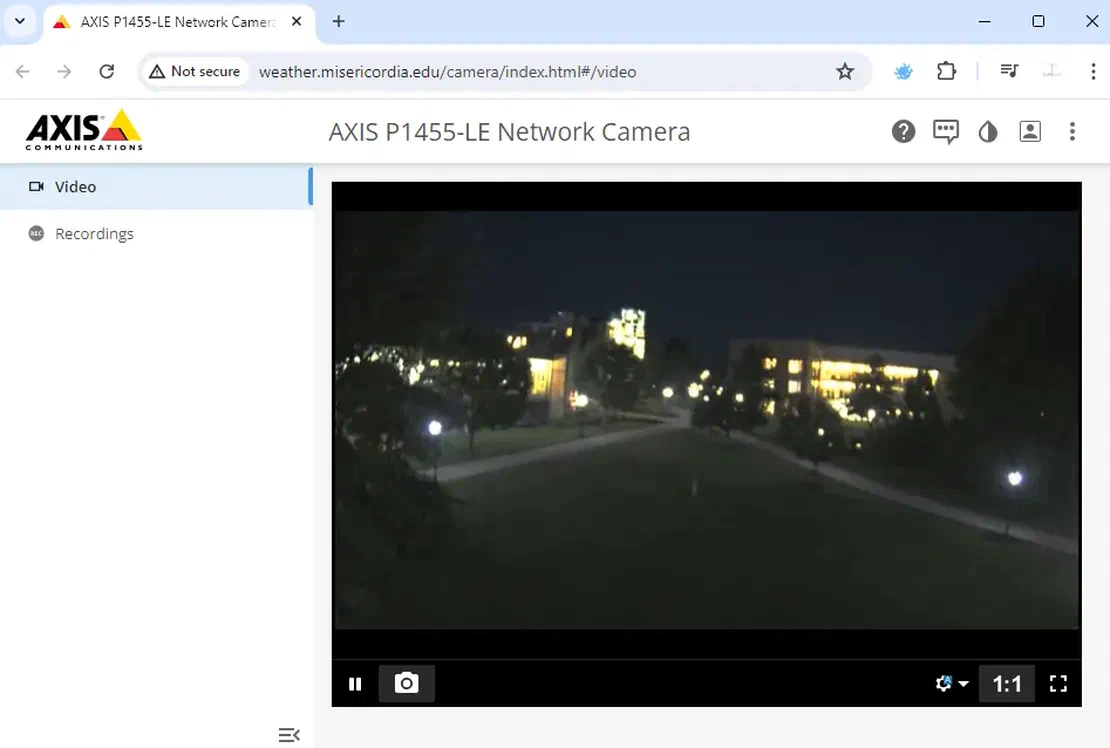
intext:"To use the Axis web application, enable JavaScript"An example of one of the exposed webcams found using this method is shown in the following image.
Blue Iris is software to create a security system using cameras and motion sensors. It records short clips when it detects movement in the camera’s view. It also has a web interface for easy access and management.
Netlas Dorks
http.headers.server:"BlueServer"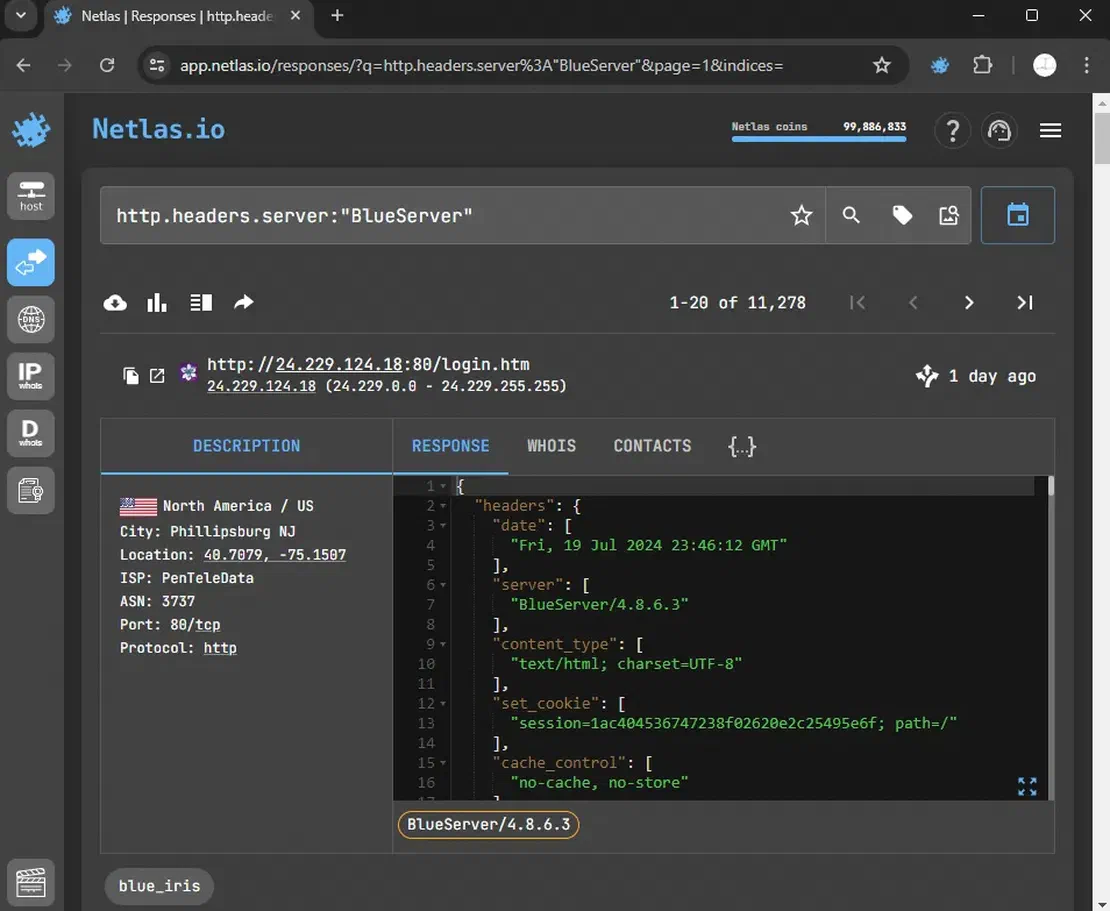
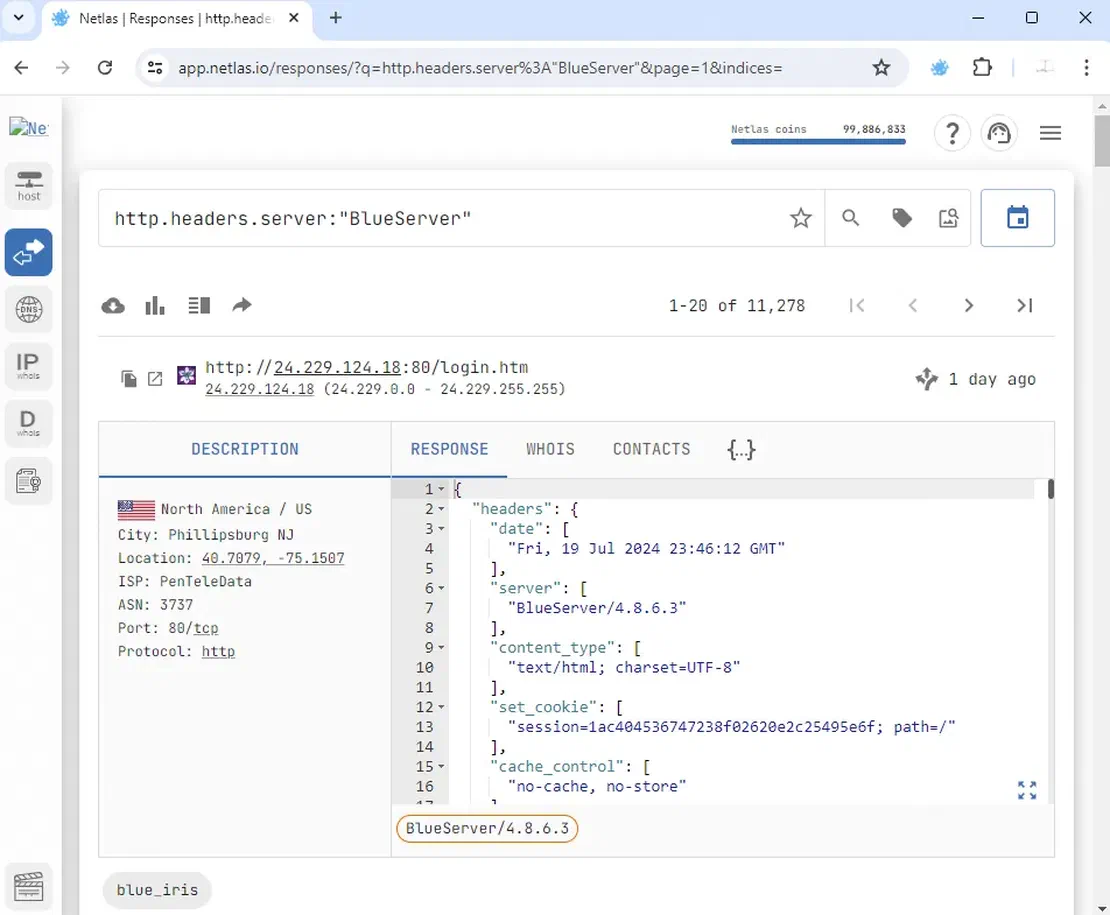
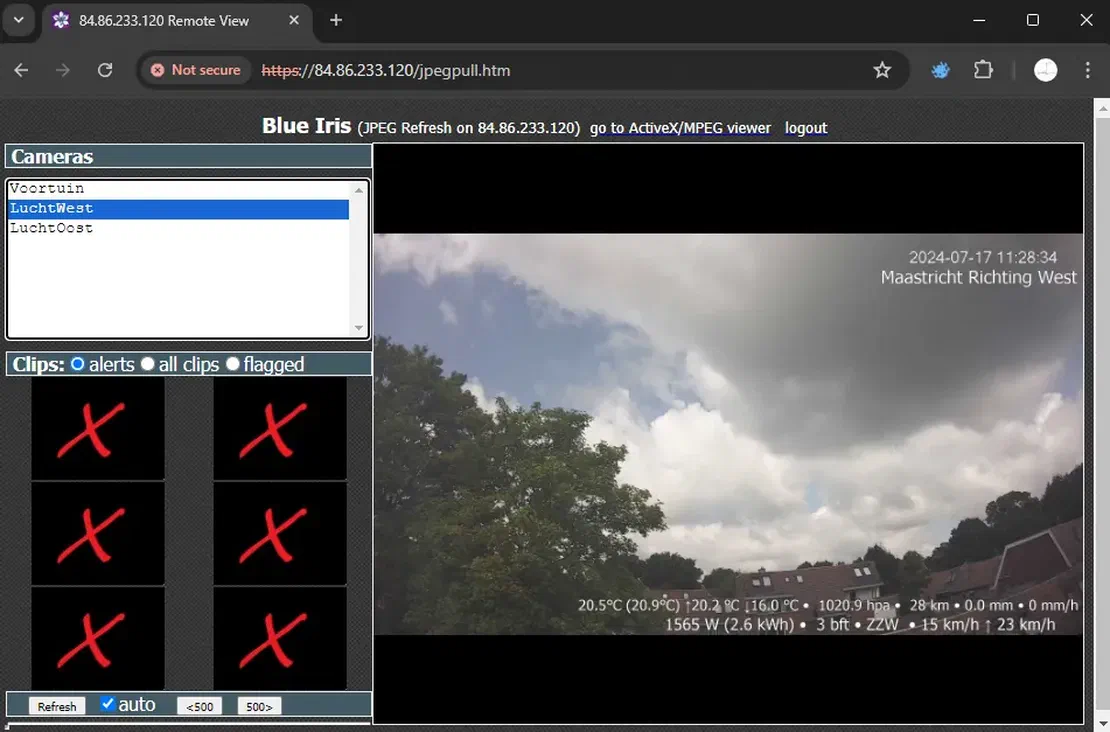
In the image above, you can see the results of this query. Netlas identifies more than two thousand of exposed Blue Iris webcams. Unfortunately for curious readers, most of these instances are password protected. Yet, not all. The following picture is an example of unprotected one. There’s nothing particularly noteworthy, just a view of a village.
Google Dorks
Here we will again search for exposed webcams by its web interface title. This will be a request like:
allintitle:"Blue Iris Login"This will return over twenty pages in Google.
Canon software for remote control of VB series cameras is quite notable. This dork is particularly interesting. It locates a large number of publicly accessible webcams that can be remotely controlled.
Netlas Dorks
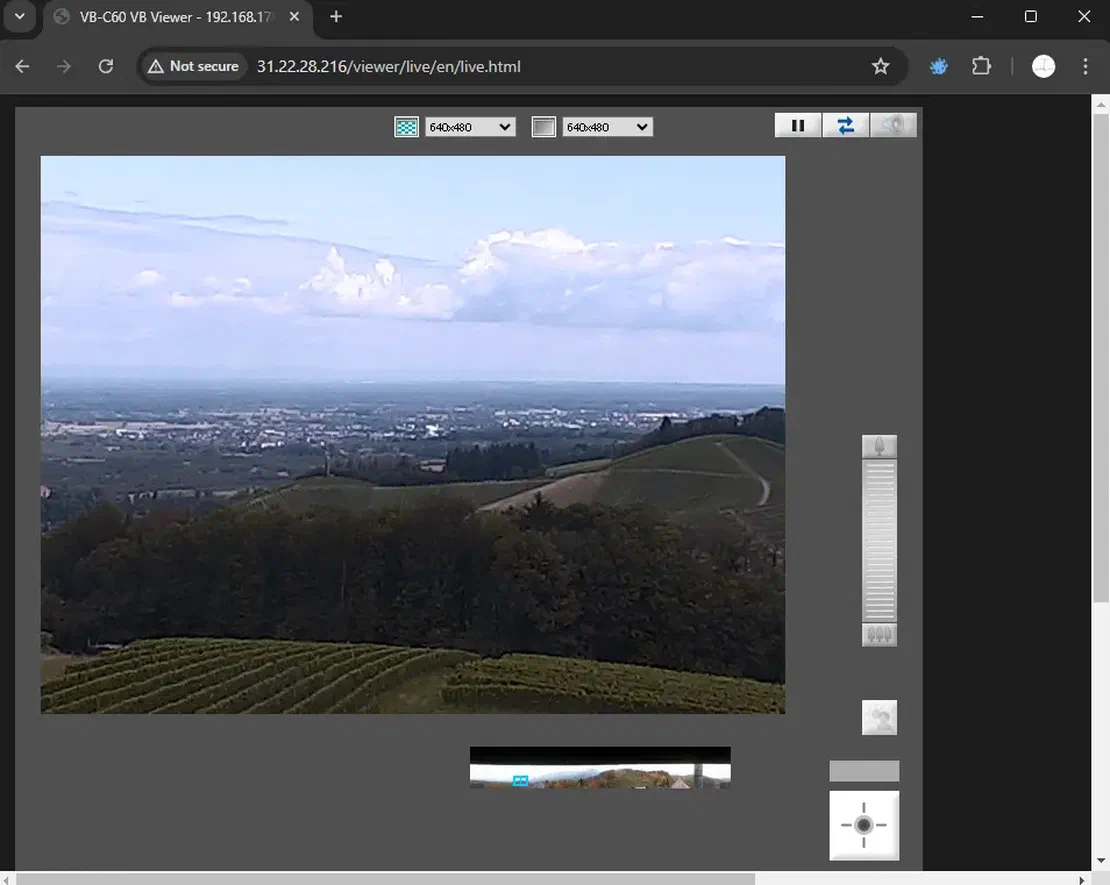
Google Dorks
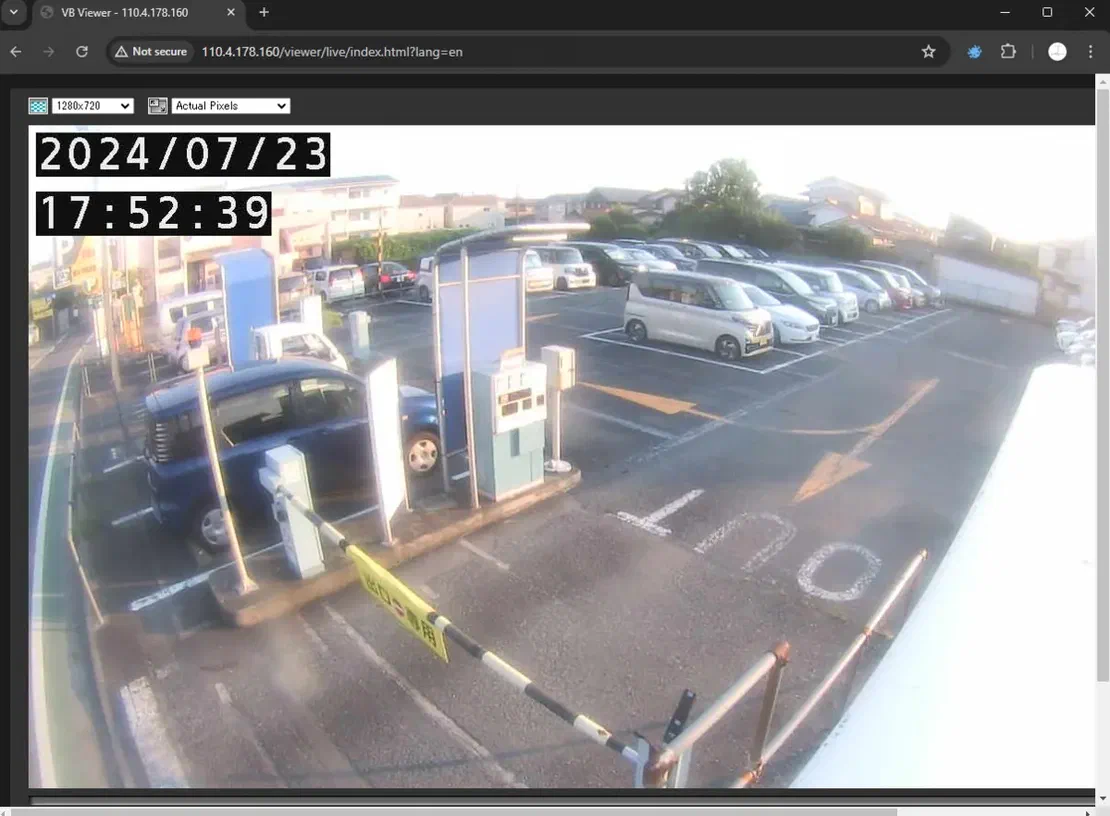
To find VB Viewer on Google, you can use the following dorks:
inurl: 1051/viewer/live/index.html?lang=eninurl:”/viewer/live/index.html”With it you can find, for example, this parking:
GeoVision is another manufacturer of webcams and software solutions to work with it.
Netlas Dorks
http.headers.server:"GeoHttpServer"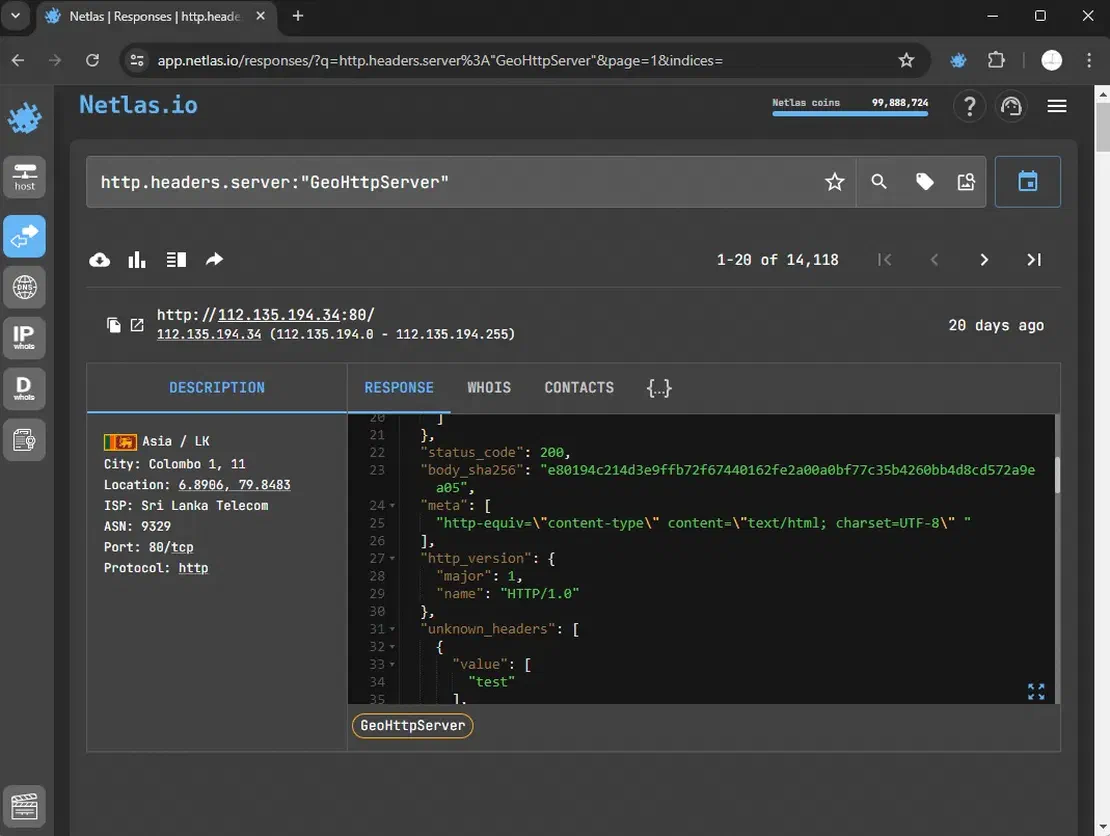
go2rtc serves as a streaming application for transmitting data over multiple protocols. Its GitHub says it supports RTSP, WebRTC, HomeKit, FFmpeg, RTMP, and other protocols.
Netlas Dorks
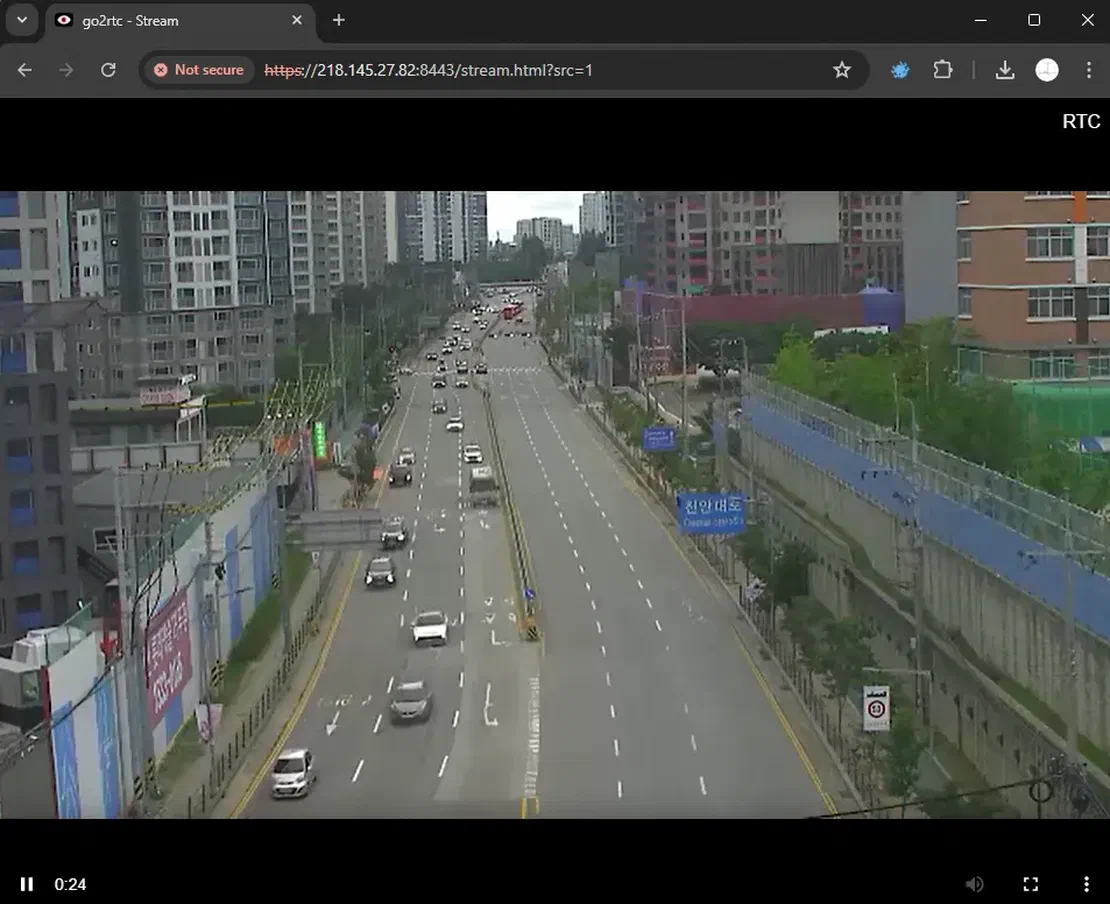
To find the go2rtc web interface on Netlas, use the following query:
And so, we found this webcam watching the road.
Google Dorks
To search for exposed Go2rtc webcams via Google, we also use the title, but we will make the query a bit more complex. This will help filter out unnecessary pages like documentation. You may still need to scroll through the first search page.
allintitle:"go2rtc - Stream"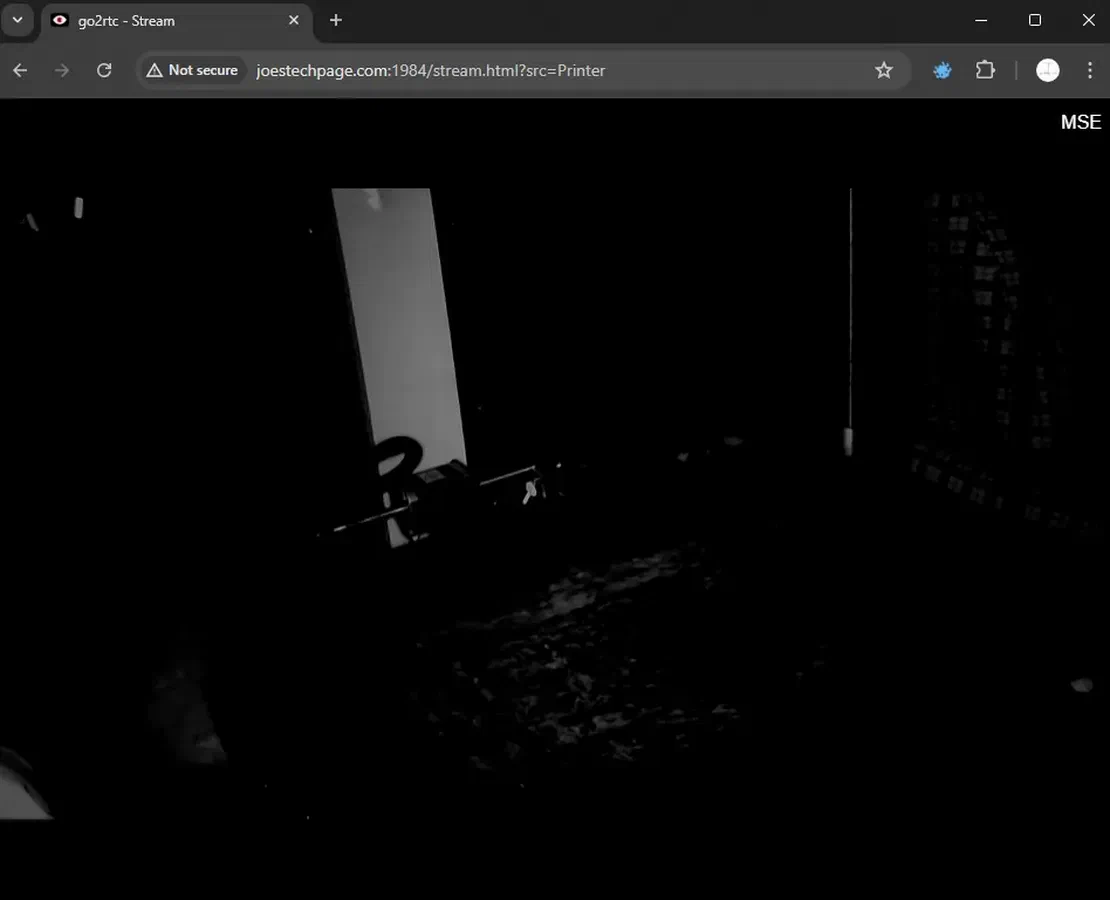
Now we are focusing on a security systems maker, not a camera producer. Hipcam provides electronic locks, video surveillance systems, and related products. A web interface should let us access their solutions online.
Netlas Dorks
http.headers.server:"hipcam"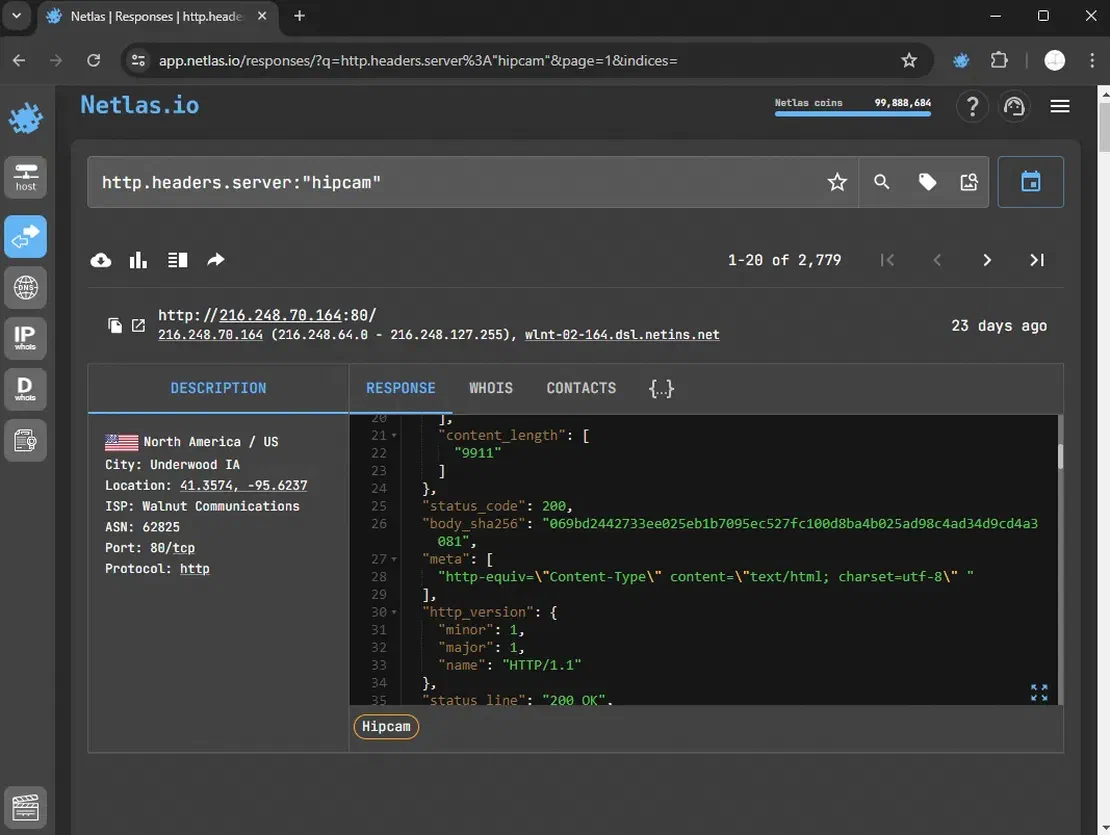
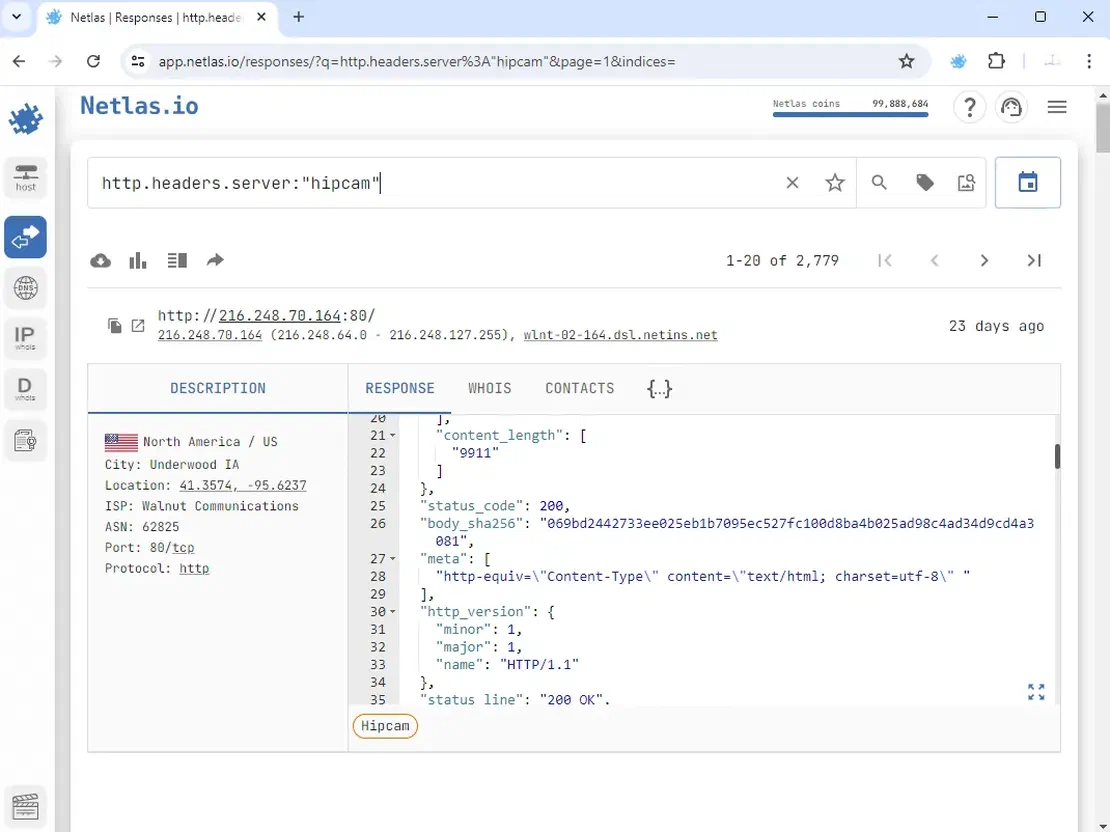
i-Catcher is a digital IP CCTV system. It designed for security, surveillance, and remote monitoring.
Netlas Dorks
http.headers.server:"i-Catcher Console"Notice, that most of the results for this query were recognized by Netlas as honeypots.
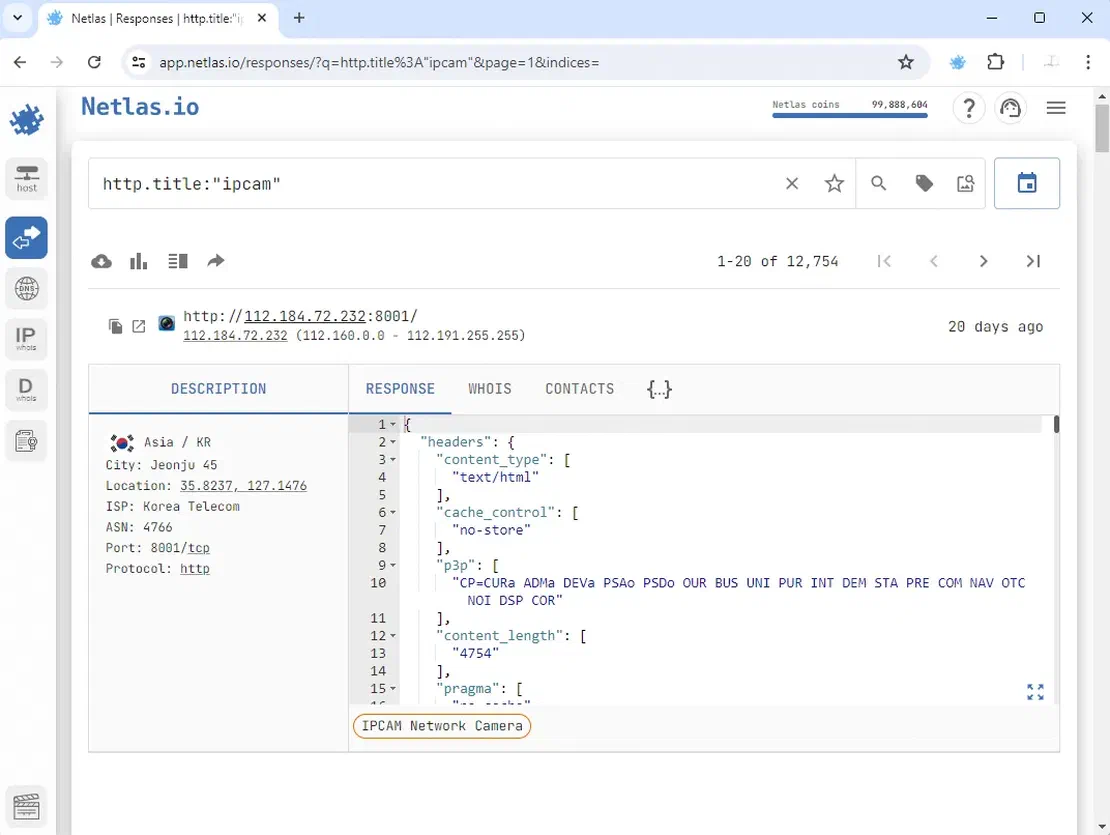
Another one application for checking CCTV cameras.
Netlas Dorks
http.title:"ipcam client"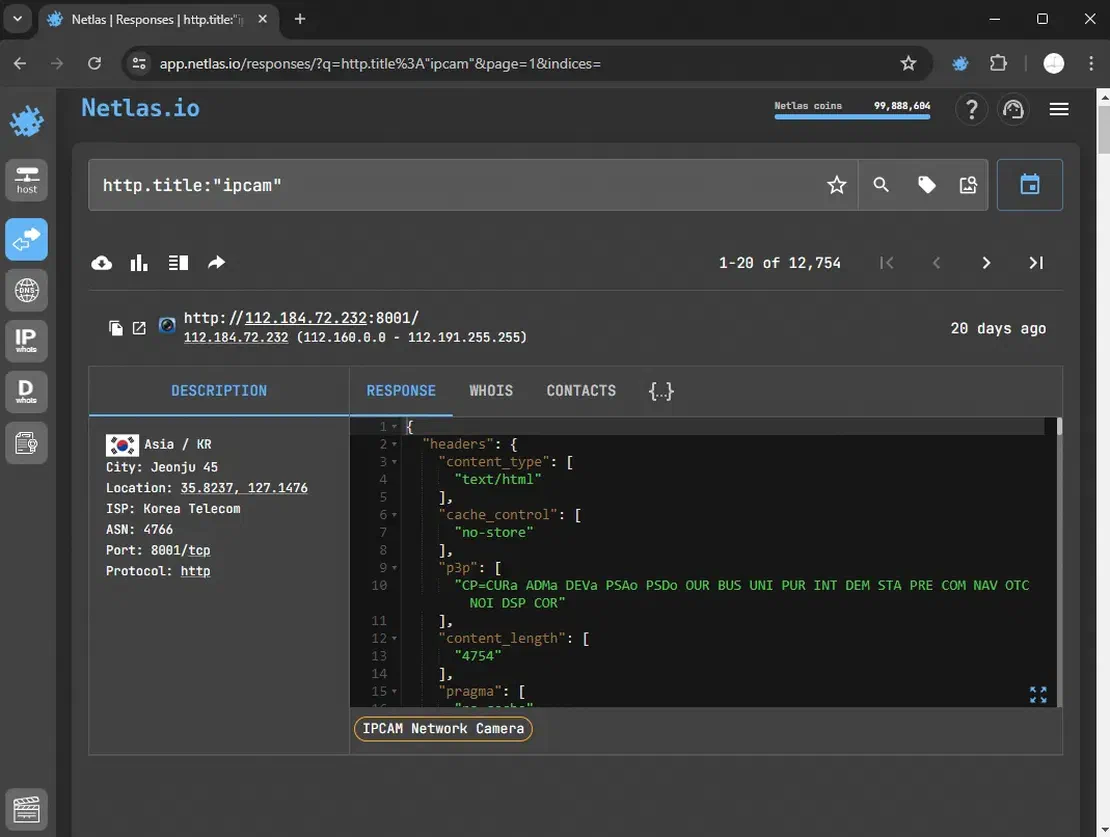
Google Dorks
In this situation, it is enough for us to search for the dork allintitle.
allintitle:"ipcam client"Google will return several pages of results, many of which will be exposed webcams. Luckily for their owners, they are all password protected.
Linksys is a hardware manufacturer that also produces a range of webcams. To simplify their use, these cameras have a web interface. That will be our focus.
Netlas Dorks
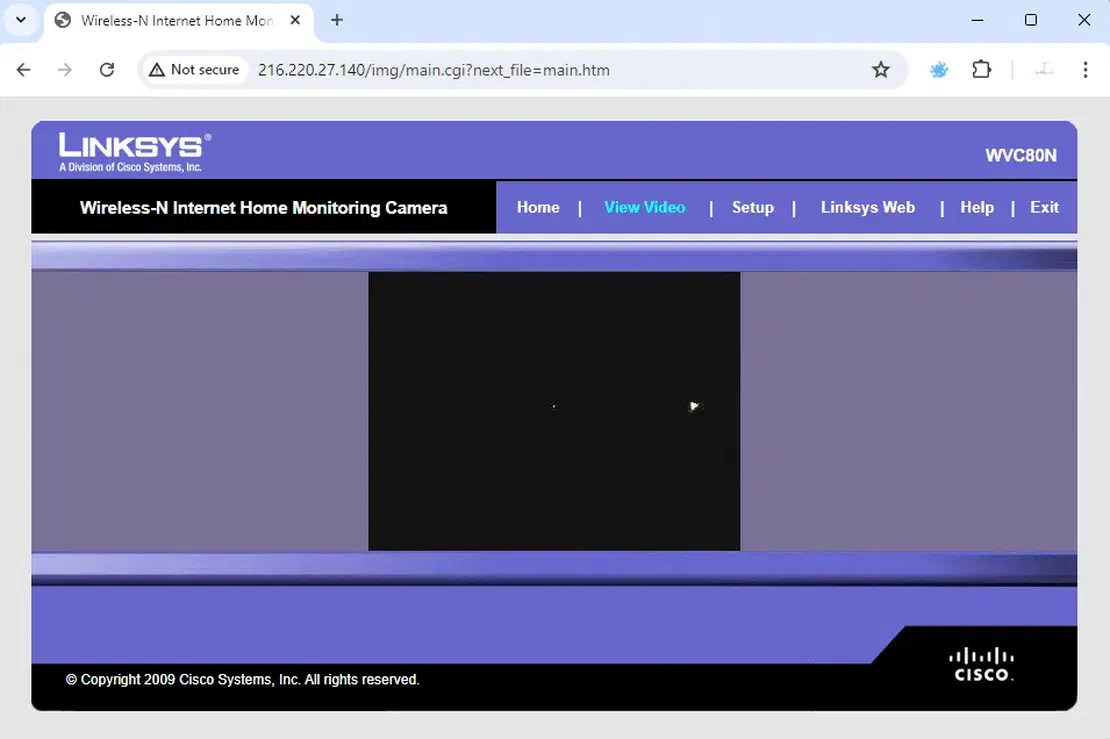
To locate exposed Linksys webcams on Netlas, use the following query:
For example, this is how this darkness was found.
Google Dorks
Google searches for Linksys webcams are tricky. Allintitle won’t help. After analyzing the page of one of the web interfaces, the following dork was crafted:
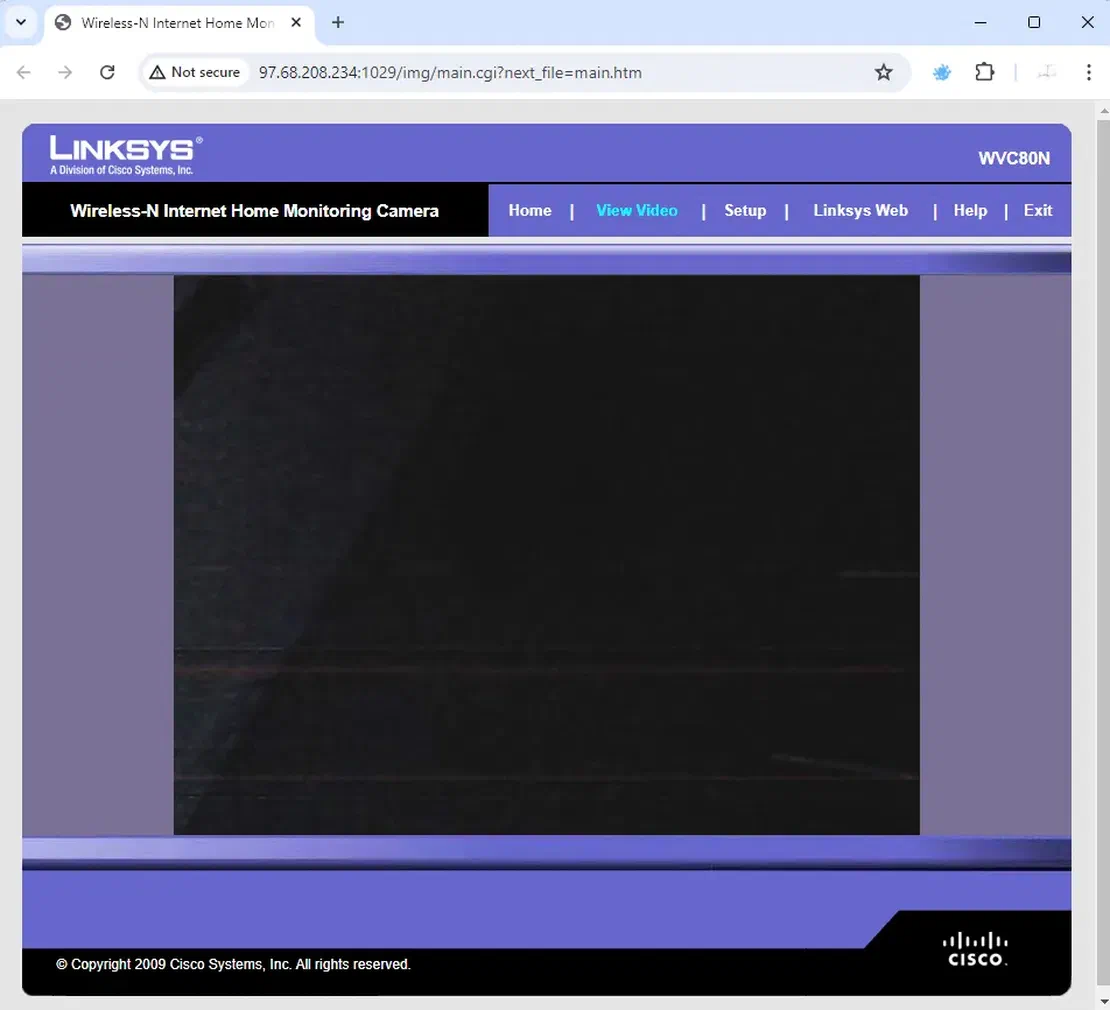
inurl:"main.cgi?next_file=main.htm"This query will return quite a few cameras, but not all of them will be Linksys. Let’s refine the request:
inurl:"main.cgi?next_file=main.htm" & intext:"Linksys Web"And so, we found another one.
Mobotix has over 20 years of experience in video surveillance systems. Quite common devices.
Netlas Dorks
http.favicon.hash_sha256:44feef77181e2f4ffc966ddfc0b1c38405de7147de10b88411c09865e431f6c3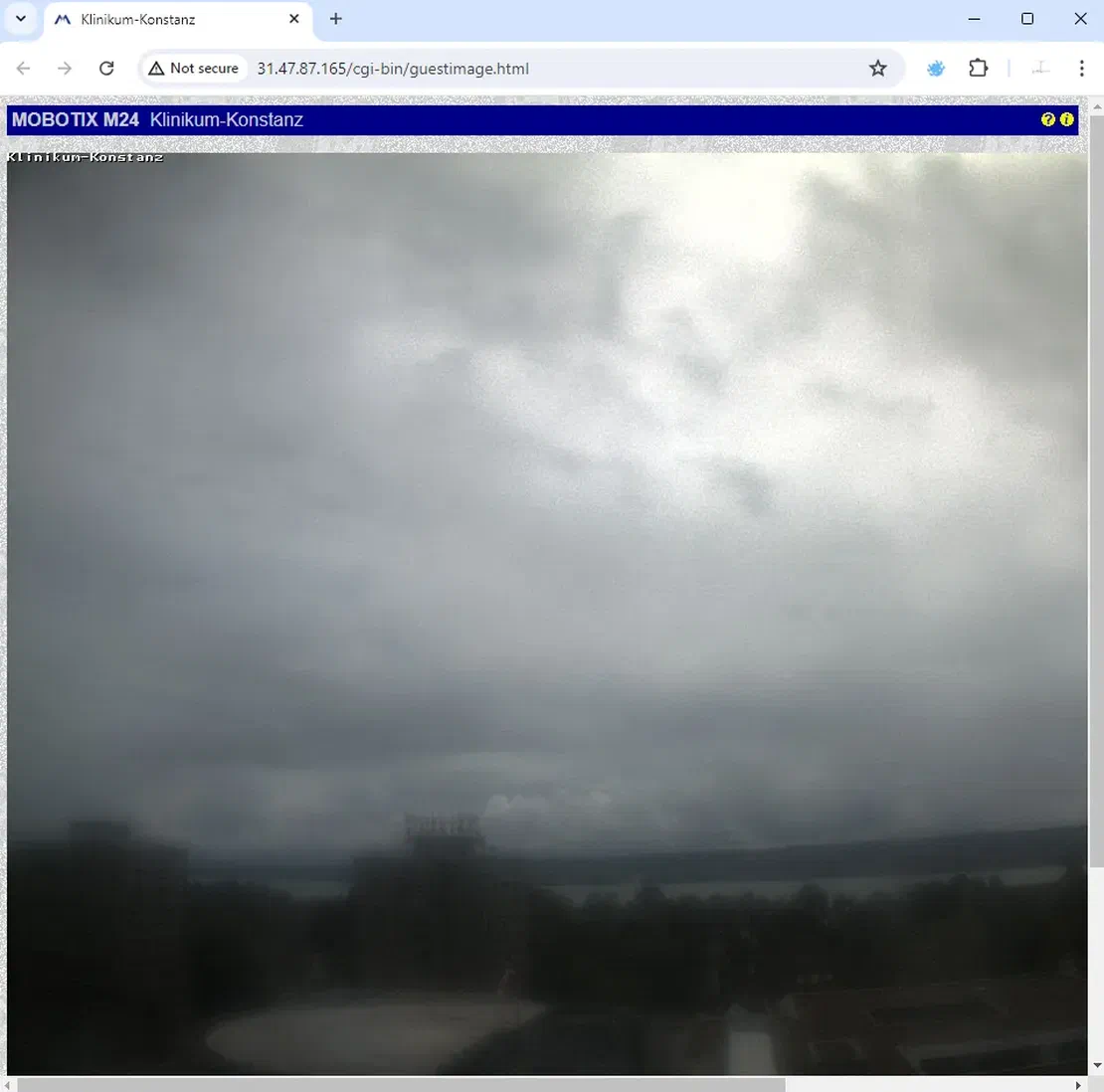
Google Dorks
The following queries will help you find Mobotix webcams on Google:
inurl:”/cgi-bin/guestimage.html” “Menu”“Camera Live Image” inurl:”guestimage.html”Next we’ll discuss SRS (Simple Realtime Server). This open-source project aims to create a fast, easy, and accessible video server. Additionally, it can be used to control exposed webcams.
Netlas Dorks
To find SRS on Netlas, use the following query:
http.headers.server:"srs"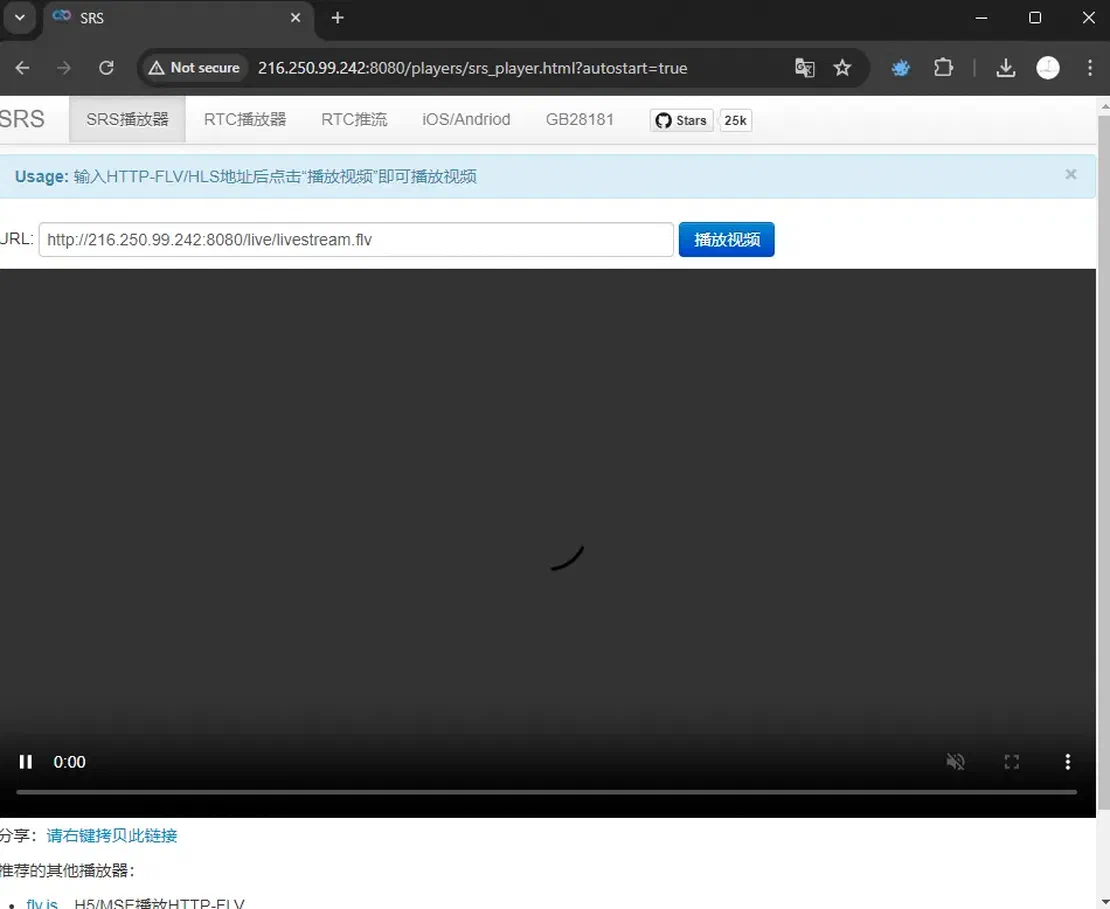
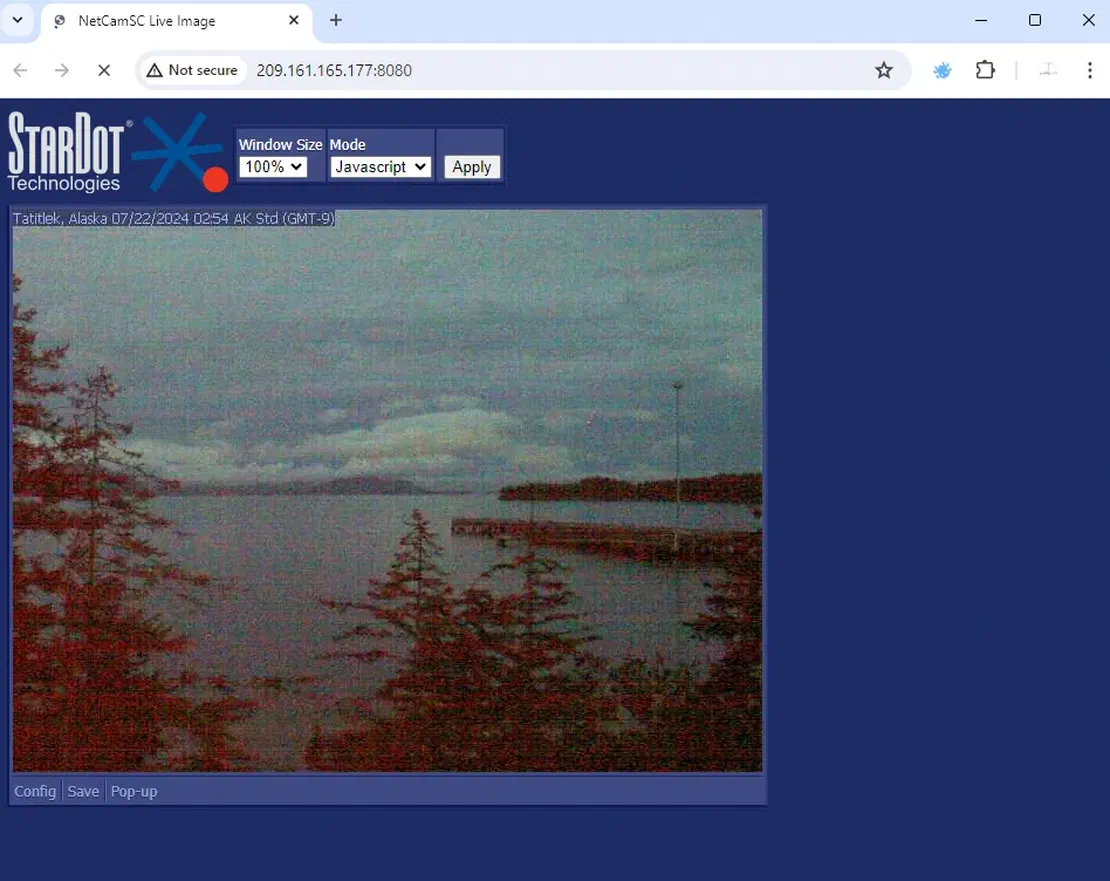
StarDot crafts high-resolution IP-cameras and video servers. Their products serve diverse fields: security, science, meteorology, construction, and tourism. StarDot produces various webcams under the general NetCam brand. Let’s see how to search two specific models.
Netlas Dorks
Accordingly, a number of exposed NetCamXL webcams can be found using:
Google Dorks
You can also find StarDot wecams using the Google dorking. To do this, use allintitle in a familiar way:
UI3 is a modernized web interface for Blue Iris. Although there aren’t many pages showcasing this interface, it closely mirrors the classic version. Yet, one thing sets UI3 apart from the standard Blue Iris. It has almost no passwords on the cameras. This can help with OSINT research.
Netlas Dorks
http.headers.server:"BlueServer" AND http.title:"ui3"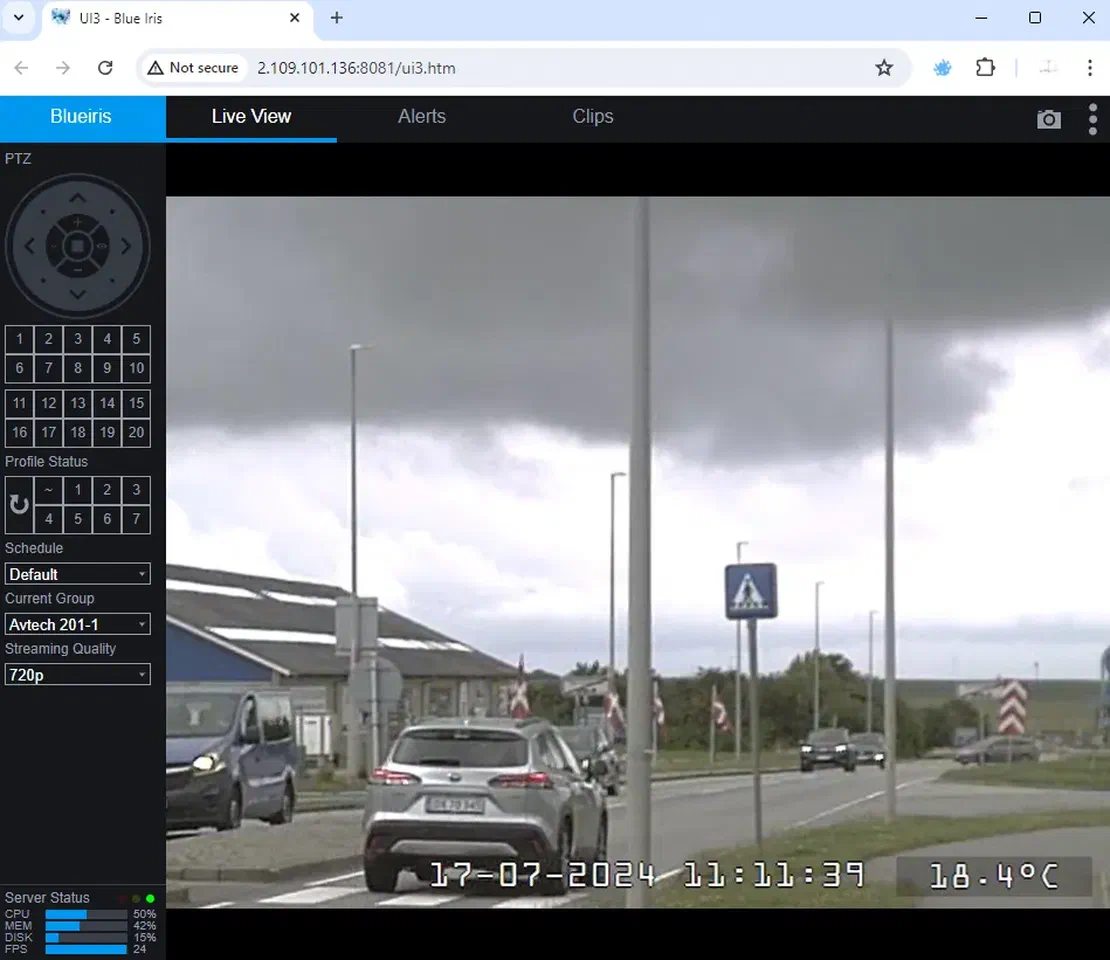
Google Dorks
To search for this interface, we’ll use the inurl google dork:
This will return about a dozen of exposed webcams, some of which will be open to public viewing.
Vivotek is a major Taiwanese manufacturer with a product range that includes dozens of different webcams.
Netlas Dorks
http.headers.server:"VVTK-HTTP-Server"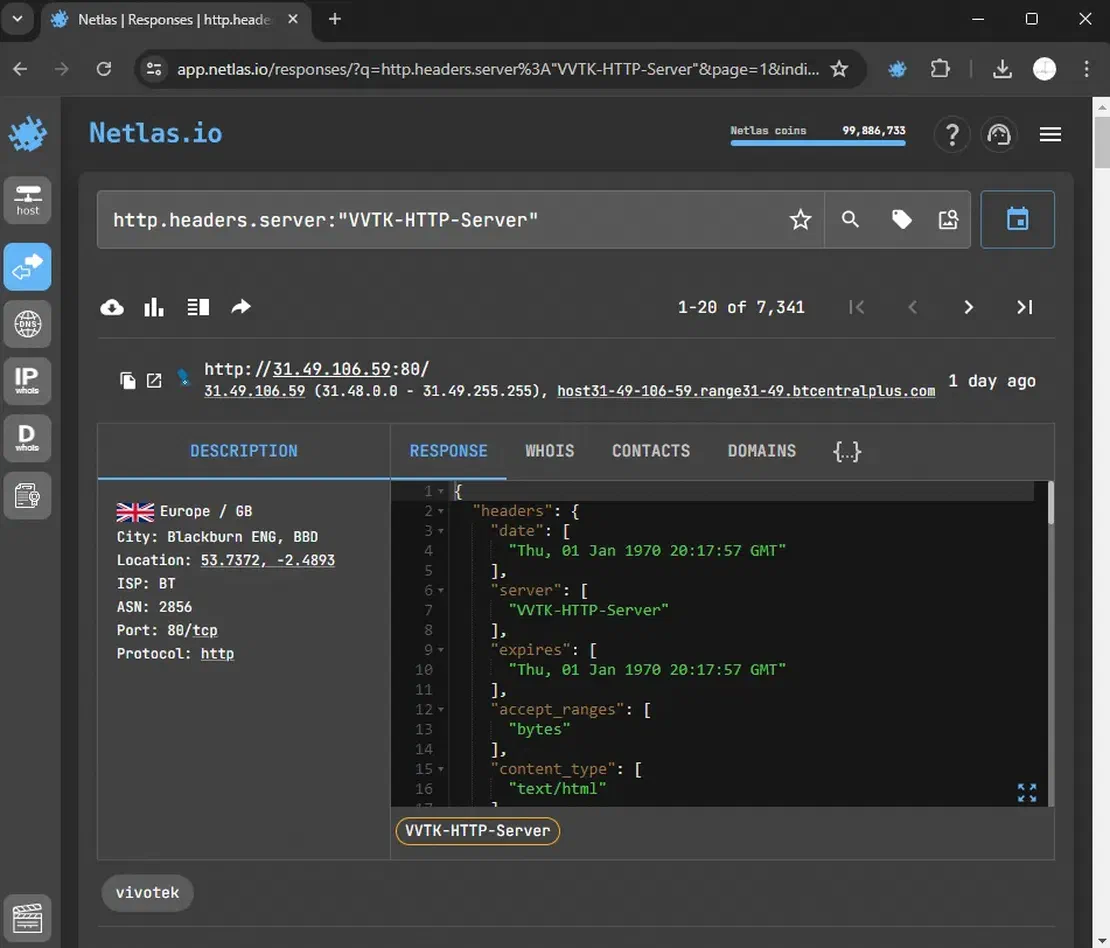
We’re once again dealing with popular software for viewing live camera feeds. Although Netlas doesn’t yield many results for this type of page, the ones it does find can still be quite intriguing.
Netlas Dorks
http.headers.server:"webcam 7"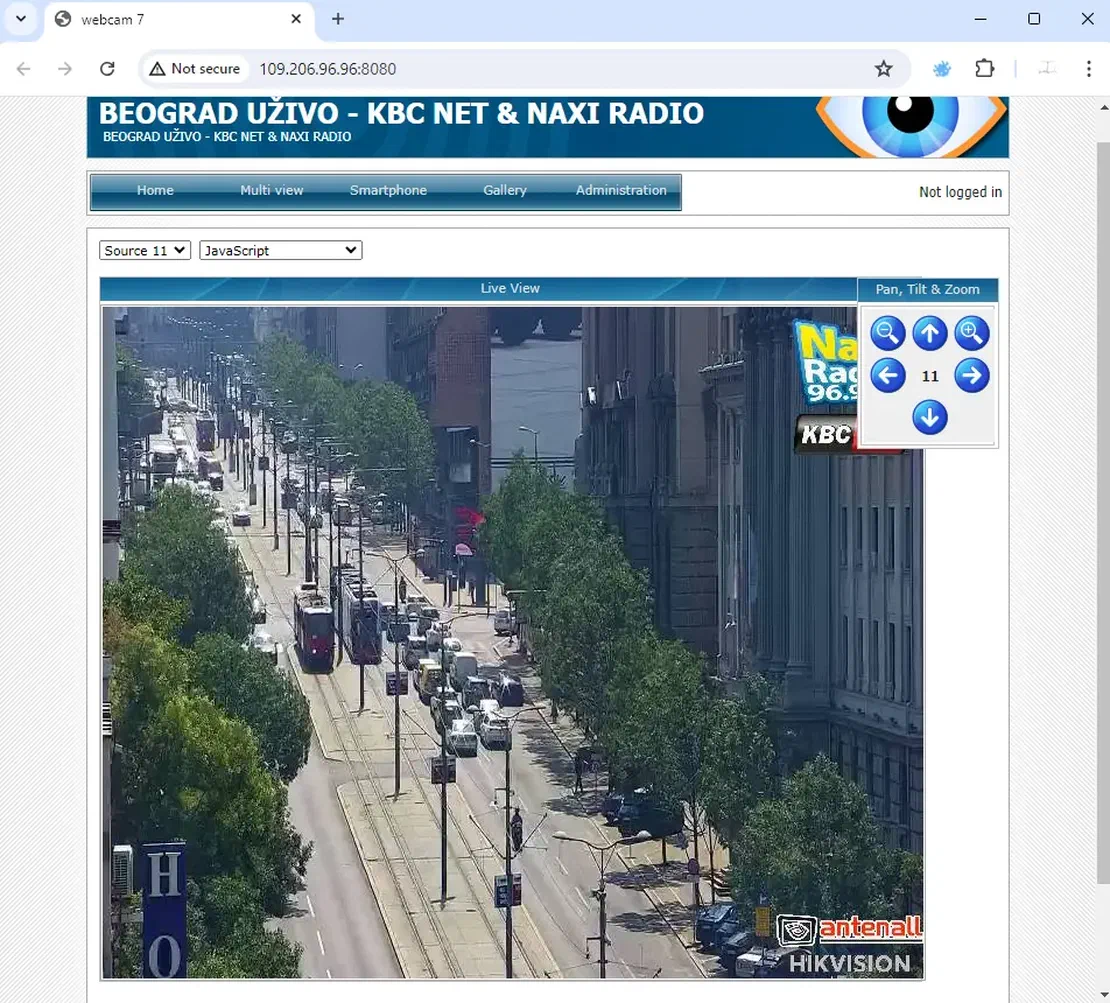
Google Dorks
Webcam 7 is just one version of this popular application. Another successful version is Webcam XP 5, which is much easier to find using Google dorking.
To locate it, use the following query:
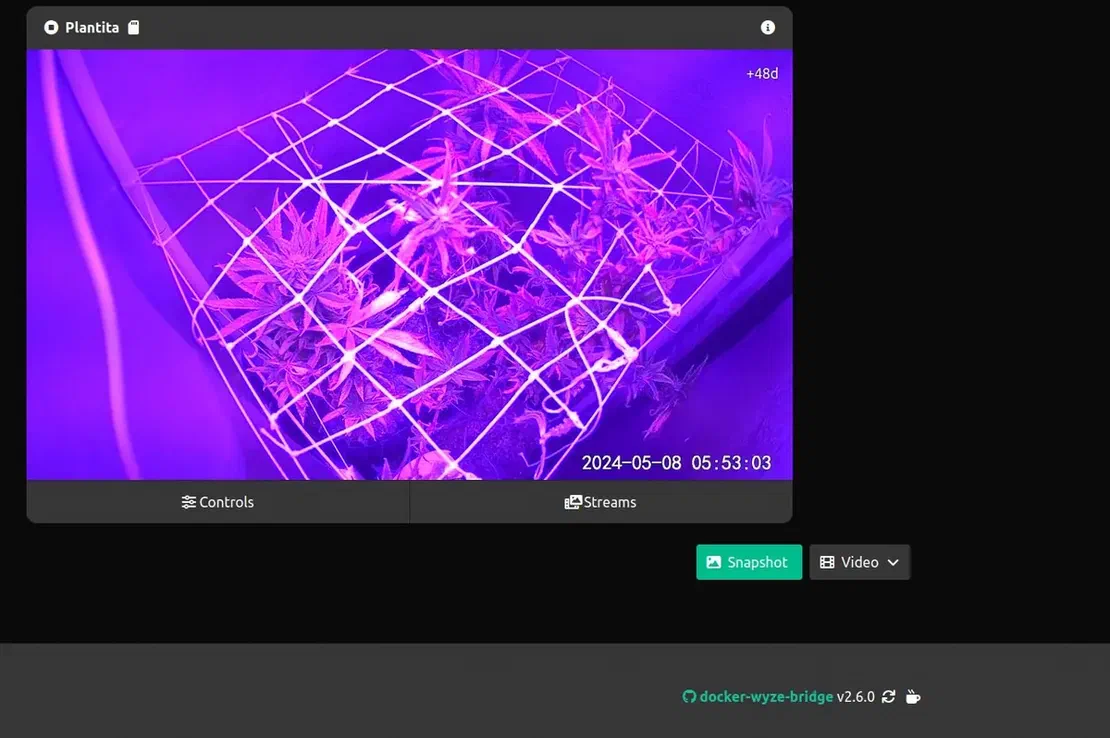
intitle:”webcamXP 5" inurl:8080 ‘Live’Wyze is another manufacturer of IP cameras. For easier use of these devices, there is an open-source project called Wyze Bridge. It lets users launch their own streams from their webcams.
Netlas Dorks
Yet Another WebCAM software. Believe it or not, that’s exactly what the name stands for.
Netlas Dorks
http.headers.server:"yawcam" http.unknown_headers.key:"mime_type" http.unknown_headers.value:"text/html"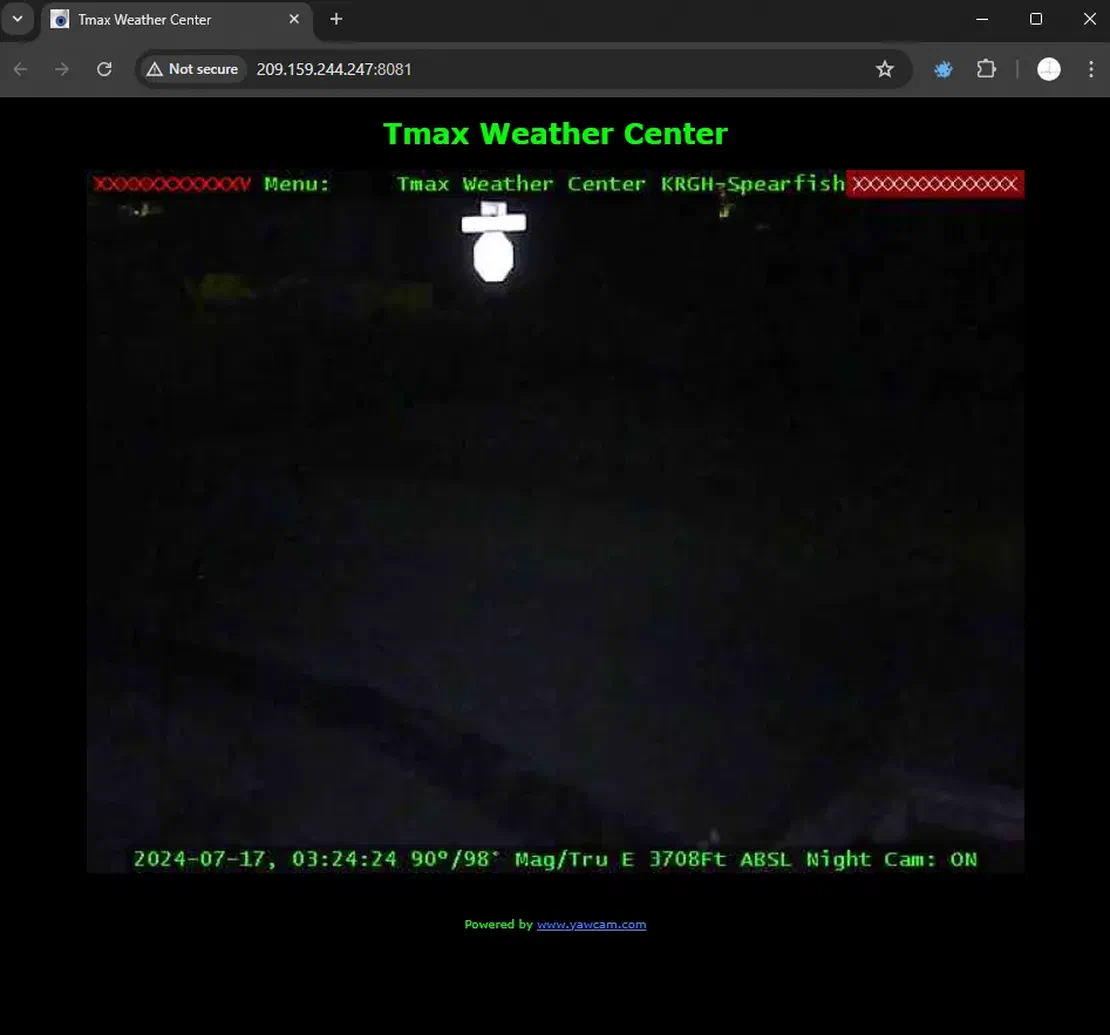
Google Dorks
When searching for Yawcam pages on Google, there are various approaches you can take. The most convenient identifier is the cheerful message “It’s a webcam!” which appears on almost every camera page. Use the following dork:
Specialized streaming platforms offer a final avenue for camera exploration. These sites let users share their broadcasts, creating a lot of diverse content.
Several noteworthy platforms stand out among the many options available. We’ll examine these top contenders in the following section.
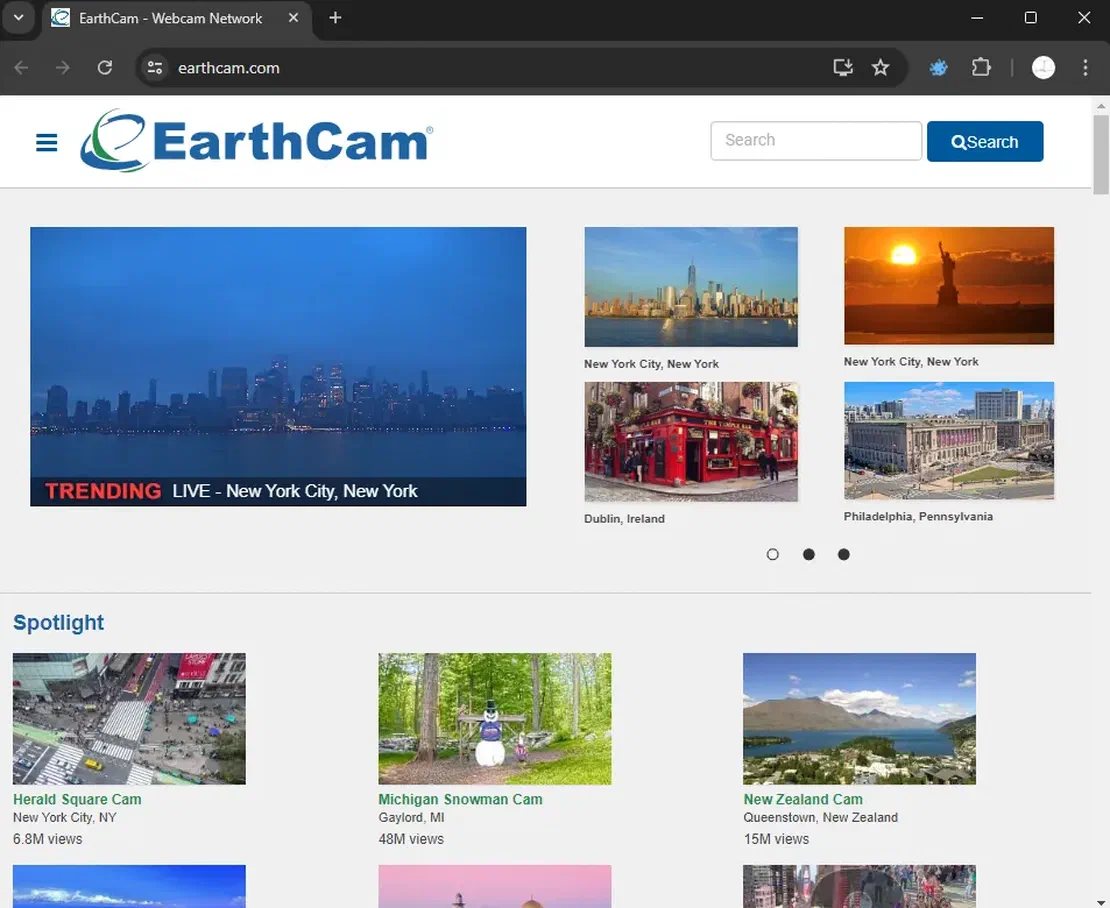
A comprehensive platform where users can share live broadcasts from their webcams. This means you can discover a wide range of content, from picturesque landscapes to someone’s pet goldfish.
Furthermore, you can start your own broadcast. Share something you find captivating with the world and maybe earn money from it.
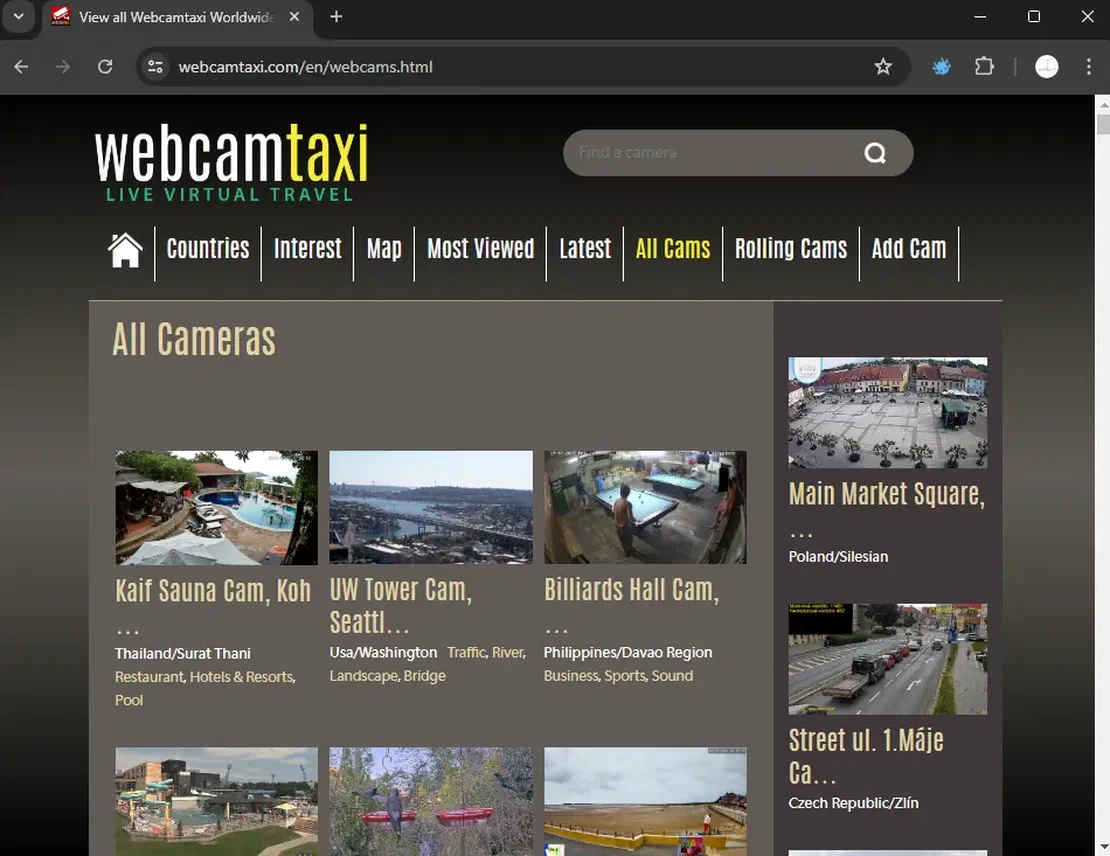
A service akin to EarthCam, featuring cameras from numerous countries. If you prefer, you can also request to add your own feed.
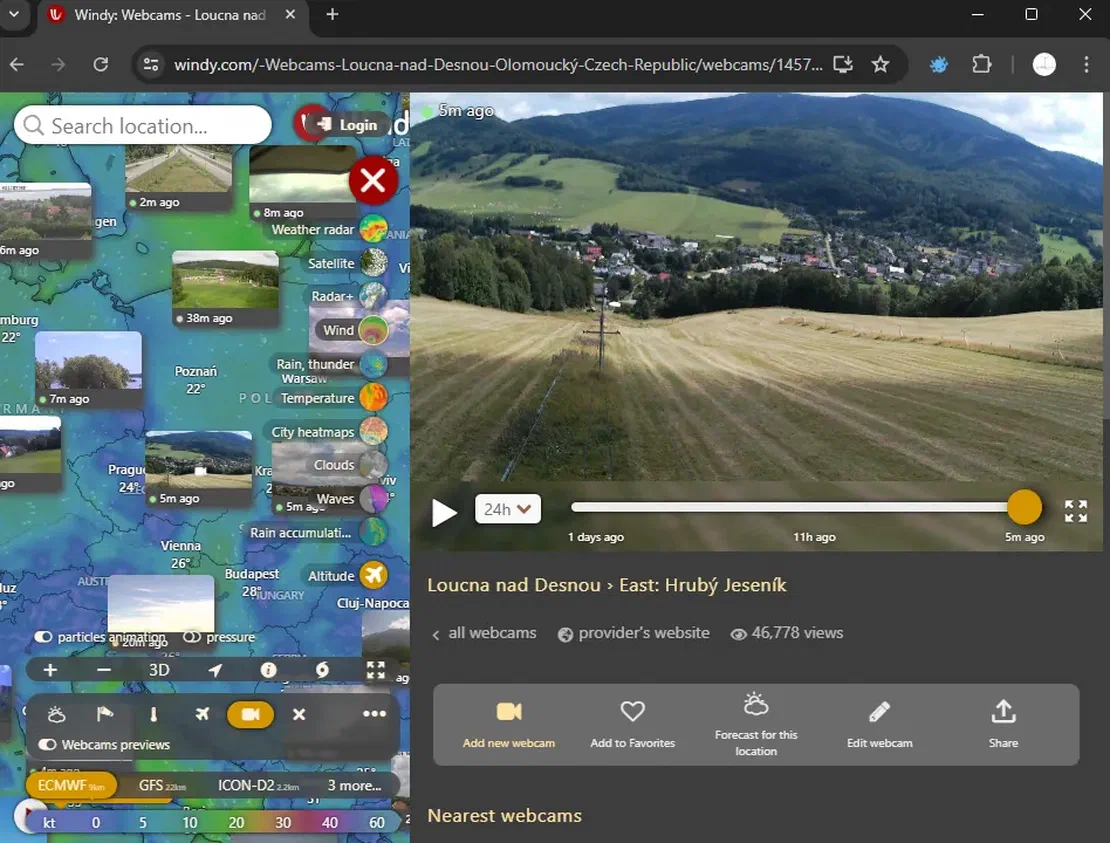
A weather monitoring service that tracks wind, rain, and temperature. It also lets users view webcam feeds in various locations. Like the previous services, it allows anyone to add their own camera.
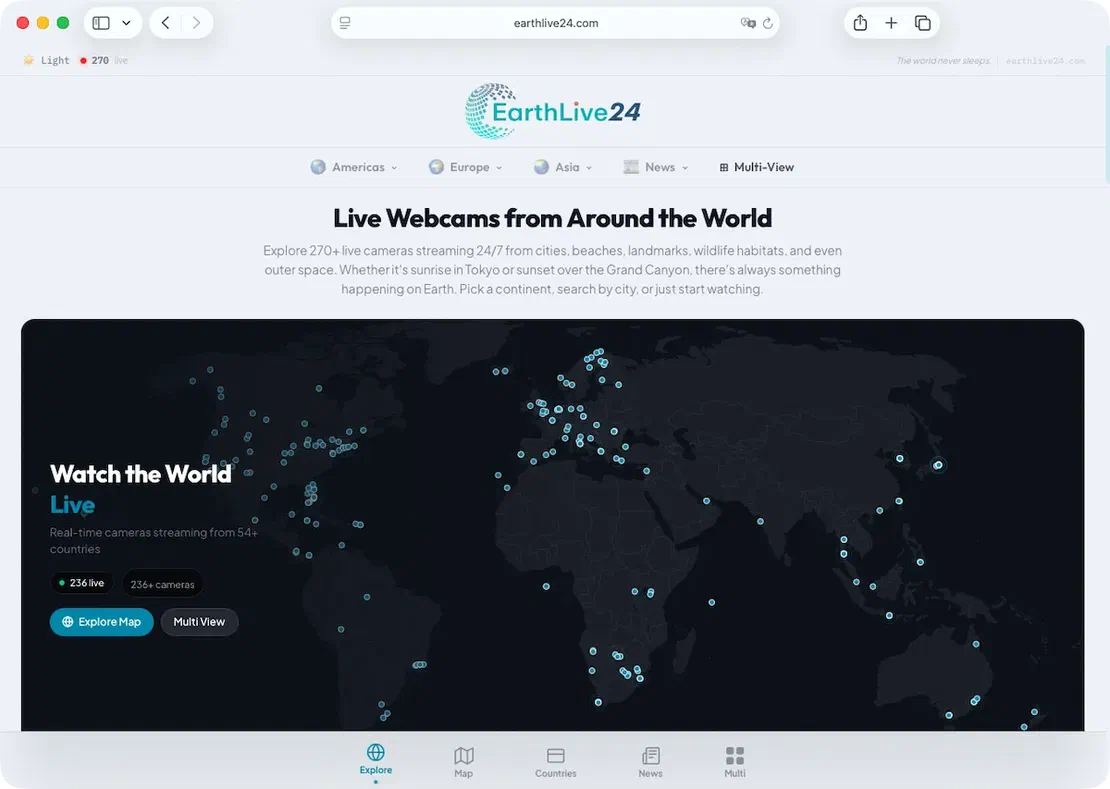
Another webcam directory worth checking is EarthLive24. It offers more than 250 live webcams from different countries and lets visitors watch the streams for free. One particularly convenient feature is Multi-View, which allows you to open several cameras at once and compare locations side by side.
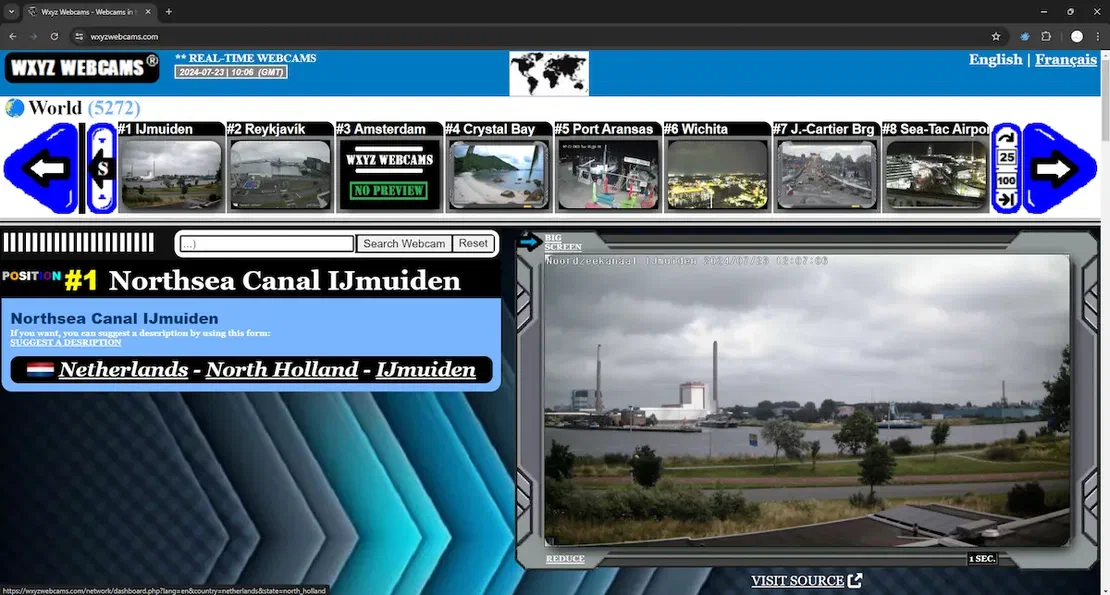
This is another excellent exposed webcams list that anyone can contribute to. Don’t be put off by the vintage homepage design; there’s plenty of fascinating content to discover.
Exposed webcams offers intriguing possibilities for OSINT investigations and curious minds alike.
We hope this reading will help you find virtual access to any place of interest. To uncover even more, you can tweak search queries on other IoT search engines.
Please share your findings in the comments. Requests for help are also welcome.
Good luck with your searches!

I can show you how deep the Internet really goes
Discover exposed assets, infrastructure links, and threat surfaces across the global Internet.
此内容由惯性聚合(RSS阅读器)自动聚合整理,仅供阅读参考。 原文来自 — 版权归原作者所有。