


Pinpointing the attack surface is vital for defensive and offensive cybersecurity teams alike. Undoubtedly, visual mapping outshines simple lists. Experts quickly grasp entity connections, spotting opportunities and threats. Specialists leverage the visual format to craft optimal plans, maximizing efficiency and insight.
This article offers top tools to help you visualize an attack surface.
Visualizing the attack surface serves multiple purposes. It helps pentesters better understand asset interconnections during attack planning. Internal security specialists can focus on protection by visual categorization of assets. For global organizations, geographical mapping reveals location-specific vulnerabilities. Organizational unit mapping enables targeted resource allocation based on departmental risk profiles.
Analysis becomes more accurate with visual representation. By seeing interconnections in the attack surface, security pros can better find and fix vulnerabilities. This leads to better attack surface management.

Let’s review popular tools for visualizing the attack surface. We’ll see when each tool is best suited.
Netlas.io stands out as one of the premier Internet search engines. It enables users to retrieve comprehensive information about desired hosts. This includes WHOIS and DNS records, scanning results, TLS certificates, and more. Users can combine all data into an intuitive graph. It allows for quick searches across any node.
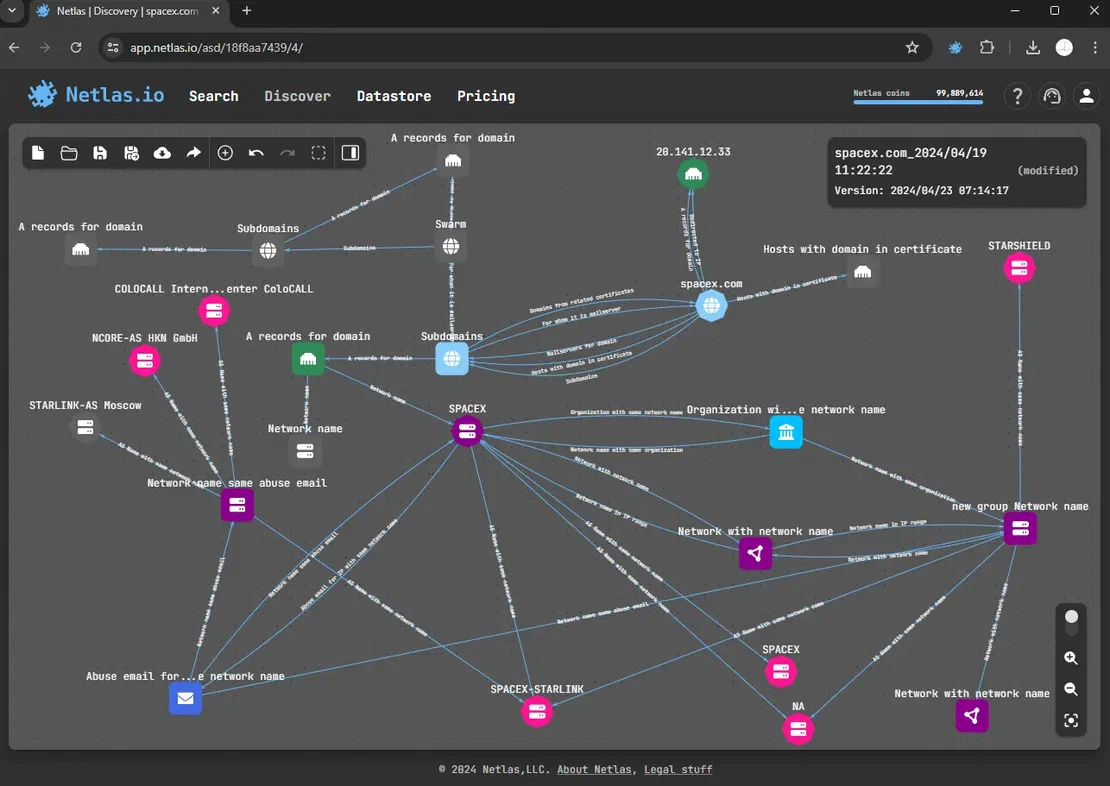
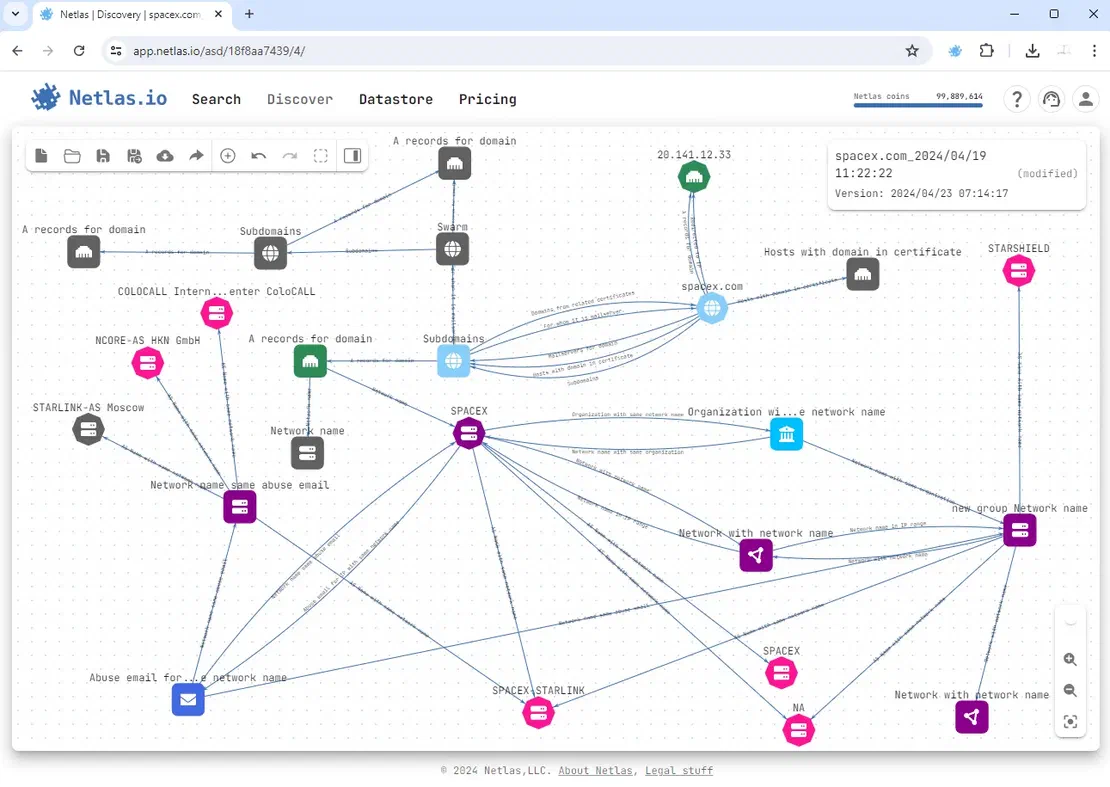
To create such a surface, you’ll first need to register. After account activation, log in and navigate to the Discover tab.
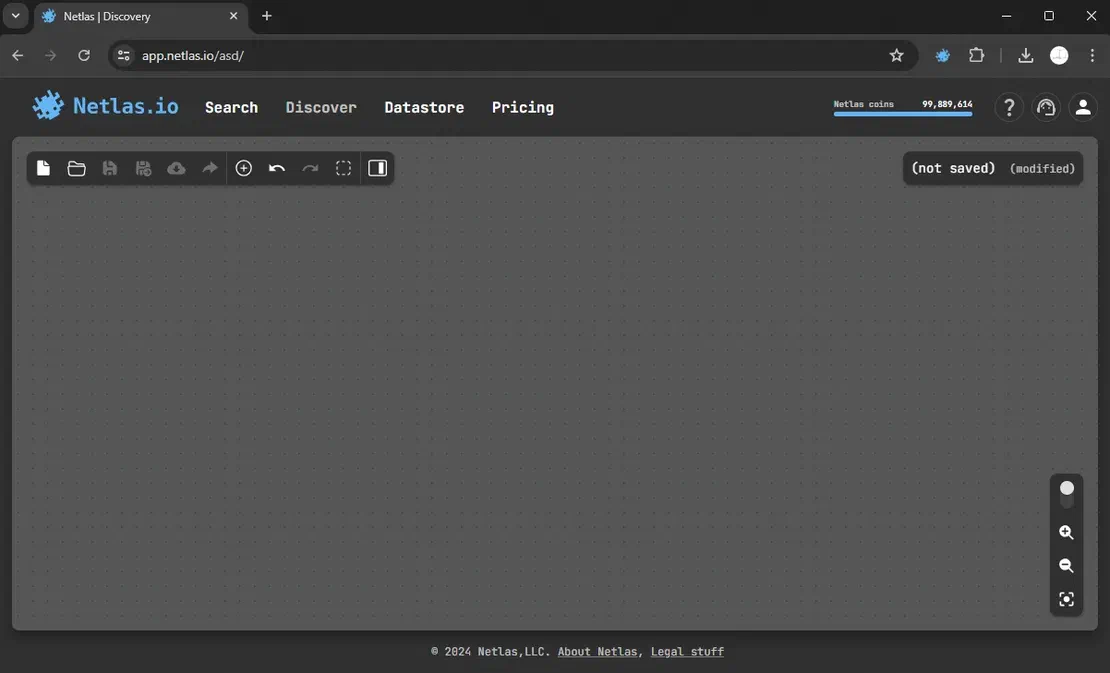
After adding a starting node, click on it to reveal all available search options.
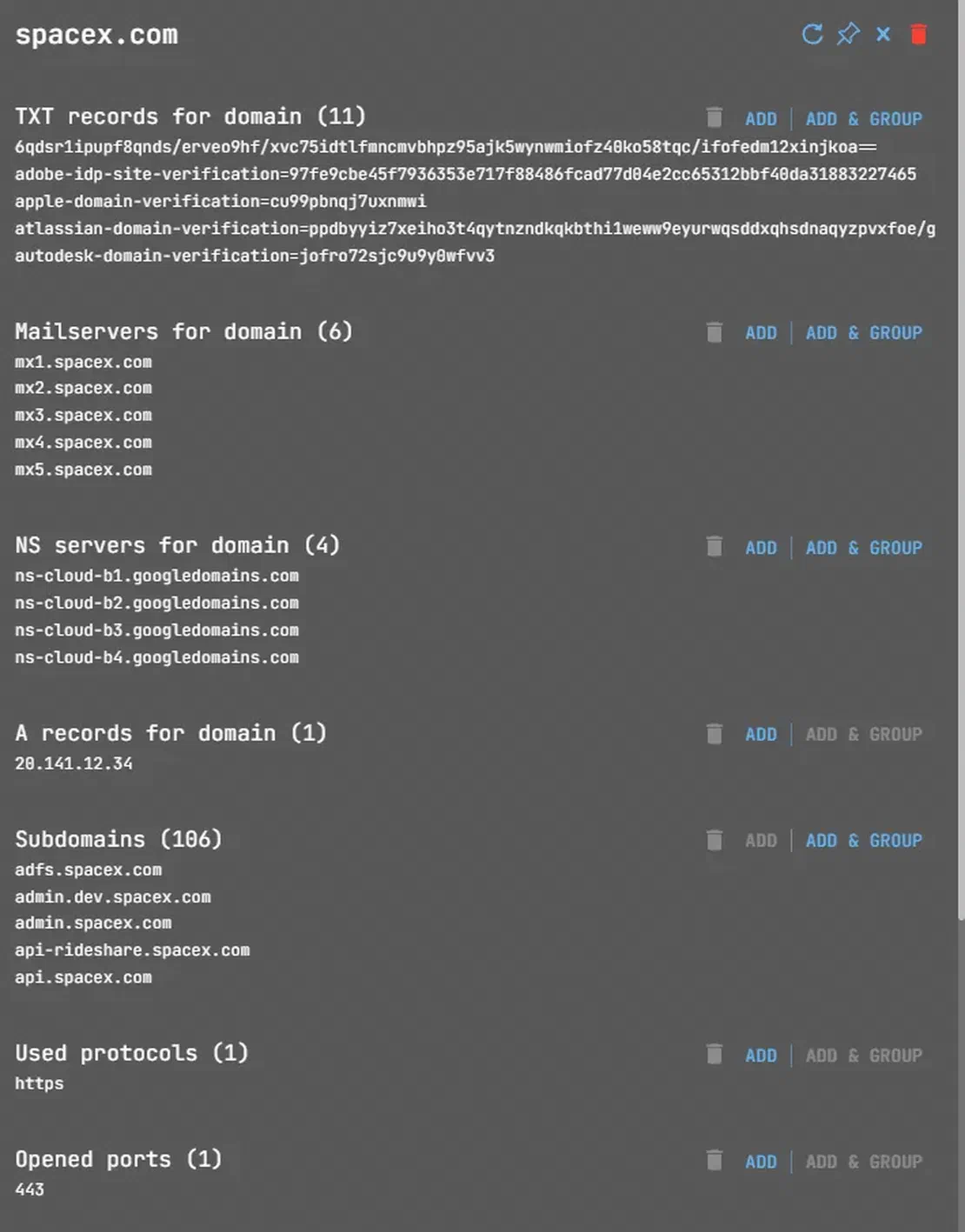
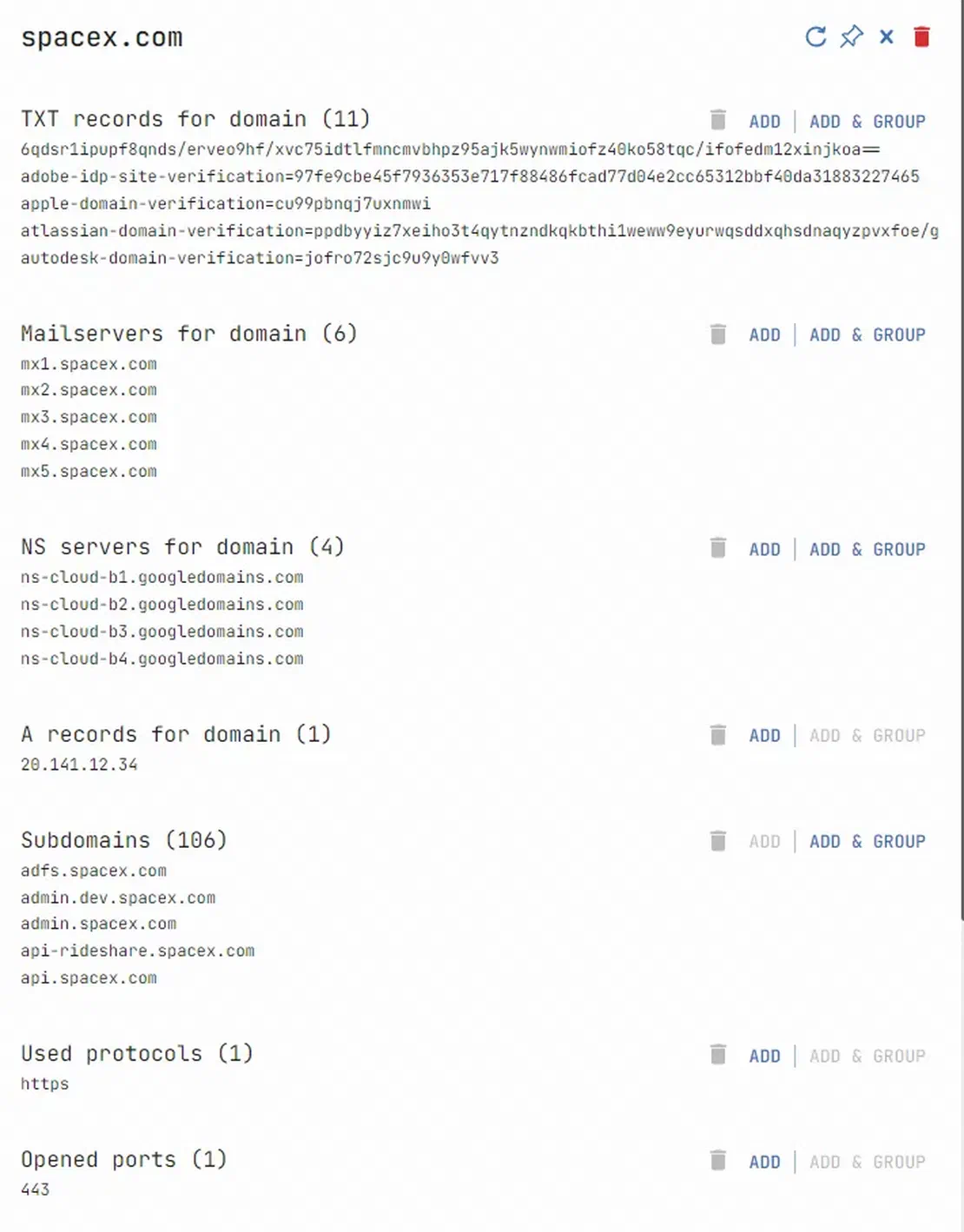
Selecting a search option allows you to add corresponding objects to the graph. Multiple results prompt individual or grouped additions. For more detailed information, refer to this help article.
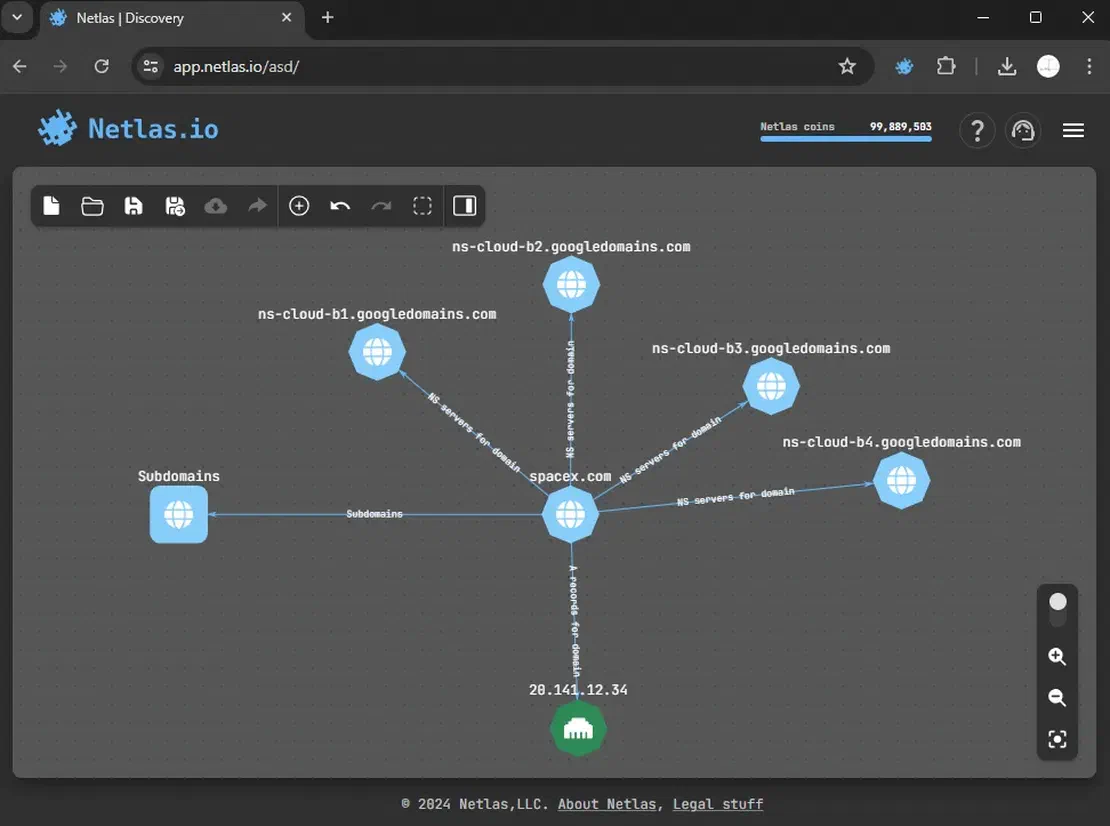
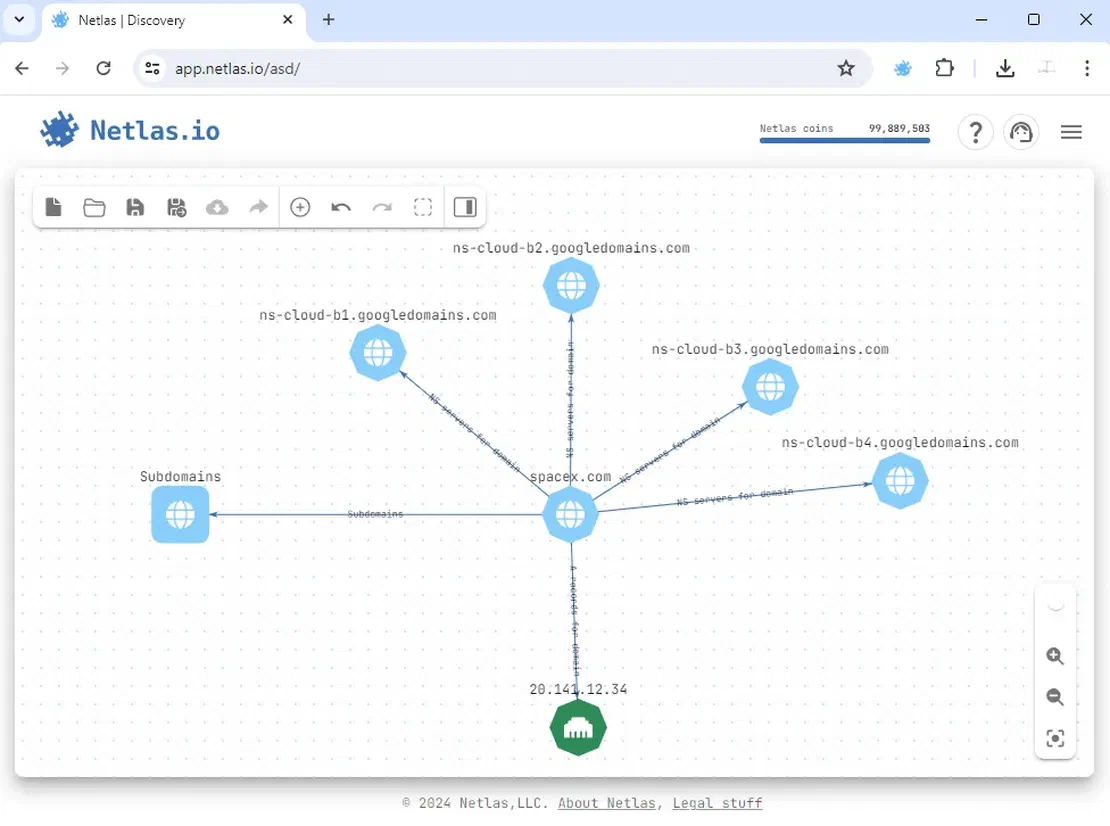
Netlas is integrated into several tools, like Maltego and OWASP Amass. This integration lets you use Netlas’s results as extra data in these popular tools.
This powerhouse application transforms raw data into actionable intelligence. By tapping into over 100 official sources and countless unofficial ones, Maltego builds a comprehensive web around any target. Users convert objects with ease, recognizing subtle relationships. For pre-penetration reconnaissance and outcome analysis, Maltego’s unrivaled capabilities make it the go-to choice for savvy investigators.
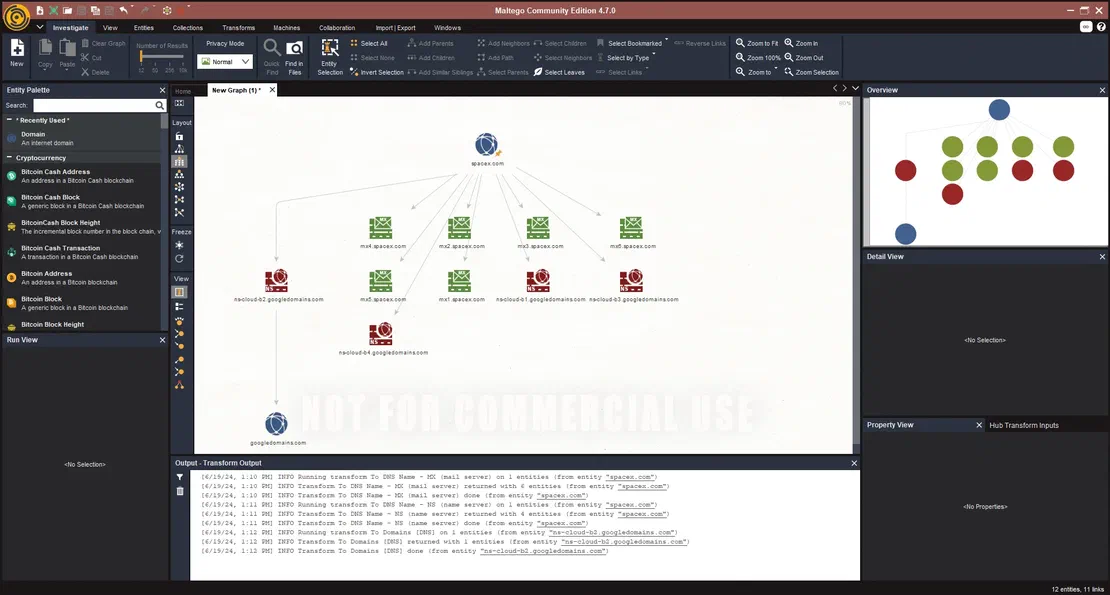
Price proves to be the main obstacle. While a free version exists, it caps graphs at twelve objects. Full functionality demands payment, with some data sources costing extra. Despite its capabilities, the app’s cost structure may deter many potential users.
To begin using Maltego, download the application from its official website and create an account at https://www.maltego.com/. Once installed, open the application and add the desired data sources.
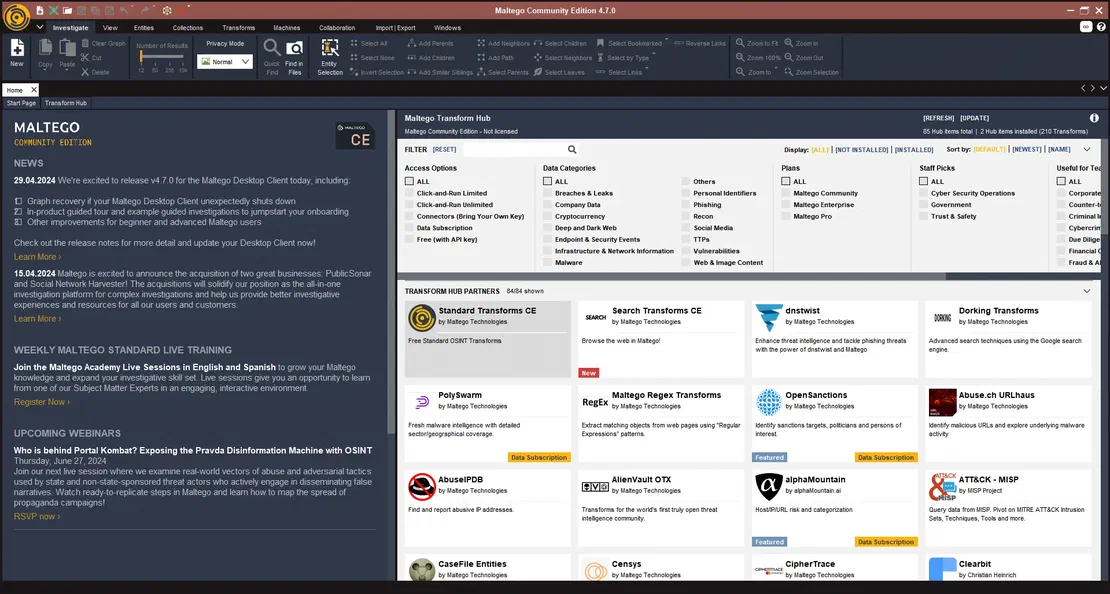
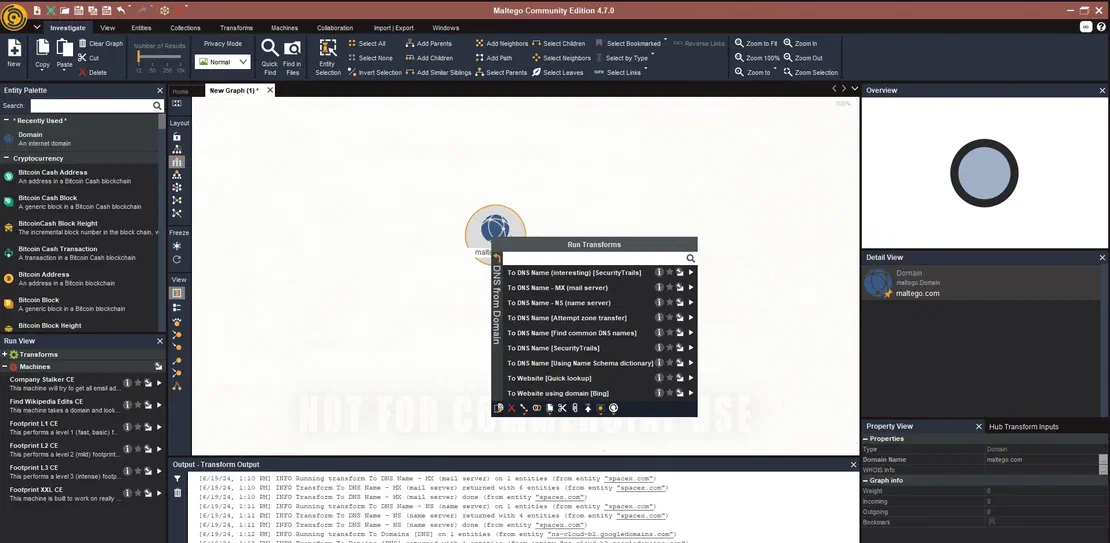
Lastly, create a new workspace. Navigate to the Entity Palette tab, choose the object of your interest, and begin establishing transformations from there.
Amass is a reconnaissance tool that simplifies building an attack surface with a single command. Unlike manual object placement, all you need is the root domain and a few specified flags for settings.
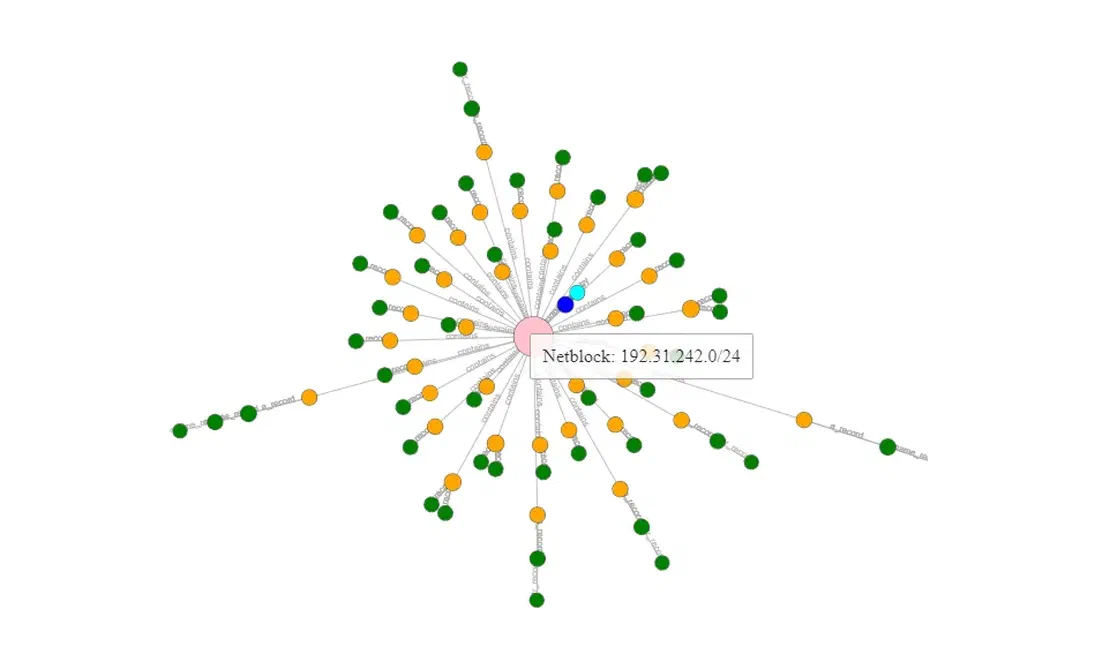
OWASP Amass operates as an open-source project, meaning it’s entirely free to use. To begin using Amass, you’ll need both the tool itself and auxiliary utilities called OAM Tools. Follow the instructions provided in the official project repository.
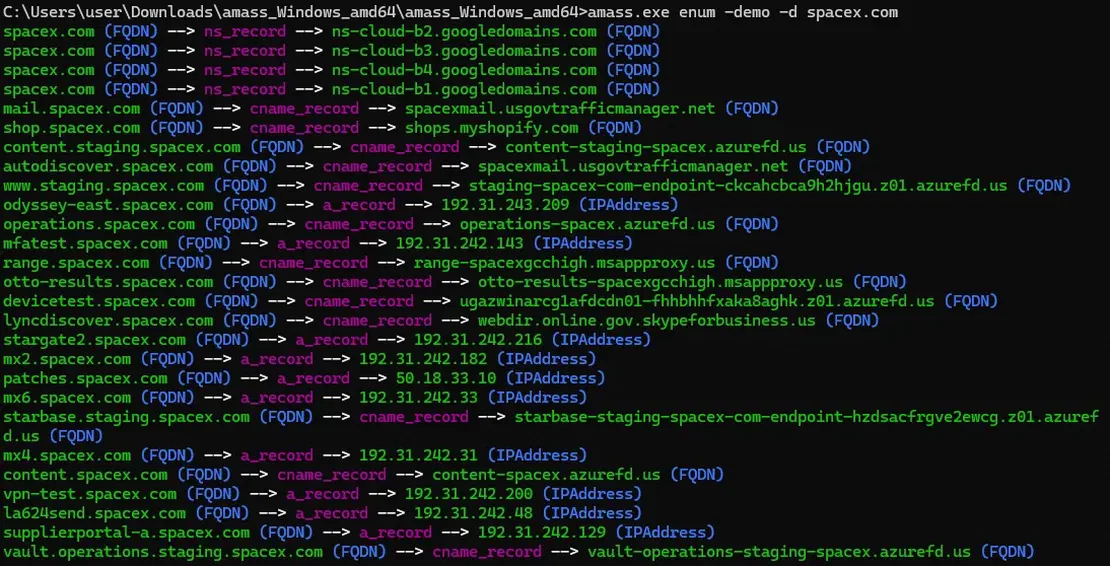
Once you set everything up, run a simple command to create an attack surface using the Amass tool:
Here’s the output you can expect (I used the demo version for privacy reasons):
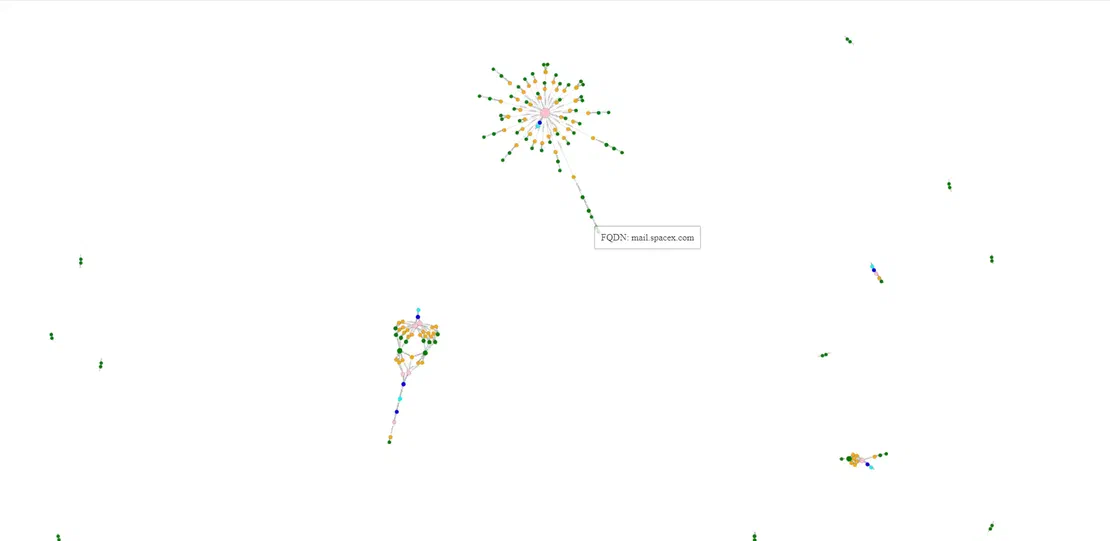
After installing OAM Tools, use the oam viz tool by entering the following command:
oam_viz -d3 -d yourTargetInstead of using the -d3 flag, you can opt for a different rendering flag that suits your requirements. In this case, choosing that flag will create an .html file in your output folder. Opening this file will display a graph depicting the assembled attack surface.
The final tool in this lineup is SpiderFoot. It’s an open-source framework for reconnaissance. It lets users scan any target with a single click. They can swiftly construct and visualize an attack surface.
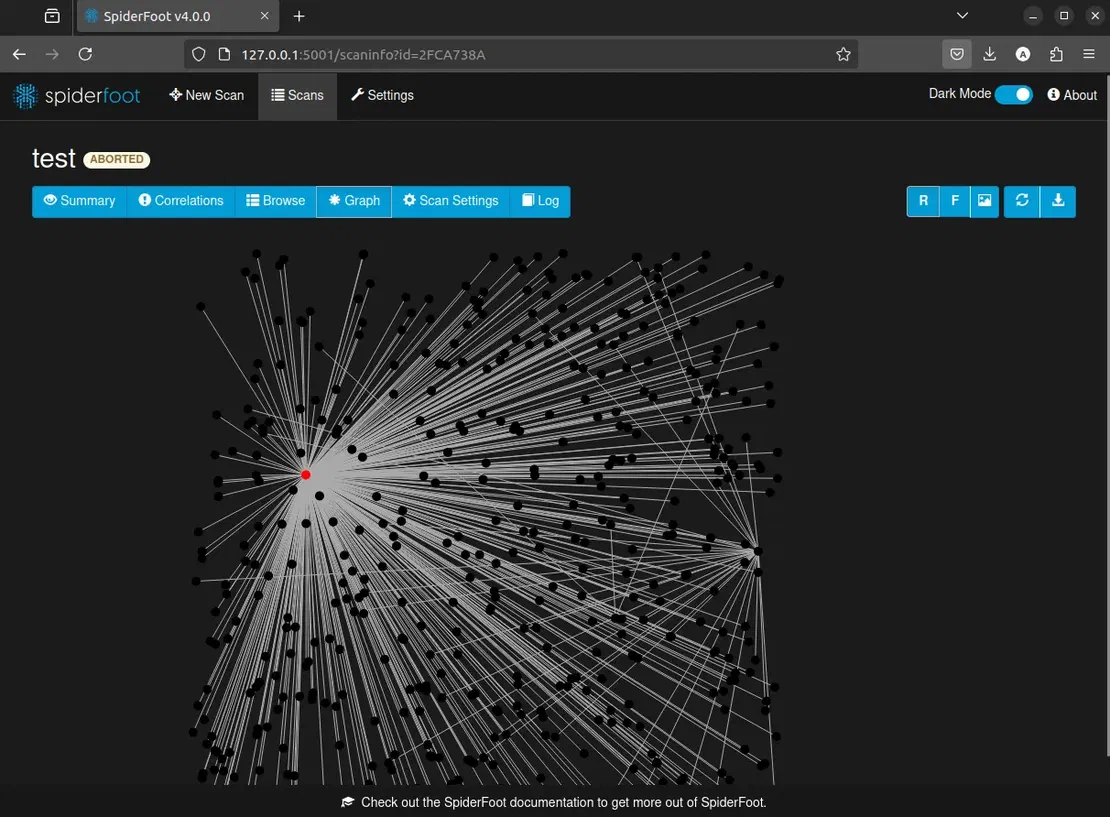
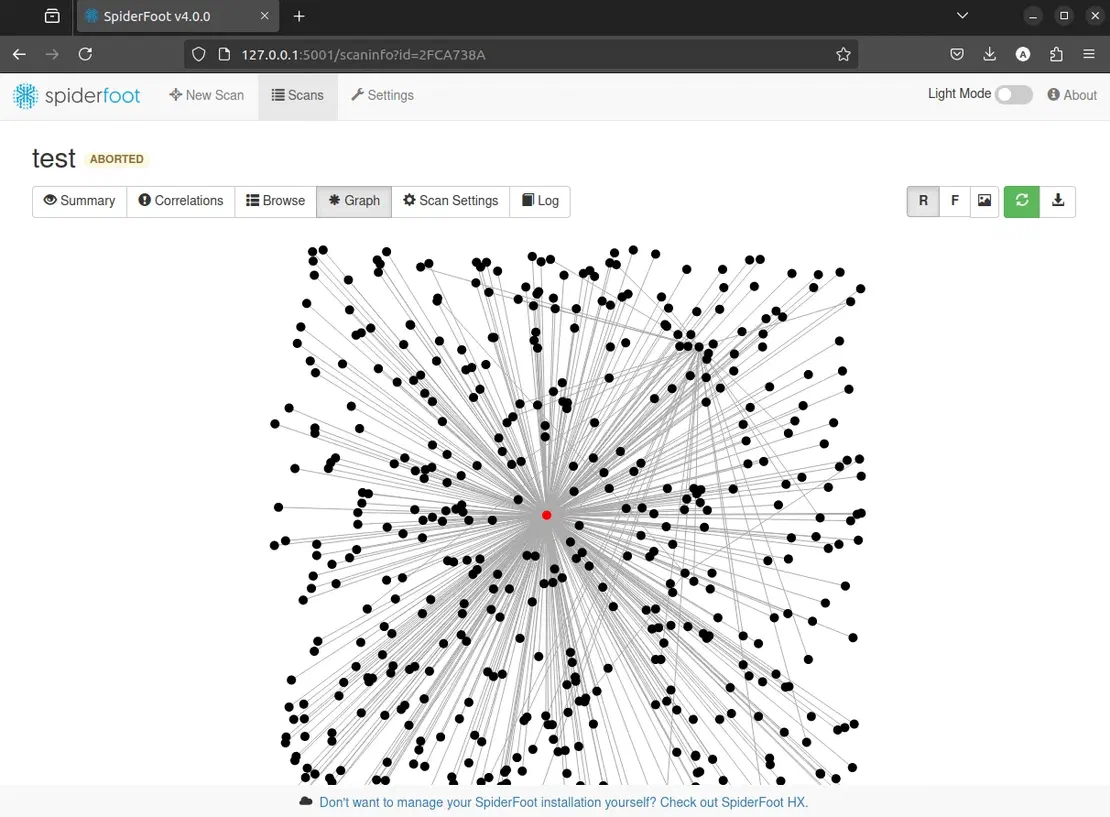
To install SpiderFoot, follow the instructions provided in its official repository. After installing SpiderFoot, run the program and create your first scan following the steps shown in the screenshot.
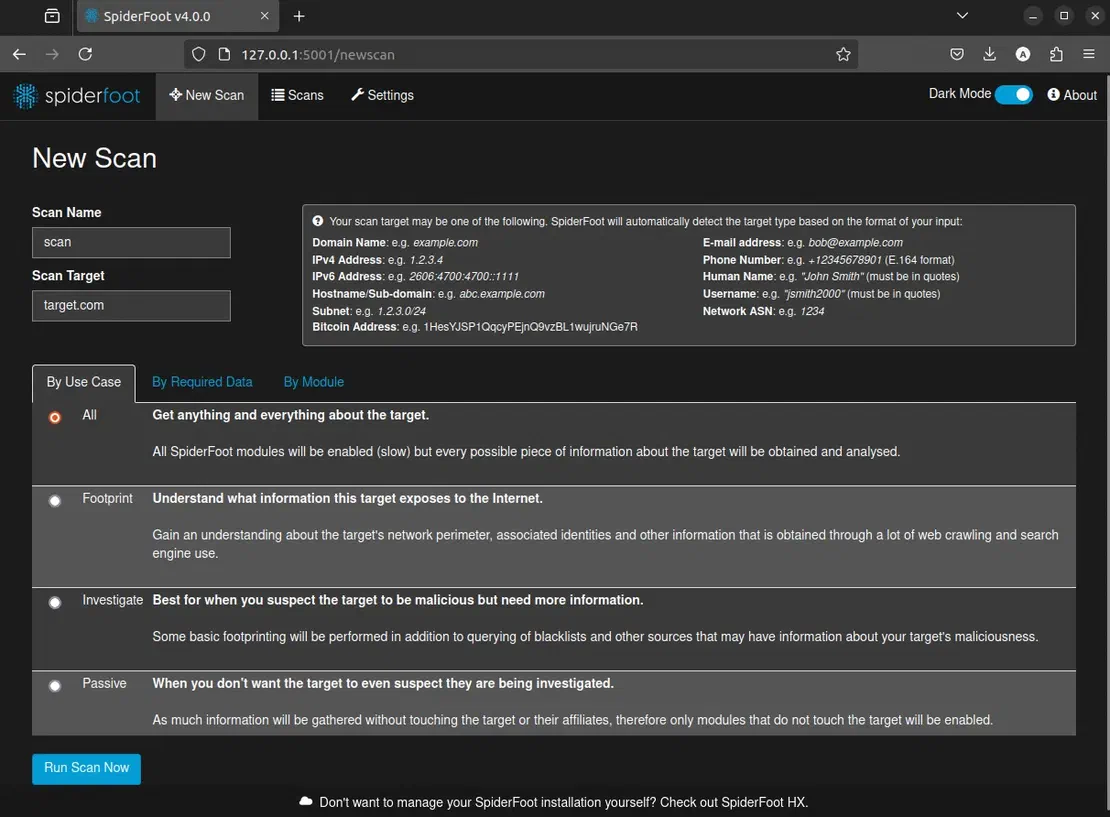
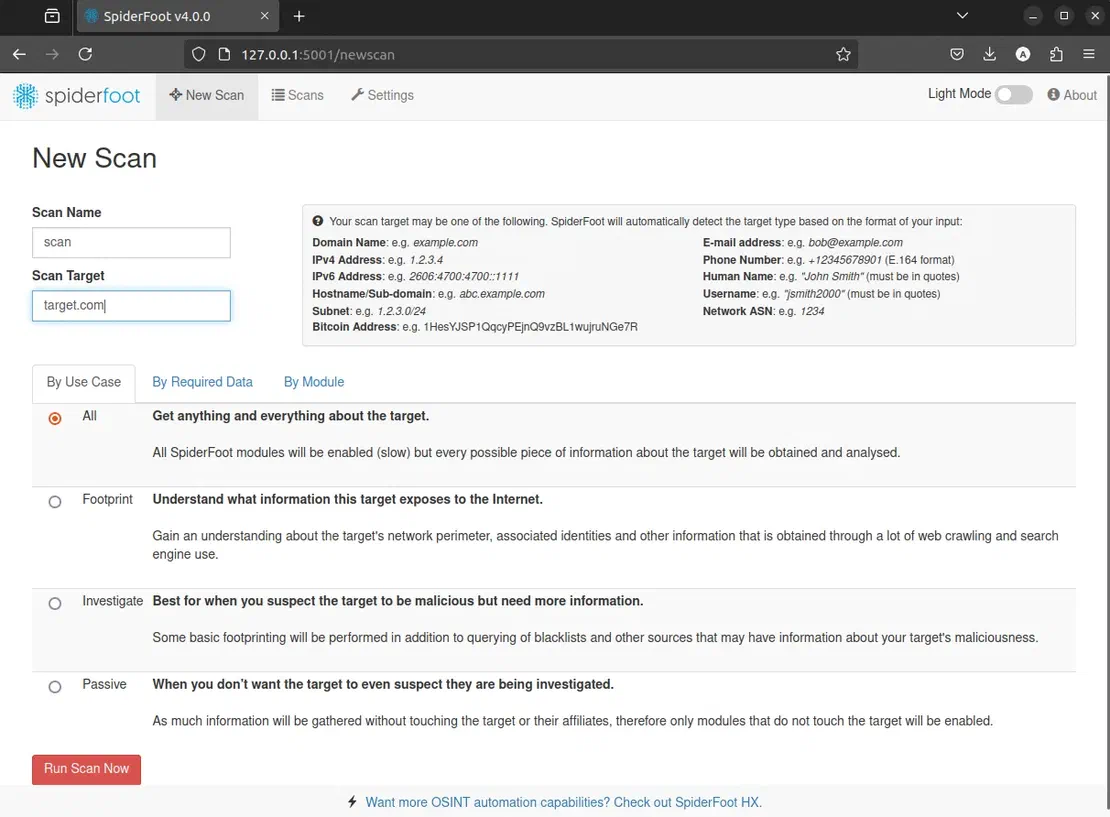
Here, name your scan, specify the target, and set the options. Once everything is set up, proceed to run the scan.
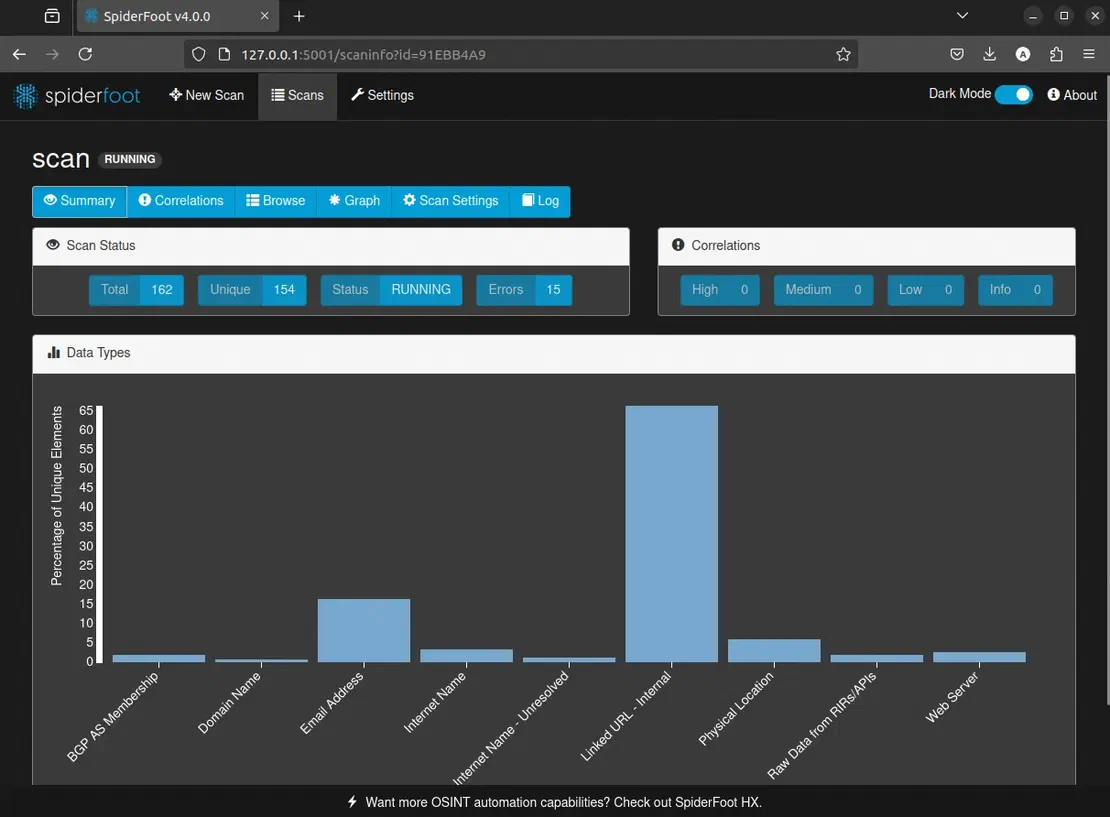
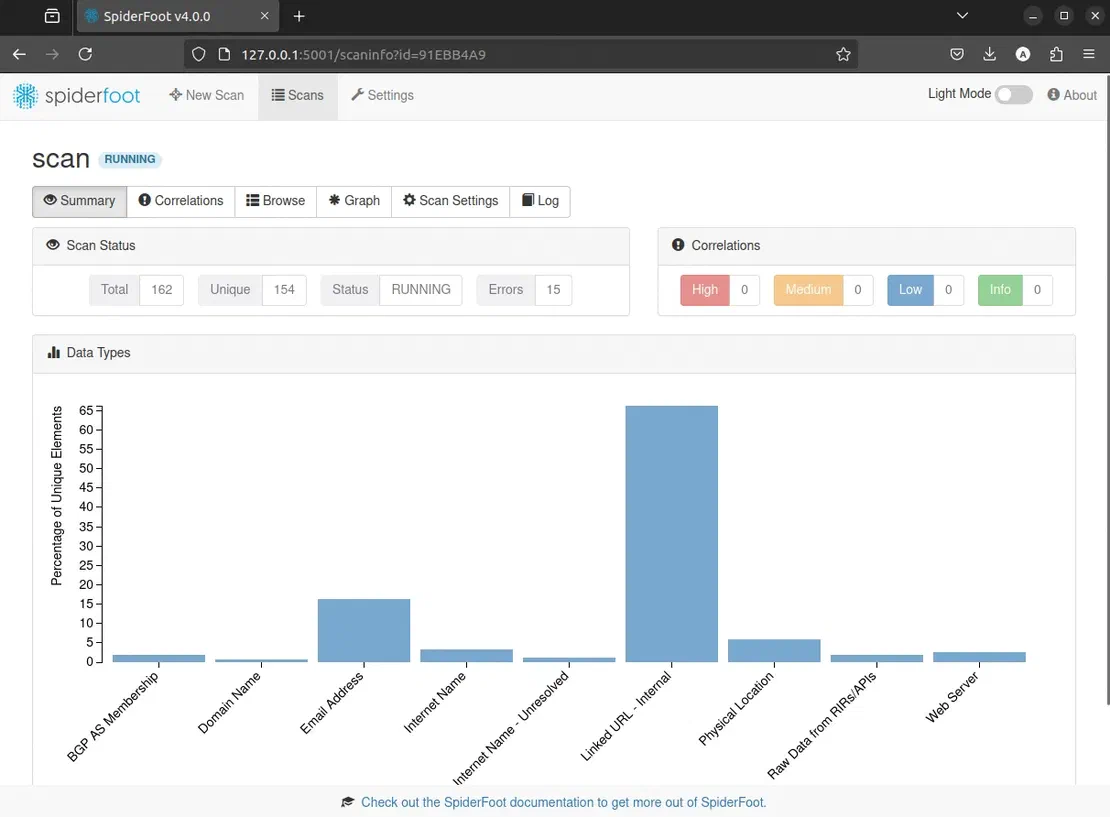
As the scan runs, new objects will appear in the report, and the graph will grow. You can stop the scan anytime to review the attack surface.
Netlas.io, Maltego, OWASP Amass, and SpiderFoot are great for attack surface visualization. Netlas excels in tool and data consolidation but relies on proprietary sources. Maltego, though pricier with an outdated interface, provides comprehensive enterprise-level analysis. Open-source enthusiasts may prefer OWASP Amass or SpiderFoot.
Each tool has strengths, catering to different needs in the cybersecurity landscape. Choose wisely based on your specific requirements and resources.

I can show you how deep the Internet really goes
Discover exposed assets, infrastructure links, and threat surfaces across the global Internet.
此内容由惯性聚合(RSS阅读器)自动聚合整理,仅供阅读参考。 原文来自 — 版权归原作者所有。