I took over 2,000 photos with the incredibly versatile Op...
Timothy Cole·2026-04-26·via Latest from TechRadar
(Image credit: Future)
If smartphone photography is important to you, then the new Oppo Find X9 Ultra is a formidable option. Is it the absolute best camera phone available today? Possibly. The most versatile? Definitely.
Its camera module comprises four front cameras spanning 14-230mm focal lengths; there's also an optional 300mm teleconverter in a Hasselblad Explorer kit, plus an impressive selfie cam to boot.
Article continues below
Our reviewer of the Oppo Find X9 Ultra called it 'the best I've ever tested', referring to the phone's camera. Its design is easy on the eye, too — for me, as a Hasselblad X2D fan (aka the best quality stills camera I've ever used), it's the closest to a baby Hasselblad yet.
Portraits
Image
1
of
9
I've used the portrait mode for this photo(Image credit: Future / Tim Coleman)
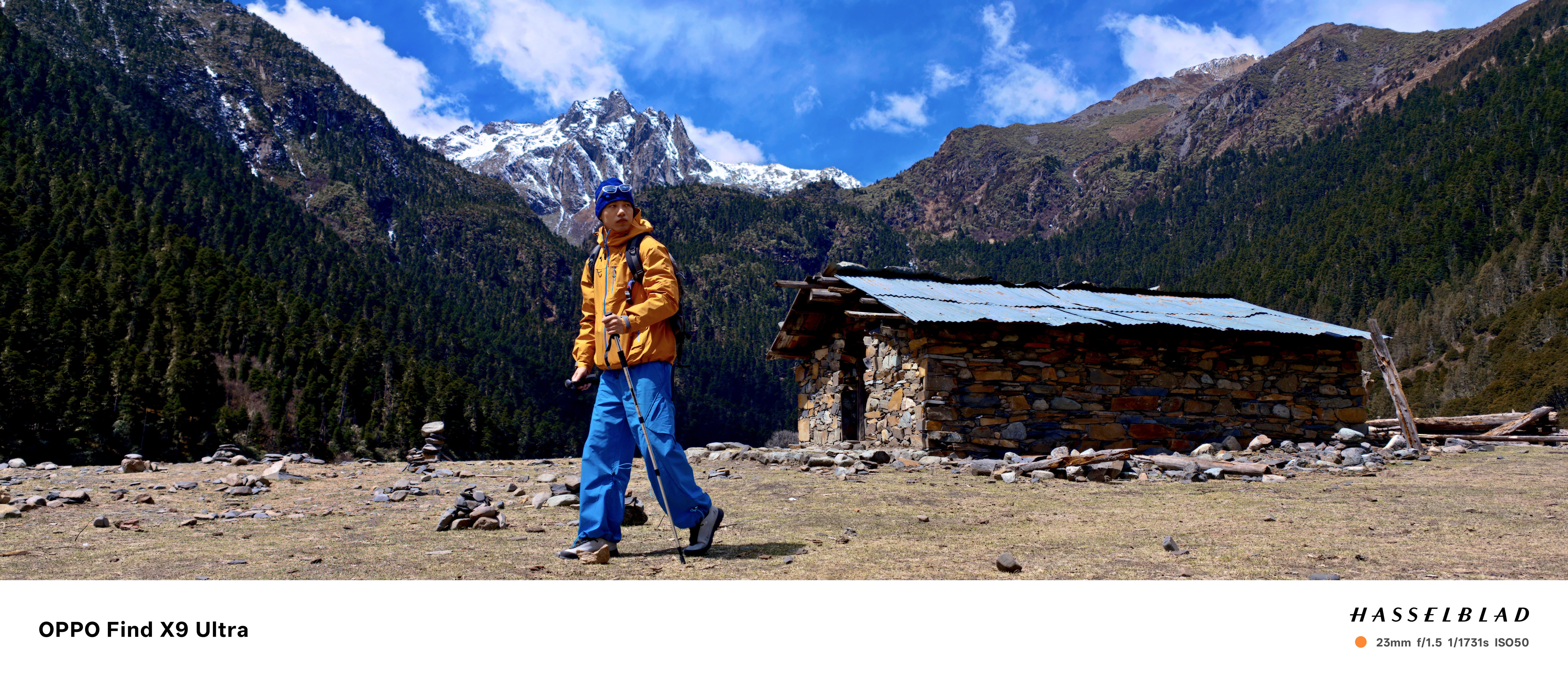
Panoramas – the Hasselblad Xpan mode
Image
1
of
4
Like in the X8 Ultra, the X9 Ultra has an 'Xpan' mode, inspired by the iconic Hasselblad Xpan analog cameras which shoot panaromic photos. (Image credit: Future / Tim Coleman)
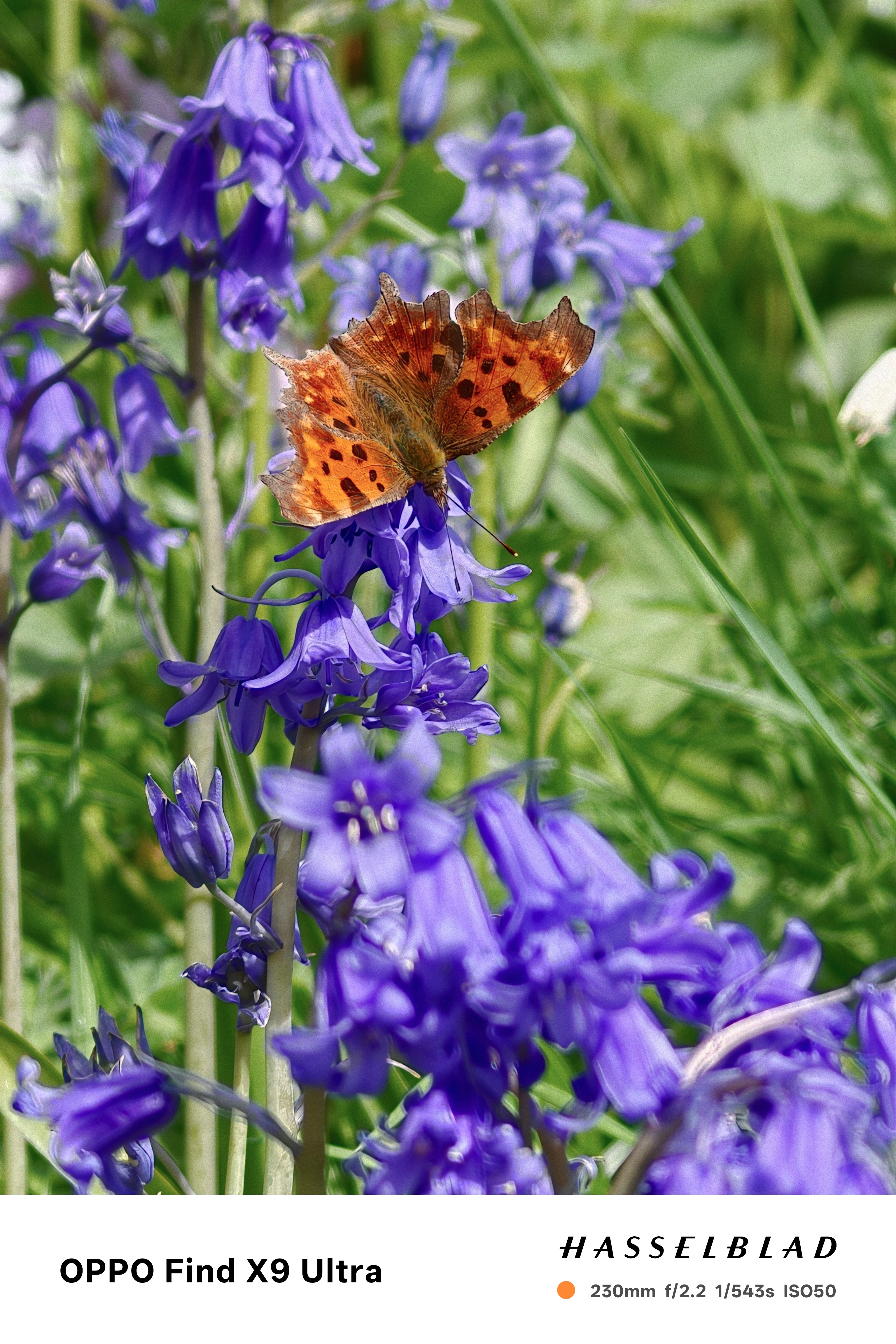
Close up photography with the 10x lens
Image
1
of
8
I think one of the best uses of the 10x zoom camera is for close up photography(Image credit: Future / Tim Coleman)
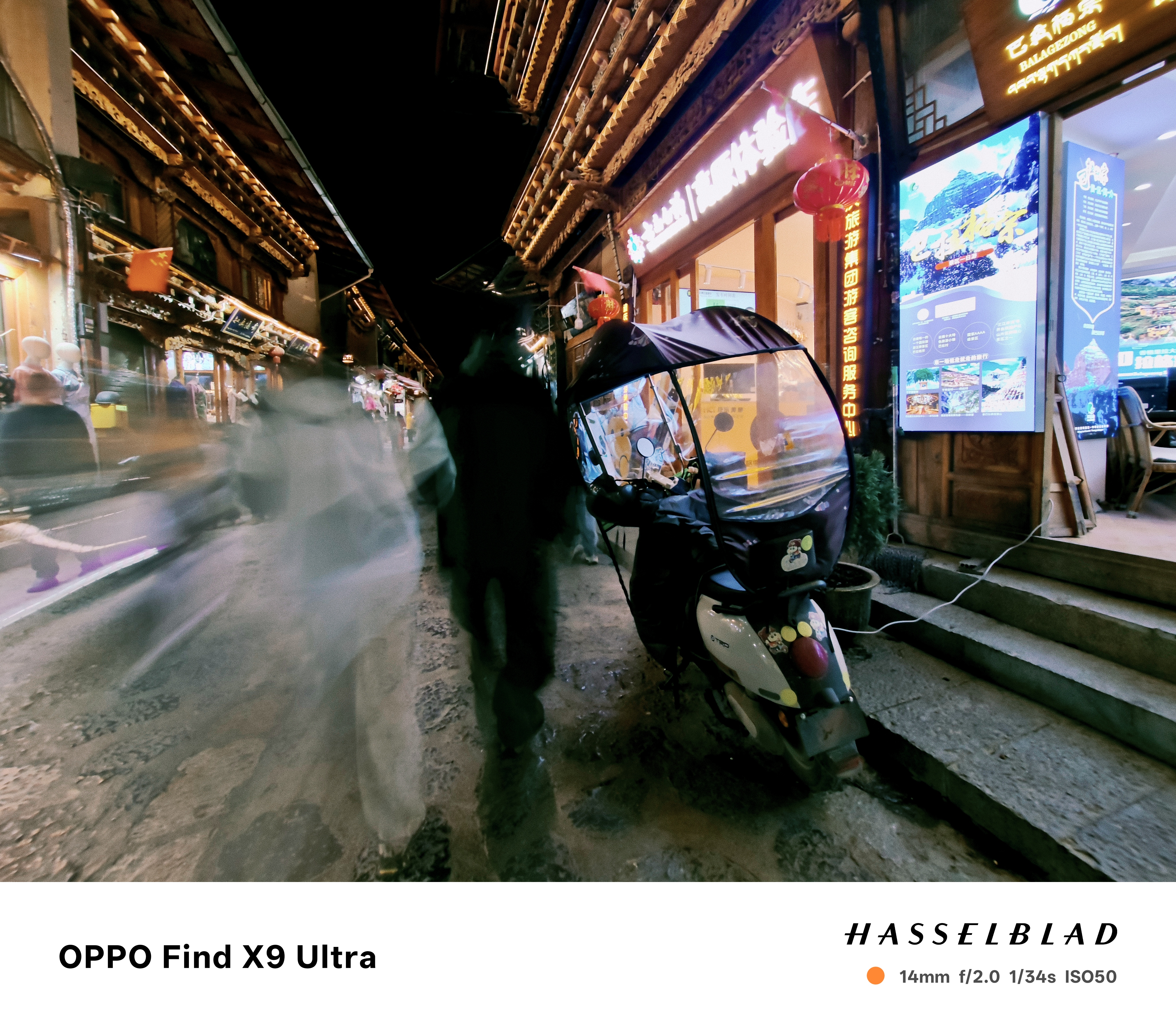
Long exposures
Image
1
of
2
There's a long exposure mode, which blurs movement while keep still objects sharp - you just need a steady hand(Image credit: Future / Tim Coleman)
Ultra-wide
Image
1
of
1
I don't often use a super wide lens, but the 14mm ultra-wide camera is handy for some scenarios to get a dynamic compositon(Image credit: Future / Tim Coleman)
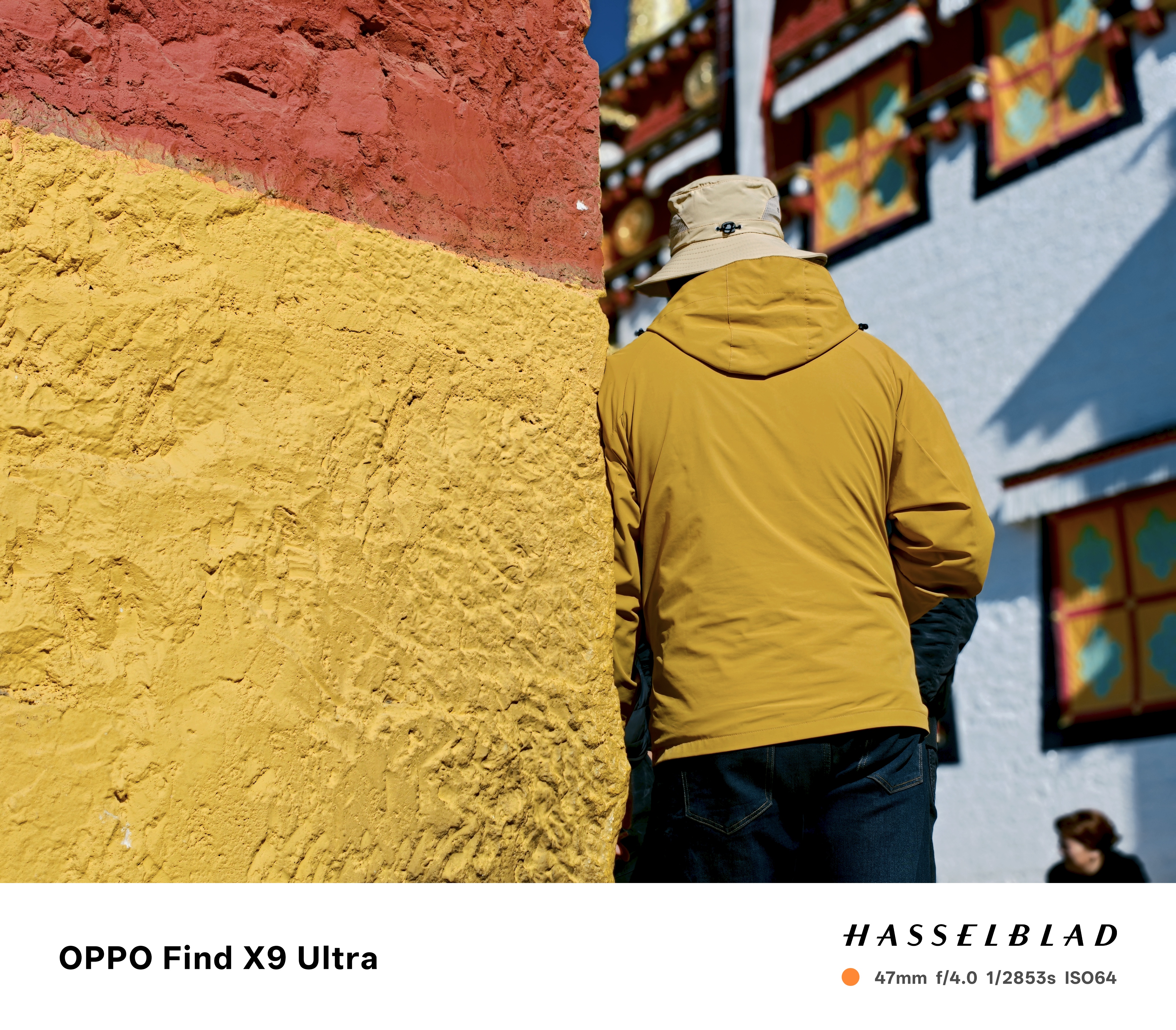
Street photography
Image
1
of
3
Being a phone, the X9 Ultra is a subtle but powerful camera to use in public(Image credit: Future / Tim Coleman)
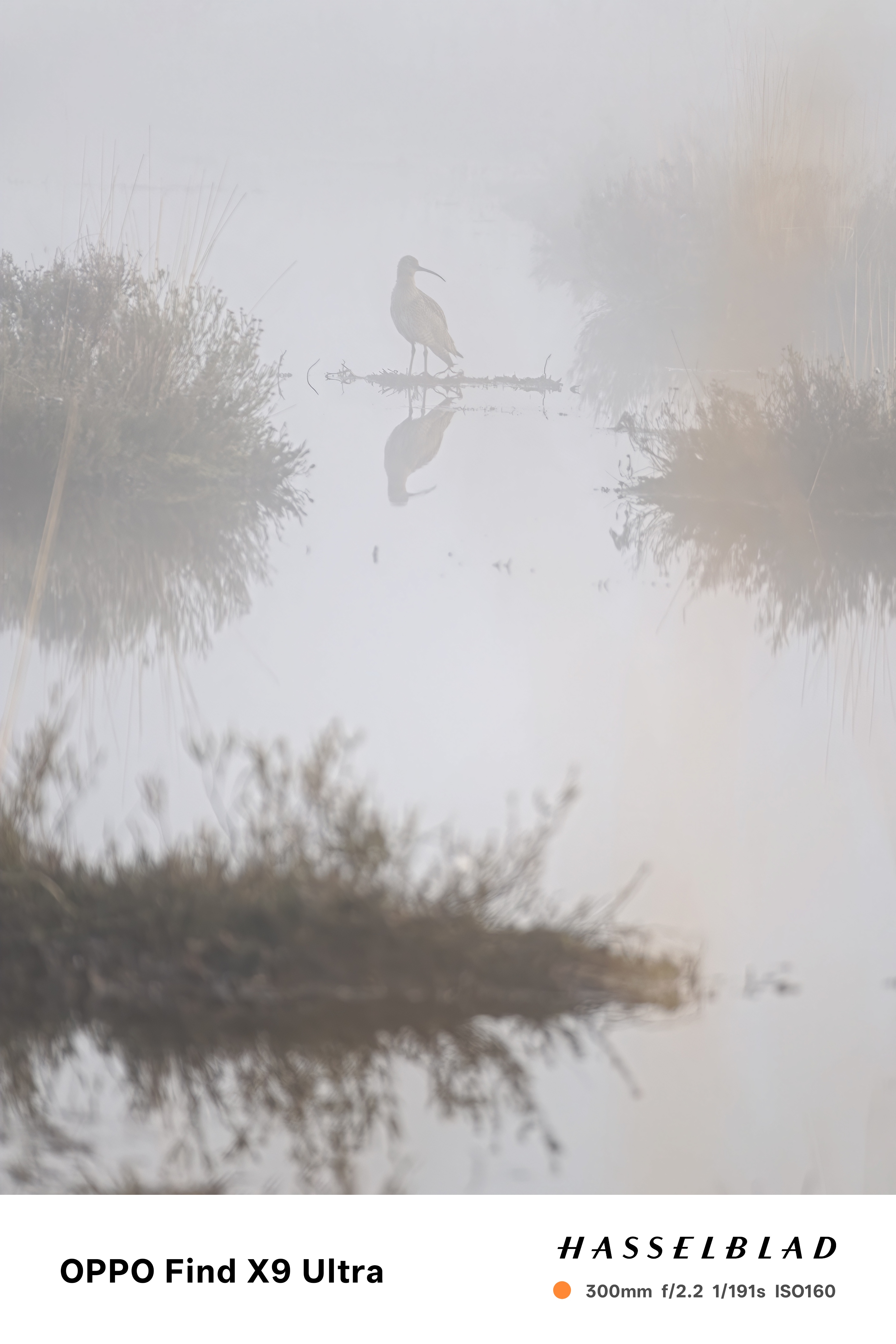
300mm teleconverter
Image
1
of
2
I only received the 300mm teleconverter kit recently and haven't used it a lot yet, but it's a great accessory especially for wildlife and sport photography. It utilizes the high-quality 3x camera, adding a 13x zoom. This was shot on a misty morning, hence the hazy look(Image credit: Future / Tim Coleman)
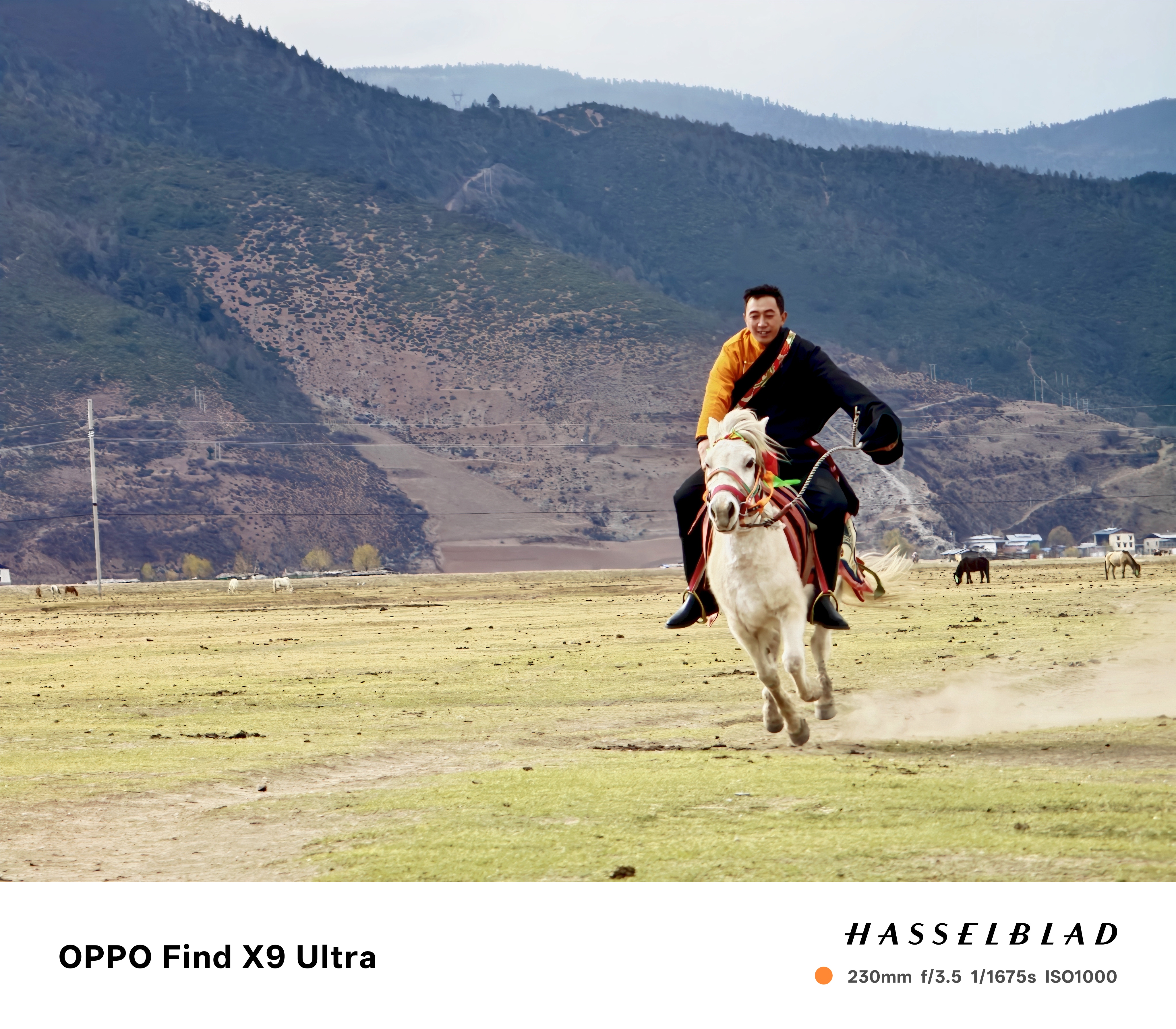
Action mode
Image
1
of
1
In the action mode, apress and hold of the photo button, the X9 Ultra starts a fast burst shooting sequence. The photos are all compiled into one in the gallery which you can open up to select your favorite. It's a fast enough rate to capture decisive moments(Image credit: Future / Tim Coleman)
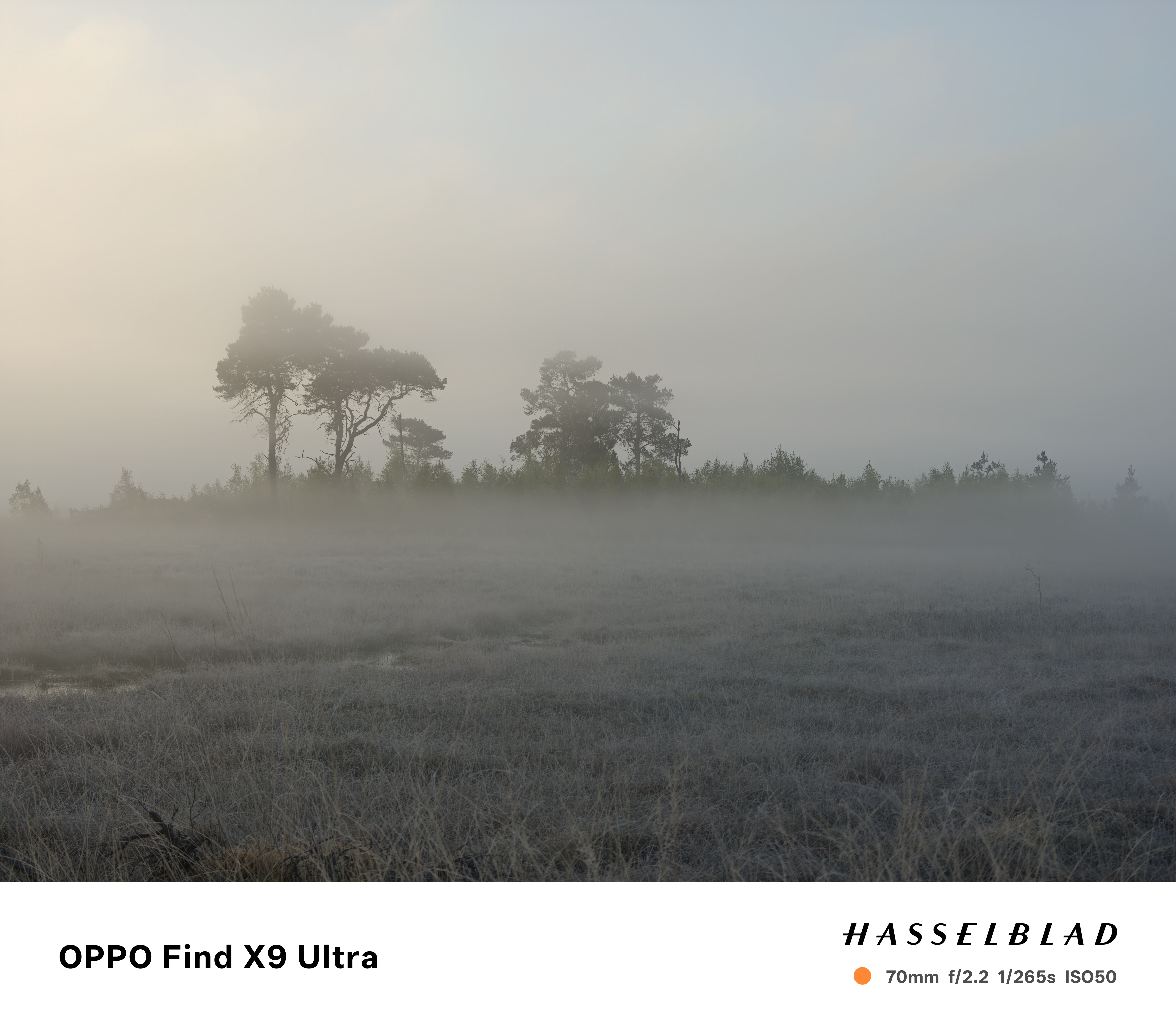
3x camera
Image
1
of
1
The Find X9 Ultra features the best 3x camera I've ever used in a phone – it was able to keep plenty of detail in this early morning scene(Image credit: Future / Tim Coleman)
The AI editor
Image
1
of
2
This is possibly my favorite photo of all the 2,000 I have taken so far with the Find X9 Ultra. However, I've done a little editing to it using the phone's 'AI' editor tool to remove some distracting objects for a cleaner end result, there was animal dung in a few place on the left the frame(Image credit: Future / Tim Coleman)
Sign up for breaking news, reviews, opinion, top tech deals, and more.
Tim is the Cameras editor at TechRadar. He has enjoyed more than 15 years in the photo video industry with most of those in the world of tech journalism. During his time as Deputy Technical Editor with Amateur Photographer, as a freelancer and consequently editor at Tech Radar, Tim has developed a deeply technical knowledge and practical experience with cameras, educating others through news, reviews and features. He’s also worked in video production for Studio 44 with clients including Canon, and volunteers his spare time to consult a non-profit, diverse stories team based in Nairobi. Tim is curious, a keen creative, avid footballer and runner, and moderate flat white drinker who has lived in Kenya and believes we have much to enjoy and learn from each other.
You must confirm your public display name before commenting
Please logout and then login again, you will then be prompted to enter your display name.