


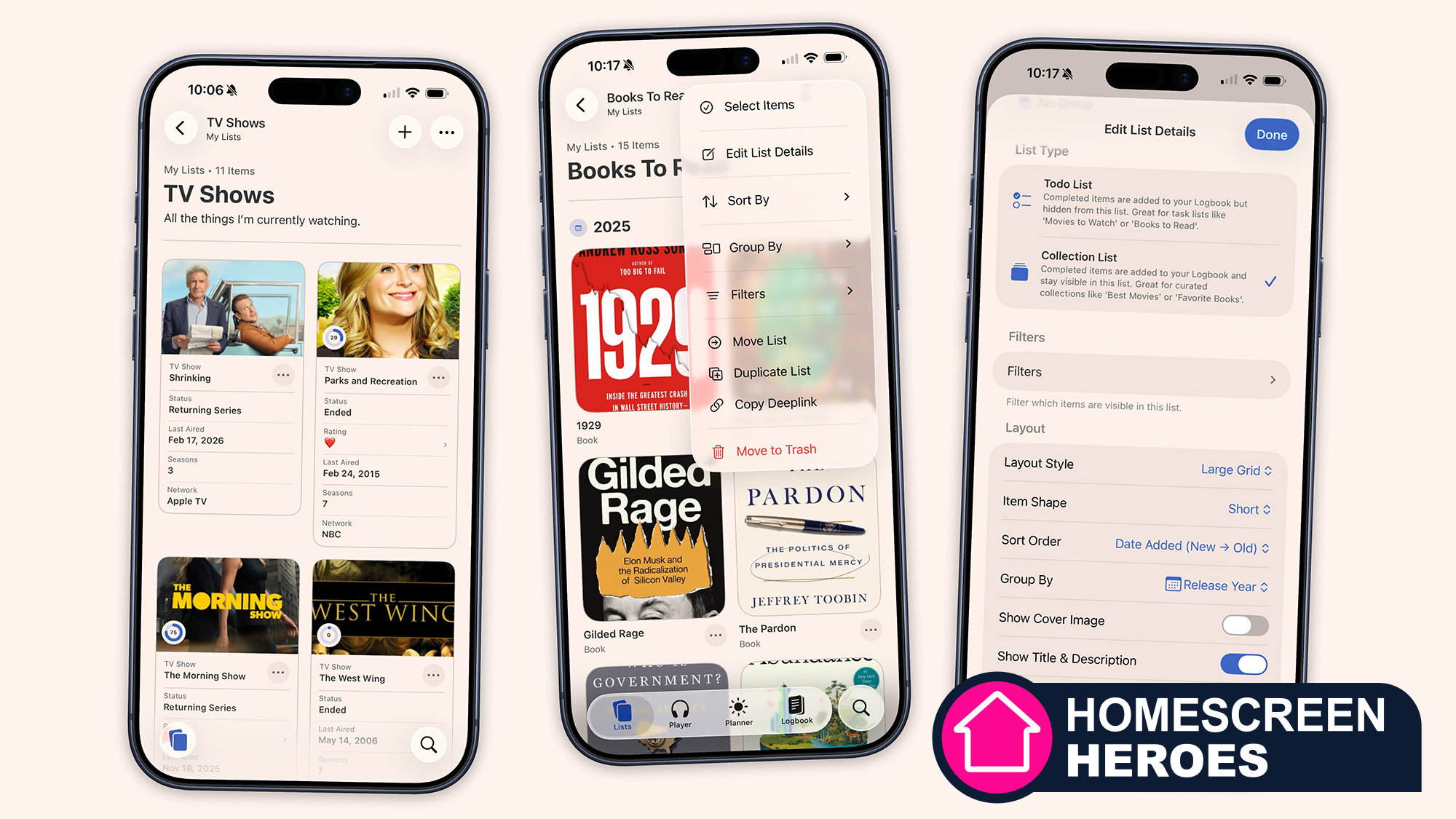
 (Image credit: Sofa)
We live in an age where an almost infinite amount of entertainment is available to us at the push of a button (or the tap of a screen): Whether it's movies or video games or podcasts, there's already an abundance of diverting content at our fingertips, with more being added with each passing day.
So how can we possibly keep track of it all? Everything we've seen, listened to, played, and read — and want to see, hear, play, or read as well?. That's where Sofa comes in, an app for the iPhone, iPad, Mac, and Vision Pro that promises to help you "enjoy your downtime" by managing whatever it is that you might want to do with that downtime.
Homescreen heroes
This is part of a regular series of articles exploring the apps that we couldn't live without. Read them all here.
Given that I badly need a better system for keeping tabs on where I'm up to in my entertainment, and the significant upgrade that this app just got with Sofa 5, I was keen to give it a try — and it's quickly become one of my most-used apps.
Article continues below
Note that the basics of Sofa (such as list-making) are free, but a subscription is needed for tracking progress over time, and for other features such as reminders and app theming. Subscriptions start at $3.99 / £3.49 / AU$5.99 a month.
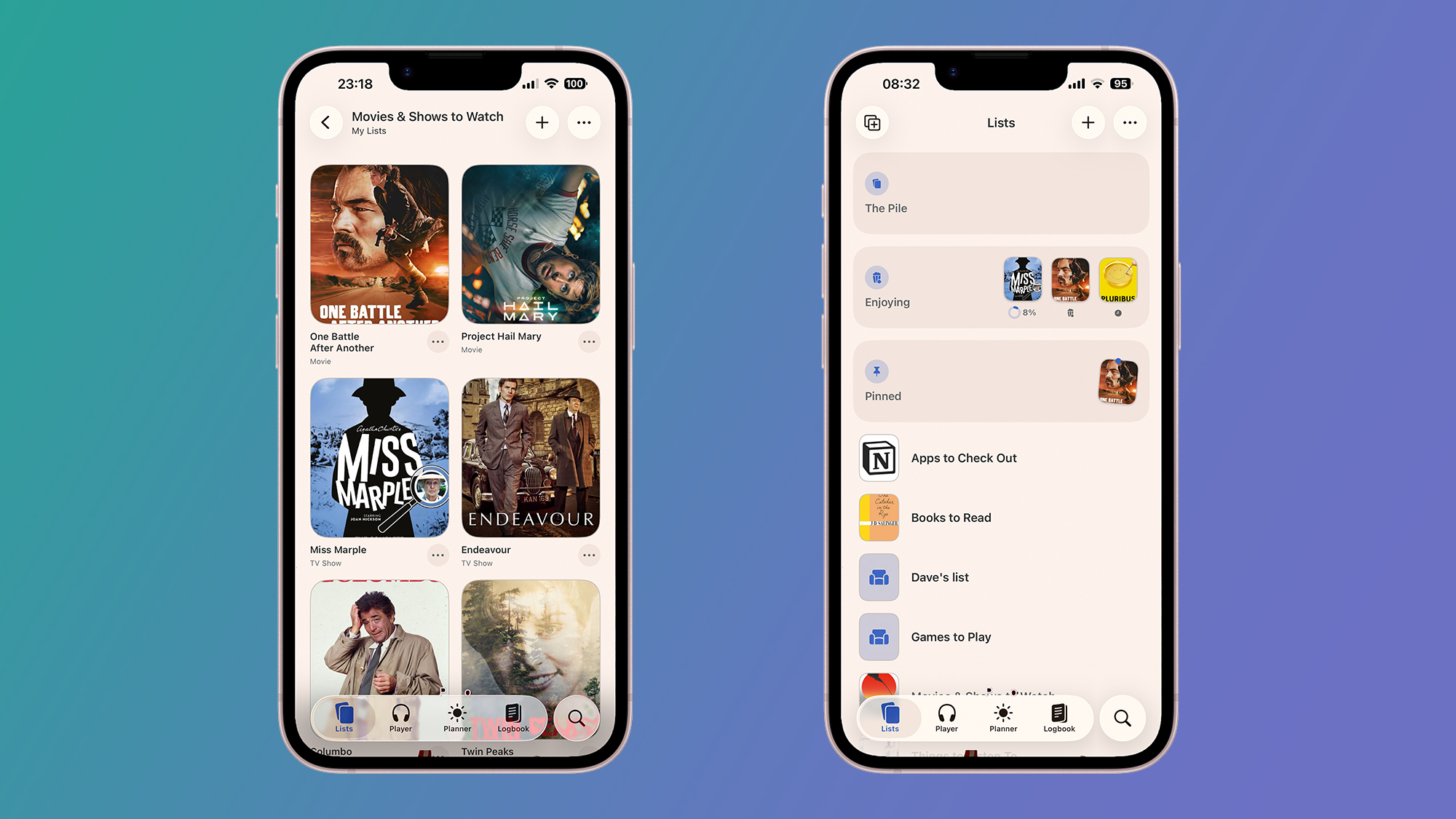
Sofa starts with the Lists tab, where you can make lists of anything you like: video games you want to play, TV shows you're watching, mobile apps you'd like to check out, albums you'd like to recommend to other people, or whatever it is. These lists can be customized in a variety of ways, from how items are grouped to how their thumbnails are shown.
Tied closely to the Lists interface is the simple search function — this lets you sift through entertainment databases to find movies, shows, podcasts, music, apps, and more. I never failed to find what I was looking for, but custom items can be added manually if needed.
It's then really up to you how you manage your lists: Sofa offers just the right amount of flexibility in terms of how much control you get. Lists can be easily filtered through a whole host of criteria (from date and genre, to runtime and which streaming service something is available on), and you can pin items as well — this all means you can tailor the app to match your own preferences and viewing habits.
Sign up for breaking news, reviews, opinion, top tech deals, and more.
List-making is something I'm a fan of, so I was able to very quickly build up multiple custom lists inside Sofa. It scores highly for the amount of information you get about each movie or TV show you record — this adds to the overall polish of the app experience, and means every screen is very easy on the eye.
I'm not going to be able to cover everything in Sofa here — there's a fully featured podcast player, and a trip planner that I've barely had a chance to try — but as it was the entertainment options that I was most interested in, I prioritized digging into these.
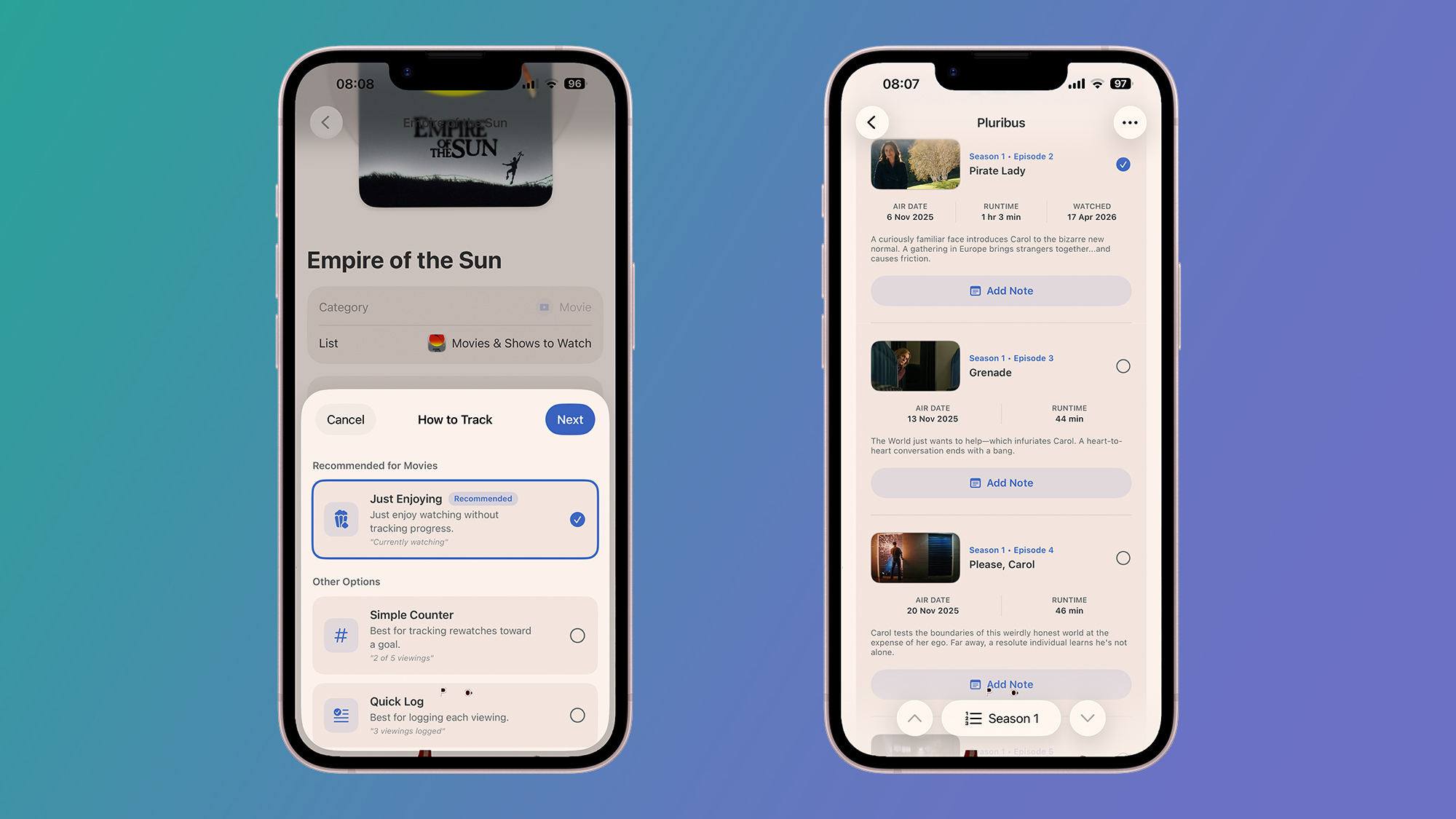
To get the full suite of tracking options, you do need to sign up to one of the Sofa subscription plans. Otherwise, all you'll be able to do is add items to lists and check them off one by one — it works, but it's pretty basic. Paying for the app means you get options like episode-by-episode tracking for your TV shows, and more of a choice over how you log progress in the app.
With movies, for example, you can opt to set what you're currently watching, as well as keeping a log of how many times you've seen a particular film. For TV shows, you're able to go episode by episode, check off entire seasons at a time, and record the dates each time. For books, you're able to track pages and chapters.
All of this tracking information is fed into the Logbook screen, which is really useful. It gives you an overview of everything you're part way through — an overview I'm now checking regularly — plus some fun stats on how much entertainment tracking and logging you're doing over time.
You can see at a glance which weekends you had more free time than others, and when new seasons of the best shows dropped — it's all there in the charts. Plus, you can add in notes and custom events, so again there's plenty of flexibility for setting up a tracking system that's exactly tailored to your requirements.
I'm certainly going to be using Sofa to keep track of movies and TV shows in the future, though I'll probably still leave the music tracking to YouTube Music and Spotify. The more data you plug into it, the more useful it gets, and the way it's put together and laid out means logging your viewing is a fun activity rather than a chore.
Follow TechRadar on Google News and add us as a preferred source to get our expert news, reviews, and opinion in your feeds. Make sure to click the Follow button!
And of course you can also follow TechRadar on TikTok for news, reviews, unboxings in video form, and get regular updates from us on WhatsApp too.
Dave is a freelance tech journalist who has been writing about gadgets, apps and the web for more than two decades. Based out of Stockport, England, on TechRadar you'll find him covering news, features and reviews, particularly for phones, tablets and wearables. Working to ensure our breaking news coverage is the best in the business over weekends, David also has bylines at Gizmodo, T3, PopSci and a few other places besides, as well as being many years editing the likes of PC Explorer and The Hardware Handbook.
You must confirm your public display name before commenting
Please logout and then login again, you will then be prompted to enter your display name.
此内容由惯性聚合(RSS阅读器)自动聚合整理,仅供阅读参考。 原文来自 — 版权归原作者所有。