


With spring well and truly here and Apple’s first hardware releases of the year out of the door, fans are starting to wonder what we’ll see at the company’s Worldwide Developers Conference (WWDC) in June.
The consensus seems to be that iOS 27 will be the main event, with Apple focusing on improving the experience and existing features. That’ll land alongside a much-revitalized version of Siri that (we hope) finally delivers on the Apple Intelligence-infused promises Apple made — and then failed to deliver on — at WWDC 2024.
But despite that, I’m actually hoping for something completely different. In fact, there’s only one thing I’d really like to see at WWDC, and it centers on a powerful but much-overlooked iPhone app: Shortcuts.
Article continues below
If Apple can help this app live up to its potential, I’ll be happy — souped-up Siri or not. It’s the main thing I’m hoping for at WWDC 2026. Allow me to explain why.
Unfulfilled potential
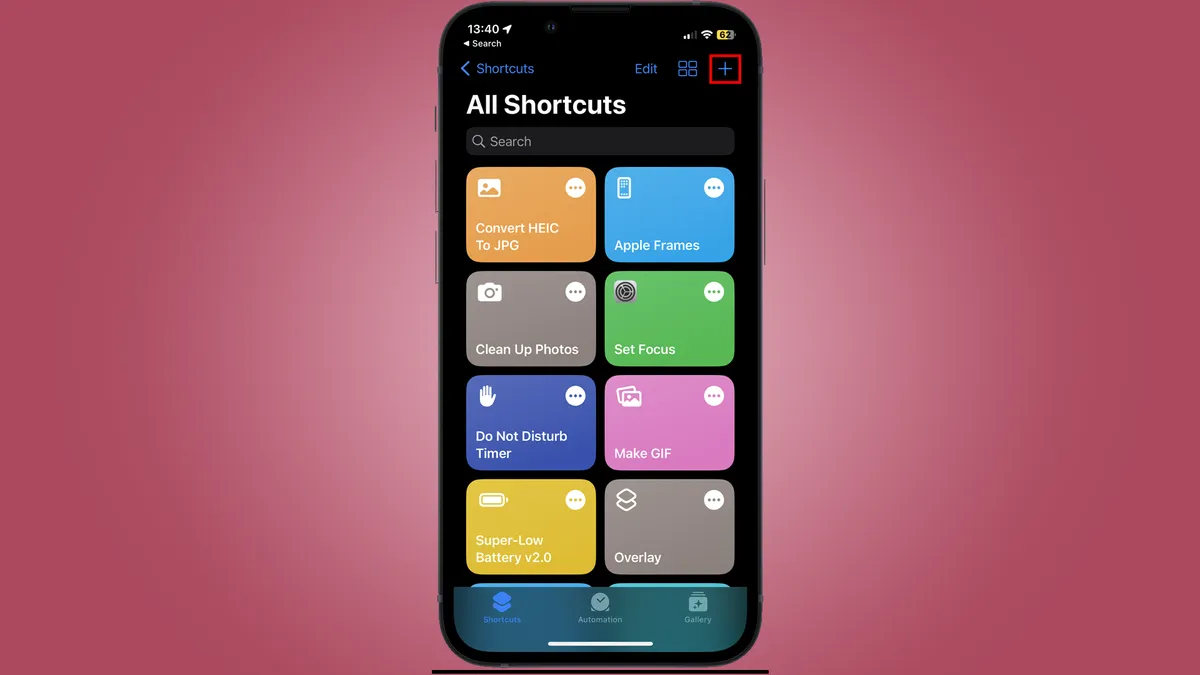
If you haven’t used Shortcuts on your iPhone yet, you’re missing out. The idea of this handy app is to allow you to create automations that carry out a specific job for you. It’s meant to take on tasks that would either be tedious, difficult, or both if done manually.
For instance, you could create a shortcut that, once run, automatically finds all the nearest gas stations or electric charging points compared to your present location — handy when you’re running low on fuel. Or you might build one that, at a certain time, turns on Do Not Disturb mode, switches to dark mode, and opens your favorite reading app for some undisturbed evening downtime.
Right now, Shortcuts is undoubtedly a tool for power users. Some of the automations you can set up using this app are nothing short of miraculous, with many of the best examples being built from hundreds of separate steps and actions.
But the Shortcuts app doesn’t have to be this way. While it of course can be used to make automations so convoluted that few can comprehend them, it can also be turned towards simple, repetitive tasks with only a few steps.
As I see it, one reason why Shortcuts has gained a reputation as a power user tool is due not necessarily to the intricacy of the shortcuts you can create, but the complexity of the app itself.
Unfortunately, Shortcuts is not a user-friendly app. There are no built-in reference guides and no handy tutorials to guide you through the shortcut creation process.
Instead, you get just a handful of pre-made shortcuts with no indication of how to use all that power at your fingertips. You’re more or less on your own, left to fend for yourself and work out how the app works from the get-go.
That’s not a good way to welcome people into the world of shortcuts. If you want to do something sophisticated, you’ve got to either go in blindly and attempt to drum up whatever you can or simply download someone else’s creation from the internet. And when you’re saving random, potentially very powerful shortcuts from untested web links, is that really such a good idea?
I feel this lack of guidance on Apple’s part is holding back one of the best apps on the iPhone. If things were done differently, perhaps Shortcuts would be able to live up to its undoubted promise.
The Shortcuts Academy
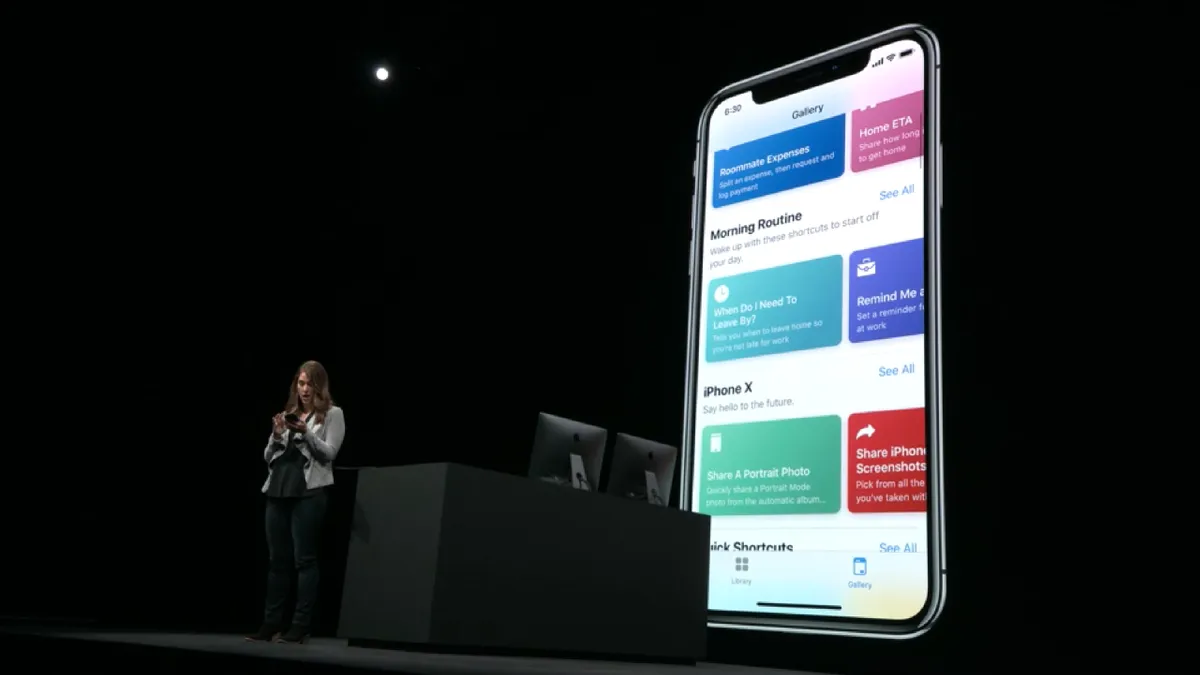
Instead of stifling Shortcuts by limiting it to being an esoteric plaything of the druids of automation, I propose something different: the creation of a built-in Shortcuts Academy.
This would live in its own section of the Shortcuts app and give you everything you need to learn the ropes, from creating your first automation to exploring advanced scripting and dense, multi-step workflows. That would give you the tools you need, no matter your level of experience. When you’re ready, you could move on to the next section to continue improving your knowledge.
And with guides on the different use cases for different workflows, you’d quickly gain an appreciation of what Shortcuts is capable of, thereby potentially expanding the base of people who could see a use for the app in their everyday lives.
Sure, things like this already exist out on the web. There are countless blogs, tutorials, and Udemy courses all waiting to induct you into the wondrous world of Shortcuts. The expert resources certainly exist already.
But the work of this arcane caste of Shortcuts whisperers is not the solution I’m hoping for. For one thing, all of these solutions take you away from the Shortcuts app, meaning you’ve got to switch back and forth between apps and devices. It’s not exactly the most streamlined of experiences.

As well as that, going from novice to pro quickly gets expensive when you’re relying on outside sources. Those courses don’t come cheap.
If Apple were to bring something like this in-house, however, users would feel the benefits straight away. This is the kind of thing that Apple would likely offer for free, since Shortcuts is niche enough that charging for the tutorials wouldn’t be worth it. It’s not Apple’s way to charge for something like this anyway, as the company primarily makes its cash from hardware and services. Apple also has an extensive library of online tutorials for its devices and operating systems. Replicating this for an app like Shortcuts is a logical next step.
And if iOS 27 is meant to improve what’s already in the operating system, why not include Shortcuts in that tune-up? After all, it’s been a part of iOS since 2018, while Apple has owned it (under the Workflow name) since 2017. If we’re talking about giving existing features a lick of paint, the nearly decade-old Shortcuts is surely a prime candidate.
Unfortunately, I’ve not seen any indication that Apple plans to do this when iOS 27 arrives this summer. I wouldn’t rule it out entirely, as Apple is often pretty good at keeping its software plans under lock and key. But with many iOS 27 details already leaking out — and information on Shortcuts seemingly totally absent from said leaks — I’m not holding out too much hope.
Perhaps, then, this is a wish too far for this year. But if Apple ever decides to make the Shortcuts Academy a reality, it could be just the ticket for anyone who’s curious about what their iPhone is capable of, but has been put off by Shortcuts’ inscrutable nature. And the more people who get to reap the benefits, the better.

Follow TechRadar on Google News and add us as a preferred source to get our expert news, reviews, and opinion in your feeds.