



Apple Mac Studio (M2 Ultra)
The Mac Studio (M2) is a powerful desktop computer for creatives. It's a great machine, although a new M3 Ultra and M4 Max-powered models are now available
Pros
- Compact sleek package
- Solid workstation performance
- Reasonably priced
Cons
- Can get PCs with more powerful GPUs
- Power button placement is awkward

Apple iMac 24-inch M4
The current version of the colorful iMac offers many advantages—and some drawbacks.
Pros
- Still the best all-in-one computer
- A modern build in vibrant, fun colors
- M4 chip speeds things up, and 16GB of RAM starting is a welcome upgrade
Cons
- No major changes to the design
- Magic Mouse has moved to USB-C, but the port is in an inconvenient place
- New model could arrive in 2025
By exploring these factors, we aim to provide clarity for those looking for the perfect Apple desktop to support their creative projects or everyday computing tasks. Whether you prefer a compact powerhouse or the elegance of an all-in-one, this comparison will equip you with the knowledge needed to make an informed decision.
Article continues below
Mac Studio M2 vs iMac M4: Specs
Swipe to scroll horizontally
| Row 0 - Cell 0 | Mac Studio M2 | iMac M4 |
Display | None | 24-inch |
Type | N/A | 4.5K Retina display |
Refresh rate | N/A | 60Hz |
Processor / Graphics | M2 Max or M2 Ultra | M4 only |
Memory | Up to 192GB | Up to 32GB |
Storage | Up to 8TB | Up to 2TB |
Ports | Front: two Thunderbolt 4 (USB-C) ports, 3.5 mm headphone jack Rear: Six Thunderbolt 4 (USB-C) ports, two HDMI ports, two USB-A (USB 3) ports | Four Thunderbolt 4 ports or Two Thunderbolt / USB 4 ports, Gigabit Ethernet |
Mac Studio M2 vs iMac M4: Prices & availability
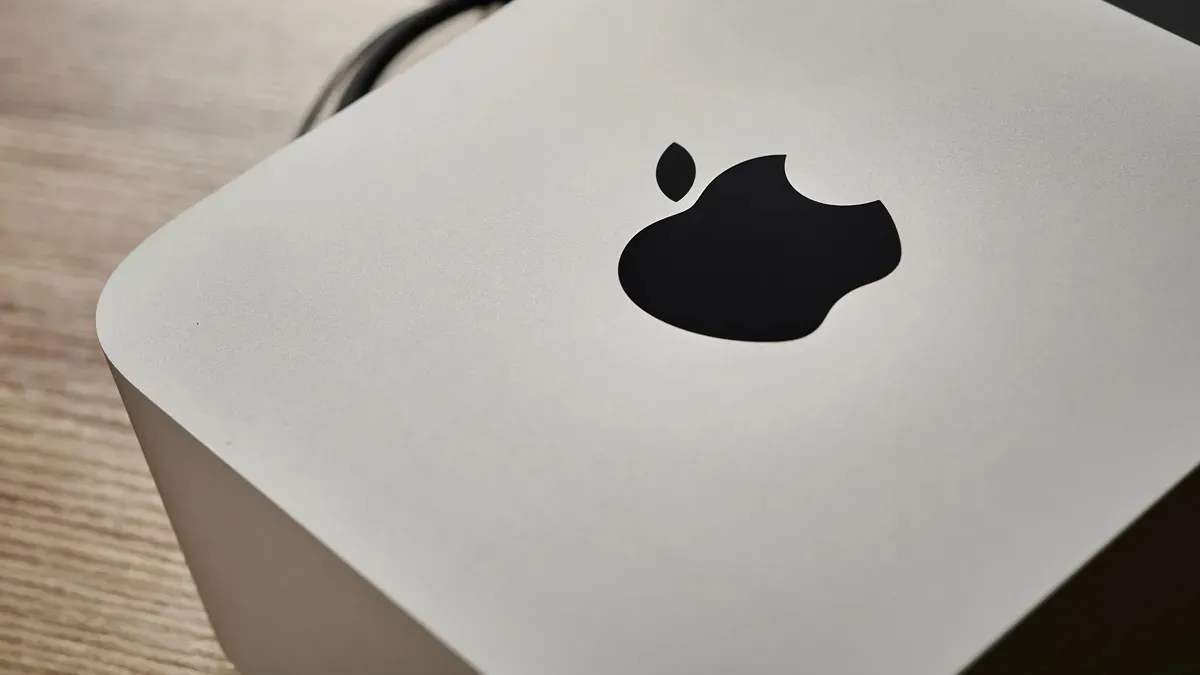
The Mac Studio is ideal for creative professionals, such as video editors, graphic designers, and musicians, who need a robust and compact machine. It's also an excellent option for developers and other power users who demand high performance. As of 2026, the most modern version of the desktop computer run the M3 Ultra and M4 Max chips.
Expect costs for the older machine to run to around $2000 / £2000. The current model, however, is priced at from $1999 at Apple and from £2099 for the base model from Apple UK.
The iMac M4 was released in 2024. Each model is equipped with an entry-level M4 chip. However, the two standard configurations vary based on the number of CPU and GPU cores. You can also customize RAM and storage options from there.
Direct from Apple, it's priced at $1299 in the US and £1299 in the UK.
Mac Studio M2 vs iMac M4: Portability

Regarding portability, the Mac Studio and iMac M4 reside on opposite ends of the spectrum. The Mac Studio, with its compact design, is surprisingly portable for a desktop computer. At just 7.7 inches square and 3.7 inches tall, it can easily be slipped into a backpack or carrying case for transport between locations. This makes it a viable option for creatives working on projects in different settings or those who prefer a minimalist workspace. However, it's important to remember that the Mac Studio is still a desktop and requires a separate monitor, keyboard, and mouse, which adds to the overall bulk when moving.
In contrast, the iMac M4 is an all-in-one design, meaning the computer is integrated into the monitor. While this offers a clean and streamlined setup, it inherently limits portability—the 24-inch display, though thin and light for its size, is not designed for frequent travel. The iMac M4 is best suited for a stationary setup where it can serve as the centerpiece of a workspace. The Mac Studio offers greater portability for a desktop, while the iMac M4 prioritizes a sleek, integrated design at the expense of easy transport.
Winner: Mac Studio M2
Mac Studio M2 vs iMac M4: Performance
Mac Studio M2 and iMac M4 utilize Apple silicon, but their performance capabilities differ significantly due to variations in their chips and intended use cases. The Mac Studio M2 can be configured with the M2 Max or the more powerful M2 Ultra chip, making it ideal for demanding workflows. These chips offer more CPU and GPU cores and increased memory bandwidth, allowing the Mac Studio to excel in tasks such as professional video editing, 3D rendering, and software development. It can easily handle complex projects, delivering exceptional speed and responsiveness.
In contrast, the iMac M4 features the M4 chip, a competent processor designed for efficiency and balanced performance in everyday tasks. It excels at web browsing, email, office productivity, and even light creative work like photo editing. While the M4 chip can manage some demanding applications, it may not match the raw power and speed of the M2 Max, or Ultra found in the Mac Studio, especially when dealing with resource-intensive workloads. In summary, the Mac Studio M2 prioritizes maximum performance for professionals, while the iMac M4 provides a smooth and efficient experience for everyday computing needs.
Winner: Mac Studio M2
Mac Studio M2 vs iMac M4: Upgradeablity

When considering long-term use and potential upgrades, the Mac Studio M2 and iMac M4 differ significantly in their approach to upgradeability. The Mac Studio M2, although not user-upgradable in the traditional sense, does offer some customization options at the time of purchase. Buyers can choose from various configurations of unified memory and SSD storage to meet their anticipated needs. However, once this initial configuration is set, the internal components—including the M2 Max or Ultra chip—are not designed for user replacement or upgrades. As a result, users may eventually need to replace the entire machine as software and workloads evolve.
In contrast, the iMac M4 exemplifies an all-in-one design where upgradeability is not a priority. Its tightly integrated components, including the M4 chip, memory, and storage, are not meant for user upgrades. This limitation reduces its long-term flexibility, as users cannot independently upgrade components to extend the iMac's lifespan. Essentially, the iMac M4 represents a more static investment, while the Mac Studio M2, despite not being user-upgradable, provides some initial customization options to address specific performance needs.
Winner: Tie (neither are good on this point)
Mac Studio M2 vs iMac M4: Connectivity

The Mac Studio M2 and iMac M4, designed for modern workflows, offer different approaches to connectivity, reflecting their distinct purposes. The Mac Studio M2, with its professional focus, boasts a comprehensive array of ports. On the rear, you'll find four Thunderbolt 4 ports, two USB-A ports, an HDMI port, a 10Gb Ethernet port, and a 3.5 mm headphone jack. Additionally, the front panel offers two USB-C ports or Thunderbolt 4 ports, depending on whether you choose the M2 Max or M2 Ultra configuration, along with an SDXC card slot for quick access to media. This wide selection caters to power users who require high-bandwidth connections for multiple displays, external drives, and other peripherals.
In contrast, the iMac M4 adopts a more streamlined approach to connectivity, befitting its all-in-one design. It offers two rear Thunderbolt/USB 4 ports and a 3.5 mm headphone jack. Higher-end configurations also include two additional USB 4 ports. Notably, Gigabit Ethernet is available as a configurable option and is built into the power adapter. While this selection adequately covers essential connections for everyday use, it may not satisfy users who require a wider variety of ports or high-bandwidth interfaces for specialized equipment. The Mac Studio M2 prioritizes extensive connectivity for professionals, while the iMac M4 provides a more focused set of ports for general users.
Winner: Mac Studio M2
Mac Studio M2 vs iMac M4: Verdict

The choice between the Mac Studio M2 and the iMac M4 ultimately depends on individual needs and priorities. The Mac Studio M2 is designed for professionals and power users who need high performance for demanding tasks such as video editing, 3D rendering, and software development. Its powerful M2 Max or Ultra chip, extensive connectivity options, and compact design make it a flexible and future-proof investment for those looking to enhance their creative workflows.
On the other hand, the iMac M4 stands out with its elegant all-in-one design, vibrant display, and efficient M4 chip. It is an excellent choice for everyday users who appreciate a streamlined aesthetic and a seamless experience for tasks like browsing, emailing, and productivity. Its integrated design and eye-catching display make it ideal for those who prefer a clean and minimalist workspace.
Considering these key differences, users can confidently choose the Apple desktop that best meets their requirements and computing style.