






From the start, NetBird has allowed you to specify individual ports in your access control policies . Such functionality has been useful for many users, especially those who needed to restrict access to specific services or applications running on their machines. However, managing access to applications and services with a large number of ports was cumbersome, time-consuming, and in some cases, error-prone.
To address this issue, we are excited to announce that NetBird now supports port ranges in access control policies, starting from version . This feature allows you to specify a range of ports in the format when defining access control policies.
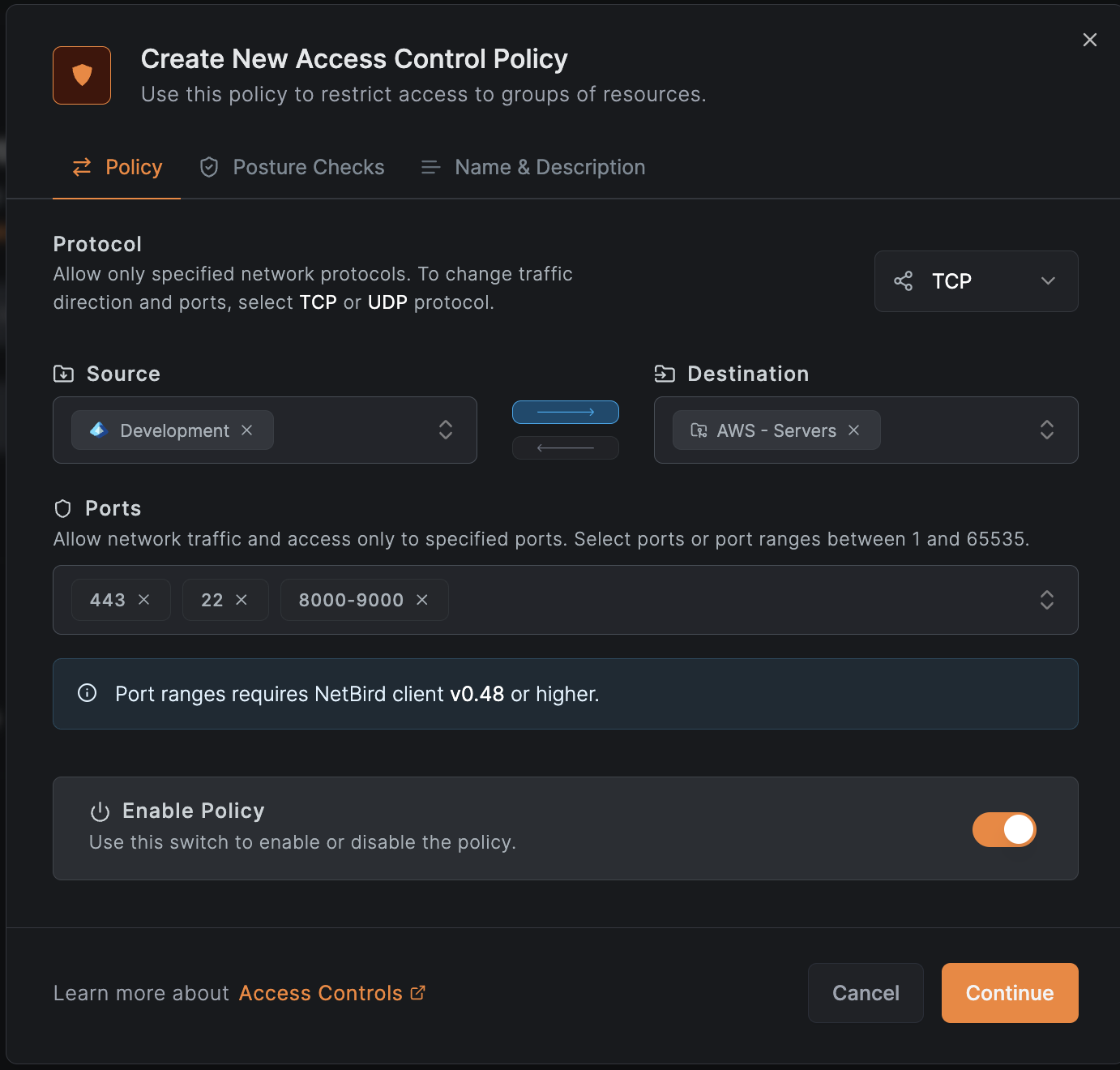
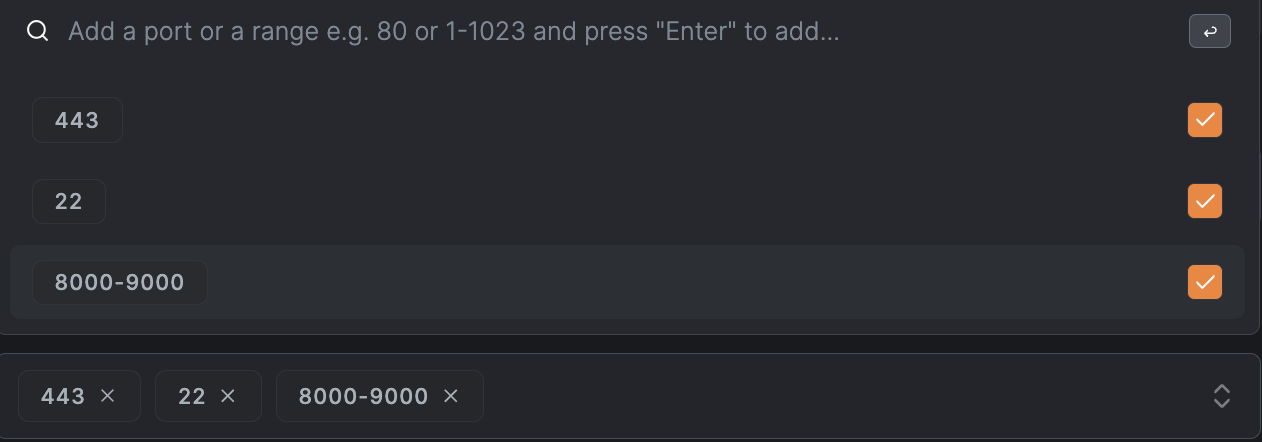
To enable port ranges in your access control policies, simply create or edit an existing policy in the NetBird dashboard. When specifying ports, you can now enter a range using the format . For example, if you want to allow access to ports from to , you would enter . You can also combine individual ports and port ranges in the same policy.
此内容由惯性聚合(RSS阅读器)自动聚合整理,仅供阅读参考。 原文来自 — 版权归原作者所有。