





Sometimes you just need to get into a machine, fast. Maybe you're traveling with a locked-down laptop where you can't install new software. Maybe you're helping a teammate from a borrowed computer. Or maybe you're just in a hurry and don't want to fiddle with setup.
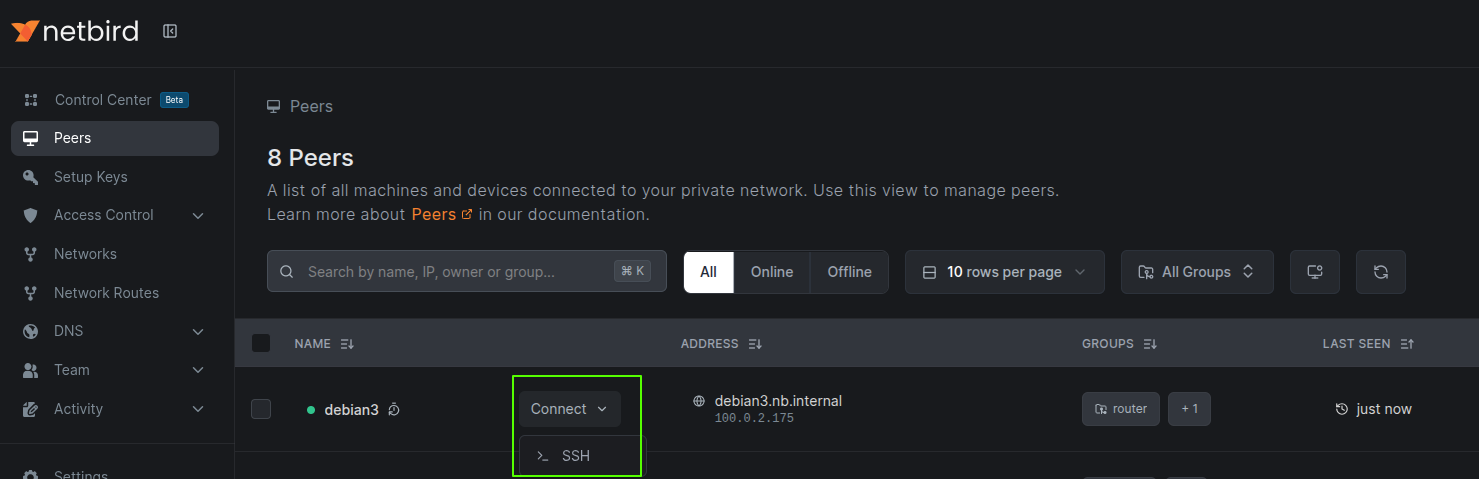
Now you can. With NetBird's new Browser Client , SSH and RDP sessions launch directly in your web browser. No downloads. No installers. No "just a quick package update" before you can connect. Open the dashboard, click SSH or RDP, and you're in.
This is the kind of feature that feels small, until you use it.
Most of us already live in a browser. It's the universal app, always up to date, always there. By putting SSH and RDP inside the dashboard, we cut out the "wait, do I have the right client installed?" moment. It's instant access, from anywhere, on whatever device you happen to be holding.
For IT teams, that means fewer roadblocks. You can drop into a Linux shell or Windows desktop in seconds. Sessions are end-to-end encrypted, clipboard copy-paste works in RDP, and you can keep multiple sessions open in separate tabs. And because connections stay inside your NetBird network, you don't lose the security guarantees you already rely on.
Today we're introducing the NetBird Browser Client , a simple way to open SSH and RDP sessions right from your web browser. No downloads. No setup on the device you're holding. Just sign in to the NetBird dashboard, pick a machine, click SSH or RDP, and you're in. This launch lays the groundwork for future built-in remote monitoring and endpoint management tools, so you can quickly and securely reach any device.
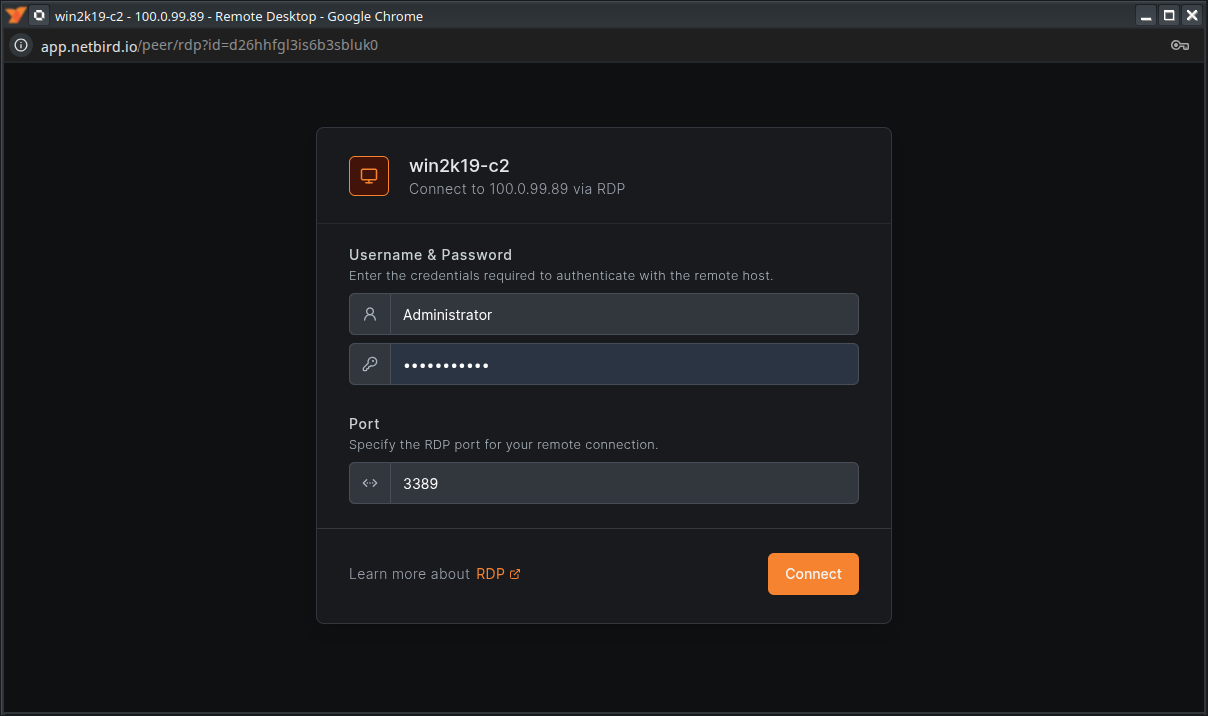
Under the hood, your browser tab runs a full NetBird client compiled to WebAssembly that connects to your resources over your NetBird network. When you launch a session as an admin from the dashboard, the browser creates a short-lived peer and a temporary policy for the target. Closing the tab automatically revokes the session, deletes the keys, and removes the temporary policy for short-lived, auditable access. The Browser Client registers a temporary peer using the same control plane and policies as any other device, then sends end-to-end encrypted WireGuard traffic to the target; the management service never proxies or inspects your session.
There are a few current limitations to know about, and they are on our roadmap to improve:
You can already:
The Browser Client is new, so there are some limits today:
We're working on it. This launch is just the foundation, for faster connections, more features, and eventually a richer set of tools for managing remote access, all from the same dashboard.
Check out the full technical details for SSH , the Browser Client , and it's architecture .
此内容由惯性聚合(RSS阅读器)自动聚合整理,仅供阅读参考。 原文来自 — 版权归原作者所有。